
AI blog image generation vs Jasper workflows for editorial teams
You're paying $69 a month for Jasper, and you still can't publish a blog post with images without opening at least three other tabs. That's the reality for most WordPress bloggers, and it's exactly why the ai blog image generation vs jasper debate matters more than most editorial teams realize.
You're right that Jasper writes well. The problem isn't the prose, it's that Jasper Art, the image tool, lives in a completely separate product at $20 a month, and your workflow still requires exporting text, generating images elsewhere, uploading them, inserting them, and only then hitting publish. Most WordPress bloggers are paying $69/month for Jasper and still juggling six other tools just to publish one post.
In this guide, you'll see exactly what Jasper does for blog images, what built-in AI image generation changes about your publishing loop, and how the two approaches compare on workflow steps, cost, and editorial speed. You'll also learn why the tool-switching tax, not the AI quality, is the real bottleneck, and how an integrated engine like BloGoose collapses a six-step process into one.
One finding ahead may surprise you: the gap between these two approaches isn't about image quality at all. Keep reading to see what actually separates them.
What Jasper Actually Does for Blog Images
Jasper Art is a standalone AI image generation tool priced at $20 per month for unlimited images, and it operates completely separately from Jasper's writing plans. If you expect to type a prompt inside your draft and watch an image appear inline, you'll be disappointed, that's not how Jasper's workflow is built.
Think of Jasper Art like a separate photo studio across town from the writing office. The writing happens in one building, but every time you need a visual, you have to drive to the studio, create the image, drive back, and manually hang it in the article. The two tools never share the same room.
Here's the step-by-step reality for editorial teams using Jasper's long-form blog workflow, which is manual by design:
- Draft the article in Jasper's long-form editor.
- Open Jasper Art in a separate tab or subscription.
- Write a standalone image prompt, disconnected from your article's context.
- Generate and download the image file.
- Upload the image to WordPress or your CMS media library.
- Insert the image into the correct position in the post, then publish.
That's six distinct steps, and each one introduces a handoff where context gets lost. The image prompt you write in step three has no awareness of your article's tone, subject, or structure because Jasper Art doesn't read your draft.
For a solo blogger publishing twice a week, this friction adds roughly 15 - 20 minutes per post. For an editorial team producing 20+ articles monthly, that's five to seven hours of pure tool-switching labor, before anyone reviews the actual content.
Jasper's writing quality is genuinely strong, and Jasper Art produces usable images. The limitation isn't capability; it's architecture. The two products were built as separate tools, and no amount of prompt engineering closes that gap. If you want to see how automated blog image generation removes these handoffs entirely, the next section breaks down the alternative.
What Built-In AI Image Generation Changes
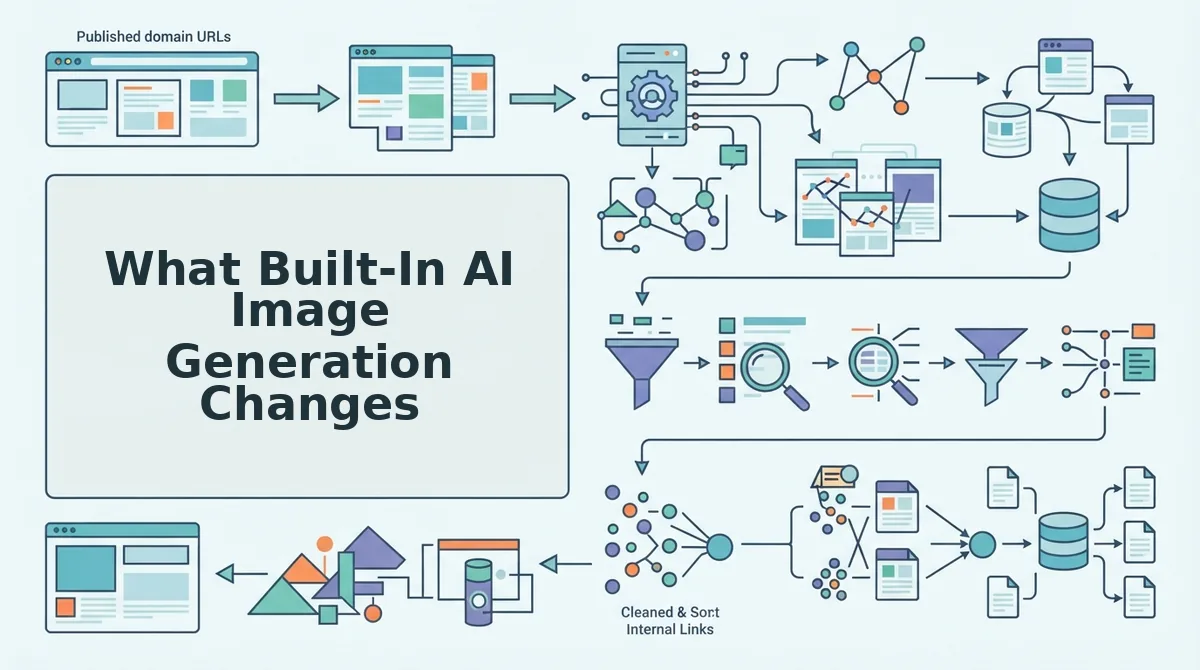
Built-in AI image generation means the image is created from the same article context that produced the text, then published in the same step, no export, no separate tool, no manual upload. The workflow collapses from six steps to one: generate the article, and the images arrive with it.
BloGoose generates both text and images from the same article context and publishes them together. That single architectural difference reshapes everything downstream, how editors spend their time, how consistent visuals stay across a content cluster, and how fast a draft becomes a live post.
Here's the workflow friction comparison, step by step:
| Workflow Step | Jasper + Jasper Art | BloGoose (Built-In) |
|---|---|---|
| Draft article text | Jasper long-form editor | Generated from site crawl and brand context |
| Generate images | Separate Jasper Art tab, manual prompts | Inline, from the same article context |
| Download image files | Manual download | Not needed |
| Upload to CMS | Manual upload to media library | Automatic |
| Insert into post | Manual placement | Automatic placement |
| Publish | Manual | Direct to WordPress or API |
| Total steps | 6 | 1 |
To be fair, Jasper's approach has real strengths. Jasper Art gives you granular control over individual image prompts, which matters if you need highly specific, one-off visuals that don't follow your article's context. Jasper's writing engine is also mature, with strong long-form output and a large template library. If your team has a dedicated image specialist who enjoys prompt crafting, the separation isn't a bug, it's creative freedom.
Best for Jasper + Jasper Art: Editorial teams with a dedicated visual designer who wants manual control over every image and doesn't mind the extra steps.
Best for built-in generation: Content teams and solo publishers who need to ship rank-ready, visually complete posts at volume without a six-tool stack. An AI content engine with built-in image generation removes the handoff entirely, so the image matches the article because it was born from the same context.
That step-count gap has a direct price tag, which is exactly what the next section unpacks.
Cost Comparison: Jasper + Art vs. an Integrated Engine
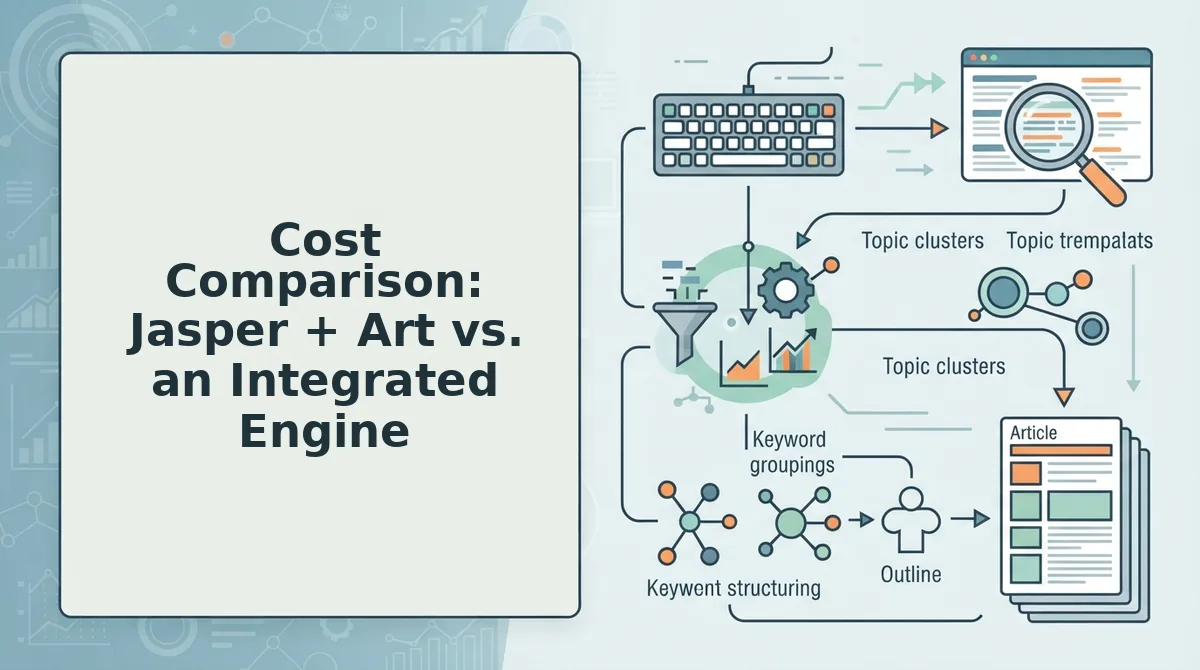
Jasper's Creator plan at $69/month plus Jasper Art standalone at $20/month totals $89/month before you account for tool-switching time, and that's the number most editorial teams never calculate.
An integrated engine bundles research, drafting, image generation, and publishing into one subscription, eliminating the per-tool add-ons and the manual handoffs between them.
| Cost Factor | Jasper Creator + Jasper Art | Integrated Publishing Engine |
|---|---|---|
| Monthly subscription | $89/month ($69 Creator + $20 Art) | Single subscription, no image add-on |
| Tool-switching time | Draft in Jasper to export to re-prompt in Art to download to upload to CMS | Zero: images generated inside the article workflow |
| Prompt re-engineering | Required for every image, separate from article context | Not required: brand rules and article draft feed the generator |
| Publishing step | Manual export and upload | Direct push to WordPress or custom API |
WriteRush's video breakdown confirms the real-world pattern: WordPress bloggers pay $69/month for Jasper and still juggle six other tools to cover what one integrated platform handles. That's not a Jasper flaw, it's the structural cost of bolt-on architecture.
Best for solo writers who only need drafts: Jasper Creator + Art works if you publish occasionally and don't mind the export-upload loop.
Best for editorial teams publishing weekly or daily: An integrated engine amortizes image generation, optimization, and publishing into one per-post cost that drops as volume rises.
The math shifts fast: at three posts per week, tool-switching alone can consume two to three hours, time an integrated workflow returns to actual editing.
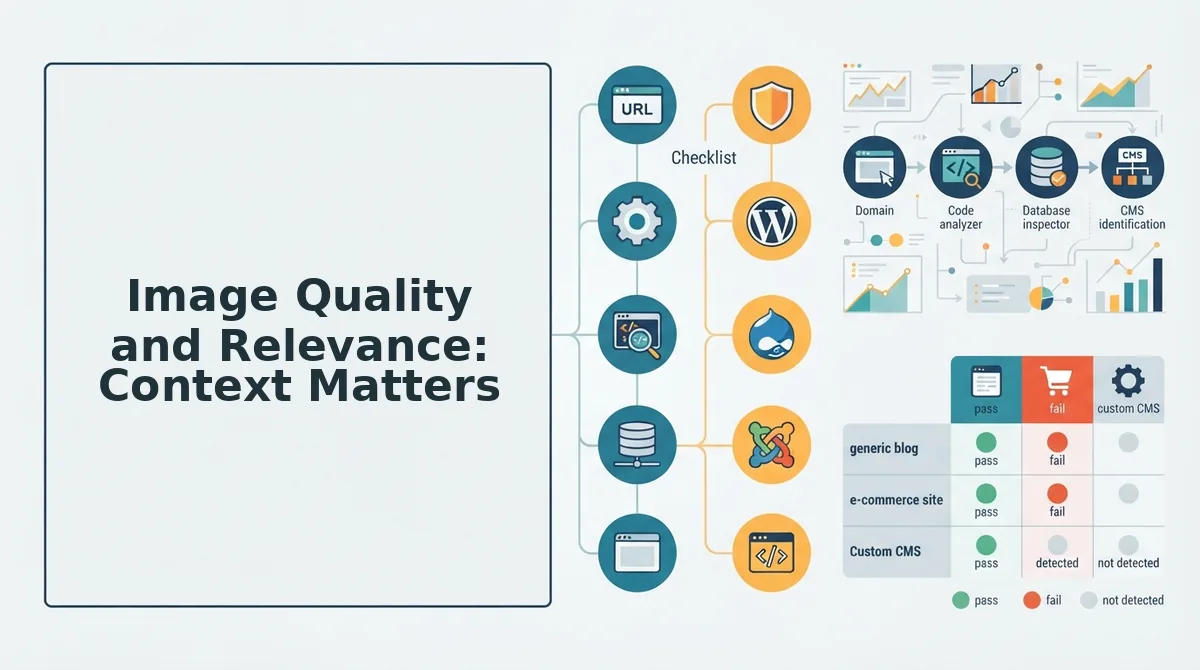
Image Quality and Relevance: Context Matters
Image-to-article coherence is the degree to which a generated image reflects the specific claims, examples, and tone of the article it accompanies, and it is the metric where built-in generation separates from standalone tools.
Think of it like a tailor versus a department store. A standalone image tool works from the prompt you hand it, the way a store sells you the closest off-the-rack fit. A built-in generator works from the article's actual draft and your brand's voice rules, the way a tailor cuts fabric to your measurements.
Standalone tools like Jasper Art require you to re-prompt for every image. Each re-prompt is a fresh start: the tool has no memory of your article's argument, your brand's visual style, or the specific data point you're illustrating. Context is lost in the handoff.
Built-in generation inverts that flow. The engine already holds the article's context, its keywords, structure, and brand rules, so it produces images that match the content without a separate prompt or upload step. The image inherits the article's intent rather than competing with it.
For editorial teams, this difference compounds. Ten articles a month with three images each means thirty re-prompting sessions in a standalone tool versus zero in an integrated engine. The quality gap isn't pixel resolution; it's relevance.
Which Tool Fits Your Workflow
The right choice depends on whether you need drafts or published posts. Here's the decision matrix, ordered by publishing goal.
- You only need article drafts, no images. Jasper's Creator plan handles drafting well, and its templates are mature. Use it if your publishing pipeline already has a separate image and CMS workflow you're happy with.
- You need drafts plus images but publish manually. Jasper Creator + Jasper Art covers both, but expect to re-prompt for every image and export everything by hand. Budget for the $89/month combined cost plus your own switching time.
- You need publish-ready posts with images, weekly or daily. An integrated engine is faster and cheaper per post because generation, optimization, and publishing happen in one pass. The Passive Income Pathways video notes that Canva does not have unlimited output, a reminder that "unlimited" claims deserve scrutiny across every tool in your stack.
- You run a multi-author editorial team. An automated blog publishing engine enforces brand voice and image coherence across every contributor, which standalone tools leave to manual review.
Match the tool to the output you actually ship, not the output you hope to have time for. That distinction answers most of the questions teams ask next.
FAQ: AI Blog Image Generation vs Jasper
Jasper does not generate images inside blog posts, Jasper Art is a separate tool that requires a separate workflow. Built-in AI image generation pulls context directly from the article being written, so the image matches the content without extra prompting.
Does Jasper generate images inside blog posts?
No. Jasper Art is a standalone image tool separate from Jasper's writing workflow. You generate images in one interface, download them, then manually upload them into your blog post. Built-in image generation creates images directly inside the article draft using the post's own context.
How much does Jasper Art cost?
Jasper Art costs $20 per month for unlimited images, billed on top of Jasper's writing plan. That adds $240 per year per seat before you generate a single blog post. Integrated engines include image generation in the base subscription, eliminating the separate tool cost entirely.
Can AI generate images that match my blog content?
Yes, if the image generator reads the article's context. Standalone tools like Jasper Art rely on your prompt alone, so relevance depends on how well you describe the content. Built-in generators pull keywords, headings, and body text from the draft, producing images that align with the post automatically.
What's the fastest way to publish a blog post with images?
Use an integrated engine that generates both text and images in one workflow, then publishes directly to your CMS. That removes the download-upload-prompt loop entirely. A standalone image tool adds at least five steps per post: generate, review, download, upload, and place, before you even publish.
Why do editorial teams switch from Jasper to built-in image tools?
Editorial teams switch because bolt-on image tools add cost and steps without improving output quality. Paying $20 per month for a separate image generator, then manually transferring every image into a post, slows publishing cadence. Integrated generation removes that friction and keeps the image aligned with the article's actual content.
The Verdict: Built-In Beats Bolt-On for Publishing
Built-in AI image generation wins on the metric that matters most to editorial teams: published posts per week. Jasper's writing is solid, but bolting on Jasper Art adds five manual steps and $20 per month for every post that needs an image. Integrated engines collapse that loop into one workflow, draft, generate, publish.
The open loop from the intro resolves cleanly: the fastest path from blank page to published post with images is not a writing tool plus an art tool. It is one engine that does both. If your goal is a published post with images, the integrated path is faster and cheaper per post.
Next step: sign up for BloGoose and connect your site. Your first post with context-matched images will publish before a Jasper Art subscription would even finish its onboarding.