Free tool · nothing is uploaded
Free epoch converter
Enter a Unix timestamp or a local date. This page shows UTC, the time in this browser’s timezone, and the timestamp the other way. The values stay in your browser.
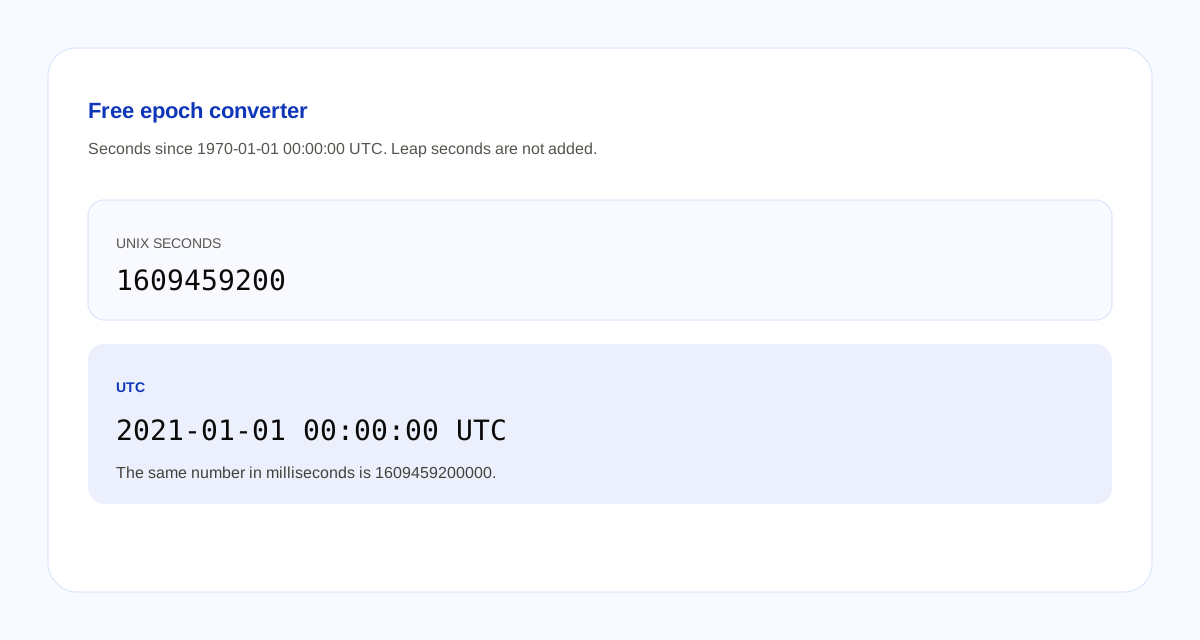
UTC
Local
ISO
The dates update as you type. They are not sent anywhere.
How the conversion works
- A Unix timestamp counts seconds since 1970-01-01 00:00:00 UTC. Timestamp 0 is that instant. Negative numbers are earlier.
- Milliseconds are that count times 1000. Pick seconds or milliseconds. The page does not switch units because of how many digits you typed.
- The UTC line is Coordinated Universal Time. The local line uses this browser’s timezone. The date field is local time too.
- The clock does not add leap seconds. It is the same clock your browser uses for dates.
- Seconds mode drops a fraction of a second when you convert from the date field. Millisecond mode keeps it.
A timestamp is a number of seconds, not a timezone. Two people in different timezones who enter the same number see the same UTC line and different local lines.
Questions about this converter
What is a Unix timestamp?
A count of seconds since 1970-01-01 00:00:00 UTC. That instant is timestamp 0. The count does not add leap seconds. This page uses the same clock as your browser.
What is the difference between seconds and milliseconds?
A millisecond timestamp is the second timestamp times 1000. 1609459200 seconds and 1609459200000 milliseconds are the same instant. This page does not guess. You pick seconds or milliseconds.
Which timezone is the date in?
The UTC line is Coordinated Universal Time. The local line uses the timezone of this browser. The date field is local time too. A timestamp itself has no timezone.
Does this tool upload what I type?
No. The number and the date stay in the browser. Blogoose does not receive them.