Free tool · nothing is uploaded
Free JSON formatter
Paste JSON. This page checks that it parses, then shows it indented and as one line. The text stays in your browser.
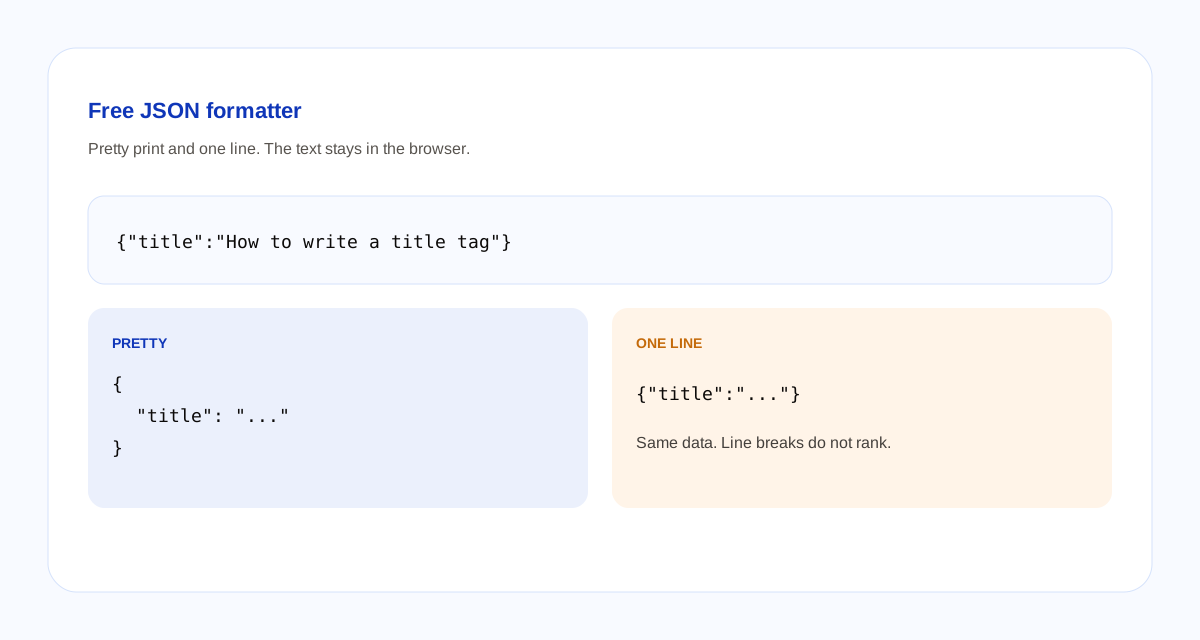
Pretty
One line
The two lines update as you type. They are not sent anywhere.
How the formatter checks JSON
- The text must parse as JSON. Keys and strings use double quotes.
- A trailing comma is invalid. A comment is invalid. Single quotes are invalid. A bare word such as title, with no quotes, is invalid.
- Pretty print uses two spaces. One line is the same data with no extra space. The key order you typed is kept.
- A number, a string, an array,
true,false, andnullare valid JSON on their own. An empty box is not an error. It is just waiting for text.
This page checks syntax only. It does not check that the fields match a schema.org type, and it does not send the text to Google. Line breaks do not change rankings. If you are writing Article markup, the article schema guide explains the fields. If a value needs to be safe inside a URL, use the URL encoder.
Questions about this formatter
What does this JSON formatter do?
It checks that the text is valid JSON, then shows the same data with two-space indentation and as one line. It does not check that the fields match a schema.org type.
What counts as valid JSON?
Keys and strings use double quotes. A trailing comma is invalid. Comments are invalid. Single quotes are invalid. A bare word such as title without quotes is invalid.
Does formatting JSON change Google rankings?
No. Search engines read the data, not the line breaks. Pretty JSON and one-line JSON are the same data. This page does not submit anything to Google.
Does this tool upload what I paste?
No. The text stays in the browser. Blogoose does not receive it.