Free tool · nothing is uploaded
Free SHA-256 generator
Paste text. This page hashes the UTF-8 bytes with SHA-256 and shows 64 hex characters. The text stays in your browser. This is a checksum, not a password hash.
SHA-256
—
The hash stays in this browser.
How the hash is calculated
- The text is turned into UTF-8 bytes. A letter such as é is more than one byte, so café and cafe are different hashes.
- SHA-256 of those bytes is 32 bytes. This page writes them as 64 lowercase hex characters.
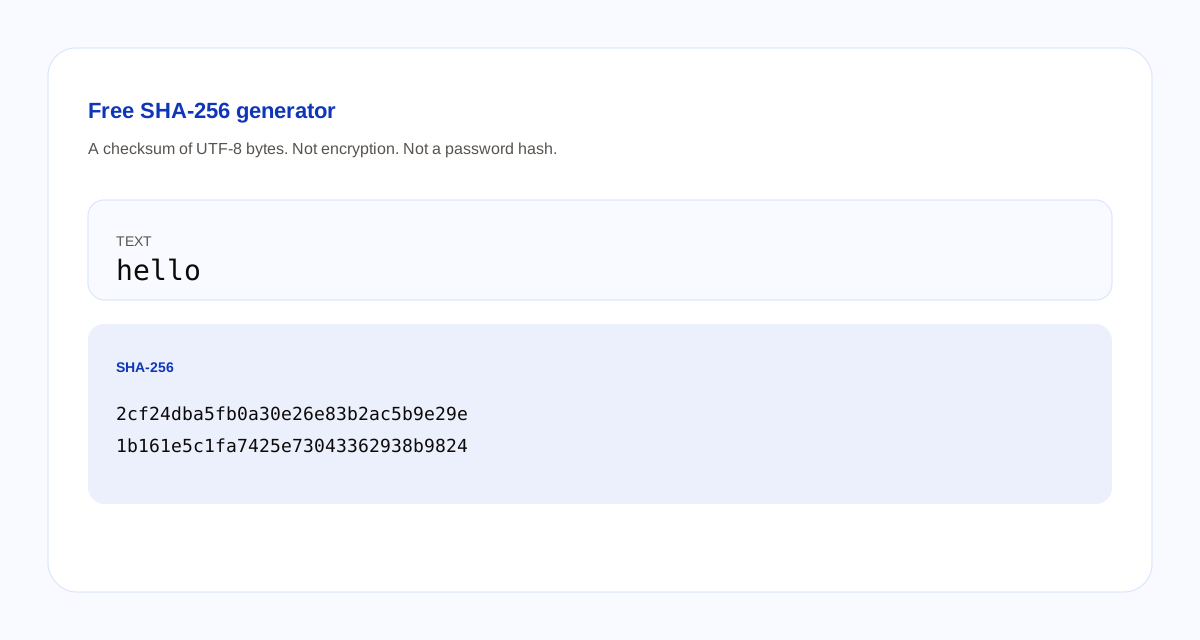
- The word hello is
2cf24dba5fb0a30e26e83b2ac5b9e29e1b161e5c1fa7425e73043362938b9824. - Empty text is
e3b0c44298fc1c149afbf4c8996fb92427ae41e4649b934ca495991b7852b855. - The same text always gives the same hash. Changing one character changes the hash. The hash does not turn back into the text.
Use this to compare a file’s text or a short string. Do not use it to store a password. A password hash is slow and salted. This one is a single fast checksum with no salt. Do not paste a password you still use.
Questions about this generator
What is a SHA-256 hash?
A 256-bit checksum of the bytes you give it, written here as 64 lowercase hex characters. The same text always produces the same hash. A different text produces a different hash. The word hello hashes to 2cf24dba5fb0a30e26e83b2ac5b9e29e1b161e5c1fa7425e73043362938b9824.
Is SHA-256 encryption?
No. A hash does not turn back into the original text. There is no key and no decrypt button. It is a checksum you can compare, not a locked message.
Can I store a password as this hash?
No. This is one fast hash of the exact UTF-8 bytes, with no salt. Password storage needs a slow password hash and a salt. Do not paste a password you still use.
Does this tool upload the text?
No. The text is hashed in the browser. Blogoose does not receive it.