Free tool · nothing is uploaded
Free UTM builder
Paste a page URL and name the campaign. This page adds the UTM parameters analytics tools read. The link stays in your browser.
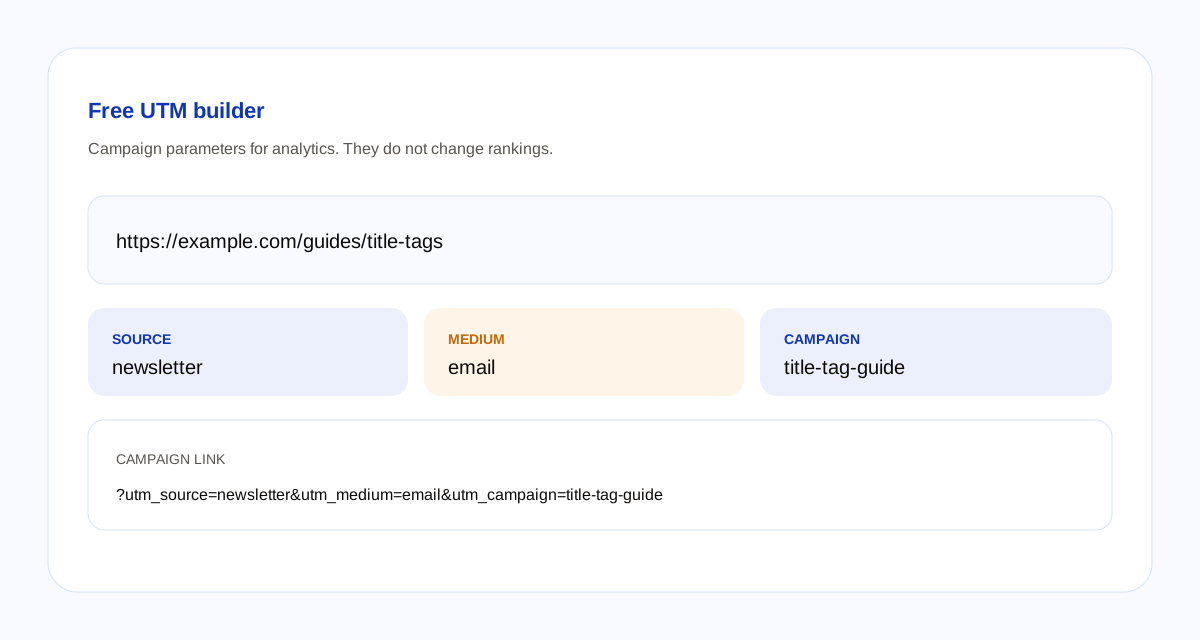
Campaign link
The link updates as you type. It is not sent anywhere.
How the link is built
- The page URL must be an http or https address with a real host. A fragment, the part after #, is kept at the end.
- Source is required. It becomes
utm_source. Medium becomesutm_medium. Campaign becomesutm_campaign. - Campaign ID, term, and content are optional. They become
utm_id,utm_term, andutm_content. An empty field is left off the link. - A parameter already on the URL is replaced. Other parameters, such as a product id, stay.
- Spaces are encoded. The letters you type are kept, so Email and email are two different sources. Pick one spelling and reuse it.
A UTM link is for analytics. It does not change the page, and it does not change rankings. If you need a readable path for the page itself, use the URL slug generator. If the page URL is already public and you change its path, the redirects guide covers the old address.
Questions about this builder
What is a UTM link?
A normal URL with campaign parameters added after the question mark. Analytics tools read those parameters to group visits. The page at the URL is the same page.
Which parameters does this builder add?
utm_source, utm_medium, and utm_campaign are the three used on most links. utm_id, utm_term, and utm_content are optional. Empty fields are left off. A source is required.
Do UTM tags change Google rankings?
No. They label a visit for analytics. They do not make a page rank. Use the same spelling every time, because Email and email are different sources in most analytics tools.
Does this tool upload what I type?
No. The URL and the campaign fields stay in the browser. Blogoose does not receive them.