Free tool · nothing is uploaded
Free SERP preview
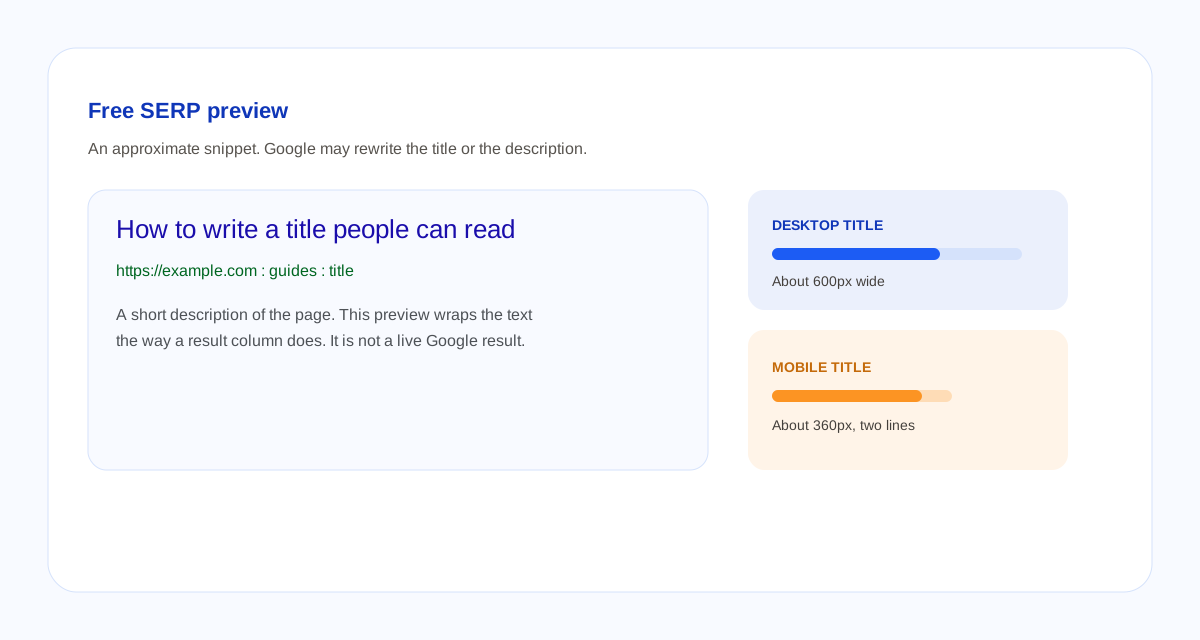
Type a title tag and a meta description. This page draws an approximate search snippet and tells you if the text is wider than the column. Google may still rewrite the title or pull a different sentence from the page.
How to use the preview
- Paste the title element, not the H1, unless they are the same sentence.
- Paste the URL people should land on. The preview shows the host and the path, the way a result often does.
- Paste the meta description. Switch to mobile. If the status says the text is cut, shorten that line.
- Add the query you care about if you want matching words in bold. Bold in a snippet is a display habit in results. It is not a ranking score.
Desktop title width in this tool is about 600 pixels on one line. Mobile title width is about 360 pixels across two lines. The description is about two lines on desktop and three on mobile. Google’s title link documentation says titles are truncated to fit the device and does not publish a character cap. Read the title tag guide before you treat a count as a rule.
Questions about this preview
What is a SERP preview?
A mock of a search result: title link, URL, and snippet. This one is drawn from what you type. It is not the live result Google will show.
Is there a title tag character limit?
Google does not publish one. This page shows a character count because that is the question people type. The cutoff that matters here is the pixel width of the column.
How long should a meta description be?
One or two sentences that describe the page. Google may ignore the description and quote the page instead. A keyword list is a weak snippet.
Does this tool upload what I type?
No. The fields stay in the browser.