AI Content Engine with Search Indexing
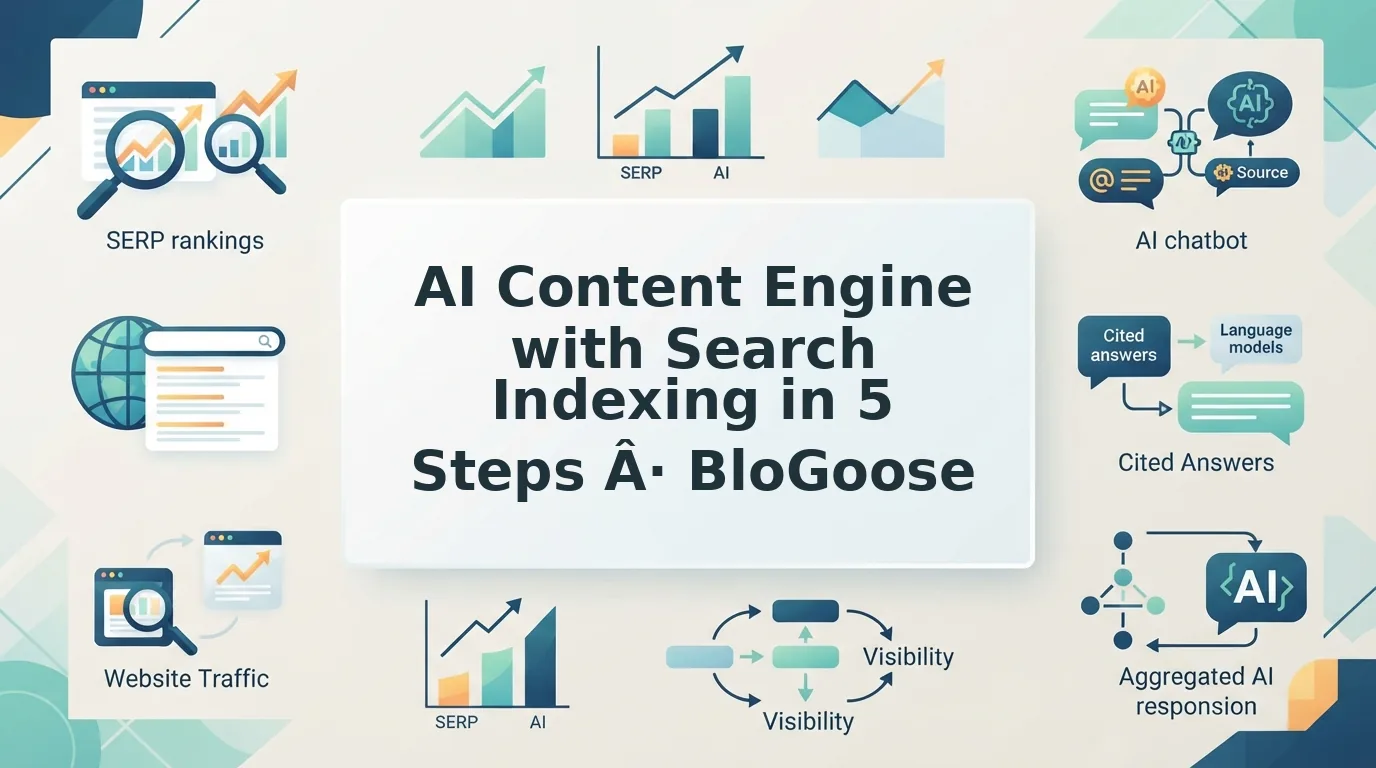
An AI content engine with search indexing is a system that learns your site from its XML sitemap and brand context, drafts SEO- and AEO-ready articles, publishes them to your CMS, and then requests and verifies search engine indexing, so every post moves from idea to discoverable page in one pipeline.
You ran the SERP tool, coaxed a draft out of another chat window with hopes, fixed the images, and pasted it all into the CMS. The post still isn't in search.
That 12-tab content stack is exhausting. This guide replaces it with one pipeline that runs from site context to verified indexing: five steps, why indexing is a gate rather than a ranking boost, a preflight checklist, and a verification step.
Keep one distinction in mind, because it explains why so many posts vanish: published does not mean indexed, and indexed does not mean
What Is an AI Content Engine with Search Indexing?
An AI content engine with search indexing is a content platform that drafts and publishes articles and then signals search engines to crawl and index each URL â so writing and discoverability happen in one workflow instead of two.
Three entities do the work.
- Content engine: reads your site for brand context, researches the query, drafts, and publishes.
- Search indexing: the crawl â render â store cycle that decides whether a URL enters Google's index.
- AEO (answer engine optimization): earning selection and quotation inside AI answer engines â separate from ranking blue links.
Think of indexing like a library catalog card. You can shelve every book you write, but a title with no card is effectively invisible: the content exists, the discovery doesn't.
A content engine with search indexing combines three jobs: writing, publishing, and crawl notification. The engine crawls your domain, extracts brand voice rules, plans a calendar, and drafts articles. Publishing pushes each finished piece to WordPress or a custom API endpoint. Search indexing then covers the crawl-render-store cycle that controls eligibility for search results at all. Without that third step, a published post can sit unfound indefinitely. The combination matters because indexing is a gate, not a ranking boost â it sets eligibility, while relevance and links set position.
Four prerequisites must exist first: a live domain with an XML sitemap, a WordPress site or custom API endpoint to publish into, a Google Search Console property covering the domain, and â only if you plan to submit URLs through the Indexing API â a Google Cloud service account.
Here's how that looks in practice. You paste a domain into the BloGoose setup wizard. The engine locates the XML sitemap, inspects published pages, and generates eight Markdown brand context files that later drafts reference. No manual brief-writing, no spreadsheet of tone rules.
If sitemap mechanics are where you want to start, the guide to the XML sitemap shows how that discovery step works, and the AI SEO content engine overview covers the rest of the loop.
The five-stage pipeline below shows where each piece fires.
How to Run the Publish-to-Index Pipeline in 5 Steps
The publish-to-index pipeline is a five-stage sequence â Context, Research, Draft, Publish, Index and Verify â that carries one article from a site crawl to a confirmed indexed URL. Each stage does one job and has one predictable failure, so a stalled article becomes diagnosable instead of mysterious.
Before you start: crawl access to your domain, a connected WordPress site or custom API endpoint, and a 30-day content calendar. Here's where most stacks break.
| Stage | What happens | Typical failure mode |
|---|---|---|
| Context | Sitemap crawl, brand voice files | Generic voice |
| Research | Live SERP and social research | Stale or guessed SERP intent |
| Draft | Sectional drafts, generated images | Tone drift |
| Publish | Push to WordPress or custom API | Broken formatting or missing metadata |
| Index and Verify | Sitemap entry, internal links, indexing request | Orphan pages |
The rule that governs the whole pipeline: indexing is a gate, not a reward. A published URL is not an indexed URL until you confirm it in Search Console.
-
Step 1 â Crawl your domain and build the context files
Type your domain into the setup wizard. The engine locates your XML sitemap, inspects published pages, and writes brand voice rules to a reusable context file. Takes about five minutes. You should see populated voice and structure files before moving on â if they read like anyone's site, stop here.
-
Step 2 â Load the 30-day calendar and run live research
Import your 30-day content calendar, then let each brief pull current SERP and social results rather than model memory. Budget 10â15 minutes per brief to review the angle against the cluster it belongs to; see topic clusters for how briefs ladder up to a pillar.
-
Step 3 â Draft by section and generate images
Generate sectional drafts, not one monolithic prompt, and let the engine produce supporting images. Reserve 20â30 minutes to read the opening paragraph against the context file. Tone drift shows up first in the intro, long before the body.
-
Step 4 â Publish to WordPress or your custom API
Select the destination â WordPress or a custom API endpoint â and push. Formatting and metadata travel with the draft. Success looks like a live URL with your canonical URL and article schema intact; check both before you close the tab.
-
Step 5 â Index and verify the live URL
Add the post to the XML sitemap, insert two or three internal links from existing pages so it is not orphaned, then submit the indexing request. Our Google indexing setup walkthrough covers the credentials and endpoint. Expect roughly 10 minutes, then verify with a URL Inspection check rather than assuming.
Making the index, though, is only the entry fee â what it buys you afterward is a separate question.
Why Indexing Is a Gate, Not a Ranking Boost
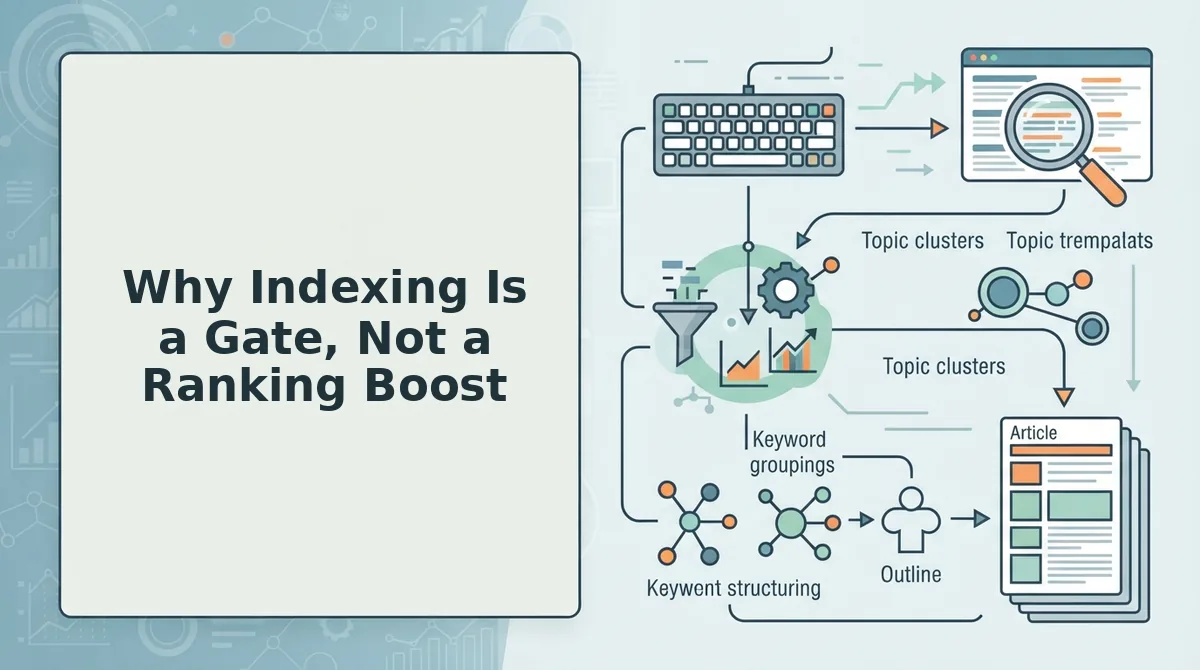
Indexing is the process of Google storing a discovered URL in its database so the page becomes eligible to appear in search results. Eligible is not the same as competitive, and treating an indexing request as a ranking lever is the most common shortcut mistake in AI content operations.
Think of it like getting a name printed on a ballot: that makes a candidate eligible to be voted for, but it does not deliver a single vote. An indexed page has passed the gate; it still has to earn relevance, quality signals, and links to climb.
At the intermediate level, discovery is still driven by XML sitemaps, internal links, canonical URLs, and crawl budget â the number of URLs Google is willing to fetch from a site within a given window. Google's Indexing API documentation officially scopes the API to specific page types, so verify the current scope on Google Search Central before you build a dependency on it.
Worked example. A team publishes a post to WordPress, then fires a request through a Google Indexing API service account. That call notifies Google that the URL exists and has changed; it does not guarantee indexing, does not assign a ranking position, and does not produce an AI citation.
Does requesting indexing make a post rank faster? No. An indexing request only tells Google that a URL exists or has changed; it does not push the page up the results, and it does not guarantee the page will be indexed at all. What changes after a successful request is eligibility â the page can now be evaluated against the pages already competing for that query. Ranking position still depends on relevance, content quality, internal links, and how the page compares with what already ranks. Treat the request as the final step of publishing, not a substitute for search optimization.
The practical win is automating the publish-to-request handoff so no article is forgotten between the CMS and the request queue.
Indexability Preflight Checklist Before You Publish
Every engine-generated post should clear these six gates before it goes live. Miss one and the article can be published, linked in your calendar, and still invisible to search.
- Publish as HTML, not PDF. HTML gives crawlers clean, parseable structure; PDFs are harder to segment into passages and link cleanly. Google Search Central's video "PDFs in Search: Indexing, AI & Pitfalls" is the reference point for making HTML the default and PDF the exception.
- Set a self-referencing canonical URL. The canonical tag tells Google which version of a URL is authoritative. Without it, tracking parameters and duplicate paths split signals across several addresses.
- Add article schema. Structured data labels the page as an article and exposes headline, author, and dates in machine-readable form. It is what lets both search engines and AI systems parse the piece as a distinct work.
- Link a real author page. The byline should resolve to a page that establishes who wrote the piece. Unlinked bylines strip away the accountability signal that reviewers look for.
- Implement breadcrumbs. Breadcrumbs show where the article sits in the site hierarchy and generate a path in the SERP. They also reinforce topic clustering for the pillar it belongs to.
- Confirm sitemap inclusion plus one internal link. The post must appear in the XML sitemap and receive at least one link from a live page. Sitemap-only pages are the orphan failure mode from the Index stage â technically submitted, effectively undiscovered.
Google vs AI Answer Engines: What Each Needs
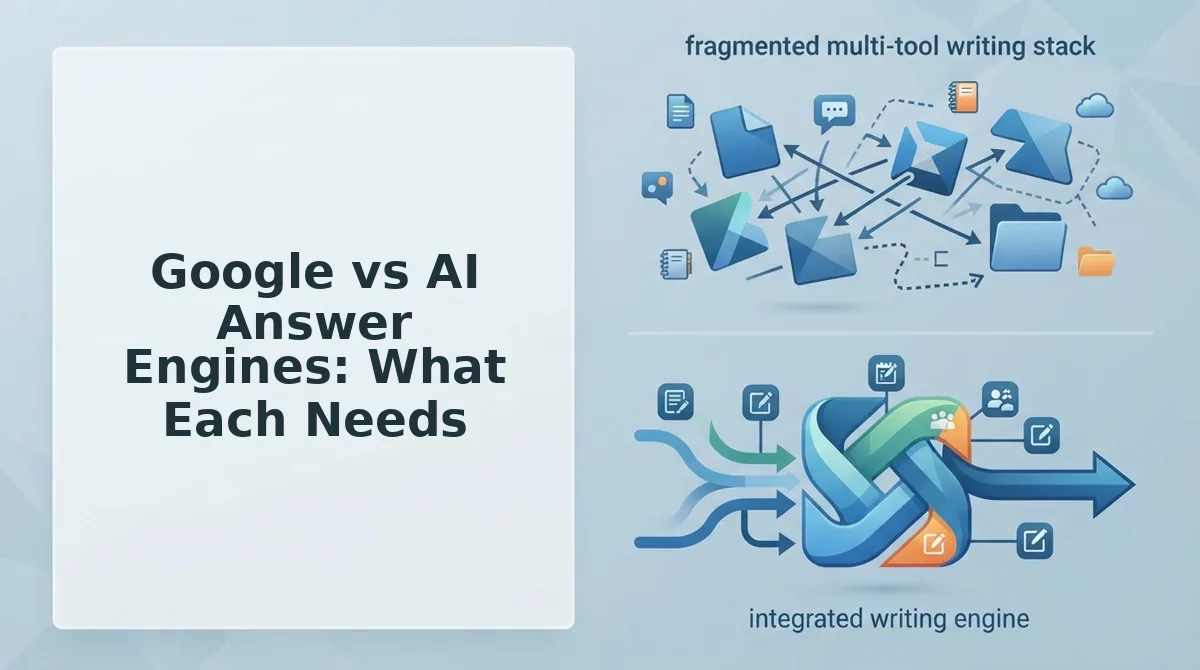
Google selects from pages it has crawled and indexed, ranked against competing pages for a query. AI answer engines select from whatever corpus they retrieve, and they favor content that can be quoted cleanly. The mechanics differ, but the prerequisites overlap more than most teams assume.
| Surface | What gets content discovered | What gets it selected | What the publisher controls |
|---|---|---|---|
| Google Search | Sitemap inclusion, internal links, crawl budget | Relevance and quality relative to competing pages | Technical SEO, internal linking, on-page structure |
| AI answer engines | Being crawlable and indexed somewhere the system draws from | Extractable answers, clean definitions, cited sources | AEO content optimization and formatting |
Best for Google Search: publishers with an established domain and organic traffic they intend to compound quarter over quarter.
Best for AI answer engines: teams whose buyers research in chat interfaces and shortlist from the answers they receive.
Two honest caveats. LLMrefs has reported that ChatGPT may draw on more than one search index â treat that as an unverified, open question rather than fact. And AEO practice is established enough that Ahrefs teaches it as a course, even though nobody can guarantee citation.
That leads to the question both surfaces share: how do you check a post is actually indexed?
How to Check a Post Is Actually Indexed
Confirm indexing with the URL Inspection tool in Google Search Console. Treat this check as the final stage of the pipeline: a post is not finished until Google reports it as indexed.
Prerequisites: You need a verified Search Console property, the post's live URL, and a submitted XML sitemap. A small creator video, "Use AI to Verify Indexing," shows that many people want low-cost ways to run these checks.
- Paste the URL into the URL Inspection bar at the top of Search Console. This takes about 1 minute. You should see "URL is on Google."
- Expand Page indexing and compare User-declared canonical with Google-selected canonical. The two URLs should match.
- Check Discovery, then Sitemaps. Your submitted sitemap should appear in the list.
- Open Links, then Internal links, and confirm that at least one page links to the post. This takes about 2 minutes, and the report data can lag by several days.
If the status reads "Crawled - currently not indexed," look for a soft 404, thin content, or duplication. Fix the problem, then click Request Indexing.
FAQ
These answers cover the questions the earlier sections leave open: durability, chatbot indexes, publishing targets, and crawl requests.
Does AI content still rank over time?
It can if the content is grounded. SE Ranking's 16-month experiment brought this question into focus. Durability tracks grounding: brand context files, live SERP research, and internal links produce helpful content, while generic text tends to fade.
Do AI chatbots use the same index as Google?
No one has settled this question publicly. LLMrefs reportedly claims that ChatGPT runs two search indexes, but that claim is unverified. The safe approach is to make sure your posts are crawlable, indexed by Google, and clearly structured.
Can an AI content engine publish without WordPress?
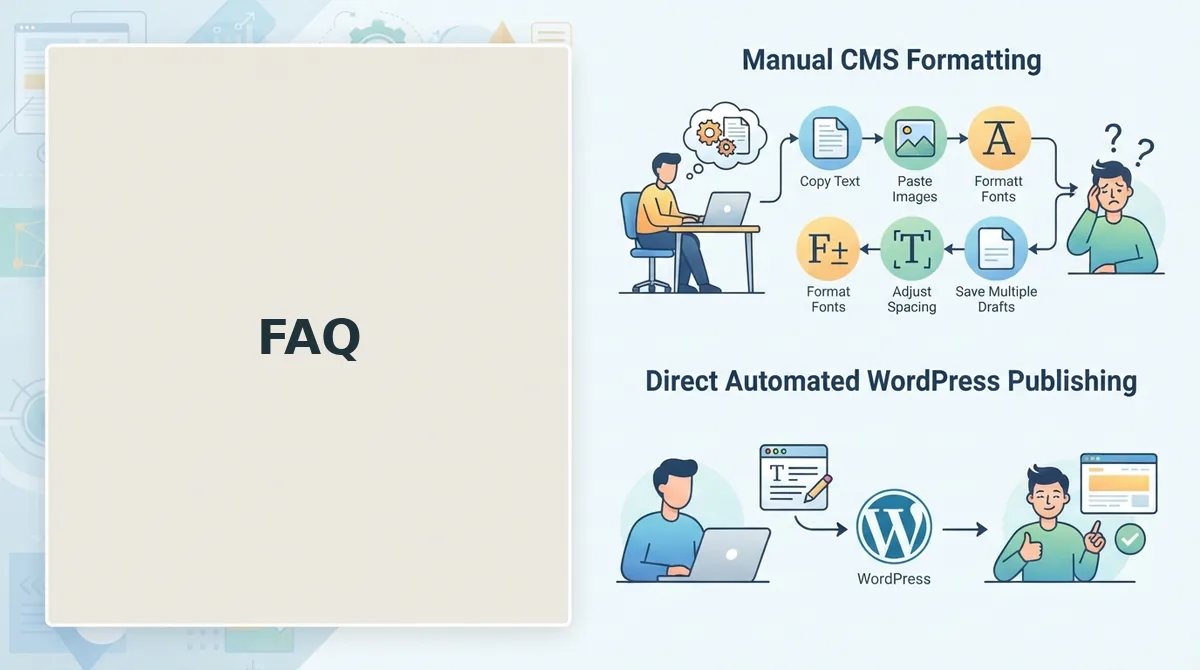
Yes. BloGoose publishes to WordPress or through a custom API, so headless and custom CMS setups receive finished articles the same way. Run the same verification steps after each post goes live.
How do I ask Google to crawl a new post?
Use Request Indexing in URL Inspection and keep the post in your XML sitemap. Google's Indexing API officially supports only job posting and livestream pages, so it is not the right tool for blog posts.
Replace the 12-Tab Stack with One Pipeline
Content that ranks comes from one connected pipeline, not from adding more tools. Most stacks break at the handoffs between tools, and the stage they usually skip is verification.
Consider an operator who pays for a SERP tool, pastes briefs into a chat prompt, and then uploads drafts by hand. A single workflow can replace all three steps, running from brand context to a verified index request.
Confirm your prerequisites, run the five steps, preflight every post, and treat indexing as a gate you verify. Compare plans on the pricing page, then start the setup wizard at blogoose.com. Your next content cluster can be published and checked in one run.