How to Automate Brand Voice in AI Blog Posts From Your Site
Every draft should sound like your site without a single manual prompt tweak, but most teams never get there. A common situation: a team pastes its voice prompt into each new chat session, and the tone still drifts from one post to the next.
That loop is exhausting. Retyping style rules turns into prompt-engineering homework, and skipping it gets you robotic AI mush that readers spot within a paragraph.
The reliable way to automate brand voice in AI blog posts is to store your voice in files built from pages you have already published. The model reads those files before every draft, so nobody retypes instructions. Your voice stops depending on someone remembering the right prompt.
This guide walks through the setup steps, a check for voice accuracy, and fixes for drift. Along the way, you will see why the fix isn't a better prompt.
How Do You Automate Brand Voice in AI Blog Posts?
Crawl your published pages, convert them into editable context files such as style-guide.md and writing-examples.md, and have every draft read those files first. Because the voice lives in files instead of a chat window, no voice prompt ever has to be retyped.
Brand voice automation is a workflow that stores a site's tone, vocabulary, and formatting rules in persistent files that an AI model reads before generating each draft.
What You Need First
- A live domain with published posts, so there is real writing to learn from
- An XML sitemap, the file listing your URLs so a crawler can find each page
- A CMS such as WordPress or a custom API to receive finished drafts
Start simple with one style guide. Next, add writing examples pulled from your strongest posts. At the advanced level, keep the files as versioned Markdown, a plain-text format, so every edit is tracked and reversible.
Think of the files like a recipe card taped inside a restaurant kitchen. Every cook follows the same card, and a recipe change means updating one card. An AI SEO content engine like BloGoose builds these files from your sitemap during setup.
Why Do Voice Prompts Break at Scale?
Voice prompts break because prompts decay and files persist. A prompt lives inside one session, so it gets retyped, truncated, or lost, while a context file is read the same way before every draft.
Why does AI content still sound like AI after a voice prompt? The Garvin Labs build frames the problem as content that "sounds like AI," and the cause is usually the prompt, not the model. A short prompt compresses your style into adjectives like "friendly" or "authoritative," which every model interprets generically. It also shifts each time someone rewrites it. Context files fix this by carrying real examples from your published pages, showing the model your sentence length, vocabulary, and structure instead of describing them.
Workflow builds, such as the Samautomation n8n tutorial, the Garvin Labs build, and HighLevel Agent Studio demos, solve part of this honestly well. They make voice repeatable, but they require building, ongoing maintenance, or platform lock-in.
| Approach | Setup effort | Drift risk | Who maintains it |
|---|---|---|---|
| Prompt-per-post | Low | High: rules retyped each session | Each writer |
| Custom workflow build | High: nodes and agents to wire | Lower, if maintained | The builder |
| Context-file engine | Low: crawl your domain | Low: files read every draft | Engine generates, team edits |
- Prompt-per-post: Best for solo operators testing occasional posts.
- Custom workflow build: Best for technical teams already running n8n or HighLevel.
- Context-file engine: Best for founders and growth leads publishing regular clusters.
Building those files starts with pages you already have.
How to Turn Your Published Pages Into Brand Context Files
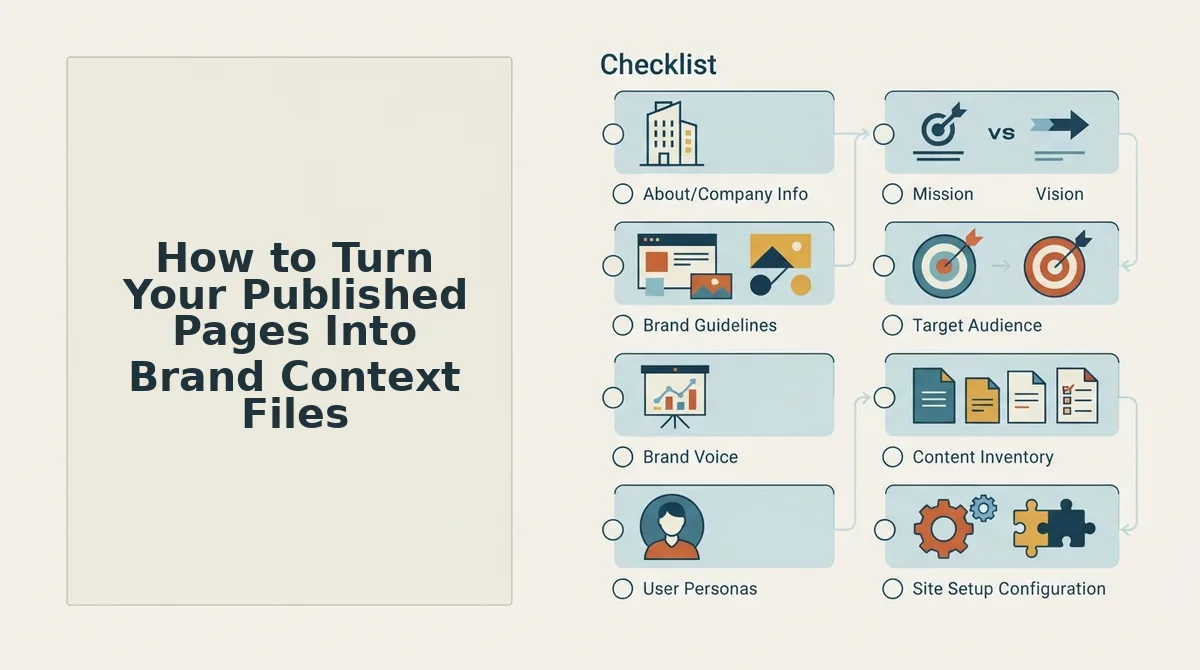
To turn published pages into brand context files, enter your domain in the BloGoose setup wizard. BloGoose locates your XML sitemap, inspects your published pages, detects your CMS, and generates eight editable Markdown context files that every future draft reads before writing a word.
Prerequisites: You need a live site with published pages, a discoverable XML sitemap, and a BloGoose account. You do not need an n8n workflow, a scraper, or a prompt library. The setup documentation lists full requirements.
- Enter your domain. Open the setup wizard and drop in your root domain. BloGoose starts the site crawl on its own.
- Confirm the sitemap. BloGoose locates your XML sitemap automatically. The crawl now has a map of every published URL. Crawl time depends on how many pages your sitemap lists.
- Let BloGoose inspect your pages. BloGoose reads your published pages to pull tone, structure, and topics from real writing, not from a description of your writing.
- Check the detected CMS. BloGoose identifies your underlying platform. This sets your publishing target as WordPress or a custom API.
- Open the eight Markdown files. Review the generated context files, including style-guide.md and writing-examples.md. Each file is plain Markdown that you can edit directly.
- Generate a draft. Every draft reads all eight files automatically, so you never re-paste voice rules into a chat window.
If your current loop means re-briefing a chatbot for every post, this path replaces it with voice-accurate drafts and no prompt engineering. See how it connects to automated SEO content publishing.
What Goes Into a Brand Voice System for AI?
A brand voice system for AI is a set of context files that govern tone, examples, and niche boundaries. BloGoose generates eight files, including the cards below, ranked by how much they shape voice.
- style-guide.md: the rules. This file holds tone, banned phrases, and sentence rules. It is the fix when drafts sound wrong, so add every phrase you keep deleting in edits.
- writing-examples.md: the anchors. This file stores real published passages as voice references. It is the fix when drafts read as generic, so swap in your strongest, most distinctive paragraphs.
- Niche guardrails: target-keywords.md, internal-links-map.md, seo-guidelines.md, and competitor-analysis.md. These files keep the voice on-topic and on-site. Edit the file that matches the failure you see in drafts.
| Draft failure | File to edit |
|---|---|
| Wrong tone | style-guide.md |
| Generic examples | writing-examples.md |
| Off-niche claims | target-keywords.md / competitor-analysis.md |
| Broken links | internal-links-map.md |
| Weak meta | seo-guidelines.md |
Pro tip: Edit writing-examples.md before style-guide.md. In practice, models imitate examples more reliably than they follow rules.
How to Check Your AI Drafts Match Your Brand Voice
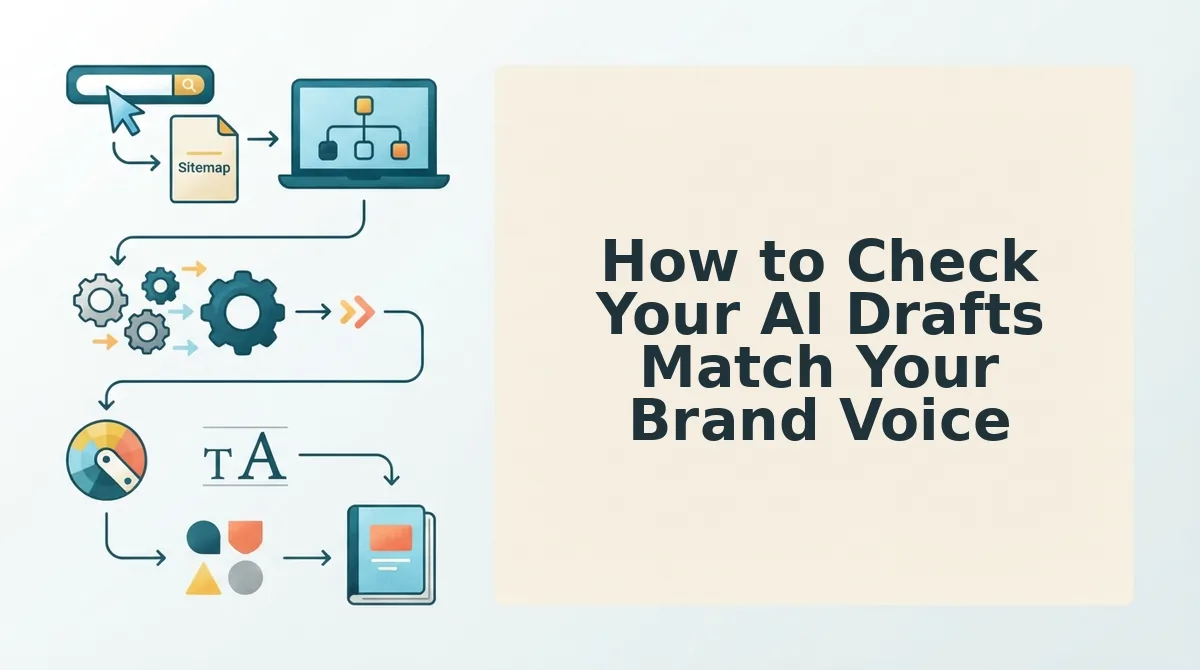
To check that an AI draft matches your brand voice, review it against four of your BloGoose context files. Use a finished draft and your eight Markdown files open side by side. Each check below maps to one named file, so any failure points you straight to the file to edit instead of to another round of prompt tweaking.
- Compare one draft paragraph against a passage in writing-examples.md. Rhythm and word choice should feel interchangeable.
- Scan the draft for any phrase banned in style-guide.md. The draft should contain none.
- Click every internal link and match it to internal-links-map.md. Each link should resolve.
- Read the meta title and description against seo-guidelines.md. Both should follow its rules.
When a check fails repeatedly, you are looking at tone drift.
How to Fix Tone Drift in AI Blog Posts
Fix tone drift by editing the context file that caused it, not the prompt. Tone drift is the gradual slide of AI drafts away from your brand voice toward generic, interchangeable copy.
Think of a prompt as a sticky note and a context file as the employee handbook. The sticky note is gone after one session. The handbook is read before every draft, so one file edit corrects every future article.
Start simple. Match the symptom to its file:
| Symptom | File to edit | What to change |
|---|---|---|
| Robotic phrasing | style-guide.md | Add the stiff phrases to a banned list |
| Generic examples | writing-examples.md | Replace weak passages with your strongest published ones |
| Off-niche claims | features.md | State clearly what the product does and does not do |
| Broken internal links | seo-context.md | Update the site structure and current URLs |
| Weak meta (the search-snippet description) | target-keywords.md | Confirm the primary and long-tail keyword for each page |
For an advanced fix, combine edits. In worked example #3, a draft relies on generic phrasing, so the user adds those phrases to the banned list in style-guide.md and swaps stronger published passages into writing-examples.md. The next draft inherits both changes.
Brand Voice Automation FAQ
These answers cover the questions the earlier sections leave open: example volume, WordPress support, and AI citations.
How many example passages does writing-examples.md need?
Writing-examples.md needs enough strong passages to cover each content format you publish. Choose a few of your best passages over many average ones. The model imitates what it sees, so one weak passage teaches weak habits. Refresh the file whenever a new article beats your current examples.
Does automated brand voice work with WordPress?
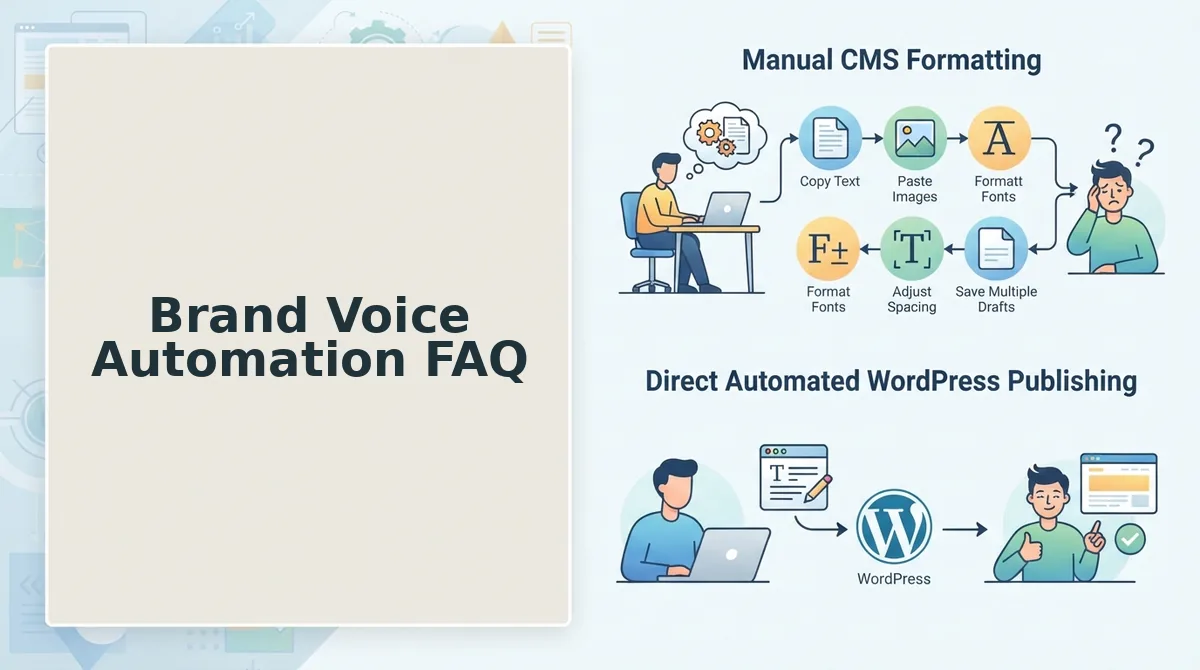
Yes. BloGoose publishes finished articles directly to WordPress or a custom API. The voice rules in your context files carry through from draft to live post. Because there is no manual copy-and-paste step, nobody can accidentally flatten your tone or formatting along the way.
Does consistent brand voice affect AI answer citations?
Yes. A consistent voice phrases definitions and claims the same way across a content cluster, which keeps your passages clear and easy to extract. That consistency supports AEO content optimization, so AI answer engines can quote each article accurately.
Stop Prompting Your Voice and Start Filing It
Brand voice survives scale only when it lives in files instead of prompts you retype every session. That is why drafts can sound right on Monday and generic by Friday.
Keep three habits. Store your voice rules in context files. Edit writing-examples.md first when quality slips. Fix drift at the file level so every future draft inherits the fix.
Your next step is to connect your domain and let BloGoose, the AI SEO content engine, generate your eight context files from your own pages. See BloGoose pricing, then let your published work teach every future draft how to sound like you.