
Why automate draft delivery to WordPress for blogs
You just spent 45 minutes coaxing a decent draft out of your AI tool, and now you're about to spend another 20 copy-pasting it into WordPress, reformatting headings, re-uploading images, and fixing the block editor's random spacing glitches. If that routine sounds familiar, the decision to automate draft delivery to WordPress isn't a luxury; it's the difference between publishing three articles a week and publishing three a month.
You're right to be frustrated. Stitching together chat prompts, Google Docs, and manual CMS uploads is exactly the stack sprawl that burns out founders and solo operators. This guide will show you why manual draft handling quietly kills publishing momentum, and walk you through two concrete methods for sending AI-generated drafts straight into WordPress as review-ready drafts, no copy-paste required.
Along the way, you'll see why the draft-status parameter most tutorials skip is actually the feature your editorial workflow has been missing. And if you're optimizing for AI answer engines, the same pipeline that delivers drafts can also produce citation-optimized articles that get quoted in chatbot responses, a gap most video-first competitors leave wide open for text content.
Why Manual Draft Uploads Break Publishing Schedules
Manual draft upload is the process of copying AI-generated content from a chat interface or document editor and pasting it into WordPress by hand, including reformatting headings, re-inserting images, and fixing broken block layouts. It is the single most common bottleneck in content operations that otherwise use AI for drafting.
At first, the friction looks trivial: open two tabs, copy, paste, publish. But the cost compounds with every article. A 1,500-word post typically requires 15 - 25 minutes of manual cleanup in the block editor, fixing heading levels, re-adding lists, replacing image placeholders, and correcting spacing that the paste operation mangles. For a team publishing 12 articles per month, that's 3 - 5 hours of pure administrative work that produces zero new content.
Think of manual uploads like hand-delivering every package to a warehouse that already has a conveyor belt. The conveyor belt. WordPress's REST API and plugin ecosystem, exists precisely to move content from point A to point B without a human carrying each box.
The deeper problem is version control. When drafts live in a chat tool, a Google Doc, and WordPress simultaneously, the question "which version is current?" becomes unanswerable. Editors review outdated copy, writers re-edit already-published posts, and the publish date slips, often by days, not hours.
Social listening shows users asking a specific question that most tutorials never address: "How do I send AI-generated drafts to WordPress without copy-pasting every time?" The answer is a direct API or plugin connection that preserves formatting and sets the post status to draft automatically, a workflow that eliminates the copy-paste loop entirely and gives editors a clean review queue.
Method 1: WordPress REST API for Direct Draft Delivery
The WordPress REST API is a built-in interface that lets external applications create, read, and update posts programmatically, no manual upload required. This method works best for technical users comfortable with HTTP requests or lightweight scripting.
Prerequisites: A WordPress site running version 4.7 or later, an application password or API token with write access, and a tool for sending HTTP requests (Postman, cURL, or a custom script).
- Generate an application password. Open your WordPress dashboard, go to Users to Profile, scroll to Application Passwords, and click Add New Application Password. Name it something like "Draft Delivery Bot" and copy the generated password immediately. WordPress only shows it once.
- Test the connection with a GET request. Send a GET request to
https://yoursite.com/wp-json/wp/v2/posts?status=draftusing basic authentication (your username and the application password). You should see a JSON response listing existing drafts, a green light that your credentials work. - Send your first draft as a POST request. Send a POST request to
https://yoursite.com/wp-json/wp/v2/postswith a JSON body containingtitle,content(HTML-formatted), and, critically,"status": "draft". This status parameter is what most tutorials skip, but it's the difference between publishing live content accidentally and routing every AI-generated piece into an editorial review queue. - Verify the draft in WordPress. Open Posts to All Posts and filter by Drafts. Your AI-generated article should appear with full formatting intact, headings, lists, and links preserved as HTML, not mangled by a paste operation.
The draft-status parameter (status=draft) is the undersold feature that makes this method viable for editorial teams. Instead of publishing directly, every AI-generated article lands in a review gate where a human editor approves, edits, and schedules it, a workflow that preserves quality control while eliminating the copy-paste step entirely. A YouTube tutorial by Hicony demonstrates this REST API path as accessible even for beginners, confirming that direct API delivery is not reserved for developers.
If writing HTTP requests by hand feels like overkill, a content engine that ships drafts to WordPress automatically removes the scripting step entirely. Next: Method 2 for teams that want the same result without touching code.
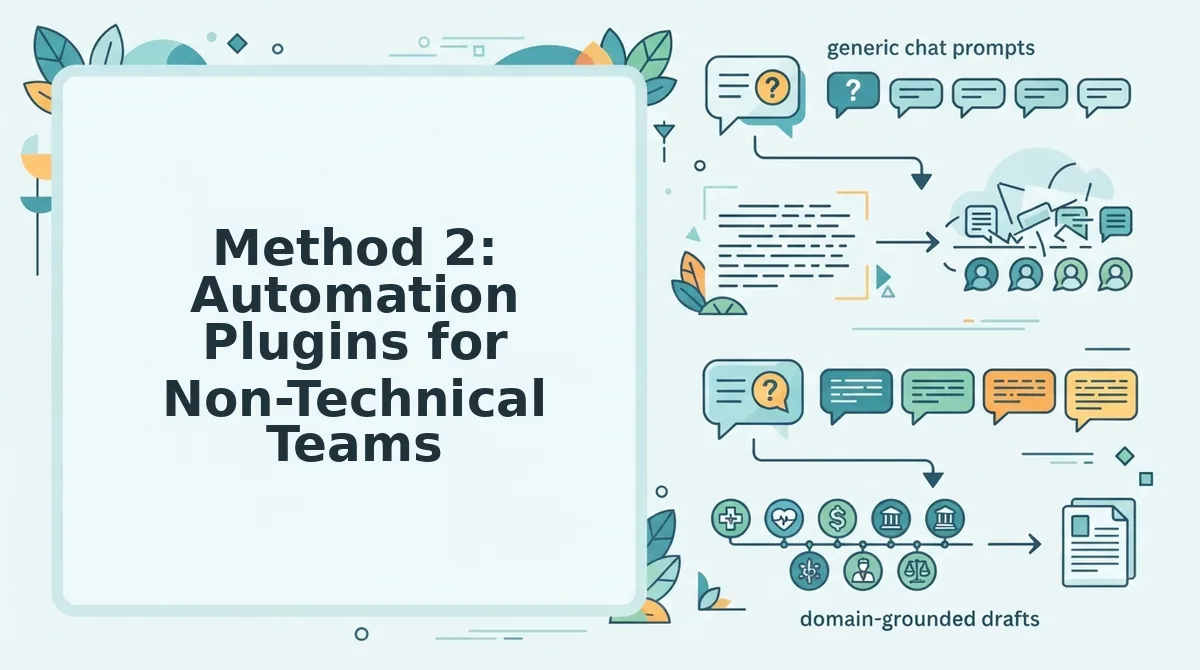
Method 2: Automation Plugins for Non-Technical Teams
Automation plugins deliver AI-generated drafts to WordPress without writing a single line of code, making them the fastest onboarding path for content teams that lack developer resources. The trade-off is that you add a third-party SaaS dependency and typically accept less granular control over how drafts are structured before they land in your CMS.
The WordPress Automatic plugin is the most video-validated option in this category, with hands-on walkthroughs published by Creative Asset Lab and Unique Web School demonstrating real-world setup and draft delivery. Its strength is breadth: it can pull content from multiple sources, schedule imports, and push posts into draft status without touching the REST API.
Where the plugin route falls short is editorial nuance. You configure rules in a settings panel, but you cannot inject custom validation logic, enforce brand-specific formatting at the field level, or branch workflows based on content type the way a direct API integration allows. For most small teams, that limitation is acceptable; for publishers with strict style guides, it becomes a bottleneck.
| Option | Setup Time | Technical Skill Required | Maintenance Burden | Editorial Control | Best For |
|---|---|---|---|---|---|
| WordPress Automatic (plugin) | Low, install and configure in under an hour | None beyond basic WP admin | Low, but plugin updates and API key rotations add ongoing tasks | Moderate, rule-based, not field-level | Non-technical solo bloggers and small content teams |
| REST API (custom integration) | High, requires development and testing | Intermediate-to-advanced coding | High, you own every failure point | High, full control over payload and validation | Engineering-led teams with strict publishing pipelines |
Plugins like WordPress Automatic honestly earn their place for teams that need draft delivery working this week, not this quarter. The SaaS dependency is real, if the plugin's service goes down or changes pricing, your pipeline stalls, but for low-volume blogs, that risk is usually outweighed by the elimination of coding overhead.
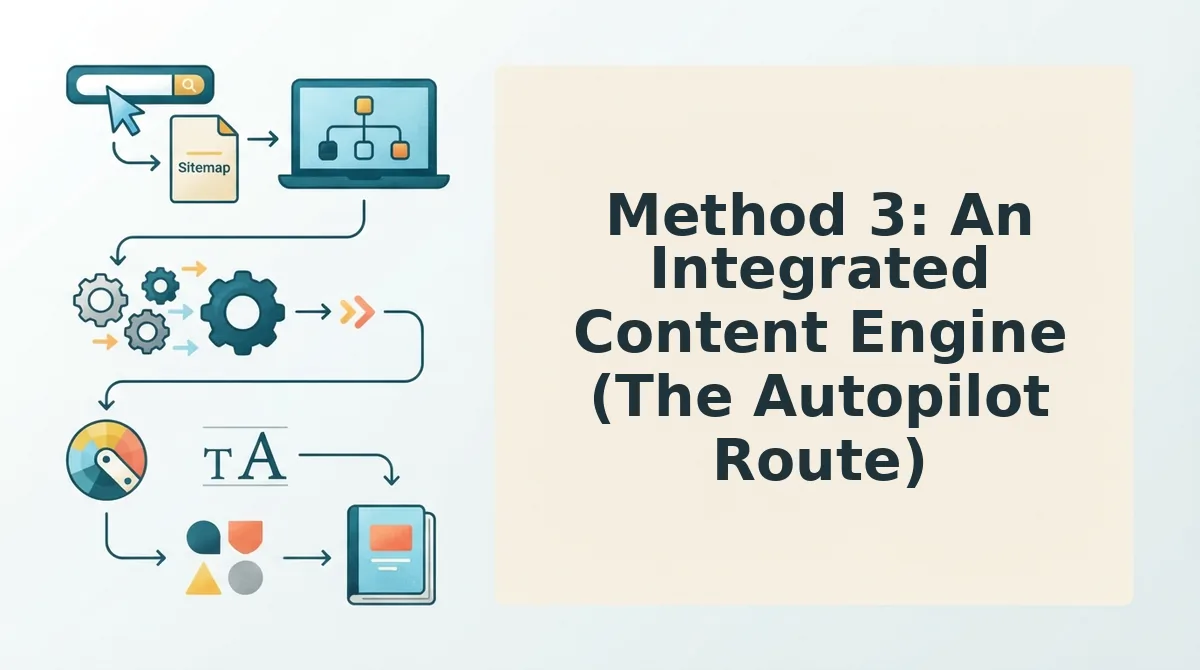
Method 3: An Integrated Content Engine (The Autopilot Route)
An integrated content engine is a platform that handles the entire draft pipeline, crawling your site, extracting your brand voice, generating the article, and delivering it to WordPress as a pending review draft, without requiring API keys, plugin configuration, or manual handoffs between tools. Think of it like a meal delivery service that doesn't just ship ingredients: it reads your pantry, learns your household's taste preferences, cooks the meal, and leaves it plated on your table for final approval.
The workflow collapses five separate steps into one flow. First, the engine crawls your XML sitemap and inspects published pages to understand what you already cover. Second, it extracts brand voice rules, tone, terminology, formatting habits, from that existing content. Third, it generates a draft that matches those rules. Fourth, it delivers that draft to WordPress as a pending review post, not a live publish. Fifth, your editor approves or rejects it. No API keys. No plugin config. No copy-paste between tools.
This is the route that AI SEO content engine platforms like BloGoose are built for. The key differentiator is that BloGoose shows the end-to-end workflow, crawl, brand extraction, draft generation, WordPress delivery, as a single observable process. Most competitors stop at the API call or the plugin handoff, leaving you to stitch the rest together yourself. An autopilot content calendar then sequences those drafts across your pillar and cluster pages without spreadsheet coordination.
If your publishing bottleneck is not the writing itself but the assembly line around it, the crawling, the voice extraction, the formatting, the upload, an integrated engine removes the friction that plugins and APIs only partially address.
How to Choose: API vs. Plugin vs. Platform
Choose the WordPress draft delivery method that matches your team's technical skill, publishing volume, and editorial control requirements. The three options, direct REST API integration, automation plugins, and an integrated content engine, each solve a different bottleneck, and the right answer depends on who is running the pipeline day to day.
If you publish fewer than ten posts per month and have no developer on staff, an automation plugin is the pragmatic choice: it works today, costs little to test, and keeps your editorial workflow inside the WordPress admin you already know. If you publish at high volume with strict brand guidelines and have engineering resources, the REST API gives you field-level control that no plugin can match, but you own every failure point, from authentication tokens to schema validation. If your bottleneck is the assembly line itself, crawling, voice extraction, drafting, formatting, and delivery, an integrated platform collapses those steps into one flow and leaves your editor with only the final approval decision.
| Factor | REST API | Automation Plugin | Integrated Platform |
|---|---|---|---|
| Team size | Any, with dev support | 1 - 5 people | 1 - 20+ people |
| Technical skill | Intermediate-to-advanced | None | None |
| Publishing volume | High, custom pipelines | Low-to-moderate | Moderate-to-high |
| Editorial control | Full, field-level | Rule-based only | Brand-voice extraction, human approval gate |
| Maintenance | You own it | Plugin updates, SaaS dependency | Platform-managed |
| Best for | Engineering-led publishers | Non-technical solo bloggers | Growth teams scaling content clusters |
Three decision rules simplify the choice. Rule one: if you have a developer and need custom validation, use the API. Rule two: if you have no developer and publish sporadically, use a plugin. Rule three: if your goal is consistent, brand-accurate content clusters without pipeline maintenance, use an integrated platform. This resolves the editorial control question from the start: every method preserves a human approval step, but only the platform route preserves brand voice automatically before the draft ever reaches your review queue.
Still weighing the trade-offs? The FAQ below answers the most common questions about automating WordPress draft delivery.
FAQ: Automating WordPress Draft Delivery
Automating draft delivery to WordPress removes manual upload steps so articles move from generation to review without copy-paste, file exports, or formatting drift.
What is the cheapest way to automate WordPress draft delivery?
The cheapest method is the WordPress REST API, which is free and built into every WordPress install. You only pay for development time or a lightweight script. Automation plugins cost more but add scheduling and approval features without custom code.
Do I need coding skills to automate WordPress drafts?
No. Automation plugins and integrated content engines handle draft delivery without code. The REST API route requires basic scripting knowledge, but non-technical teams can use plugin interfaces or platforms like BloGoose that publish drafts automatically after setup.
Why does my WordPress draft lose formatting when I upload it manually?
Manual uploads through the WordPress editor or copy-paste strip embedded styles, heading hierarchy, and metadata. Automated delivery via API or plugin preserves HTML structure, internal links, and SEO fields because content transfers as structured data rather than plain text.
How does BloGoose differ from a WordPress automation plugin?
BloGoose combines site crawling, brand voice extraction, content generation, and draft delivery in one engine. A plugin only moves existing content into WordPress. BloGoose also optimizes for AI answer engine citations, which standalone plugins do not address.
Can I schedule automated draft delivery for specific days?
Yes. Automation plugins and integrated platforms support scheduled delivery, so drafts arrive on a publishing calendar cadence. The REST API requires a cron job or external scheduler to achieve the same result.
What happens if an automated draft delivery fails?
Most automation tools log the failure and retry the request. Plugins typically show an error status in the dashboard, while API integrations return an HTTP error code you can monitor. Integrated platforms like BloGoose surface delivery status so failed drafts never silently disappear.
Automate the Draft, Keep the Judgment
Draft delivery automation is not about removing editors from the loop. It is about removing the friction that makes editors fall behind. The teams that publish consistently are not the ones with the most writers; they are the ones whose drafts never sit in a download folder waiting for a manual upload.
Start with the method that matches your current volume. If you publish a few posts per month, a plugin handles the job. If you are scaling to weekly or daily output across multiple authors, the REST API or an integrated engine pays for itself in recovered hours. When volume demands it, see pricing for BloGoose and move to a platform that handles crawling, drafting, and delivery in one workflow.
The open loop from the start closes here: the bottleneck was never writing speed. It was the handoff. Automate the handoff, and your publishing calendar becomes the only constraint that matters.