
How to Plan a 30 Day Blog Calendar Without Spreadsheets
You've spent three hours color-coding a spreadsheet, and your content calendar is already out of date before the first draft goes live. That's the reality for content managers and SEO leads juggling keyword research in one tab, a competitor tracker in another, and a publishing queue that lives in someone's head. An automated 30 day content calendar generator exists precisely because manual trackers break the moment search data shifts, and search data shifts daily.
You're right to be frustrated. Stitching together spreadsheets, generic chat prompts, and disconnected publishing tools isn't a workflow; it's a second job. What you need is a system that reads your site structure, extracts your brand voice, and turns both into a scheduled editorial plan, not another chat window with hopes.
This guide walks you through a three-part framework: what a true content calendar generator actually does, why one-shot AI calendars collapse after week one, and the pillar-anchored method that keeps a 30-day plan rank-ready. Along the way, you'll see why the loudest voices in this space are optimizing for TikTok hooks while the real ranking opportunity sits in topical authority, a gap we'll resolve before the final section. An AI SEO content engine that crawls your domain and builds the calendar from your actual site structure removes the spreadsheet entirely.
What a 30-Day Content Calendar Generator Actually Does
A 30-day content calendar generator is a system that converts a website's existing structure, niche, and search landscape into a scheduled editorial plan with assigned topics, target keywords, and publishing dates. It replaces the manual spreadsheet loop with a research-backed queue.
Think of it like a restaurant kitchen's prep schedule. A chef doesn't decide the menu each morning by staring at an empty fridge; the menu follows from what's in season, what the regulars order, and what the kitchen can execute consistently. A real calendar generator does the same for content: it inventories what your site already covers, identifies gaps against live search demand, and sequences topics so each post builds on the last.
The progression matters. At the simple level, a generator outputs a dated list of topics. At the intermediate level, it ties each topic to a target keyword and a content type, pillar page, supporting post, or update. At the advanced level, it pulls from a live site crawl and SERP research, so the calendar reflects your actual topical gaps rather than a generic prompt's guess.
Here's the distinction most tools blur:
| Dimension | Social Media Calendar | SEO Content Calendar |
|---|---|---|
| Primary goal | Stop the scroll with hooks | Build topical authority for rankings |
| Research input | Trending audio, meme formats | Site crawl, SERP data, keyword clusters |
| Success metric | Views, shares, follower growth | Indexed pages, rankings, AI citations |
| Lifespan of a post | 48-72 hours | Months to years |
| Planning horizon | Daily to weekly | 30-day clusters around pillars |
Social calendars optimize for hooks; SEO calendars optimize for topical authority. A 30-day content calendar generator should use live SERP research and a site crawl, not a generic prompt, because the ranking opportunity lives in the gaps between what you've published and what searchers actually ask. When the generator also extracts brand voice rules from your existing pages, every scheduled article ships in a consistent tone, no prompt engineering required.
Why One-Shot AI Calendars Fail After Week One
A one-shot AI calendar is a single prompt-generated topic list with no connection to a live website, no research refresh loop, and no publishing queue. It fails because it treats content planning as a static output instead of a continuous system.
Ask any content manager who has tried the "give me 30 blog topics" prompt. Week one feels productive, thirty ideas, neatly numbered. By week two, the list has gone stale. The topics don't map to existing pages, the keywords don't match actual search demand, and nothing is scheduled for publication. The calendar becomes another abandoned document.
The analogy is a paper map in a city that's constantly under construction. A one-shot calendar shows you roads as they existed at the moment of generation. Live SERP data is the traffic app that reroutes you when a competitor publishes, a keyword shifts intent, or Google updates its ranking signals. Without that refresh layer, your 30-day plan is obsolete before day ten.
The YouTube landscape makes this failure visible. Top creators in the content-planning space focus almost entirely on social calendars. TikTok hooks, faceless account strategies, viral formats. They deliver thirty hooks but no ranking strategy. That's a social calendar wearing an SEO label. The gap is real: almost no one is teaching a blog-first, pillar-anchored calendar built from site structure and search data.
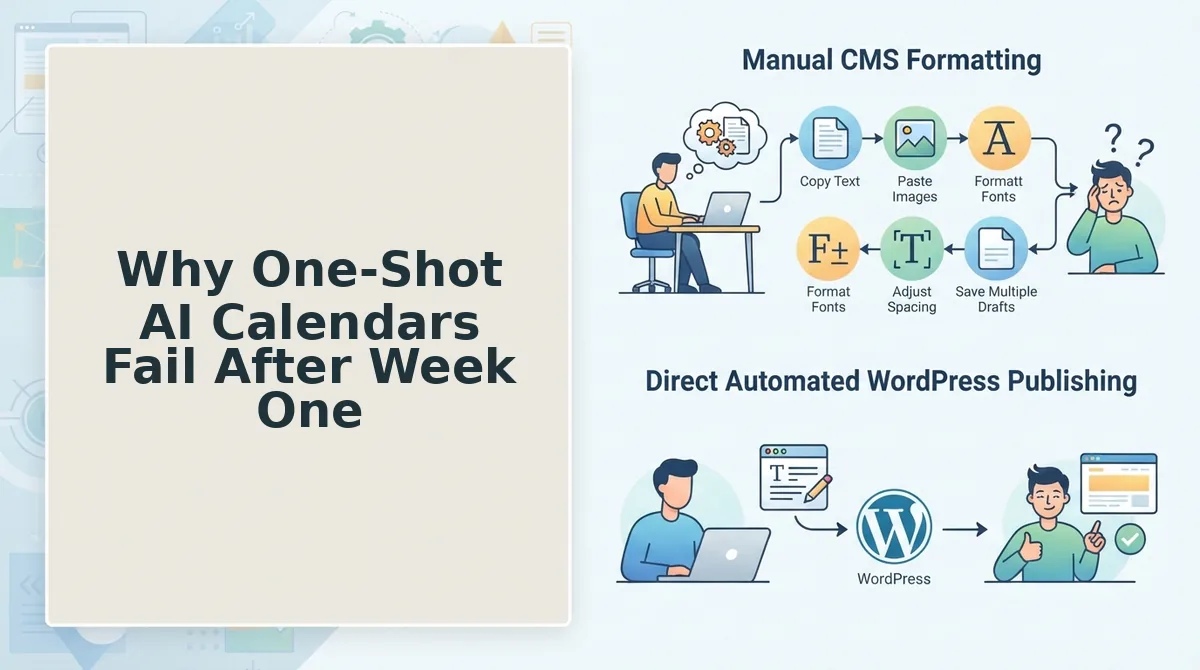
One-shot generation outputs generic lists that go stale because they lack site context and continuous delivery queues. A calendar built from a live crawl of your domain knows which pages already rank, which clusters are thin, and which topics deserve a supporting post this week versus next month. When the generator also queues drafts for publishing directly to WordPress or a custom API, the calendar stops being a document and becomes a pipeline. That's the difference between a list and a system, and it's exactly what the pillar-anchored framework in the next section is built to deliver.
The Pillar-Anchored 30-Day Framework
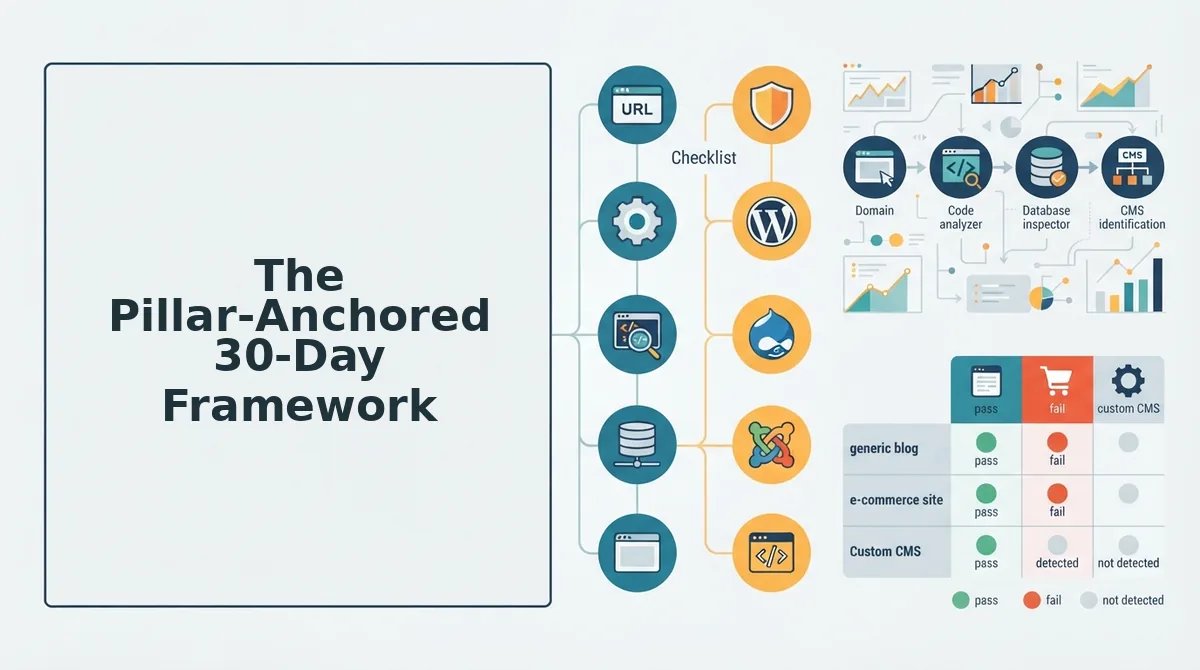
A pillar-anchored 30-day calendar organizes every post around one authoritative pillar page and its supporting cluster posts, so each article builds topical authority instead of competing with your own content. This framework requires a chosen pillar topic, your site's XML sitemap URL, and either a spreadsheet-free calendar tool or an AI SEO content engine like BloGoose.
- Open your site's XML sitemap and identify the page with the highest existing authority for your pillar topic. Navigate to
yoursite.com/sitemap.xmlin a browser, then locate the URL you want to rank as the pillar. You should see a list of all indexed pages; pick the one that already covers the broadest version of your topic. Expected outcome: one confirmed pillar URL that will anchor all 30 days of content. - Type your domain into the BloGoose setup wizard and let the crawler detect your sitemap automatically. Click the domain input field, enter your URL, then select Start Crawl. The engine locates your XML sitemap, inspects published pages, and extracts your brand voice rules from existing content. You should see a crawl completion notification listing detected pages and detected tone parameters.
- Select your pillar topic from the extracted niche map. Review the topic suggestions BloGoose surfaces from your crawled content, then click the pillar topic you want to rank for. The system assigns this as the center of your 30-day calendar. Expected outcome: a pillar page assignment with a 30-day cluster plan branching from it.
- Review the generated Week 1 plan: one pillar draft plus two cluster posts. Open the calendar view and confirm the first week contains your pillar article scheduled for day 1-2, followed by two cluster posts that link back to it. Each cluster should target a long-tail variation of the pillar keyword. You should see three scheduled drafts with assigned keywords and internal link targets.
- Approve Week 2: three cluster posts with internal links mapped to the pillar. Click each scheduled draft in week 2 and verify the internal link field points to your pillar URL. This builds the pillar cluster content strategy that signals topical depth to search engines. Expected outcome: three additional cluster drafts queued, each with a pillar backlink pre-configured.
- Schedule Week 3 for refresh and gap-fill tasks. Select the Refresh toggle on underperforming posts from the previous two weeks, then add one gap-fill cluster targeting a question your pillar does not yet answer. You should see a refresh queue and one new draft slot filled with a content gap BloGoose identified from live SERP research.
- Configure Week 4 for distribution and AEO passages. Open Settings, then Publishing, and enable the AEO passage toggle so each Week 4 post includes a 40-55 word answer block optimized for AI citation. Add distribution notes to each draft for social repurposing. Expected outcome: four final posts queued with AEO-ready passages and distribution-ready summaries.
- Click Publish to WordPress or connect your custom API to activate the continuous delivery queue. Navigate to Settings, then API Keys, and paste your WordPress application password or API endpoint. Select Enable Scheduled Publishing. You should see a green checkmark confirming the connection, after which drafts publish automatically on their assigned dates without manual intervention.
Each week builds on the previous one: the pillar establishes authority, clusters reinforce it, refreshes prevent decay, and AEO passages capture AI answer engine citations. The calendar stays alive because every post has a scheduled draft interval and a defined internal link target from day one.
How BloGoose Automates the Entire Calendar
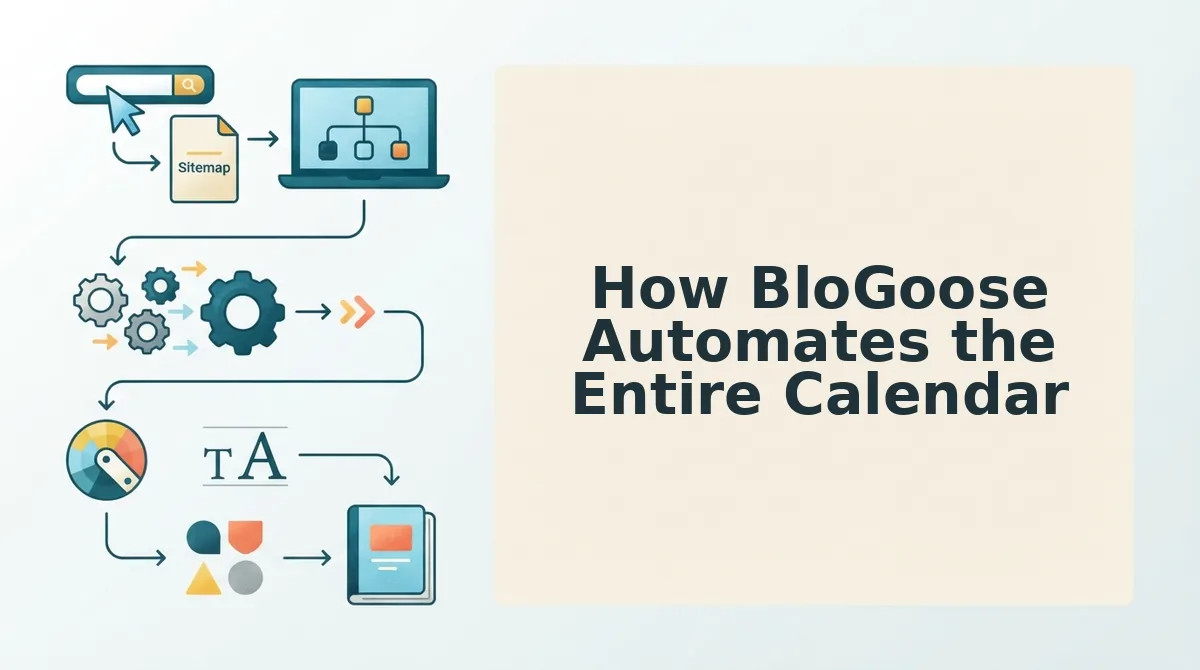
BloGoose replaces the manual spreadsheet loop by crawling your site, extracting brand voice, generating a pillar-anchored 30-day calendar, and publishing finished articles to WordPress or a custom API without prompt engineering. Here are the seven automations that keep the calendar moving after week one.
- Site crawl and brand context extraction. Drop your domain into the setup wizard and BloGoose locates your XML sitemap, inspects published pages, and detects your tone, formatting habits, and vocabulary. This matters because voice-accurate drafts require zero editing passes, and you use it by simply entering your URL once at onboarding.
- Live SERP and social research baked into every brief. The engine pulls current ranking content and social discussion signals for each target keyword before drafting. This matters because stale research produces generic posts that lose rankings by week two, and you use it by letting the calendar generation step run its research pass automatically.
- Pillar-focused calendar generation with draft intervals. BloGoose builds a 30-day plan around one pillar page and its supporting clusters, assigning each post a scheduled draft date. This matters because a calendar without intervals collapses the moment you miss one manual deadline, and you use it by approving the generated plan once instead of rebuilding it weekly.
- Scheduled draft intervals that prevent calendar rot. Each article enters a continuous delivery queue with a defined drafting window, so week three content is written while week two content publishes. This matters because the most common failure point for 30-day plans is abandonment after the first seven posts, and you use it by enabling scheduled publishing in Settings.
- SEO and AEO optimization applied during drafting, not after. Every draft includes keyword placement, internal links, and a 40-55 word answer passage formatted for AI chatbot citations. This matters because retrofitting AEO passages into finished posts doubles editing time, and you use it by leaving the AEO toggle enabled in the content settings.
- Image creation tied to each scheduled post. BloGoose generates on-brand images for every article in the calendar queue. This matters because manual image sourcing is the silent time sink that kills publishing momentum, and you use it by accepting the generated images during draft review.
- Direct WordPress and custom API publishing. Connect your WordPress application password or API endpoint once, and finished drafts ship automatically on their scheduled dates. This matters because the publish step is where most calendar systems require a human to re-enter the loop, and you use it by pasting your credentials into Settings, then API Keys.
If your current calendar dies by week two because research, drafting, and publishing all depend on manual handoffs, the AI SEO content engine approach removes every handoff. The automated blog publishing workflow keeps the queue moving even when you stop checking the calendar entirely.
FAQ: Planning a 30-Day Blog Calendar Without Spreadsheets
A 30-day blog calendar without spreadsheets uses a pillar-anchored structure and automated scheduling tools to plan, draft, and publish content in a continuous queue. The four questions below cover the most common blockers readers hit when replacing manual planning with an AI-driven workflow.
How do I plan a 30-day blog calendar without spreadsheets?
Start with one pillar topic, then schedule two to three cluster posts per week that link back to it. Use an AI SEO content engine that crawls your site, extracts your brand voice, and generates the calendar automatically. Approve the plan once, then let scheduled draft intervals and direct WordPress publishing handle execution without manual tracking.
What's the difference between a social content calendar and an SEO content calendar?
A social calendar optimizes for engagement timing, platform formats, and audience interaction windows. An SEO calendar optimizes for topical authority, internal link structure, and search engine indexing. SEO calendars are built around pillar pages and cluster posts that compound rankings over months, while social calendars reset weekly and rarely influence organic search visibility.
How do I keep a 30-day calendar from going stale after week one?
Schedule draft intervals at the moment of calendar creation, not after publishing begins. A continuous delivery queue writes week three content while week two content publishes, so the pipeline never empties. Automated tools that refresh underperforming posts and fill content gaps from live SERP research also prevent the plan from becoming a static artifact you abandon.
Do AI content calendar templates actually work?
Static AI templates work for the first week because they output a list of topics quickly. They fail after that because they do not crawl your site, learn your brand voice, or schedule publishing. A working AI calendar requires site crawling, voice extraction, pillar selection, draft intervals, and direct CMS publishing in one connected workflow rather than a one-shot prompt output.
The Calendar Ranks Because of What Feeds It
A 30-day blog calendar without spreadsheets isn't a productivity hack. It's a structural decision. The difference between a calendar that ranks and one that dies in week two comes down to what feeds it: live SERP research, your actual site architecture, and a publishing loop that doesn't require manual handoffs.
You started with a question about escaping spreadsheet sprawl. The answer isn't another template. It's a system that reads your site, extracts your brand voice, anchors every post to a pillar page, and ships finished articles to WordPress without you touching a CSV.
Here's the synthesis that ties it together:
- Live research replaces guesswork. A calendar built on current SERP data targets queries people actually search, not topics that felt relevant in a brainstorm.
- Site structure replaces topic roulette. Pillar-anchored clusters compound authority instead of scattering it across disconnected posts.
- Automation replaces coordination. When drafting, optimization, and publishing happen in one system, the calendar survives week three because nothing depends on your willpower.
BloGoose is the autopilot SEO content platform that turns your site structure into rank-ready, citation-optimized articles shipped directly to WordPress or your custom API. Start by dropping your domain into the setup wizard and letting it crawl your sitemap. The 30-day calendar builds itself from what already exists on your site.
A calendar is only as good as the intelligence behind it. Feed it live research and site context, and it stops being a plan you maintain, it becomes a system that publishes.