
How to Avoid Manual CMS Uploads From Blog Workflows
Your blog workflow is five tools in a trench coat, a keyword planner, an AI writer, an editor, an image generator, and a CMS uploader, and every handoff between them is a chance to drop the ball. If you're still copying formatted drafts into WordPress and fixing broken images at midnight, you already know the pain: the writing is done, but the publishing isn't.
You're right to be frustrated. Manual uploads aren't just tedious, they're the silent bottleneck that turns a 30-minute article into a two-hour chore. This guide gives you a 3-step path to avoid manual CMS uploads from blog workflows entirely, so your content moves from draft to live without you touching the backend.
Here's the roadmap: first, you'll see why manual uploads quietly break your workflow. Then, you'll follow a concrete 3-step process to eliminate them. Along the way, you'll discover a surprising reason most teams never fix this, even when the fix takes under an hour. An AI SEO content engine can handle the entire loop, but you don't need to buy anything to understand the mechanics first.
Why Manual CMS Uploads Break Your Blog Workflow
Manual CMS upload is the process of transferring a finished article from your writing tool into your content management system by hand, copying text, setting metadata, uploading images, and fixing formatting before hitting publish.
Think of your blog workflow like a restaurant kitchen. The chef (your writer) plates the dish, but then has to walk it to the dining room, rearrange it on a new plate, and reheat it before the customer can eat. Every manual step adds time and introduces errors that didn't exist in the original.
The hidden cost isn't the upload itself, it's the publish loop. Here's what actually happens with a manual process:
- Draft in Google Docs or a writing tool
- Format headings, bold text, and lists for the CMS
- Upload the content into WordPress or your platform
- Fix formatting that broke during the transfer
- Re-upload images and adjust alt text
- Publish only after everything looks right
Each iteration of this loop costs 10-20 minutes. A single article often requires two or three passes, which means 30-60 minutes of non-writing work per post. Multiply that across a 30-day content calendar and you're losing 15-30 hours a month to copy-paste drudgery.
Research, formatting, metadata, and CMS fields take more time than the actual writing. That's the uncomfortable truth most content teams discover only after tracking their hours. The writing was never the bottleneck, the handoff was.
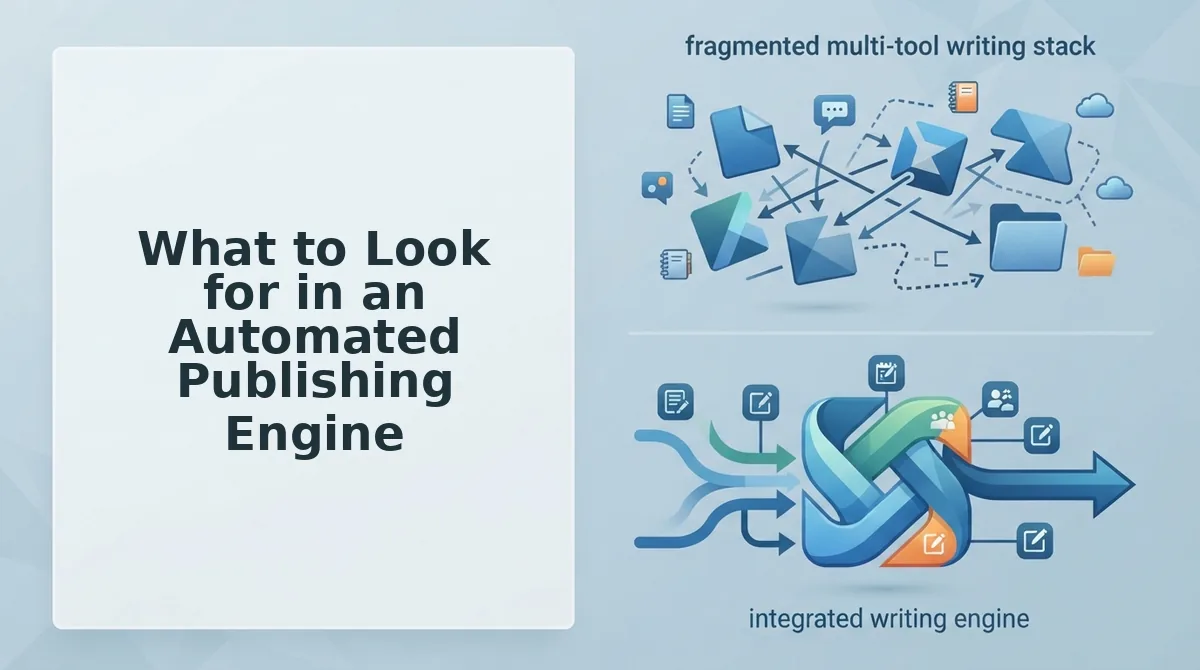
At the advanced level, this loop compounds. When you publish 10+ articles a week, manual uploads create a queue. Writers finish drafts that sit unpublished for days. SEO momentum stalls because content isn't live. And the fragmented stack, keyword tool, AI writer, editor, image generator, CMS, means no single tool owns the final step, so nobody optimizes it.
The 3-Step Path to Zero Manual Uploads
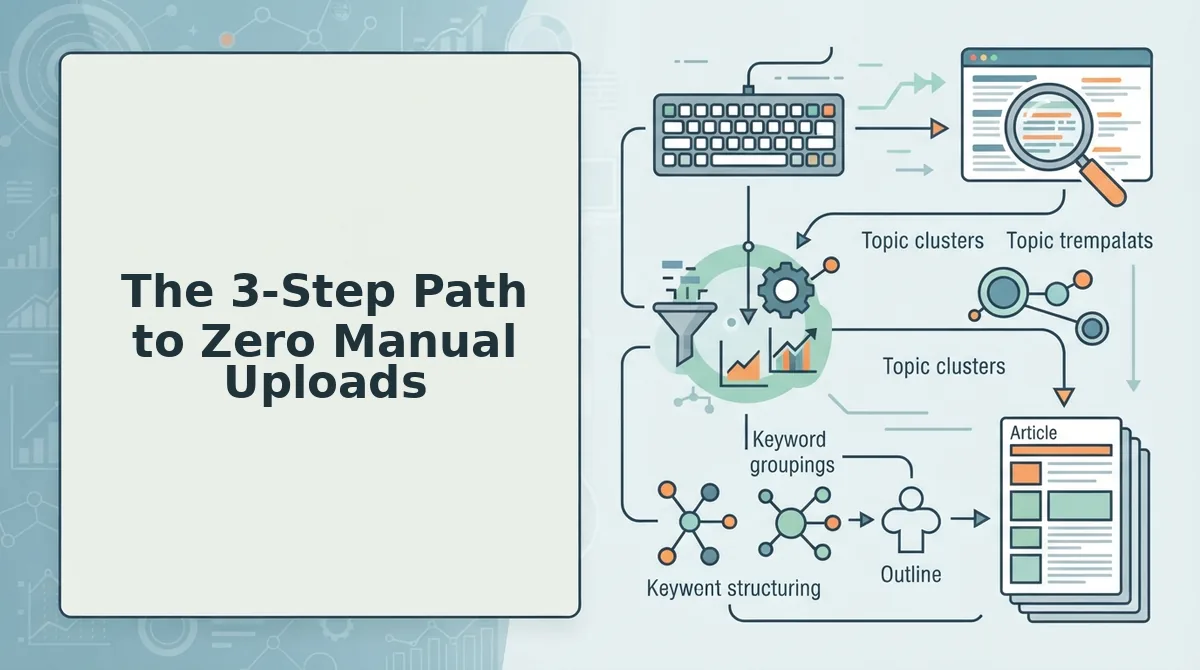
You can eliminate manual CMS uploads in three steps: choose a direct-publish connection, map your content fields once, and let an engine handle formatting and images. Each step takes under 30 minutes to set up, and the payoff is permanent.
Prerequisites: You'll need admin access to your CMS (WordPress, Webflow, or a custom API), your site's XML sitemap URL, and a list of the fields every published post must include, title, slug, meta description, featured image, and category.
- Choose a direct-publish connection. Open your CMS settings and locate the API or plugin options. You have three routes: a native integration (built into your CMS), a plugin (installed from the plugin directory), or a REST API connection (found under Settings, then API Keys). Pick the one your content tool supports. If you're using an AI SEO content engine like BloGoose, it connects directly to WordPress or a custom API without extra middleware. You should see a connection confirmation, a green checkmark or "Connected" status, before moving on.
- Map your content fields once. Create a template that defines where each piece of content goes: title, slug, meta description, featured image, category, and tags. This is a one-time setup. When a draft arrives, the engine fills these fields automatically instead of you retyping them. For deeper site context, use sitemap context extraction to pull your existing URL structure and taxonomy so new posts match your site's architecture.
- Let the engine handle formatting and images. Stop manually resizing images or fixing heading levels. A publishing engine applies your brand's formatting rules and generates images at the correct dimensions before the post reaches your CMS. Autonomous CMS publishing via AI agents is already achievable, the technology exists today, not in a roadmap. Success looks like this: you approve a draft, and the article appears live with correct headings, metadata, and images, zero manual edits required.
Once these three steps are in place, your publish loop collapses from six steps to one: approve and publish. Next, let's look at what separates a real automated publishing engine from a tool that just moves text around.
What to Look for in an Automated Publishing Engine
An automated publishing engine should eliminate every manual step between a finished draft and a live, indexed post. The seven capabilities below form a checklist most vendors do not publish, and they are the difference between a tool that drafts and a tool that ships.
- Direct CMS integration without middleware. The engine must push finished articles straight to WordPress or your custom API with zero copy-paste. This removes the formatting drift that happens when content moves through Google Docs, Notion, or a clipboard, and it is the single biggest time sink in manual workflows.
- Brand voice extraction from your existing site. The engine should crawl your published pages and learn tone, terminology, and formatting rules automatically. Without this, every article needs a human editing pass to sound like you, which quietly reintroduces the manual loop you were trying to kill.
- Image generation baked into the workflow. AI tools can generate images and automate blogging end-to-end, but only if image creation happens inside the same pipeline as drafting. If you are still downloading, renaming, and uploading featured images by hand, the engine is not finished.
- SEO and AI citation optimization in the draft itself. Look for a platform that bakes AI citation optimization into every article before it reaches your CMS. Posts should arrive structured for featured snippets and answer-engine extraction, not require a separate optimization pass.
- Live SERP awareness during drafting. The engine should reference live SERP research to match current ranking content, not a stale keyword list. This keeps articles competitive on publish day instead of three months behind the query.
- Calendar and cluster planning built in. Automated publishing means the engine plans a 30-day content calendar from your site structure, then executes it. If you are still picking topics manually in a spreadsheet, you have only automated the last mile, not the workflow.
- Publish-ready output, not drafts for review. The strongest signal is simple: posts arrive in your CMS formatted, optimized, and ready to go live with one click. Any engine that still requires manual field mapping, tag assignment, or formatting fixes has not removed the upload bottleneck.
Manual Upload vs Plugin vs Autopilot Engine: A Decision Matrix
Each publishing path trades control for speed differently. The right choice depends on how many posts you ship per week and how much of your calendar you are willing to manage by hand.
| Approach | Time per post | What you still do manually | Best for |
|---|---|---|---|
| Manual CMS upload | 10-20 minutes in formatting fixes alone | Copy-paste, heading cleanup, image upload, alt text, tags, internal links | Solo bloggers publishing 1-2 posts per month who want full control over every block |
| Plugin or API connection | 5-10 minutes per post | Field mapping, category assignment, image handling, final formatting check | Teams already using content optimization tools who want to reduce copy-paste but keep editorial oversight |
| Autopilot publishing engine | Zero manual uploads | One-click approval; posts arrive formatted, optimized, and ready to publish | Publishers and agencies shipping weekly clusters who need the calendar executed, not just drafted |
Plugins and API connectors are a legitimate middle ground: they cut the worst copy-paste friction while preserving a human checkpoint. Their weakness is that they still require manual field mapping and image handling, which means the upload bottleneck shrinks but never disappears. An autopilot engine removes the bottleneck entirely because the CMS connection, brand voice rules, and image pipeline are all configured once at setup. If your publishing volume is high enough that formatting fixes are eating hours every week, the autopilot path is the only one that scales.
FAQ: Direct Publishing and Manual CMS Uploads
Direct publishing removes the copy-paste step between your content tool and your CMS. These answers cover the most common questions from publishers evaluating automated workflows.
Can AI tools publish directly to WordPress?
Yes. AI content engines with direct CMS integration push finished articles straight to WordPress without copy-paste. The article arrives formatted, tagged, and ready to publish or schedule, eliminating the manual upload step entirely.
What's the difference between a plugin and a direct API connection?
A plugin sits inside your CMS and still requires you to map fields, assign categories, and handle images manually. A direct API connection is configured once at setup, after which the engine sends complete, formatted posts automatically with no per-post field mapping.
Do I still need to format images manually?
Not with a full autopilot engine. AI can generate images and automate blogging end-to-end, including featured image creation, alt text, and upload, all inside the same pipeline as drafting, so no manual image handling remains.
How do I avoid manual CMS uploads from blog workflows?
Use an automated publishing engine with direct CMS integration, brand voice extraction from your existing site, and built-in image generation. Configure the connection once, then let the engine plan, draft, optimize, and publish without any copy-paste or field mapping.
Ready to remove the upload bottleneck from your publishing calendar? Start your autopilot publishing setup.
Start Your Autopilot Publishing Setup
Removing manual CMS uploads is not a tooling tweak, it is a workflow redesign. The payoff compounds every time you skip the export-format-reupload loop.
Your next action is one sentence: connect a direct-publish connection once, map your fields once, and let the engine handle formatting and images from that point forward. That single setup session eliminates the recurring friction that makes blog workflows feel like data entry.
What changes after setup:
- Publishing becomes a background event, not a calendar reminder or a Friday-afternoon chore.
- Formatting errors disappear because the engine outputs CMS-native markup, not pasted rich text.
- Image handling stops being a bottleneck, the engine generates and attaches media without a manual upload step.
The open loop from the start of this article, whether manual uploads are a discipline problem or a systems problem, resolves here: it is a systems problem, and the fix is a direct-publish connection, not a better checklist.
If you are ready to remove the upload step entirely, start your autopilot publishing setup and see how a mapped connection changes your publishing cadence within the first content cycle.
Every manual upload you eliminate is a compounding hour returned to strategy, not logistics.