
How to Avoid Off-Brand AI Drafts With Site Context Files
You've read 50 AI-generated blog posts this month. You could tell 48 of them were AI. The tell isn't the grammar, it's the voice. That flat, frictionless tone that sounds like every other chatbot output is exactly what happens when you skip the one step that separates rank-ready content from generic filler: using site context files to avoid off-brand AI drafts.
You're not bad at prompting. You're missing a file system.
By the end of this article, you'll know the 8 brand context files that lock AI output to your voice, why prompts alone can't fix tone drift, and how an AI-powered SEO content engine can generate all 8 files automatically from your existing site. Stick around, the failure-mode table in Section 2 reveals a root cause most teams never diagnose.
Why AI Drafts Go Off-Brand (And Why Prompts Can't Fix It)
Brand context files are structured reference documents, style guides, writing samples, keyword maps, and SEO rules, that an AI reads before drafting so every output matches your voice and search intent. Without them, the model defaults to its training-data average: competent, generic, and unmistakably robotic.
Think of a brand context file like a recipe card. You can tell a chef "make something Italian," and you'll get a different dish every time. Hand them your grandmother's handwritten recipe, and you get her exact ragù. Prompts are the vague request. Context files are the recipe card.
The Three Failure Modes
When context files are missing, AI drafts fail in three predictable ways. First, with no style anchor, the model produces the generic chatbot voice readers instantly recognize. Second, with no keyword guardrail, it stuffs terms unnaturally or ignores them entirely. Third, with no writing examples, it generates robotic AI mush, correct grammar, zero personality.
| Missing Context File | Recognizable AI Failure Mode | Reader's Reaction |
|---|---|---|
| No style-guide.md | Flat, frictionless tone; no brand personality | "This sounds like every other AI post." |
| No writing-examples.md | Robotic transitions; no rhythm or voice quirks | "Nobody talks like this." |
| No target-keywords.md | Keyword stuffing or total keyword absence | "This wasn't written for search or for me." |
| No seo-guidelines.md | Missing meta structure, broken heading hierarchy | "This page won't rank." |
| No competitor-analysis.md | Content that duplicates top results without differentiation | "I've read this exact article elsewhere." |
| No internal-links-map.md | Orphaned posts with no topical cluster support | "Where do I go next?" |
Prompt quality is not the bottleneck. A perfectly worded prompt still leaves the model guessing about your tone, your audience's reading level, your keyword priorities, and your internal linking structure. The fix is not better instructions, it's giving the AI a file system it can read before it writes.
Here's the passage that answers the core question directly: Why do AI drafts go off-brand even with detailed prompts? Because large language models generate text by predicting the most statistically likely next token based on their training data, not on your brand. A prompt can nudge that prediction, but it cannot override the model's default voice without concrete examples of your actual writing. Context files work because they replace statistical averages with your specific patterns, sentence length, transition style, vocabulary range, and formatting habits. When the model has 500 words of your real published content as a reference, its predictions shift from "average internet article" to "this specific brand's voice." That shift is what separates content that sounds like you from content that sounds like everyone.
The 8 Brand Context Files That Keep AI On-Voice
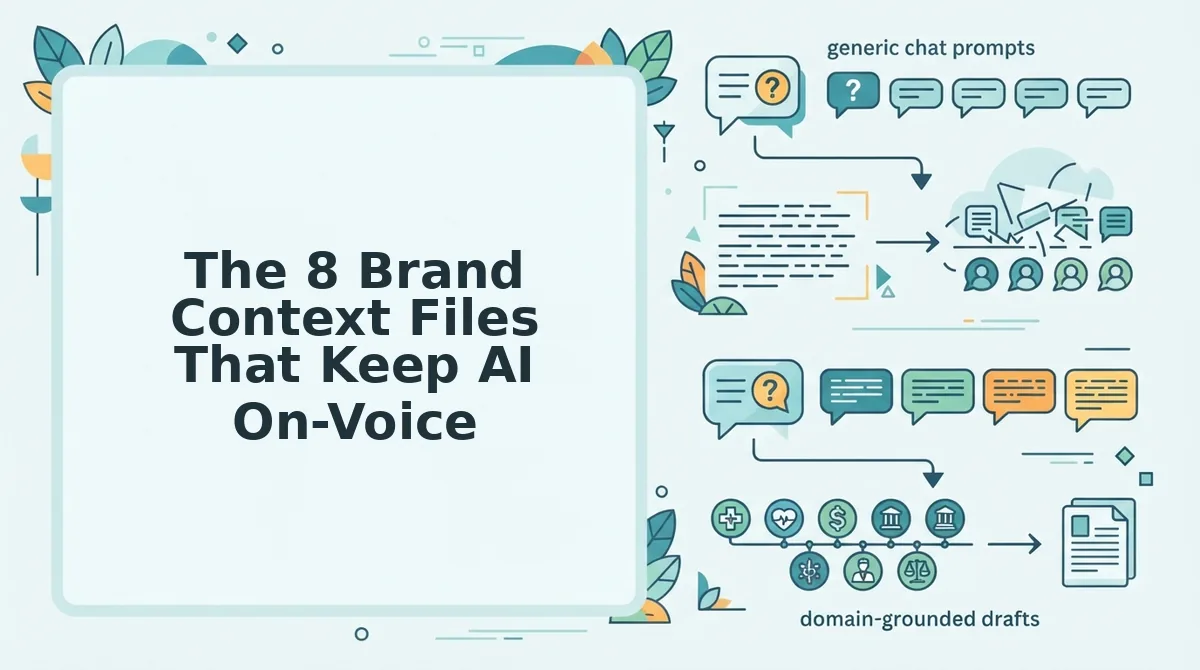
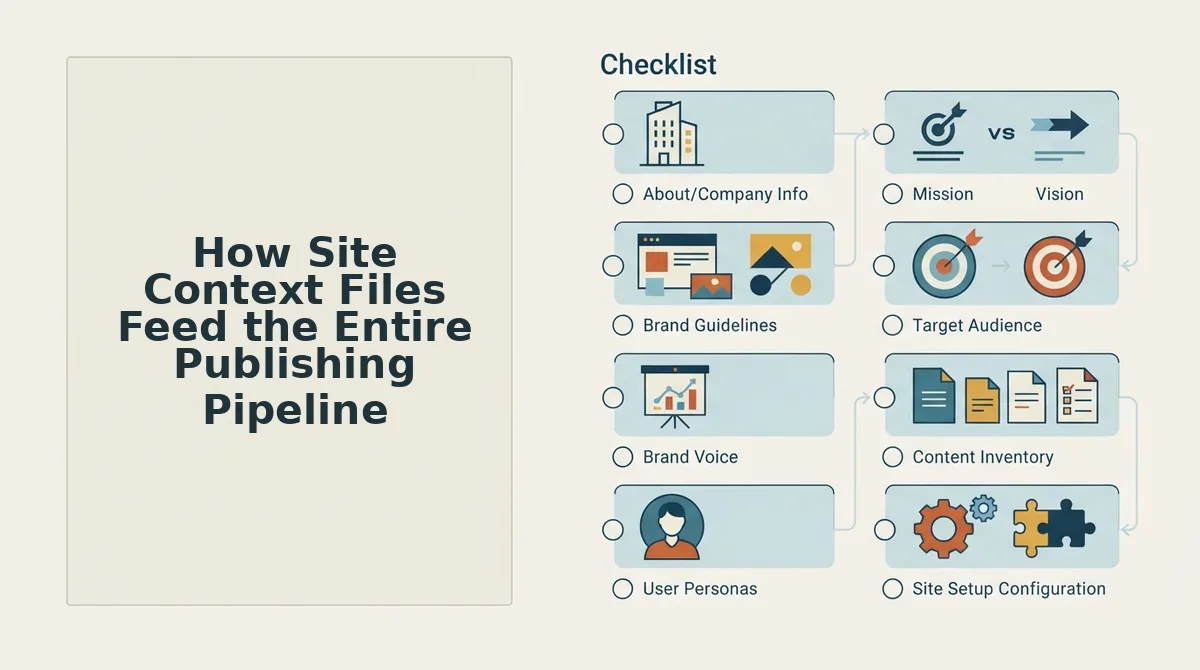
These eight files form a complete brand context system. When all eight are present, AI drafts stay on-voice, on-topic, and on-strategy without manual rewriting.
- style-guide.md. Defines your brand's voice rules: tone, sentence length, banned words, formatting preferences, and audience reading level. It matters because it replaces the model's default voice with your explicit constraints. Use it by pasting it into every drafting session or loading it into your content engine before generation. You can generate a style guide from website content automatically instead of writing one from scratch.
- writing-examples.md. Contains 3-5 of your best-performing published articles, verbatim. It matters because concrete examples shift the model's statistical predictions toward your actual patterns. Use it by selecting samples that represent the voice you want to scale, not just your most recent posts.
- target-keywords.md. Lists primary, secondary, and long-tail keywords mapped to specific pages. It matters because it prevents both keyword stuffing and keyword absence. Use it by referencing the file during outline creation so each section targets a specific term naturally.
- seo-guidelines.md. Specifies your heading hierarchy rules, meta description formulas, internal linking density, and passage-indexing requirements. It matters because on-voice content that ignores SEO structure still won't rank. Use it as a pre-publish checklist. You can create SEO guidelines from website content by crawling your existing top performers.
- competitor-analysis.md. Summarizes what top-ranking competitors cover, what they miss, and where your angle differs. It matters because it prevents content that merely duplicates the top 10 results. Use it to identify information gaps your article can own.
- internal-links-map.md. Maps your pillar pages, cluster posts, and anchor text conventions. It matters because orphaned content loses topical authority and confuses readers. Use it to ensure every new draft links to at least three relevant existing pages. A tool can build an internal links map from your existing site in minutes.
- audience-persona.md. Describes your reader's job title, pain points, reading level, and objections. It matters because voice is relational, you write differently for a CTO than for a solo founder. Use it to frame every article's hook and examples.
- content-calendar.md. Sequences topics into clusters so each post reinforces the last. It matters because isolated posts don't build topical authority. Use it to ensure every draft fits a pillar strategy rather than chasing random keywords.
Here's the passage that answers the implementation question directly: How do you create brand context files without spending weeks on documentation? The fastest path is to let a crawler do the extraction. A content manager drops their domain into BloGoose, the crawler reads the XML sitemap, inspects published pages, and detects the underlying voice patterns, keyword usage, and linking structure automatically. The platform then generates all eight files, style guide, writing examples, keyword map, SEO guidelines, competitor summary, internal links map, audience profile, and calendar, without manual copy-pasting. That means a brand context system that would take 20 hours to assemble by hand is ready in minutes, and every subsequent draft starts from your actual voice instead of a blank prompt.
Once these eight files exist, they don't just fix individual drafts, they feed the entire publishing pipeline.
How Site Context Files Feed the Entire Publishing Pipeline
Site context files are not reference docs you consult occasionally, they are machine-readable instructions that drive every stage of the publishing loop, from sitemap context extraction to rank-ready drafts.
Prerequisites: A live site with an XML sitemap, 3-5 published pages that represent your voice, and a CMS or API destination for publishing.
- Upload your domain into the setup wizard. Type your site URL and click Start Crawl. The engine locates your XML sitemap, inspects published pages, and extracts tone, terminology, and formatting rules automatically. You should see a crawl summary listing detected pages and a green checkmark next to Brand Context Extracted.
- Review the generated context files. Open Brand Voice, then Terminology to confirm banned words, preferred phrasing, and formatting rules match your editorial standards. Edit any field inline, changes propagate to every future draft. Expect 10-15 minutes for a first-pass review.
- Run live SERP research against your keyword cluster. Click Analyze SERPs and select your target queries. The engine pulls ranking pages, extracts structural patterns, and merges them with your context files into a per-article brief. You should see a brief with headings, entities, and citation targets within 60 seconds.
- Generate the draft and verify voice compliance. Click Generate Article. The draft renders with context-file rules applied at the sentence level, not bolted on afterward. Check the Voice Score panel, a score above 90 means the draft passed tone, terminology, and formatting checks.
- Approve and publish to your CMS. Select Publish, then choose WordPress or your custom API endpoint. The article ships with images, meta tags, and internal links intact. You should see a Published status with a live URL within minutes.
At this point, context files stop being documentation and start being infrastructure, the same files that shaped the brief also constrained the draft and will govern the next 30 articles in your calendar.
Context Files vs. Prompt Engineering: What Actually Works
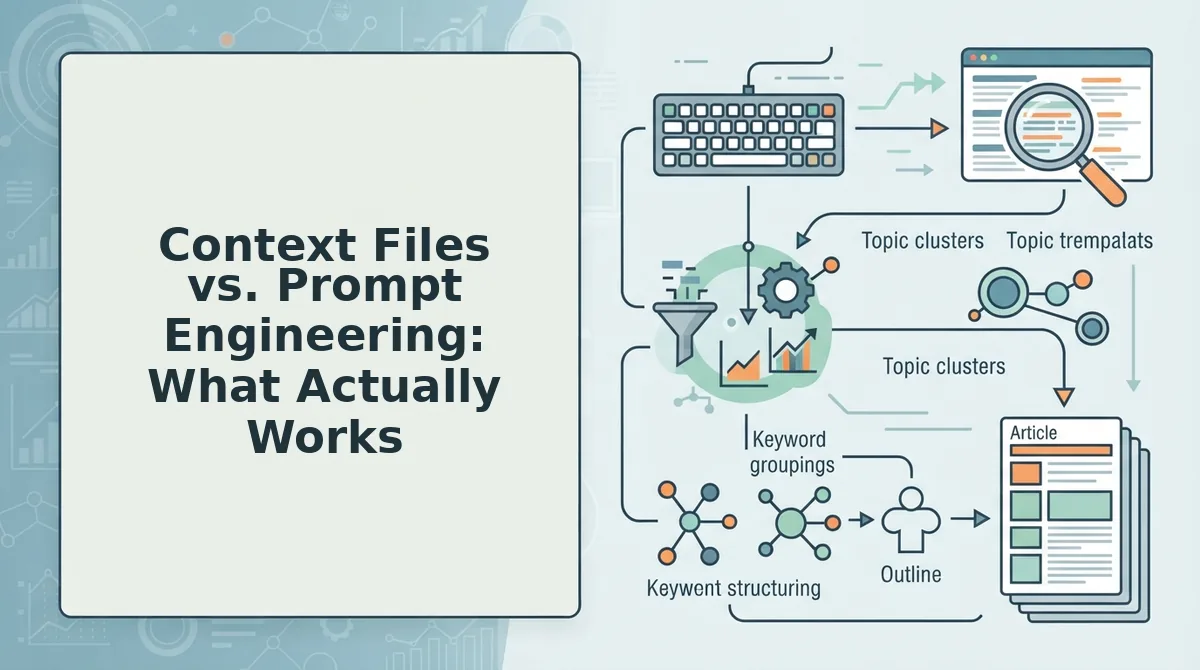
Prompt engineering improves individual outputs; context files improve every output systematically. Both have a place, but they solve different problems, and for publishing teams, the difference compounds weekly.
Prompt-only workflows are genuinely useful for solo operators testing ideas or generating one-off drafts. The honest strength of prompt engineering is speed of iteration: you can tweak a prompt in seconds and see immediate changes. What it cannot do is guarantee consistency across 30 articles, multiple writers, or AI model updates.
A trimmed prompt still relies on the model interpreting instructions the same way every time. A structured context file removes interpretation from the loop.
| Factor | Prompt Engineering | Site Context Files |
|---|---|---|
| Reliability | Varies by model, session, and phrasing | Deterministic rules applied every draft |
| Scalability | Manual re-prompting per article | One-time setup, applies to entire calendar |
| Brand consistency | Depends on prompt recall and copy-paste discipline | Enforced at generation time, not memory |
| Maintenance | Constant tweaking as models change | Update the file once, all drafts follow |
Best for prompt engineering: Solo founders and experimenters who need one-off drafts fast and are comfortable re-prompting when output drifts.
Best for site context files: Content managers, SEO leads, and publishing teams who need 10+ articles per month that sound like the same brand without manual QA on every draft.
If your workflow involves copying the same brand instructions into every chat window, you have already outgrown prompt engineering, you just have not replaced it with infrastructure yet.
FAQ: Site Context Files and AI Brand Voice
How do I avoid off-brand AI drafts with site context files?
Create a structured context file containing your brand voice rules, terminology, formatting preferences, and example passages, then feed it to your AI tool on every generation. The file removes interpretation from the model and applies your rules deterministically across all drafts.
What should be in an AI brand context file?
Include tone descriptors, banned words, preferred terminology, sentence-length rules, formatting conventions, audience personas, and 2-3 annotated examples of on-brand writing. The examples matter most, they teach the model your voice faster than abstract adjectives.
Can AI really match my brand voice?
Yes, when given structured examples rather than vague instructions. AI models learn patterns from sample text, so a context file with annotated on-brand passages produces measurably closer voice matches than prompts describing tone alone.
How many context files do I need?
Most sites need 5-8 files: brand voice, terminology, formatting, audience, content structure, examples, SEO rules, and publishing settings. Start with voice and terminology, then expand as you identify recurring off-brand patterns.
Do context files work with any AI writing tool?
They work with any tool that accepts system prompts or custom instructions, but enforcement varies. Dedicated content engines apply context files at generation time automatically, while general chat tools require you to paste the file into every session manually.
Your Brand Voice Is Already on Your Site, Extract It and Ship
Off-brand AI drafts are not a prompting problem. They are a context problem. The fix is not another carefully worded instruction, it is a set of files that describe how your brand actually writes, built from the pages you have already published.
Here is the sequence that closes the loop:
- Crawl your site and let the engine read your sitemap, pages, and existing copy.
- Generate the 8 context files that capture voice, tone, terminology, formatting rules, and citation preferences.
- Publish one on-brand draft this week and compare it against a prompt-only output. The difference is immediate and measurable.
Every article you publish without context files teaches the model the wrong voice. Every article you publish with them compounds into a defensible brand asset. That is the synthesis: context files turn one-off drafts into a self-reinforcing publishing system.
The fastest way to see this in action is to run your domain through an AI-powered SEO content engine that crawls your site, extracts the context, and ships a finished draft to WordPress or your API, no prompt engineering required.
Brand voice is not something you describe to AI. It is something you extract from the work you have already published, and feed back into every draft that follows.