What to Check Before Requesting Indexing for a New Post
The button is the last step, not the first. All five top-ranking results on this topic are videos that jump straight to clicking Request Indexing and skip the checks that decide whether the click counts.
Picture a Blogger user who follows one of those tutorials and requests indexing for a post that is missing from the sitemap and has no links pointing to it.
Waiting on Google is frustrating, so the urge to push makes sense. Below is what to verify before requesting indexing for a new post, grouped into three gates: crawlable, canonical, and worth indexing.
Check 4 is the one that quietly cancels the request. Pair this checklist with our guide on how to get Google to discover new posts.
Before requesting indexing for a new post, confirm nine things: the URL returns a 200 status, robots.txt does not block it, no noindex tag or header is present, the canonical tag points to itself, the XML sitemap lists it with an accurate lastmod, at least one crawled page links to it, the URL Inspection live test shows rendered content, the post offers unique depth that does not cannibalize another page, and it has a valid title, meta description, and Article schema.
What Does Request Indexing Actually Do?
Request Indexing asks Google to crawl a specific URL soon. It does not guarantee that Google will index the URL.
Request Indexing is a button inside the URL Inspection tool in Google Search Console that adds one URL to Google's crawl queue. URL Inspection is the tool that shows how Google currently sees a single page. Crawling means Googlebot fetches the page and reads its content. Indexing means Google stores that page so it can appear in search results. The request speeds up only the first step. If the page is thin, blocked, or a duplicate of another URL, Google can crawl it and still decline to index it.
Think of it like telling a librarian a new book has arrived. They will look at it, but they shelve it only if it belongs in the catalog.
Before you click, have these ready:
- A verified Search Console property for your domain
- A live, published URL that loads without errors
- Access to the URL Inspection tool and about ten minutes
A request for an unfinished post uses up Google's crawl on a page it may reject. If you publish with BloGoose, see the Google indexing setup in BloGoose guide.
The page's readiness decides the outcome, and the checks below confirm it.
The 9 Checks to Run Before You Click Request Indexing
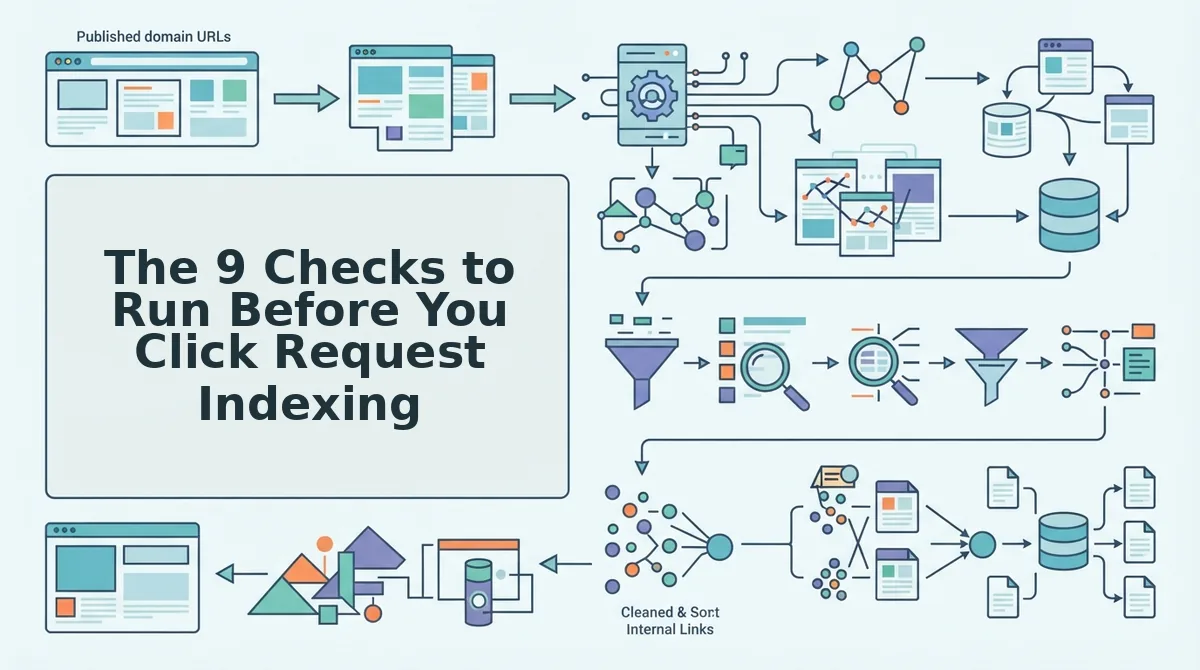
Run nine checks in three ordered gates before you request indexing: confirm Google can crawl the post, confirm which URL is canonical, and confirm the page is worth indexing. If a post fails an earlier gate, the later checks don't matter yet.
The Green-Light Gate framework is a pre-submission checklist that sorts indexing blockers into three sequential gates: Crawlable, Canonical, and Worth indexing.
Before you start: You need Google Search Console access for the property, the live post URL, and your sitemap URL. Plan on roughly 15 minutes per post.
Gate 1: Can Google Crawl It?
- Load the URL and confirm a 200 status. Check that there is no redirect chain and no soft 404, such as a thin "not found" page that still returns 200. Success means the final URL matches the URL you plan to submit.
- Open yoursite.com/robots.txt. Confirm no Disallow rule covers the post's path. You should find no rule that matches the URL.
- View the page source and response headers. Search for a noindex and robots meta tags entry and an X-Robots-Tag header. Neither should contain noindex.
Pro tip: On WordPress, open Settings, then Reading, and confirm "Discourage search engines from indexing this site" is unchecked. Teams often leave it on after launch. Staging noindex settings can also carry into production when a site is migrated, so re-check headers on the live domain.
Gate 2: Which URL Is the Real One?
- Add a self-referencing canonical. The tag should point to the post's own clean URL, which is how canonical tags choose the indexed URL: <link rel="canonical" href="https://example.com/your-post/">
- Open your XML sitemap and find the post. Confirm the entry exists and that its XML sitemap lastmod value reflects the real publish or update date.
- Link to the post from at least one crawled, relevant page. A related pillar or category page works best. Success is a working, followable link from a page Google already knows.
Gate 3: Is It Worth Indexing?
- Run the URL Inspection live test. In Search Console, paste the URL, click Test Live URL, then View Tested Page. The rendered HTML should show your full article text.
- Compare the post against your existing content. Confirm it adds unique depth and does not target the same query as an existing post, which would cannibalize it.
- Validate the title, meta description, and Article schema markup. Each should be present, unique, and error-free in a structured data test.
Requesting indexing never overrides a failed gate. Fix the blocker first, then submit.
Worked Example: The Blogger Post From the Intro
Take the Blogger post from the intro. It passes Gate 1 because it returns 200, robots.txt doesn't block it, and it carries no noindex tag. Gate 2 is where it stalls, since nothing points Google toward it.
So the owner adds the post to the sitemap with an accurate lastmod, then edits a related pillar page to link to it. Only after both changes go live do they open URL Inspection and click Request Indexing.
Skip the manual Gate 2 work. BloGoose reads your sitemap and builds internal-links-map.md before publishing, so Checks 5 and 6 run automatically on every article it ships to WordPress or your custom API.
Passed all nine and still waiting? The status message in Search Console points to which check to revisit.
Still Not Indexed? Match the Status to the Check
Rerun URL Inspection in Search Console a few days after you submit, then read the coverage status. Each status points to one of the nine checks: noindex points to Check 3, canonical conflicts to Check 4, discovery gaps to Checks 5 and 6, thin or overlapping content to Check 8, and soft 404s to Check 1.
| Search Console status | Likely cause | Check to revisit | Fix |
|---|---|---|---|
| Excluded by 'noindex' tag | Meta robots or X-Robots-Tag blocks indexing | Check 3 | Remove the noindex directive, then resubmit |
| Alternate page with proper canonical tag | Canonical points to another URL | Check 4 | Set a self-referencing canonical |
| Crawled - currently not indexed | Thin depth or cannibalization | Check 8 | Expand the post or merge overlapping posts |
| Discovered - currently not indexed | Weak discovery signals | Checks 5 and 6 | Add the URL to the sitemap and link to it internally |
| Soft 404 | Page looks empty or error-like | Check 1 | Restore real content and a 200 response |
Worked example 3: URL Inspection shows "Alternate page with proper canonical tag" for a new post. This status means Google found a canonical tag that points to a different URL, so it treats your post as a duplicate and indexes the other page instead. That traces back to Check 4. To fix it, open the page source and find the rel="canonical" tag. Change it so it references the post's own URL, then clear any caching layer. Run a live test in URL Inspection to confirm Google reads the new canonical. Once the test passes, submit the request again.
For more on the last row, see our guide to soft 404 errors.
Request Indexing FAQ
These answers cover timing, the Indexing API, resubmissions, and sitemaps. These questions come up after the core checks are done.
How long after publishing should I request indexing?
Request indexing once all nine checks pass, not at a fixed time after publishing. A request sent while a noindex tag, wrong canonical, or missing internal link is still live won't fix that problem.
Does the Indexing API work for normal blog posts?
No. Google documents the Indexing API for specific page types, such as JobPosting and BroadcastEvent pages, so it is not a shortcut for blog posts. Verify the current scope in Google's Indexing API documentation before you build any workflow around it.
Does resubmitting the same URL speed up indexing?
No. Repeat requests for an unchanged URL don't fix the underlying issue. Match the status to its check, fix it, and then submit once.
Do I need to request indexing if the post is in my sitemap?
Usually not. A sitemap entry plus internal links is the default discovery path for routine posts and respects your crawl budget. Save manual requests for important or substantially updated URLs.
Make the Request Count
A request only works when the page has already earned it. Clear the three gates first: Google can reach the page, Google is allowed to index it, and the page is worth indexing. Then submit once.
The finding promised at the start holds. Most "stuck" posts aren't waiting on Google. They are failing a check the status table already names. Keep this order: gate order, nine checks, one request, then diagnose with the table.
The checks that slip most often are the sitemap entry and internal links. When you publish automated SEO content through BloGoose, posts ship directly to WordPress or your custom API with sitemap-aware internal linking. That covers both checks on every publish.
When those checks are built into publishing, a manual request becomes the exception, and your best posts get crawled sooner.