WordPress vs Custom API Publishing for AI Written Blog Articles
The article is written. The only decision left is where it lands â and that choice outlives every prompt you spent getting the draft right.
If your site already runs WordPress, the wordpress vs custom API publishing question is largely settled: publish through the REST API that ships inside WordPress core. Reach for a custom endpoint only when your team already owns one that is documented and idempotent â meaning a retried request cannot create a second copy of the same post.
Should I publish AI written blog articles to WordPress or a custom API? Publish to WordPress through its built-in REST API when the site already runs WordPress and you want drafts, scheduling, and image handling without extra work. Use a custom API only when your team already maintains a documented, idempotent publish endpoint.
You have the drafts. What you need is a publishing decision you will not have to revisit in three months. This guide gives you the verdict first, then the failure modes that separate the two paths, then a straight read on where each one actually wins.
One of those failure modes decides the whole comparison, and it is not speed or cost â it is what happens on the second attempt. If you would rather configure the endpoint before you finish reading, the walkthrough for connecting WordPress to an AI content engine covers the setup.
What Counts as WordPress Publishing and What Counts as a Custom API
WordPress publishing is writing a post through the REST API bundled inside WordPress core. Custom API publishing is writing that same post through an endpoint your own team built and now has to maintain.
WordPress REST publishing is sending an article to the API included in core, which accepts a title, body, status, and featured image and stores the result as an ordinary post.
Custom API publishing is sending that article to an endpoint your engineers wrote, which means your team also owns its authentication, validation, and retry behavior.
Headless CMS publishing is a third path people fold into the second: the CMS is decoupled from the front end, but it is still a product with an API someone else designed, not an endpoint you wrote.
A custom API is an endpoint you publish into. A custom website is a build decision. They are separate questions, and the supplied landscape proves the confusion â four of the five highest-reach videos on this topic compare building a site with WordPress against coding one from scratch, which never addresses publishing into a CMS that already exists. You can put a custom endpoint in front of WordPress, or run a custom-built front end against WordPress's own API. Separate the two before you compare anything.
That sounds fine until the first failed publish.
| Failure mode | WordPress path | Custom API path |
|---|---|---|
| Credential expiry | Application passwords or plugin-managed auth; rotate per integration | Tokens and rotation schedule the team must build |
| Media sideload | Media library stores the file and generates sizes | Upload, storage, and derivative generation are yours |
| Slug collision | Core resolves duplicate slugs and keeps permalinks unique | Uniqueness rules you define and enforce |
| Scheduled publish drift | Date and status fields handle the queue | Scheduler and clock handling are your code |
| Rollback and retries | Post revisions plus a status change back to draft | Idempotency keys and audit logic you maintain |
Rollback and retries is the row that decides everything, because a retried job that duplicates posts costs more than either platform choice. And the asymmetry underneath it is real: WordPress gives you post statuses out of the box, while a custom API gives you whatever state machine the team built. BloGoose publishes finished drafts directly to WordPress or to a custom endpoint, so that choice stays a setting instead of a project.
Where WordPress Publishing Wins
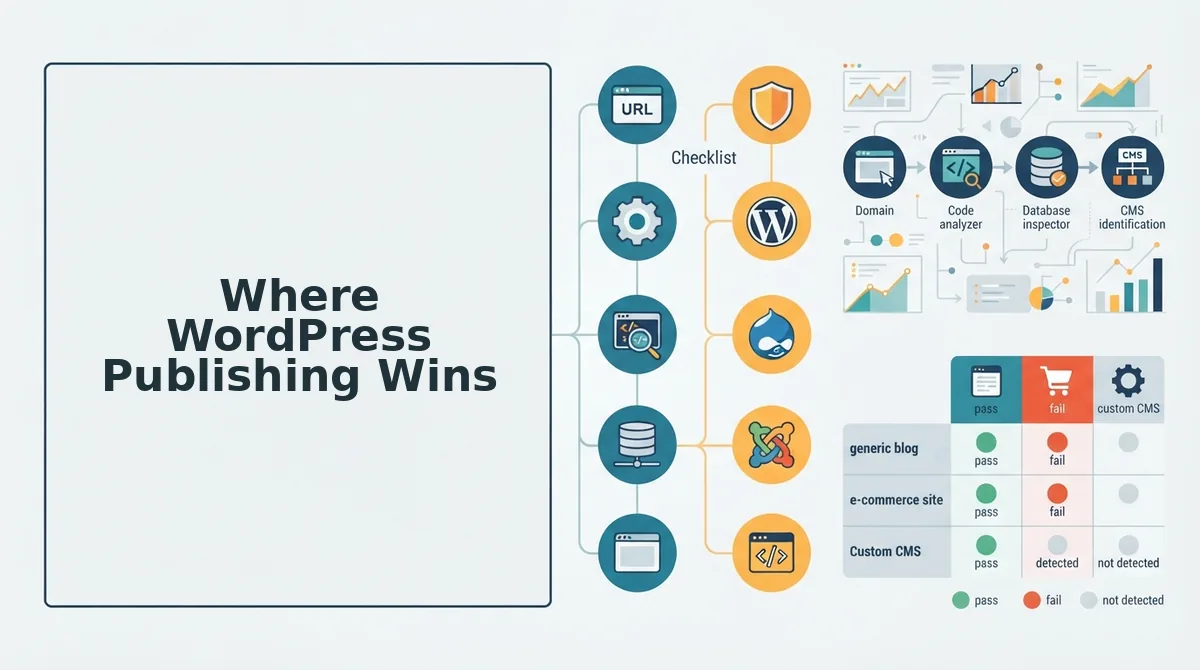
WordPress wins on inherited machinery. Post statuses, image handling, and revisions already exist, so the publishing workflow you would otherwise design and maintain becomes configuration instead. That is the honest advantage â not speed, and not a feature checklist.
| What you need | WordPress core | Custom endpoint |
|---|---|---|
| Review and scheduling | Draft, pending, future, private | State machine you design |
| Image derivative sizes | Media library generates them | Your code generates them |
| Rollback | Post revisions | Whatever you built |
To publish AI written articles to an existing WordPress site safely, crawl the site first and confirm the REST endpoint resolves before writing any code. Send the article as a draft rather than as published content, and let a reviewer move it to pending. Schedule approved work to future so it releases on your calendar instead of on the engine's run. Media goes through the media library, which returns generated sizes and metadata you would otherwise have to build. Nothing reaches a public URL until a person has approved it.
Post statuses are a free state machine, and revisions give you post-level rollback â the cheapest possible answer to the rollback row above. Best for content managers, SEO leads, and publishing teams already running WordPress who need human review inside the pipeline rather than bolted on beside it.
Wherever the article lands, optimize it for AI answer engines before it ships; a structured, self-contained answer earns citations that layout alone does not.
Here is where the other path earns its keep.
Where a Custom API Wins
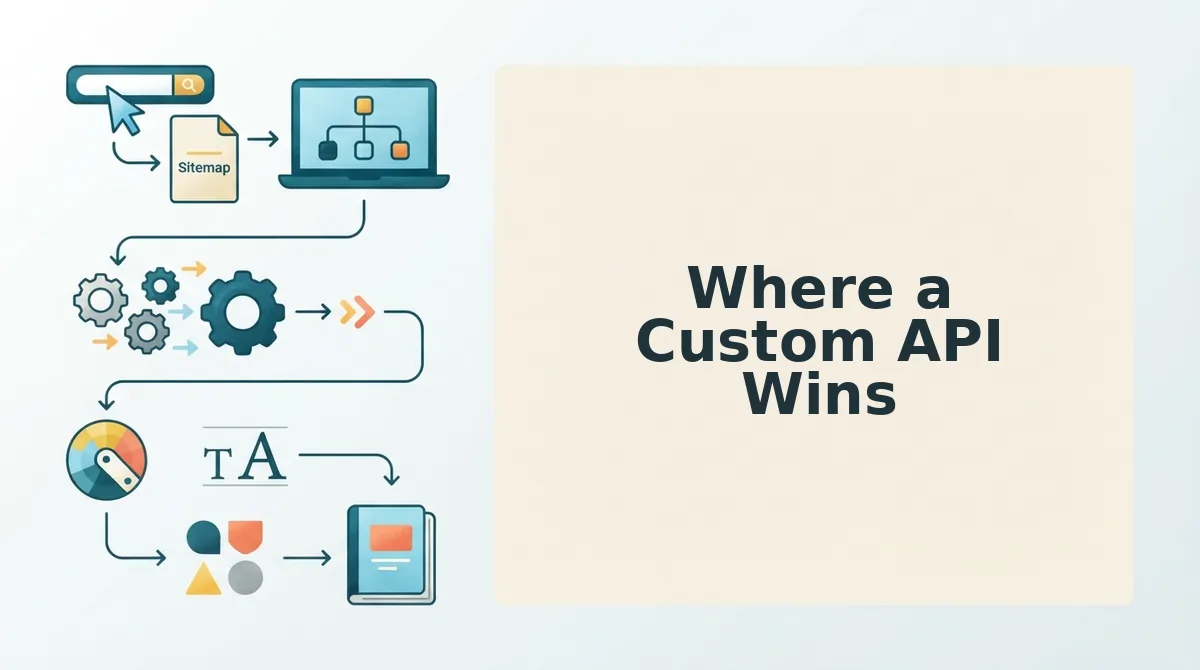
A custom publish endpoint wins on control: your auth model, your rate limits, your response payload, and nothing to patch but your own code. It only wins on reliability if your team wrote the parts WordPress gives you for free.
| Requirement | WordPress REST API | Custom publish endpoint |
|---|---|---|
| Auth model | Core-managed credentials, typically application passwords | Whatever you build; you own rotation and scopes |
| Schema control | Fixed post object plus registered fields | Any schema, including fields the CMS has no concept of |
| Rate limiting | Depends on host and installed plugins | Explicit and tunable per client |
| Patch surface | Core plus every plugin on the install | Only the libraries you ship |
| Publish response | Post object and status | As rich as you wrote it |
The last row is underrated. A custom endpoint can return richer publish responses and support a review state the CMS does not model â an editorial queue, a fact-check flag â but only if the team wrote that state. An endpoint returning a bare 200 has simply traded one opaque system for another.
No plugin surface is a genuine operational win for teams already maintaining a patched WordPress install. Fewer third-party updates means fewer surprises on the publish path.
The cost is ownership. The state machine, media pipeline, slug policy, and retry semantics are yours. That is why the deciding variable is not the CMS but whether the endpoint is idempotent: one that accepts a retry without duplicating a post is worth more than any schema advantage. A team that has not designed an idempotency key has not chosen the custom path, it has deferred the decision â which is how most automated content publishing pipelines end up with duplicate drafts.
Best for the custom path: platform teams with an existing content service and an engineer who owns it. Best for WordPress: publishing teams without that engineer, and anyone whose priority is shipping articles this month rather than designing an endpoint.
Where BloGoose Fits, and Where It Stops
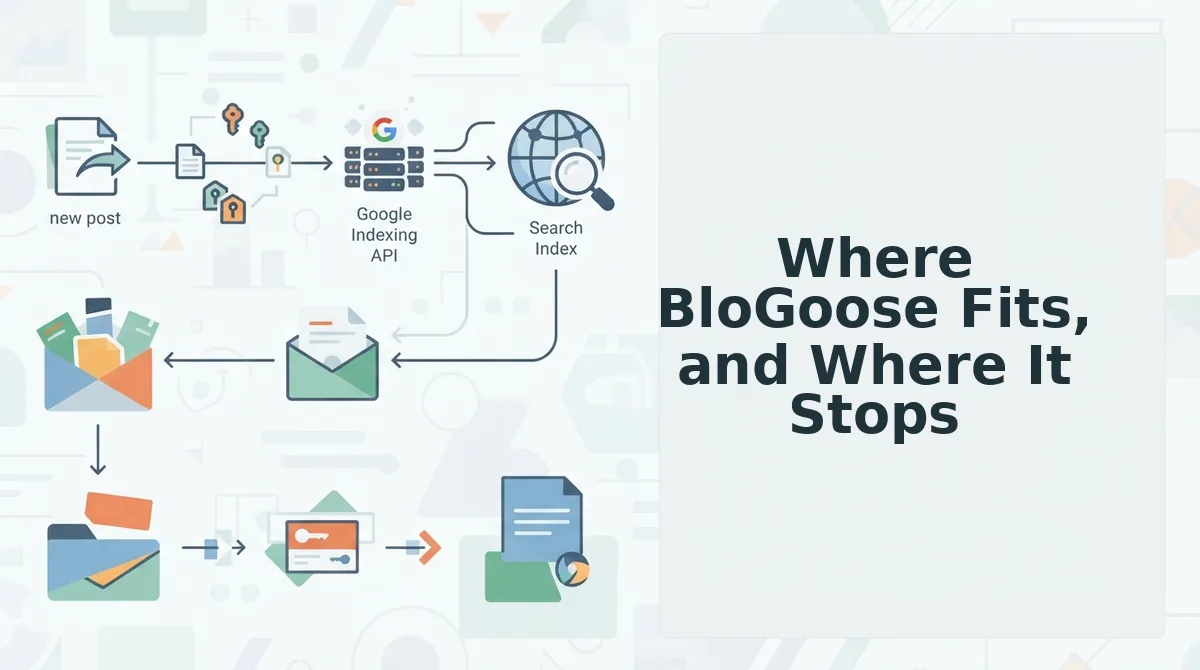
BloGoose publishes to two destinations â WordPress and a custom API â and it recommends one based on the stack it detects during the site crawl, not on a preference. Here's where it gets practical.
- Stack detection during the crawl. BloGoose locates the XML sitemap, inspects published pages, and returns the underlying technical stack, so the recommended path is keyed to something observed rather than something you guess. Read the detected stack before reading any comparison table.
- WordPress detected with a reachable REST endpoint? Publish there. You inherit core credentials, media handling, and post statuses instead of writing them. Route drafts, not publishes, until the first ten articles pass review cleanly.
- Documented endpoint on a custom or headless stack? Keep that path, but verify idempotency first. Send the same article twice and confirm one post exists. If a retry duplicates, the endpoint is not ready for automation regardless of how good its schema is.
- Run the pre-commit checklist in order: auth model, rate limits, media handling, scheduling, rollback. Each one invalidates a later assumption if it fails â a rate limit you never measured makes your retry logic fiction, and an unhandled media sideload leaves posts with broken images.
- Know the limits before you commit. Two publish destinations exist, BloGoose does not build your endpoint, review state goes only as far as the destination's own status machine, and human editorial review stays with you. Schedule that review step into the calendar rather than around it.
The next move is one test article through the entire path: publish it, request indexing after publishing, then fire the same request twice and check that only one post exists. That test tells you more about your publish path than any feature matrix.
Questions Teams Ask Before Choosing a Publish Path
The deciding question is not which system is better â it is which path your team can still operate after the first successful publish. Three answers settle most of it.
Do I need a developer to publish to the WordPress REST API?
For initial auth setup, usually yes: application passwords or a plugin-level credential take one sitting to configure. After that, ongoing publishing is configuration â status, category, media, slug â handled by whichever tool sends the request.
Can we move from a custom API to WordPress later without rewriting the pipeline?
Yes, but not for free. The state machine and slug policy have to be mapped onto WordPress statuses and permalinks, and that remapping is the real switching cost. The request format is the easy part.
Does publishing through the API instead of the editor change how the post is indexed?
No. It is the same post object, so indexing depends on status and internal links, not transport. Requesting indexing remains a separate step on either path.
Which closes the loop from the top of this article: the failures that matter happen after the first successful publish, not during it. Retries, expired credentials, and slug collisions are what turn a working demo into a stalled calendar.
Start there â drop your domain into the setup wizard and let the crawl tell you which stack you actually have before you commit to building one.