Byword vs BloGoose for Publishing Brand Aligned Posts to WordPress
You are three tabs deep into a vendor comparison, and neither page answers the only question that decides it: which tool publishes a post that still sounds like your team wrote it? Byword is a bulk, keyword-driven article generator. BloGoose is a context-file-driven engine that publishes to WordPress or a custom API with images and an indexing ping already attached.
This byword vs blogoose wordpress publishing comparison is really a question about inputs, because the two tools read different things before they write a word. No organic comparison of this pair currently exists to lean on â the only retrieved results for the query are two YouTube videos with 38 and 15 views, neither about either product. What follows is built from vendor documentation, with every unconfirmed cell marked.
For buyers in a hurry, the standalone answer: choose Byword if you already own a keyword list and want volume; choose BloGoose if you want the writing fed by your own sitemap and shipped into WordPress with images. The real cost of either choice lands after the draft, in anchor selection, image sourcing, formatting, and the publish step itself. One input source leaves a far shorter tail than the other. Which one breaks first at scale is the part most comparisons never reach, and it comes later in this page.
What actually separates Byword and BloGoose for WordPress publishing?
The separator is what each tool reads before it writes and what it does after. Byword starts from a keyword batch you supply. BloGoose starts from your site's structure, captured in context files, then publishes to WordPress or a custom API with images and an indexing ping. Judge both on four axes before you judge either on output.
Ask these as questions in a sales call, not as feature checks on a page:
- What feeds the writing â a keyword list or your sitemap? A flat list of queries carries no internal link map, no competitor positioning, and no examples of how your team opens an intro. Site structure carries all three. The input determines how much editing follows.
- Does publishing mean a live post or an export file? Direct publishing writes into WordPress or your custom API and handles the handoff. A export file means a human owns upload, formatting, and scheduling. The gap is roughly an hour per post.
- Who makes the images and credits them? Assets are the quietest line item in any content operation. Confirm whether images are generated, licensed, and attached at publish, or arrive as placeholders you source yourself.
- Where does a human touch the draft? Every workflow needs one review gate. Map whether it sits before generation, mid-draft, or in the CMS, because that is where brand voice actually gets enforced.
| Criterion | Check on Byword | Check on BloGoose | Status |
|---|---|---|---|
| Input source | Keyword batch (unverified) | Sitemap crawl and context files | Confirm Byword |
| Publishing depth | Direct publish or export â unconfirmed | WordPress or custom API | Confirm Byword |
| Asset handling | Not documented in sources | Images created with the post | Confirm both |
| Review loop | Not documented in sources | Human gate before publish | Confirm both |
Word counts, pricing, and performance figures are deliberately absent: none could be substantiated from the sources behind this page. For the plumbing underneath either option, see how an AI content engine connects to WordPress. BloGoose handles the connection, the images, and the indexing ping in the same pass.
What Byword's keyword-batch model hands you and what it leaves out
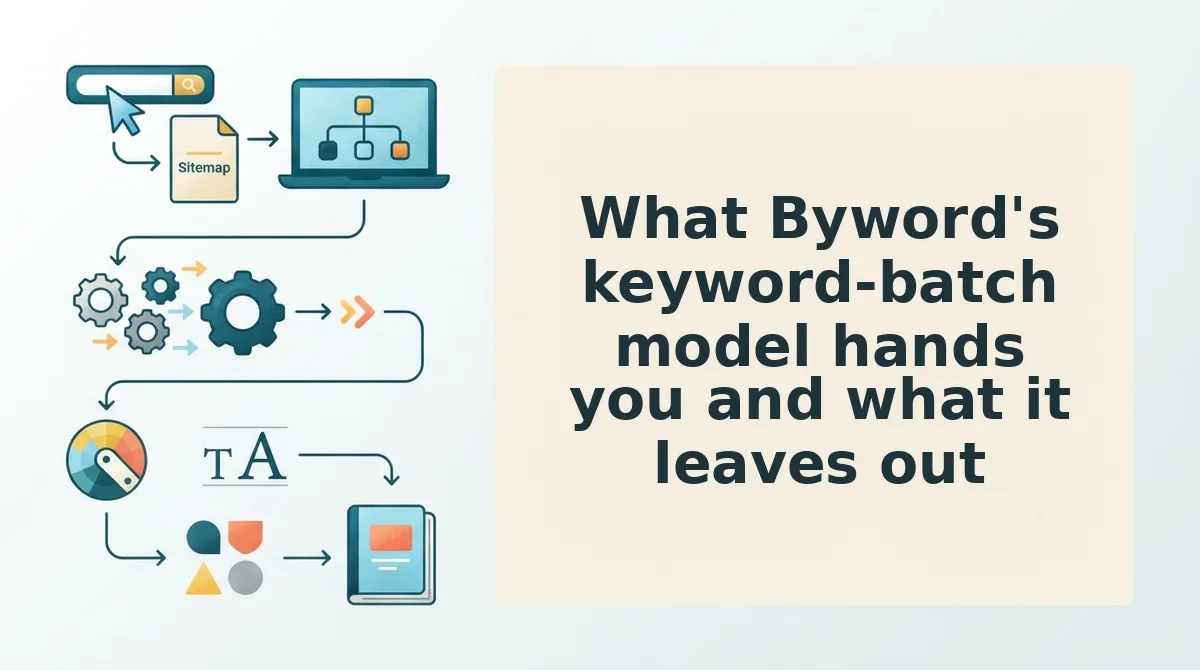
Byword's keyword-batch model gives you breadth cheaply and hands back the last mile. It is a strong input for programmatic coverage and a thin one for brand alignment, because a keyword string carries none of your context.
A keyword batch is a flat file of search queries, typically paired with volume and intent columns, fed into a generator in bulk. At its simplest you seed one topic cluster; at scale you seed hundreds and watch drafts queue up. Think of it like a list of addresses with no map: it tells a driver where to stop, not what the street looks like, where the one-way signs are, or how your neighbors built their houses.
That absence shows up downstream. The batch does not remove anchor selection, image sourcing, formatting decisions, or the publish step â it relocates them to you. Every draft still needs internal links chosen against your existing pages, images attached with credits, headings normalized to your template, and a scheduled slot in WordPress. Multiply that by a hundred drafts and the generation time you saved is the smallest number in the workflow.
Label the specifics as estimates, because they are. Whether Byword publishes directly to WordPress or exports drafts for upload is not confirmable from the sources behind this page â confirm with the vendor rather than planning a workflow around a guess. The artifact itself is the honest tell: a keyword list has nowhere to hold writing examples, competitor analysis, or the way your team actually opens an article. Those live in your site, which is precisely what a keyword batch never reads.
How BloGoose turns your site context into a published WordPress post is a different mechanism altogether.
How BloGoose turns your site context into a published WordPress post
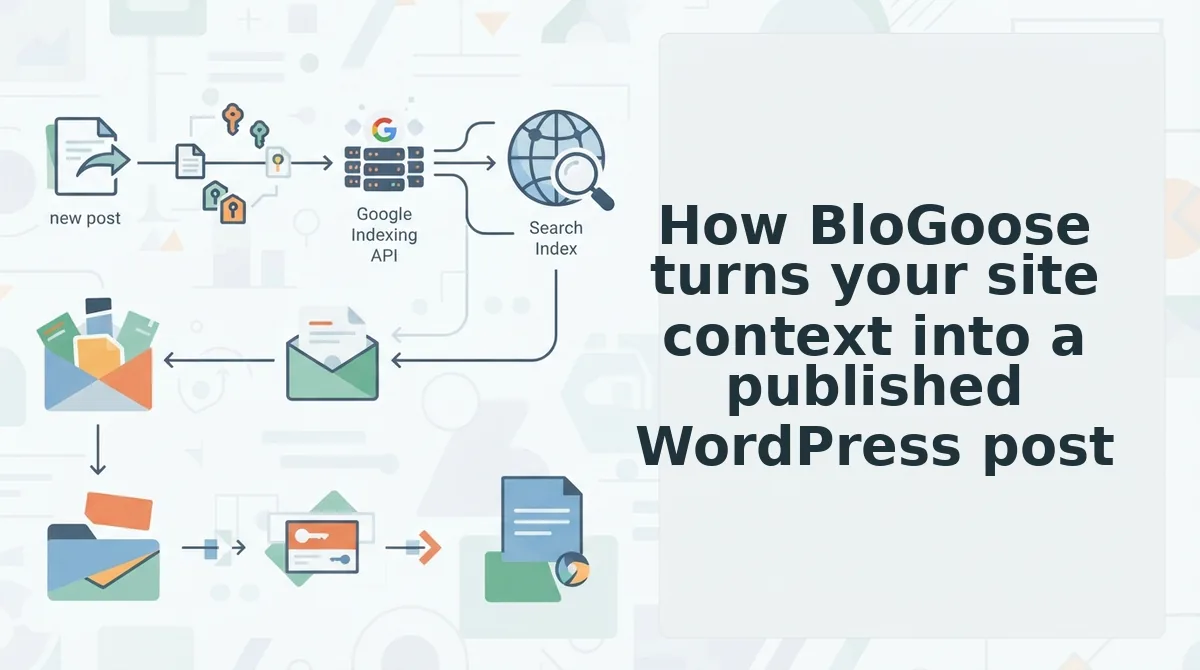
BloGoose runs one continuous pipeline: crawl the sitemap, extract context into Markdown files, sequence a 30-day calendar, draft with SEO and AEO built in, generate images, then publish to WordPress or your custom API with an indexing ping. The human time before your first post goes live is usually under an hour, most of it spent reviewing files rather than writing.
Before you start, you need: a live site with an accessible XML sitemap, WordPress admin access (or an API endpoint and token), and a rough sense of the keywords you want to own. Nothing else is required â no prompt library, no spreadsheet.
- Open Settings, then API Keys. Paste your WordPress credentials or API token and save. You should see a green checkmark beside the connected site name within about a minute.
- Type your domain into the setup wizard. BloGoose locates the XML sitemap and reads the pages already published. You should see a sitemap tree with a page count you recognise â that tree, not a keyword list, is what feeds everything downstream. For why that distinction matters at scale, see sitemap context extraction versus Byword for pSEO.
- Review the eight Markdown context files generated from the crawl â among them style-guide, target-keywords, competitor-analysis, writing-examples, internal-links-map, and seo-guidelines. Edit anything that misreads your voice; allow 15â20 minutes the first time. Success looks like a style guide you would actually hand a freelancer.
- Upload or confirm your target keywords. They sit inside the context files rather than replacing them, so the site structure keeps priority. Expect a keyword-to-page mapping that shows which existing URLs each term attaches to.
- Generate the 30-day calendar. BloGoose sequences pillar and supporting posts. You should see dated entries grouped by pillar, which you can reorder before any drafting begins.
- Approve a draft. Each article arrives with headings, meta, and AEO answer blocks already placed, plus generated images. Review takes 10â15 minutes per post, less once the style guide is dialled in.
- Publish or schedule. The post ships to WordPress or your API, images attached, with an indexing ping sent as part of the flow. Success is a live URL, not a downloaded file.
Why internal-links-map.md changes what a writer does
A keyword batch says write about topic X; a link map says when you mention topic X, anchor it to this URL with this phrase. That is a routing instruction, and it changes which anchor a writer picks mid-sentence. A keyword string physically cannot carry it, because it has no idea which pages exist.
This is the contrarian part: a style-guide file beats a better prompt for brand voice consistency, because prompts drift between sessions and files do not.
Publishing depth compared, from draft export to images and indexing
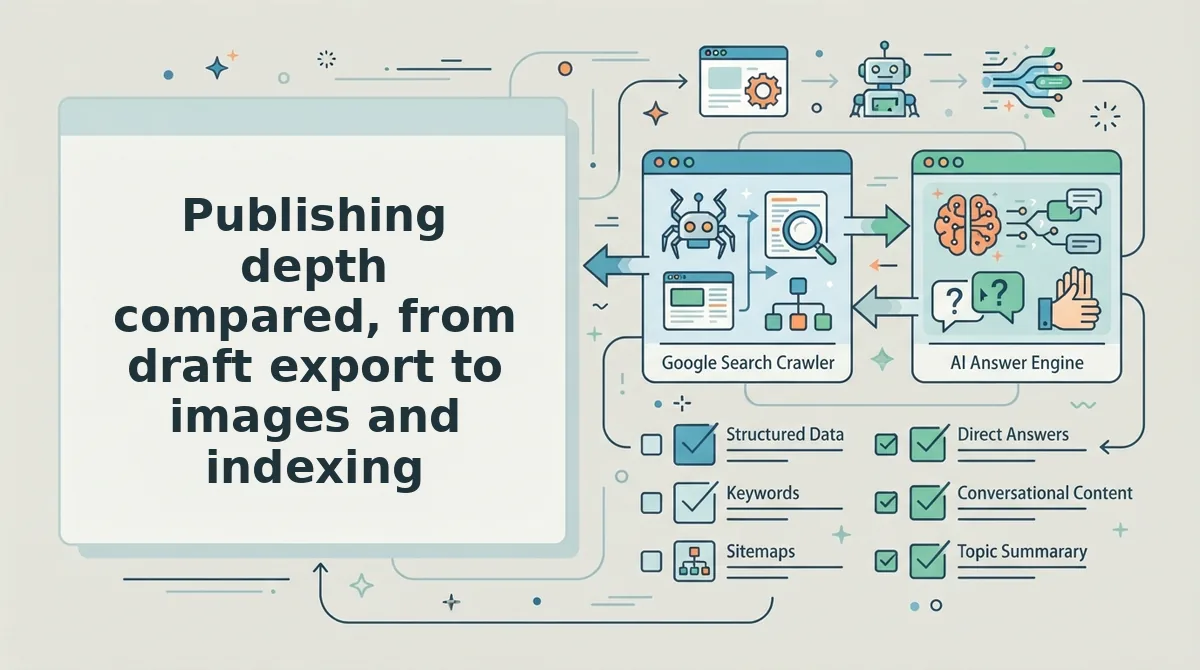
The promised finding holds up: this comparison was never really about writing quality. It is about how far each tool runs after the draft exists, and that is where the two diverge most sharply.
| Question | Byword | BloGoose |
|---|---|---|
| Where the draft lands | Confirm with the vendor whether output is an export or a direct publish â plan around the answer, not an assumption | Direct to WordPress or a custom API as part of the same flow |
| Who produces and inserts images | Verify against current vendor documentation before budgeting time | Generated in-pipeline and attached to the post |
| Does anything tell Google the post exists | Confirm with the vendor | Indexing ping sent at publish |
The worry behind most "publish more without sacrificing quality" advice is misdiagnosed. The quality that degrades at volume is asset work and indexing work â sourcing images, resizing them, remembering to submit URLs â not prose. The workflow stopped being about writing two sections ago.
Two honest limits. Direct publishing compresses your review window, so insert a checkpoint on purpose â a draft status or a human approval gate â or you will ship errors faster than you catch them. And generated images still need a human pass for accuracy, especially anything depicting a product, a person, or a chart.
Three next steps: run the site crawl on your own domain and read the extracted style guide against how you actually sound; pick one existing post and rebuild its internal links using the link map; then publish a single article end to end before committing a calendar to it.
The fastest way to test all of this is to connect your WordPress site in BloGoose and let the crawler show you what it thinks your brand already is â that first context file tells you more than any comparison table.
Once the pipeline carries the asset and indexing work for you, the only thing left to protect is the judgement about what deserves to be published â and that stays yours.