Headless CMS Publishing via Custom API for AI Written Articles
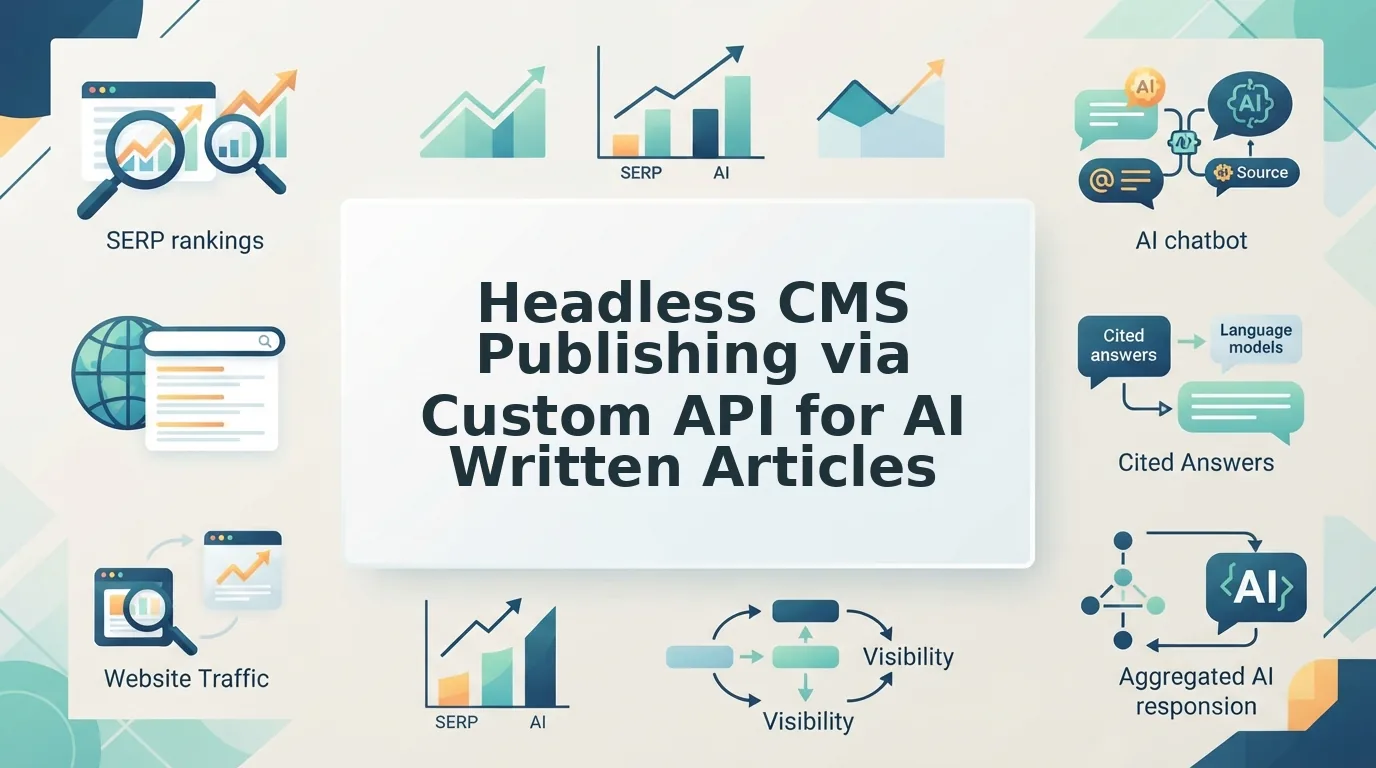
The draft is approved, and a human still opens five tabs to ship it: copy the headline, paste the body into a rich-text field, re-upload the hero image, click publish. That loop â not the writing â is what exhausts publishing teams.
Headless CMS publishing via a custom API deletes the loop, and it's the least documented half of an otherwise well-mapped workflow. BloGoose already runs crawl, voice, plan, draft, optimize, and illustrate. The seventh stage is one authenticated request, shipped straight to WordPress or your own endpoint, AI included.
Below you get all seven stages by name â crawl, voice, plan, draft, optimize, illustrate, publish â plus the two that almost no walkthrough shows: the publish trigger that clears your cache, and the retry guard that stops a timed-out request from filing the same article twice.
One of them explains a failure that looks like a bug and isn't: an article sitting published in the CMS while your live URL still serves last week's page.
Can AI-written articles publish to a headless CMS through a custom API?
Yes. The API never inspects authorship â only whether the payload matches the content model.
A headless CMS is a content store that serves structured entries to any front end over an API instead of rendering pages itself. A custom API endpoint is a route you write to accept a request and write it into that store.
Work then splits across two surfaces. The management API writes, updates, and publishes entries; the delivery API only reads published content back out, usually cached. AI drafts fit the write surface because they arrive as named fields â title, slug, body, hero image â already mapped to your schema, rather than pasted rich text a person must re-cut into blocks. Think flat-pack furniture: labeled parts slot into the same holes every time. Pairing that structure with AEO optimization means the same fields also feed quotable answer blocks.
BloGoose drafts into those fields directly, then posts the finished entry to your endpoint.
Management API, delivery API, or your own endpoint?
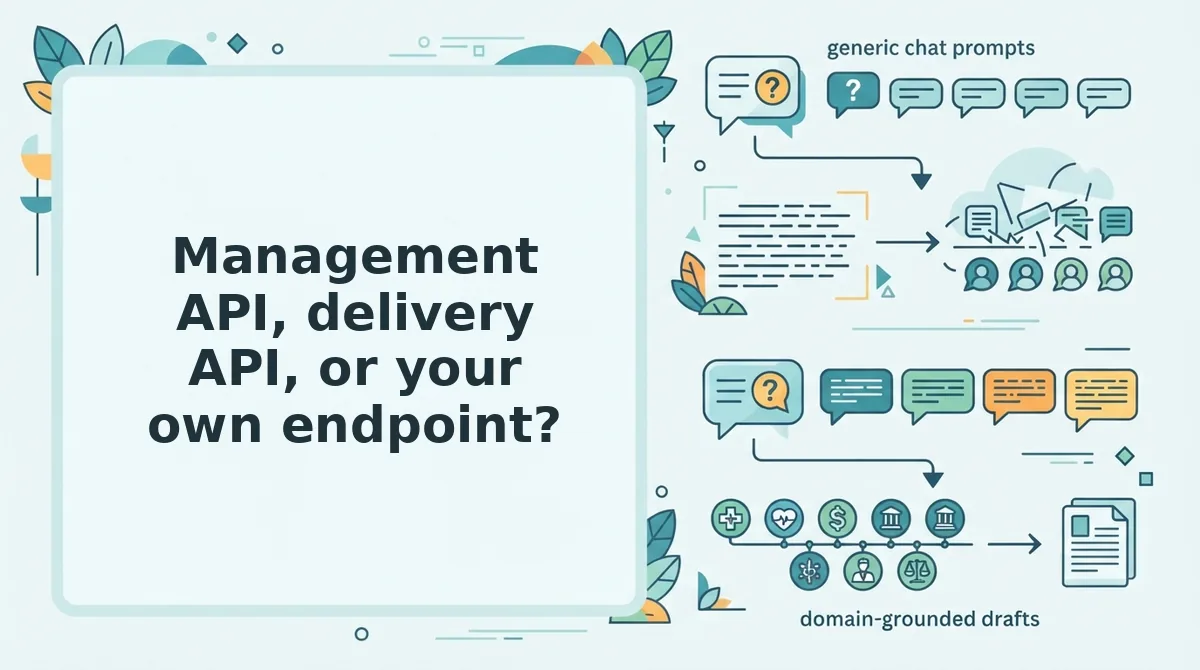
Pick by job, not by vendor: writes belong on the management API or an endpoint you own, and reads belong on the delivery API.
Strapi's custom endpoints are the clearest example of the middle option. They extend the default REST surface rather than replacing it, so most teams end up running a custom route and the built-in one side by side.
| Surface | What it does | Auth model | What it cannot do | Best for |
|---|---|---|---|---|
| Management API | Creates, updates, and publishes entries and media | Scoped write token | Serve cached public traffic | The publish step in a generator pipeline |
| Delivery API | Reads published content for your front ends | Public or read-only token | Never the publish path â it is usually read-only and cached | The site build and render layer |
| Custom endpoint | Your own route extending the platform's default REST surface | Your own middleware | Store anything the content model does not define | Teams posting payloads whose field names differ from the native ones |
API-first platforms split delivery from management deliberately, and dotCMS treats that separation as the shape of the product rather than an add-on. The payoff is least-privilege tokens: the key that renders your public site cannot write a draft. Hygraph covers the other half â external data entering the content model â which is exactly the pattern an outside generator needs, because its payload has to land in defined fields before anything can publish.
String the surfaces together and the real work starts.
How to publish an AI article step by step through the 7-stage pipeline
Picture a scheduled draft landing at 6 a.m. with three duplicate entries and a live URL still showing yesterday's version. Each stage below exists to block one part of that failure.
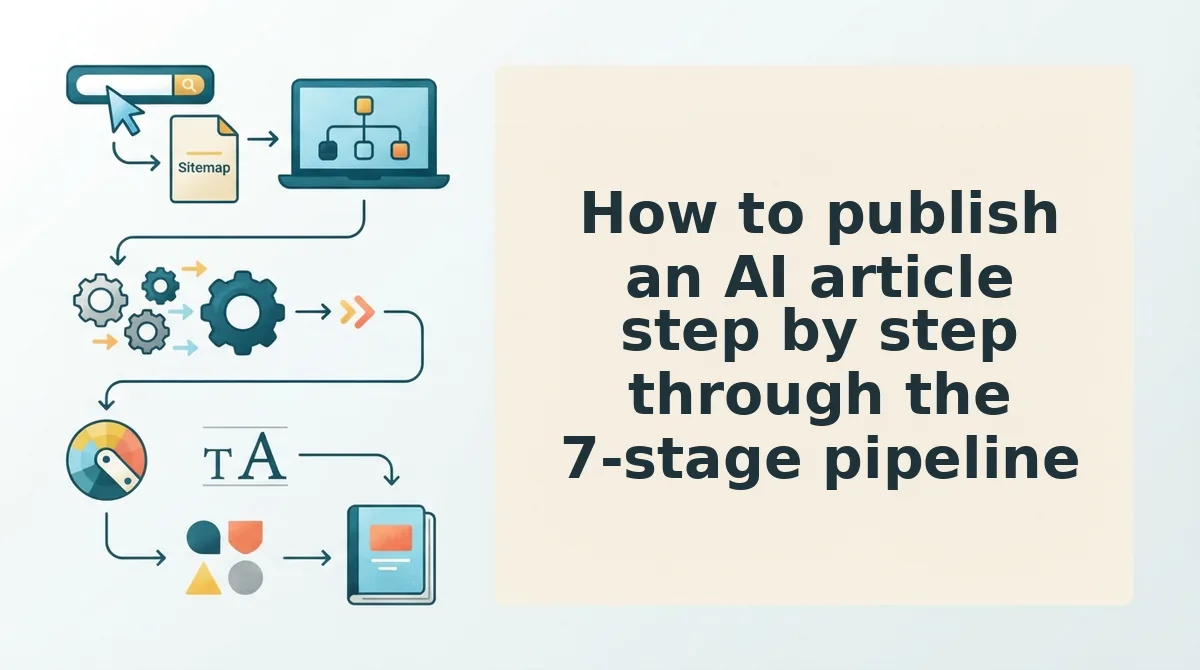
- Crawl and brief. Point the engine at your domain so it reads the sitemap, live pages, and internal link graph. That crawl becomes the cluster brief and the schema every draft has to satisfy.
- Map draft fields to your content model. Title, slug, body, and seo almost never mean what a generic AI template assumes. Write the mapping once; every later article inherits it.
- Upload media first. Images go to a separate asset endpoint, then you read the returned asset ID back and reference that ID inside the entry payload with alt text attached. Skipping the read-back is the most common cause of a published post with broken images.
- Assemble one payload. Relations and taxonomy belong in the same body that creates the article. Categories sent in a second call leave entries uncategorized and orphaned in listings.
- Trigger the publish. The status change is one field in that payload â published: true or its equivalent â and it fires your publish webhook on the way out. This is the stage that convinced you the job was done, and it is only the midpoint. The webhook is what tells revalidation to run, so if the trigger never fires, the rest of the pipeline silently does nothing.
- Revalidate the front end. Publishing sets status; it does not touch the front-end cache. Call your revalidation hook â revalidatePath, a tag purge, whatever your framework exposes â for the article path and every listing page it belongs to.
- Verify against the live URL. Read the entry back through the delivery API to confirm field values, then request the public URL and check the H1, the image alt text, the category breadcrumb, and the indexable status. Verification is the only stage that proves a reader can actually see the thing, and it catches the mismatch between CMS truth and cache reality that causes most "it published but it's not there" reports.
Pro tip: store the article slug as an external_id and send it as an idempotency key. A retried POST then updates the existing entry instead of creating a twin.
That resolves the loop this article opened: the post that exists in the CMS but never on the site is never an API failure. It is a revalidation call that was never made.
The next step is small â point BloGoose at your domain and set your custom API as the publish target, so the crawl, the field mapping, and the revalidation trigger ship as one pipeline instead of five manual steps. The same setup guide that covers WordPress shows how to connect an AI content engine to your CMS through a single publishing contract.
The teams that win at AI content are not the ones generating the most drafts â they are the ones whose pipeline can prove, on every single article, that the URL a stranger loads matches the entry their CMS says it published.