Byword vs BloGoose for Planning Pillar Anchored Content Calendars
A 500-row keyword Sheet goes in, forty articles come out, and not one of them links to another. That is the orphan-page tax: articles generated from a flat keyword queue have no assigned pillar, so no anchor-text path exists to build later, and no amount of post-publication editing recovers the equity the cluster would have passed.
You are weighing the Byword vs BloGoose content calendar decision because both tools look capable on paper and the real difference is not printed on a features page. It lives in the shape of the starting input â and that input is the one thing you cannot swap after the fact.
Both tools are legitimate. This page compares two workflows rather than two feature lists, then walks through what each one consumes, what it produces, and where the fork becomes expensive to reverse. One row of the comparison table turns out to govern the other four, and it is almost never the row anyone checks before signing up.
Byword or BloGoose for a Pillar-Anchored Content Calendar?
For a pillar-anchored content calendar, BloGoose fits when your starting point is a live site and your goal is clustered articles that interlink; Byword fits when your starting point is a keyword list and your goal is throughput on pages that stand alone.
That distinction is architectural, not qualitative. Byword begins at a keyword list and optimizes article throughput; BloGoose begins at a crawled sitemap and optimizes cluster architecture. One tool decides how many pages you ship. The other decides how those pages reference each other.
Four terms, one clause each: a pillar page is the long anchor article a cluster is built around, a topic cluster is the set of supporting articles that link back to it, a bulk keyword upload is a one-shot import of queries as rows, and a brand context file is a stored rules document that constrains every draft. Think of it as lumber versus a framed house â same wood, but one arrives with the joints already cut.
Read the rest in sequence: what each tool consumes, what it produces, and where the fork gets expensive. Start with the input, because that is the decision you cannot undo later.
What Does Each Tool Start With?
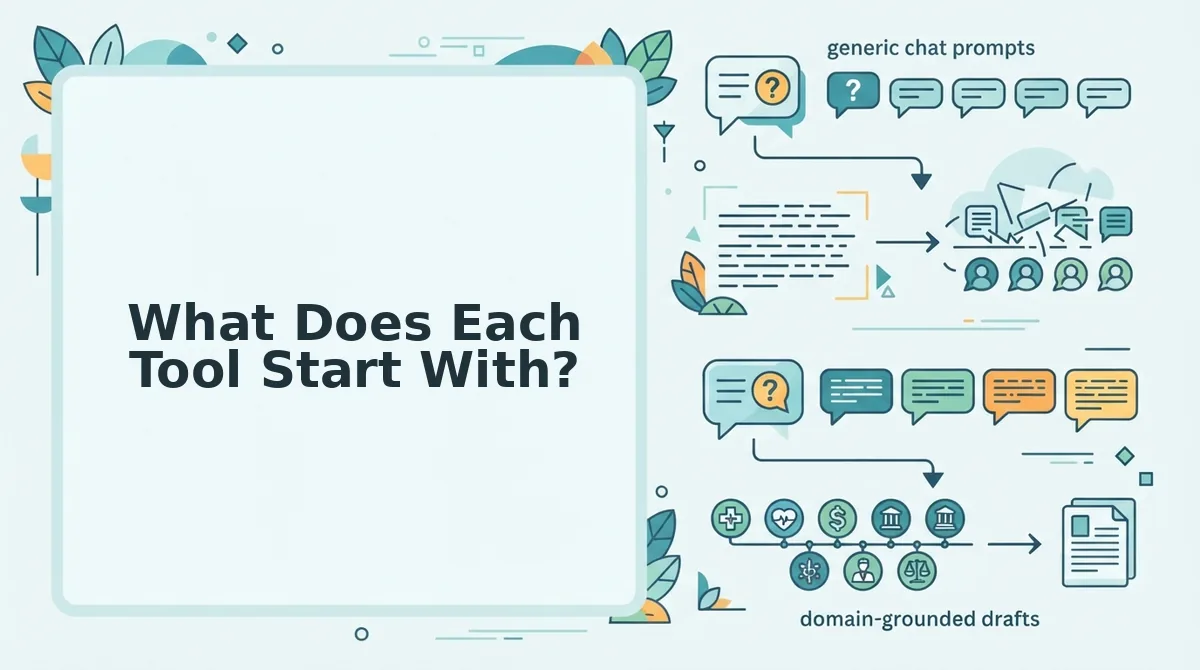
The starting input decides the output. Byword opens on a bulk keyword upload â a Sheet of queries, with no site structure required or learned. BloGoose opens on a domain crawl that locates your XML sitemap, inspects published pages, and produces brand context files that constrain every later draft.
| Decision criterion | Byword | BloGoose |
|---|---|---|
| Starting input | Bulk keyword upload: a Sheet of queries, no site structure required | Domain crawl that locates the XML sitemap and inspects published pages |
| Clustering step | Grouping follows the order you set at upload; no site structure is read to assign pillars | Pillar assignment derived from the crawled sitemap structure |
| Brand context source | Not a distinct artifact in the workflow described here | Markdown context files â style-guide, target-keywords, internal-links-map, seo-guidelines |
| Calendar artifact | The uploaded Sheet, batched in row order | Pillar-anchored 30-day content calendar |
| Publishing target | Not specified in the sources behind this comparison | WordPress or a custom API |
Blank cells mark gaps in the sources used here, not missing features.
Row one governs rows two through five. A keyword list cannot describe your existing internal links; a crawl cannot describe demand you do not already rank for. Each input is blind to exactly what the other one sees, so the choice of row one fixes the rest before a single draft exists.
The crawl-first mechanism deserves a closer read â see sitemap context extraction vs Byword for pSEO â because the internal-links-map it generates is what lets a draft place anchor text instead of guessing at it. If that mechanism is the one you need, the setup wizard is the starting point: drop in a domain and it locates the sitemap, extracts voice rules, and builds the calendar.
Two honest recommendations. Best for the programmatic or local operator holding a 500-row Sheet and chasing page count: Byword, because the upload is the entire setup and throughput is the design goal. Best for the content lead inheriting a live site with orphan pages and existing internal links worth protecting: BloGoose, because the site itself supplies the structure.
Here is what actually happens once a keyword list is the input.
How Does Byword Turn a Keyword List Into Articles?
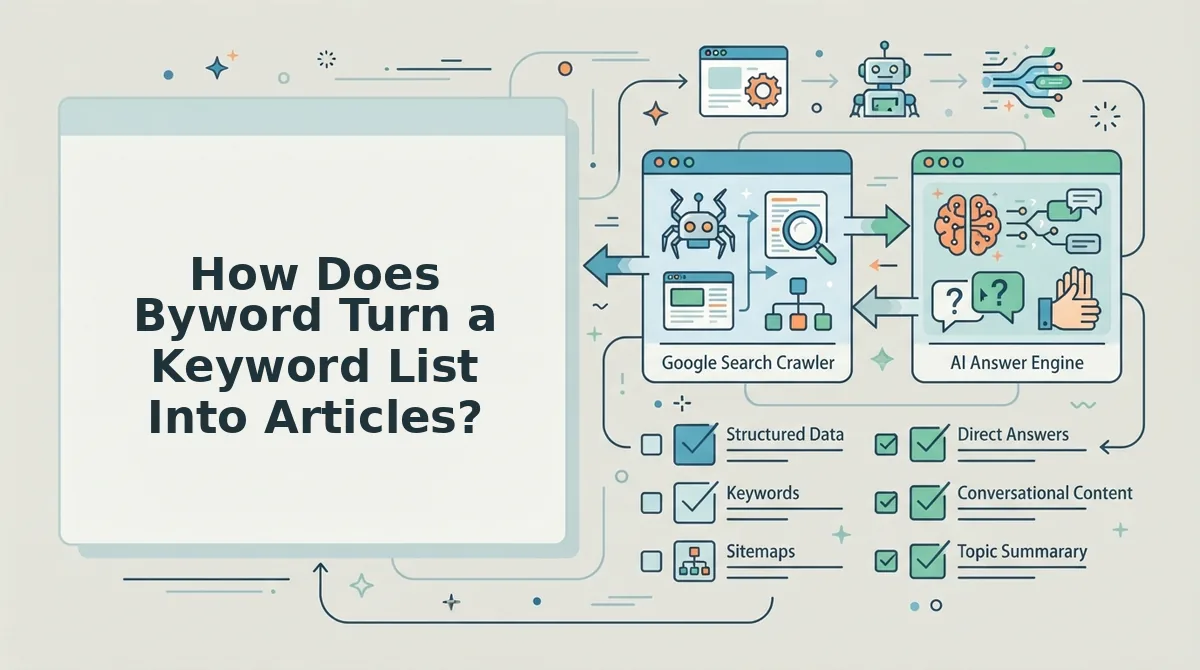
Byword converts a keyword list into publishable drafts through a short bulk pipeline: upload queries, configure generation, run the draft job, then export to the target CMS. No clustering or internal-link step sits between the upload and the output.
- Upload the query list. You paste or import rows, and each row becomes one unit of work. The upload is the entire information input, and nothing in it describes how the resulting pages should relate to one another.
- Configure generation settings. Tone, structure, length, and output format are set once for the batch and applied uniformly. That uniformity is the feature: forty pages built to one specification stay consistent with each other.
- Produce drafts at volume. The job runs across the full list and returns one draft per row. Output scales with the row count rather than with the size of your site, which is what you want when the list came from a database export instead of an editorial plan.
- Review and spot-fix. Because each draft stands alone, QA is per-page and additive, and you approve pages one at a time. Budget review time proportionally to volume, since this is the step that scales worst.
- Export to the target CMS. Drafts leave the tool as finished documents for WordPress or another destination. What arrives is a set of pages, and the linking between them is assembled downstream by whoever publishes.
Bulk keyword upload content generation is the correct primitive for high-volume, low-differentiation page sets such as location pages or programmatic pages, where each page stands alone by design and cross-linking adds little. Three hundred city pages for a service business is exactly the purchase this pipeline is built for.
The cost is mechanical rather than aesthetic. Without a cluster step, no page is designated the pillar and no sibling pages exist to link up into it, so the output behaves as a set of orphans, each competing alone with no anchor-text path carrying authority between them. A team holding a 500-row keyword Sheet and publishing straight from it gets volume and gets no link architecture; the fix is to derive pillars before generating, or to accept a flat site.
How Does BloGoose Build a Calendar From Your Sitemap?
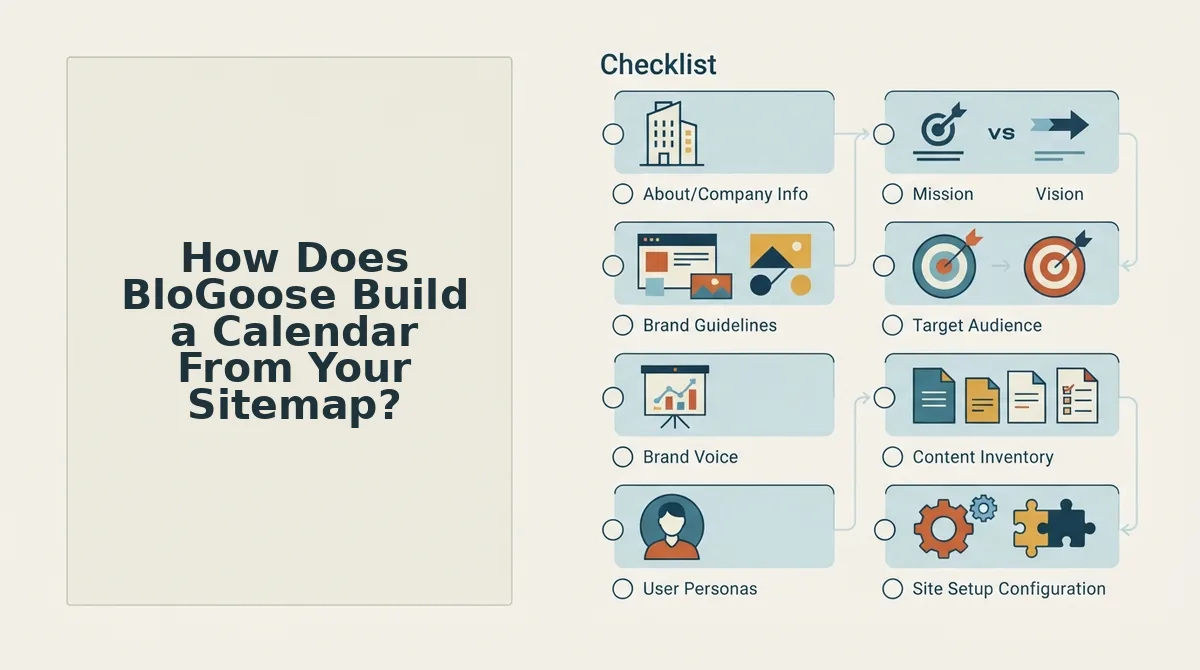
BloGoose builds a calendar by crawling your domain, inferring pillars from the pages it finds, clustering supporting topics under each pillar, and slotting those clusters into a 30-day plan with a brief per slot. Setup needs a live domain with a reachable XML sitemap and roughly 20 minutes.
Before you start: a published site whose sitemap resolves in a browser, and CMS access if you want direct publishing rather than export.
- Crawl the domain (about 5 minutes). Open the setup wizard and enter your domain. BloGoose locates the XML sitemap, inspects published pages, and detects your technical stack; a URL inventory listing crawled pages means the step succeeded.
- Write the Markdown context files (10-15 minutes). Review the brand voice context files the crawl generates and correct anything that misreads your tone. These files replace per-prompt tone instructions, which is the difference between consistent output and tone drift across forty drafts.
- Detect pillars. Select the pillar proposals drawn from your URL and navigation structure. You should finish with three to six pillar headings that match how the site is already organized; if a proposal looks foreign, the site's structure is the thing to fix first.
- Cluster topics under each pillar. Approve the supporting topics mapped to each pillar and add the gaps you already know about. Plan for roughly 4-8 supporting articles per pillar before its topic clusters carry real internal-link weight, a planning rule of thumb rather than a measured benchmark.
- Slot the clusters across 30 days. Drag approved topics onto calendar slots, completing one cluster before opening the next so links always point at pages that already exist.
- Generate a brief per slot. Open a slot and generate its brief, confirming target query, angle, and link targets. A paired live SERP analysis shows what currently ranks before drafting begins.
Can a content calendar be derived from a sitemap instead of a keyword tool? Yes. A sitemap already encodes a site's information architecture: URL directories reveal which subjects a publisher has committed to, and page titles reveal which subtopics exist. Deriving a calendar means reading that structure, promoting recurring directories to pillars, and listing the gaps underneath each pillar as future articles. The result is a plan constrained by what the site has already proven it can rank for, rather than a keyword list from a third-party database that may describe a different business entirely.
A worked example: an existing blog with three clear URL directories and eighty published posts gets crawled, and those directories become the pillar set. Topics already covered show up as existing cluster members, so the calendar fills with the gaps instead of re-commissioning articles you have already published.
Which Tool Fits Your Site, and Where Does BloGoose Fall Short?
A pillar-anchored content calendar is a publishing plan where every supporting article is assigned to a named pillar page and connected to it by internal links, so the cluster compounds authority instead of competing with itself. The Byword-versus-BloGoose decision is really a decision about throughput versus architecture, and both can be right.
Plot your situation on two axes, content volume needed and internal-link dependency:
- High volume, low link dependency: bulk generation wins. Location pages, programmatic sets, spec sheets.
- Lower volume, high link dependency: the pillar calendar wins. Editorial blogs, comparison content, anything meant to be quoted in AI answers.
- High volume, high link dependency: the mixed case. Fix architecture with a calendar first, then bulk-generate inside each cluster.
- Low volume, low link dependency: neither tool is your constraint.
Think of internal links as roads between buildings. Bulk generation hands you five hundred buildings; a pillar calendar hands you the same buildings plus a road grid, and traffic â crawlers and readers alike â only reaches what the roads connect.
Cluster calendars work on mechanism rather than magic: anchor text tells a search engine what the pillar is about, and a self-contained passage on a supporting page is the unit an AI answer engine can quote without surrounding context. Here is the discomfort line, though. If your page set is programmatic, Byword is the better buy and BloGoose is overengineered for the job.
BloGoose's limits are worth stating plainly. This page is published by BloGoose, so treat it as a vendor's account; no performance benchmarks are claimed here, and Byword's current feature set and pricing need human verification before you commit either way. Pillar detection from a crawl is also only as good as your existing information architecture, so a messy URL structure produces a messy calendar and the cleanup stays manual.
If your site already has enough published pages to cluster, AEO content optimization begins with the same crawl that builds the calendar â point it at your domain and let the existing structure do the planning. That leaves one practical question.
What Should You Do Next?
Run one test before you buy either tool: name the input you actually hold.
- You have a live site and no plan. Start from the crawl, not a keyword export.
- You have a list and no site structure. Bulk generation is the honest purchase.
That two-line test settles what most comparisons dodge: the winner is set by your starting input, not your feature grid. It is also the finding the intro promised â architecture only beats throughput when there is an existing site to anchor it.
If you fall in the first group, take that step: point the BloGoose AI SEO content engine at your domain and let the crawl return a pillar-anchored calendar built from pages you already publish. Expect roughly 4-8 articles mapped per pillar, with internal links assigned before the first draft ships.
A calendar is a link map before it is a schedule â build the map from what you already own, and the schedule stops being guesswork.