Automated featured and inline image generation for blog posts
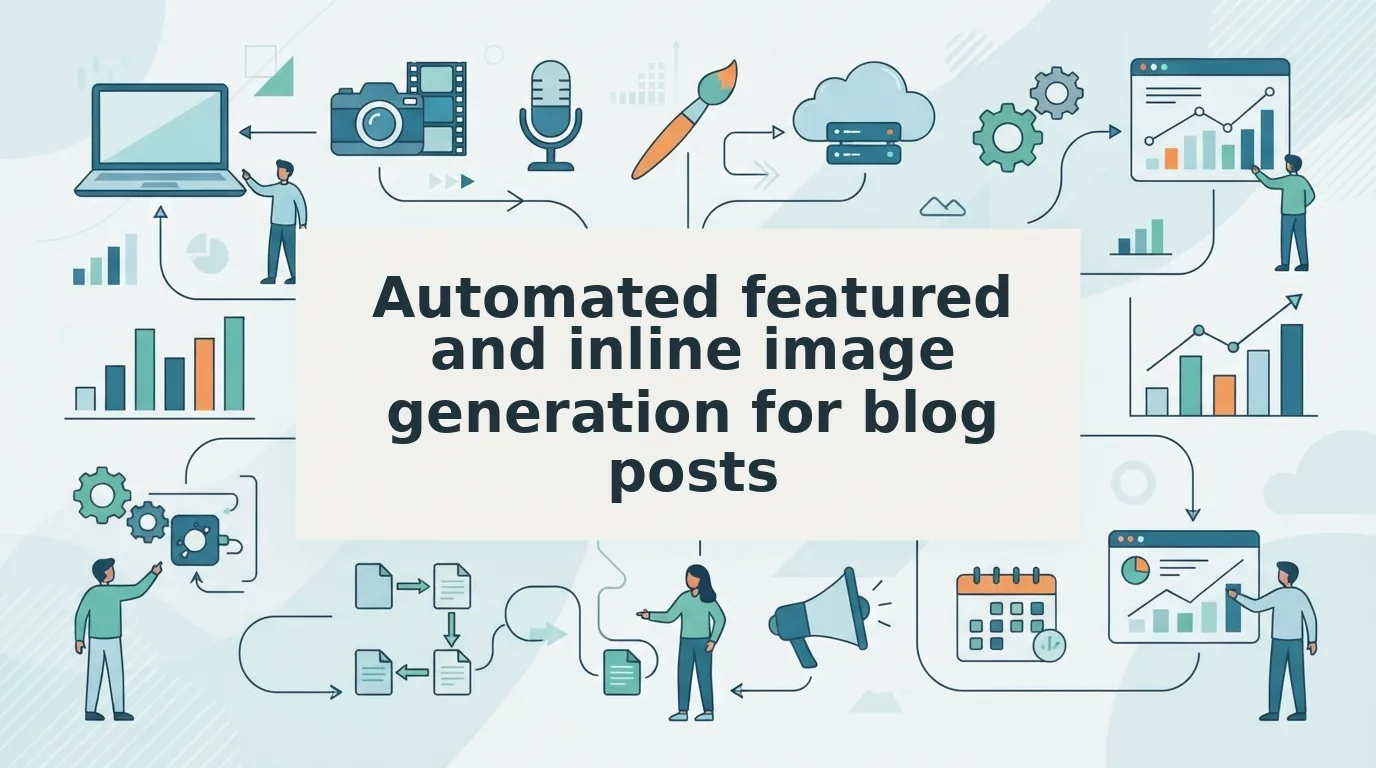
Automated Featured and Inline Image Generation That Follows One Article Brief
The draft is done. The images aren't â and someone is still cropping a featured image and hand-placing inline art before publish. That hand-formatting loop is the last manual step left in an otherwise automated workflow.
Automated featured and inline image generation removes it: one brief in, one styled featured image plus section-anchored inline images out, no prompt typed by hand.
Three prerequisites:
- A brief carrying a visual metaphor, not a keyword.
- A saved style block that locks palette, framing, and rendering.
- A written placement rule, decided before generation begins.
The third is where pipelines quietly break. Generation has matured; placement is still left to feel, which is why AI-assisted posts so often look decorated instead of structured.
Worked example. A draft is finished and calendared. Rather than brief a designer, the editor runs the brief through the engine with a locked style block and one rule: an image follows each H2 that introduces a new concept, never between a heading and its first paragraph. The featured image and three inline images come back stylistically matched, already anchored, alt text attached. The editor reviews and publishes.
Next step: write the placement rule into your brief template, then drop your domain into the setup wizard and let the crawl supply the brand context the style block draws on.
Automated image generation only pays off when the last manual step disappears â and that step was never rendering, it was deciding where the image belongs.