How to edit generated context files before the first draft
Your crawl finished, you hit generate, and the draft that came back reads like a press release â polished, generic, and nothing like your site.
That is rarely the model's fault. It is usually one line in one of the eight generated Markdown files telling it to sound that way.
Those files are an editable artifact, not a fixed output. To edit generated context files properly takes minutes, and it costs far less than a wasted generation run inside your automated SEO content pipeline.
This walkthrough covers which lines actually move tone, the minimum viable set you can leave deliberately short, and what to do when two files contradict each other. One file does more damage filled in than left empty.
- Tone lives in style-guide.md.
- Rivals you cannot name stay out of competitor-analysis.md.
A concrete pass: open style-guide.md, cut any line promising "solutions," replace it with a sentence from your own homepage, then generate one post and compare the opening.
The order you work in matters as much as the edits themselves.
How should you edit the generated context files before the first draft runs?
Edit the eight generated context files in a fixed order â brand voice, style guide, writing examples, target keywords, SEO guidelines, internal links map, competitor analysis, features â and when two files contradict each other, the file higher in that order wins. Fifteen to twenty minutes of line-level edits before your first generation run is what separates a usable first draft from a rewrite loop.
Before you start, open the eight Markdown files your site crawl produced, plus your published sitemap for reference. No other tool is required.
- Open brand-voice.md (4 minutes). Replace any sentence that could describe a competitor â "we help businesses grow" â with a rule naming your sentence length, banned words, and how you address the reader. You should see every line pass the "could anyone else say this?" test. It goes first because nothing downstream outranks it.
- Open style-guide.md (3 minutes). Lock the mechanics the voice file leaves open: heading case, list versus prose, em dash policy. A formatter should be able to apply it without judgment. Second, because rules beat adjectives.
- Open writing-examples.md (3 minutes). Keep two samples â one you would publish, one you would reject â and add a single line on what separates them. You should have a contrast, not a mood board. Third, because examples only work once rules explain them.
- Open target-keywords.md (2 minutes). Cut until one primary keyword per planned post remains, plus a short secondary set. You should see no two posts competing for the same term. Fourth, because calendar order is built on this file.
- Open seo-guidelines.md (2 minutes). Type the meta title and description limits your CMS actually enforces instead of leaving the defaults. Confirm each limit matches a real field.
- Open internal-links-map.md (2 minutes). Rewrite any "click here" anchor into descriptive text and verify each target URL resolves. You should see zero dead anchors.
- Open competitor-analysis.md (2 minutes). Keep only what they cover and what they omit; delete praise and speculation. This file shapes differentiation, never tone.
- Open features.md (1 minute). List only capabilities you can demonstrate on a call. Stripe anything aspirational.
That precedence rule is the whole point of the order: a flawless competitor analysis cannot rescue a vague brand voice file, because the draft inherits tone from line one of the chain.
If you want to see how these files collapse into a single article spec, the SEO content brief page walks through what each one contributes once the engine assembles it.
Which lines inside those files actually move the draft's tone is a narrower question than it sounds.
Which lines actually change the draft's tone?
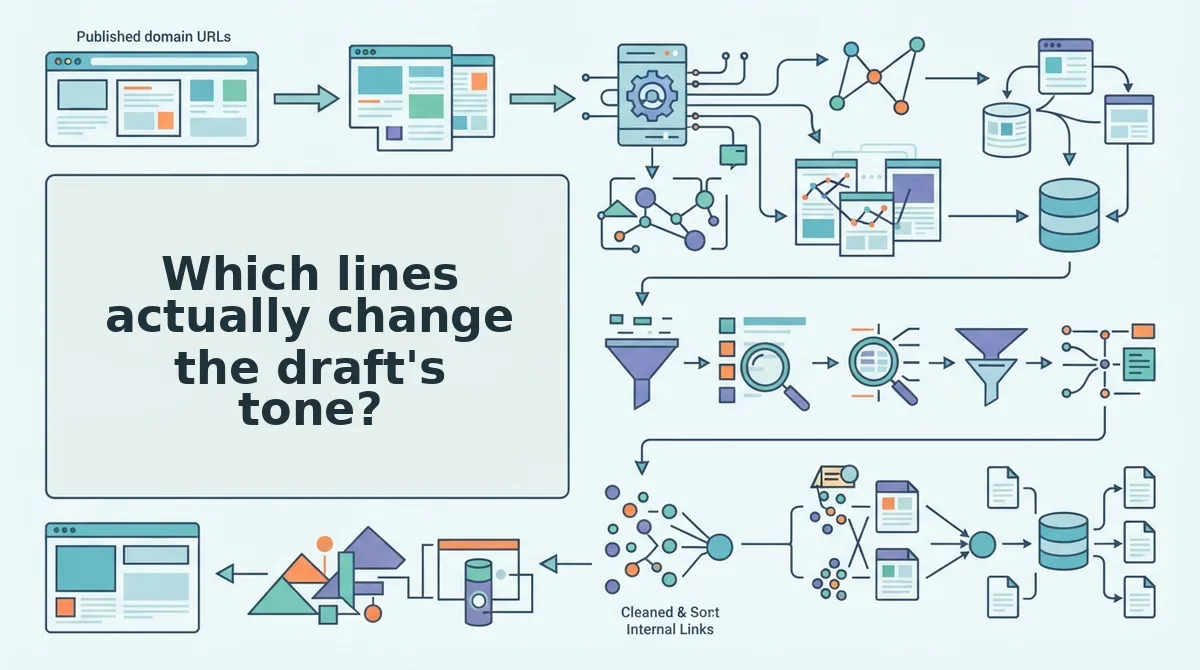
The lines that change tone are testable ones: a banned phrase, a sentence-length cap, a real example paragraph. Adjective stacks and mission statements do not move output, however accurate they are.
That is the contrarian claim. Most advice says fill all eight files completely. In practice three carry the voice, and one line in each does most of the work.
Map the symptom to the line that caused it
| Symptom in the draft | File | Vague line type | Testable replacement |
|---|---|---|---|
| Press-release tone | brand-voice.md | Adjective stack: "bold, innovative, customer-centric" | "Numbers before claims. One adjective per sentence." |
| Same three phrases every post | style-guide.md | No banned-phrase list | Ban "in today's fast-paced world," "unlock," "game-changer." |
| Reads like a brochure | writing-examples.md | Marketing samples | Two real published posts, replacing the samples. |
| Every post competes for one query | target-keywords.md | Synonym soup in a single row | One primary keyword per article. |
Coding-agent context guides are well written on what to include; they just optimize for a reader that compiles rather than one that writes. Freeform chat tools sit at the other extreme, flexible but unversioned, so the same tone problem returns next week.
Three before-and-after pairs
- brand-voice.md. Before: "We are bold, innovative, and deeply passionate about search." After: "Senior practitioner's level. Numbers before claims. One adjective per sentence, maximum."
- style-guide.md. Before: "Tone: friendly, professional, approachable." After: "Sentences under 25 words. No exclamation marks. Banned: 'unlock,' 'game-changer.'"
- writing-examples.md. Before: tw
- writing-examples.md. Before: two paragraphs of undisclosed origin, no labels. After: eight paragraphs â three keepers, five failures â each tagged with the flaw it shows ("leads with a hedge," "adjectives stacked three deep"). The model matches what it can name.
Ship all three in one folder, load them together, and diff the output against last week's drift. One file alone shifts tone; three files together hold it.
How do you check the pass worked before you generate?
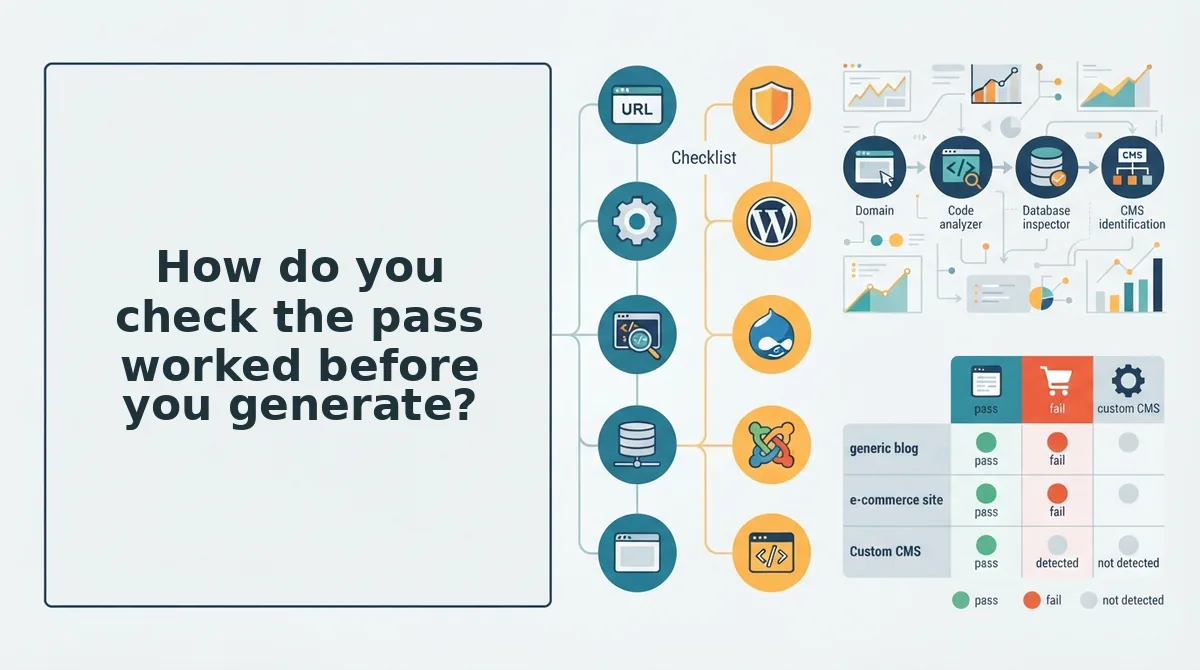
A context acceptance check is a short pre-flight test that proves your edited files actually steer the draft. Run it in three stages, cheapest first, so a bad line gets caught before it repeats across a month of posts.
Stage one â read against the list. Put your banned-phrase list beside style-guide.md and confirm every phrase you deleted from the examples now has a written rule in its place. A phrase returns when the rule lives in your head instead of the file.
Stage two â the dry run. Generate one short passage, not a full article, and check it against the banned-phrase list and the voice rules before committing to a full run. It works like a print shop pulling a single proof page before a full press run: one sheet catches the error that a thousand copies would repeat.
Stage three â the collision test. Make two files disagree on purpose, then predict the winner. The collision rule settles it: the earlier file in the review order wins, so brand voice beats the style guide, and the style guide beats the examples. If you cannot predict which rule wins, the files are still ambiguous.
To test whether an edit changed anything, diff the output rather than the input. Generate the same one-section prompt before and after the edit, model settings unchanged, then compare the two passages for banned phrases, sentence length, and whether the opening states a claim in its first sentence. Movement in any one of those three signals means the file is being read. No movement usually means an earlier file in the review order overruled it â dead weight worth cutting, since leaner context keeps every post in your topic clusters consistent.
Expect the pass to be mostly deletion. A preprint evaluating repository-level context files found that LLM-generated context files did not automatically improve agent output, which is the hedge worth holding: more context is not better context. The project-docs repository treats context files as something reviewed and versioned rather than written once, and that is the model to copy.
Questions people ask before their first generation run
Most first-run blockers are about scope rather than technique. These are the four answers readers ask for most often.
Do I need all eight generated files?
No. Not every file needs to be long, and several can stay deliberately short without hurting the draft. Brand voice and writing examples carry the tone; competitor analysis and the internal links map can hold a few lines each until a pattern is worth recording.
Why do banned phrases come back?
Because the rule is remembered by the reviewer but never written into the file. The generator follows only what sits on the page, so a phrase you struck from writing-examples.md without adding a matching rule to style-guide.md returns on the next run.
How long should each file be?
Long enough to settle a decision the draft will actually face. Voice and examples earn real paragraphs; keyword and link files often work as short lists. Length past that point adds collisions instead of control.
Can I edit the files after I start generating?
Yes, they stay editable. But re-reviewing mid-calendar causes tone drift: posts drafted before the edit follow the old rules and posts after it follow the new ones, so a reader moving through the cluster hears two voices. Batch your edits between calendar cycles.
Your next step is the collision test on a single section: dry-run one passage, confirm it clears the banned-phrase list, and only then release the rest of the calendar.
Treating those files as a maintained artifact rather than a