Byword vs BloGoose for long-form drafts that need a review loop
A batch of long-form drafts clears brief review, goes live, and only then does someone read section six against section one and see two different writers. Nobody approved that drift â it happened between approvals, and it stayed invisible until someone read the two sections side by side.
If you are weighing byword vs blogoose long-form drafts, the question worth answering is narrower than a feature shootout: where does a human actually get to intervene? The difference is not output quality â it is where review sits in the pipeline. Byword front-loads the input and hands back a finished article. BloGoose places a review point inside the article, section by section.
You will get a verdict short enough to paste into Slack, a five-criteria table that lets you self-sort in thirty seconds, and the mechanical reason voice drift happens at all. You will also get the one rule that settles the choice faster than any feature list.
That reason is structural, and it comes down to how each tool defines a unit of work â a distinction the comparison table below makes obvious the moment you read its column headers.
Is Byword or BloGoose better for long-form drafts that need review?
Neither wins in the abstract; the right pick depends on where you want review to land. Byword turns a keyword batch or brief into a completed article, so review happens afterward on the whole draft. BloGoose drafts section by section against extracted brand context, so review happens inside the article before it is finished.
The paste-ready verdict: Byword and BloGoose both produce publishable long-form drafts, but they place the review surface in different places. Byword back-loads review onto the finished article â one generation, one correction. BloGoose puts the review point inside the article, so a correction stays local to the section that needs it. For long drafts with more than one reviewer, the sectional model saves the most rework; for a single operator shipping volume, Byword's batch flow asks less setup per article.
Byword deserves credit for what bulk keyword-to-article generation is good at: one brief in, one finished draft out, with no per-article configuration. That is efficient when one person approves everything and the brief is already tight.
| Criteria | Byword | BloGoose |
|---|---|---|
| Input model | Bulk keyword upload or a supplied brief | Domain crawl: sitemap, published pages, brand voice rules |
| Review point | After generation, on the completed article | Section by section, mid-draft |
| Brand-context source | Whatever the brief carries | Voice rules extracted from your existing site |
| Publishing path | Export the finished article to your CMS | Direct to WordPress or a custom API |
| Best-fit team | Solo operator or one-approver workflow shipping volume | Content leads coordinating multiple writers and reviewers |
The one-line rule: long drafts with more than one reviewer favor the sectional model. Best for a founder publishing alone: Byword's batch flow. Best for a content lead triaging edits from several writers: BloGoose. Confirm each vendor's current capabilities before relying on any row above, since both products ship changes.
What Byword is actually built to do for long-form article generation
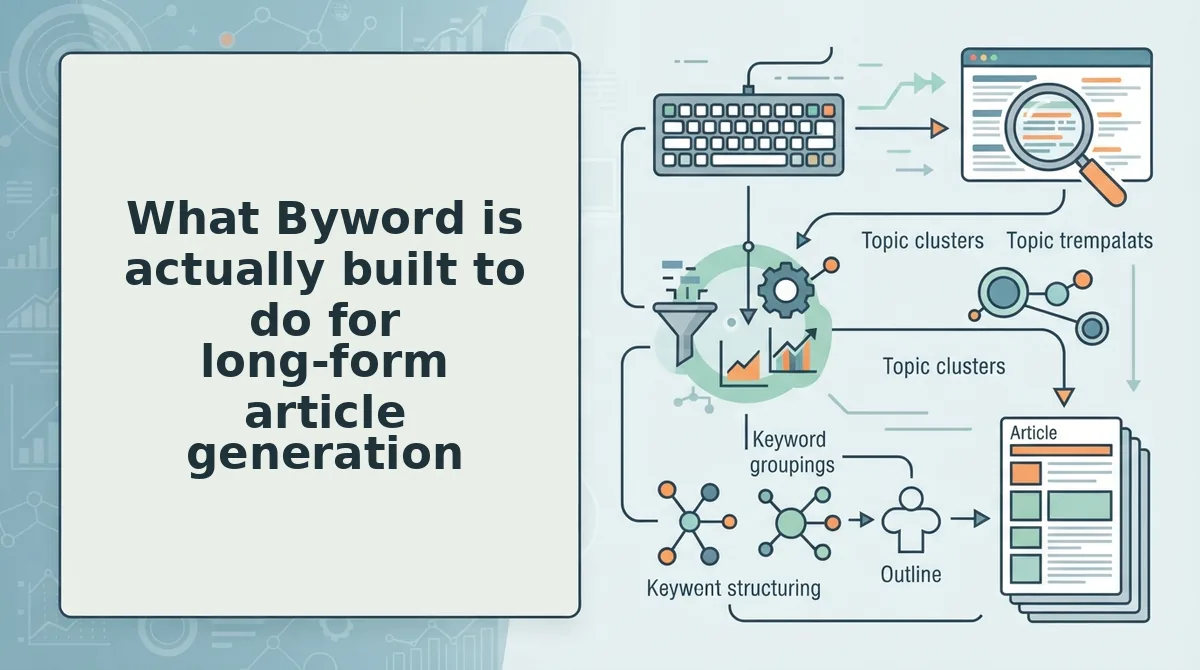
Byword is a bulk article generation tool: you upload a set of keywords or supply a brief, and it returns finished drafts at volume. Its public positioning is volume and speed, and it delivers on both by treating the article as the atomic unit.
A long-form draft here means 1,500+ words, multi-section, one authorial voice, and one brand risk surface. That definition matters because it is exactly the object Byword generates. One prompt or one brief produces one complete article.
Think of it like a printer that only accepts whole documents â you can reprint all forty pages, but you cannot reprint page six. Skim a finished draft, flag a flat transition in section four, and the only lever available is regenerating the article. Sections that were already fine get rewritten too, so a small fix carries a real chance of introducing new drift elsewhere.
That is the mechanical tradeoff, not a flaw: the review unit equals the generation unit, so a whole-article edit is the only edit available. For programmatic pages â one keyword, one page, one prompt â that arithmetic works out, which is why sitemap context extraction plays a different role in pSEO than it does in long-form work.
BloGoose approaches the same draft from the other end: it crawls your domain, extracts voice rules and site structure, drafts each section against that context, and publishes to WordPress or a custom API.
The interesting part is what happens to review when generation gets that granular.
How BloGoose drafts section by section against your brand context
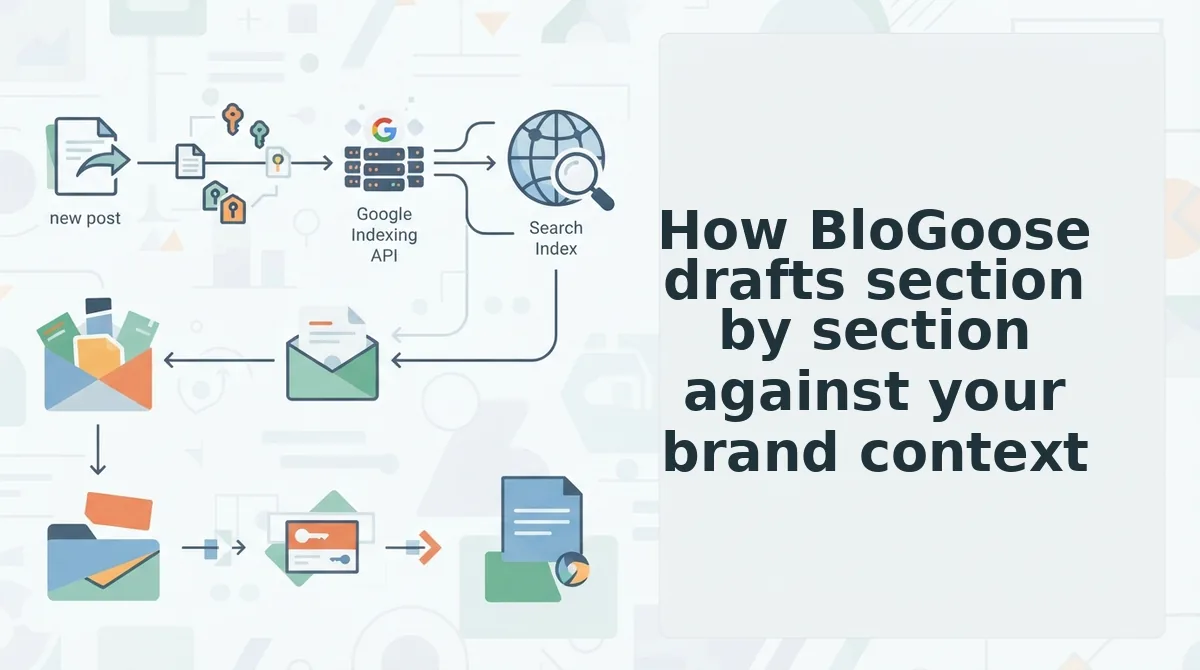
BloGoose drafts long-form posts one section at a time, and each section request is generated against the same brand context files instead of a single growing prompt. That is the mechanical reason a draft still sounds like you at section six.
Before you start: you need a live site with an XML sitemap, a WordPress connection or custom API credentials, and roughly 20 minutes of setup plus 5â8 minutes of review per section.
- Type your domain into the setup wizard. BloGoose finds the XML sitemap and inspects published pages. You should see a crawled URL count and a detected site structure.
- Review the context files. Open Context, then Brand Voice, and read the extracted tone, sentence-length and banned-phrase rules. Edit anything that reads wrong â you should see the file save with your correction applied.
- Approve the calendar. Open Calendar, then the 30-Day Plan, and check that pillar topics match your service pages. You should see clustered topics with intent labels.
- Build the brief. Open the draft's Brief, type the primary keyword and target word count, and confirm the outline. You should see the article split into numbered sections, not one block.
- Draft one section only. Click Draft on section one. You should see prose that follows your voice file rather than a complete article.
- Review, then regenerate. Compare the section to your voice rules, click Regenerate with a note describing the miss, and check that only that section changes. You should see the rest of the draft untouched.
- Publish. Click Publish, then choose WordPress or Custom API. You should see the post live with headings and images intact.
Why doesn't the draft drift off-brand by section six? Because a single prompt for a 2,000-word article spends its context once, at the top, then generates every later section against a lengthening transcript of its own output. BloGoose re-applies the same brand context file to each section request, so section six is drafted against the same tone rules, banned phrases and example sentences as section one. Nothing accumulates to dilute it. Drift is a prompt-architecture problem rather than a model problem â single-prompt AI blog posts show the contrast.
The honest cost: one reviewer touch per section, slower per-post throughput than a batch generator, and a hard dependency on having a crawlable site to learn from.
Where does review actually happen in each workflow?
A review surface is the point in a content pipeline where a person can inspect and change an output before it ships. Every AI writing tool has at least one, and the question that decides a comparison is rarely which model writes better â it is where the tool lets you stand.
Think of reviewing a finished 2,000-word draft like inspecting a house only at the open-house stage. You can repaint, but you cannot move a wall without tearing the place apart.
The simple case is a single review surface after generation. Byword's long-form workflow produces an article and hands it over; the writer's intervention point is the completed draft. That is fine for a confident editor with time to rewrite whole paragraphs.
The intermediate case is reviewing what goes in â the brief, the target keyword, the outline, the voice rules. Fixing a wrong angle here costs one edit instead of twenty, because nothing downstream has been generated yet.
The advanced case is reviewing during generation. BloGoose maps to that middle surface: brief and context files before, section-level review during, CMS handoff after. The reviewer's unit of work becomes a paragraph block rather than an article.
Section-sized passages are also the unit answer engines quote. A section that answers one question completely can be lifted intact into an AI response; a 2,000-word essay with the answer spread across four headings cannot. That is why AEO content optimization rewards structure, not length.
Which tool lets you review before the whole draft exists? BloGoose does, because the section is the generation unit rather than the article. You approve section one before section two is written, so a wrong argument is caught at 300 words instead of 2,000. Byword's review point sits after the draft is complete, which means corrections happen at the paragraph-rewrite level. If your edits usually land in the back half of a long post, the sectional loop is the one worth testing.
If your posts already run past 1,500 words and the corrections keep clustering in the later sections, the workflow worth a look is the sectional one â it moves the reviewer's leverage earlier in the pipeline.
How to match either tool to your review budget
Review surface, not model quality, is the variable that decides which tool survives a 2,000-word post. Your review budget â hours of human attention per article â is the input you can actually measure, so start there.
The four-input matrix
| Input you measure | Bulk fits (Byword-style) | Sectional fits (BloGoose-style) | Hybrid |
|---|---|---|---|
| Posts per month | 20+ | 4â12 | 12â20, pillar posts sectional |
| Target length | Under 1,200 words | 1,800+ words | Long pillars, short supporting posts |
| Reviewers available | One, after the fact | One, present per section | One, present on pillars only |
| Brand-risk tolerance | High â factual, low-stakes | Low â regulated or voice-sensitive | Mixed by cluster |
The contrarian read: bulk keyword upload is genuinely correct for short, factual, low-brand-risk pages at volume â location pages, product FAQs, glossary entries. Sectional review on those is wasted hours.
Where BloGoose is the wrong purchase
Three cases. No crawlable site means there is nothing to learn brand voice from, so the context files start empty. One-shot batches of fifty short posts are not its shape â the loop is built for fewer, longer drafts. And a review loop requires a reviewer: if nobody is available per section, you have bought a handoff point nobody uses.
The five-step pre-purchase test
- Run the same brief through both tools.
- Review at section level in BloGoose and at draft level in Byword.
- Count edits per 500 words in each output.
- Check the CMS round-trip â headings, images and metadata.
- Log where you stopped reading in each draft. That line tells you which surface your attention actually lives on.
Run the test on a topic you would publish anyway, and pair it with live SERP analysis so the brief itself is worth reviewing. The next step is concrete: put your own domain through the BloGoose setup wizard and read the context files it extracts â if they describe your voice accurately, the loop has something to work with, and if they don't, you have learned that in twenty minutes rather than twenty posts.