WordPress Auto Publishing Mistakes That Break Live Blog Posts
You hit Publish, the editor spins, and a green success notice appears. The post is live â and in a startling number of cases, it is already broken in a way no dashboard will ever report.
If you have shipped content through an integration, you already know the gap between "published" and "ranking." Most wordpress auto publishing mistakes are not loud failures. They are quiet omissions that leave a post reachable, shareable, and completely invisible to Google.
That is the uncomfortable part: the publish button returns a success state, not a ranking state.
This guide hands you a 90-second audit for any live auto published post, then walks the full silent-success chain â HTTP 200, post status, canonical, robots meta, featured media, sitemap presence, and internal links. Every link in that chain is observable, and every one can fail while the API keeps returning 200. Teams running an AI SEO content engine hit these failures faster than manual publishers simply because they ship more posts per week.
Work the chain yourself, or let the platform that crawls your site own it. Either way, know this going in: one mistake in that chain hides the other six, which is exactly why fix attempts can feel random. The final section names that mistake and shows the repair order.
What mistakes break blog posts that auto publish to WordPress?
Auto publishing breaks in four on-publish places â canonical, noindex, media, and internal links â plus two plumbing failures: REST authentication and WP-Cron scheduling. A canonical URL is the address a page tells Google to treat as the authoritative version of itself, so when it points elsewhere, the post competes with its own duplicate.
An 80 to 120 word passage you can lift whole: Automated publishing fails in six ways. Four happen at publish time. A wrong canonical URL tells Google the authoritative address is a different URL. A noindex tag â an instruction in the page head telling crawlers to ignore the page â leaves the post live but absent from search. A missing featured image means the media sideload depended on an attachment ID that never resolved. An orphan page has no internal links pointing to it, so crawlers find it only by accident. The other two are plumbing: a REST application password (a credential WordPress issues for API access) that lacks edit permissions, and WP-Cron, WordPress's traffic-triggered scheduler, which never fires on a low-traffic site. The Indexing API is Google's endpoint for requesting a crawl, and it cannot rescue any of the six.
Think of an auto published post like a parcel handed to a courier: the canonical is the return address, and a smudged label sends the delivery to the wrong door.
Confirm these once, before trusting the button:
- An application password with edit permissions, a resolvable featured_media ID, and cron actually running.
- A canonical template baked into the permalink structure, not inherited from a plugin default.
- At least one internal link source per new post before it goes live.
The outcome to hold in mind is narrow: a post that is live, canonical, indexable, imaged, and linked. BloGoose crawls the domain it publishes to, so permalink templates and link sources are known before the first draft â the audit below is what to run when something slips. See canonical URLs for the template side.
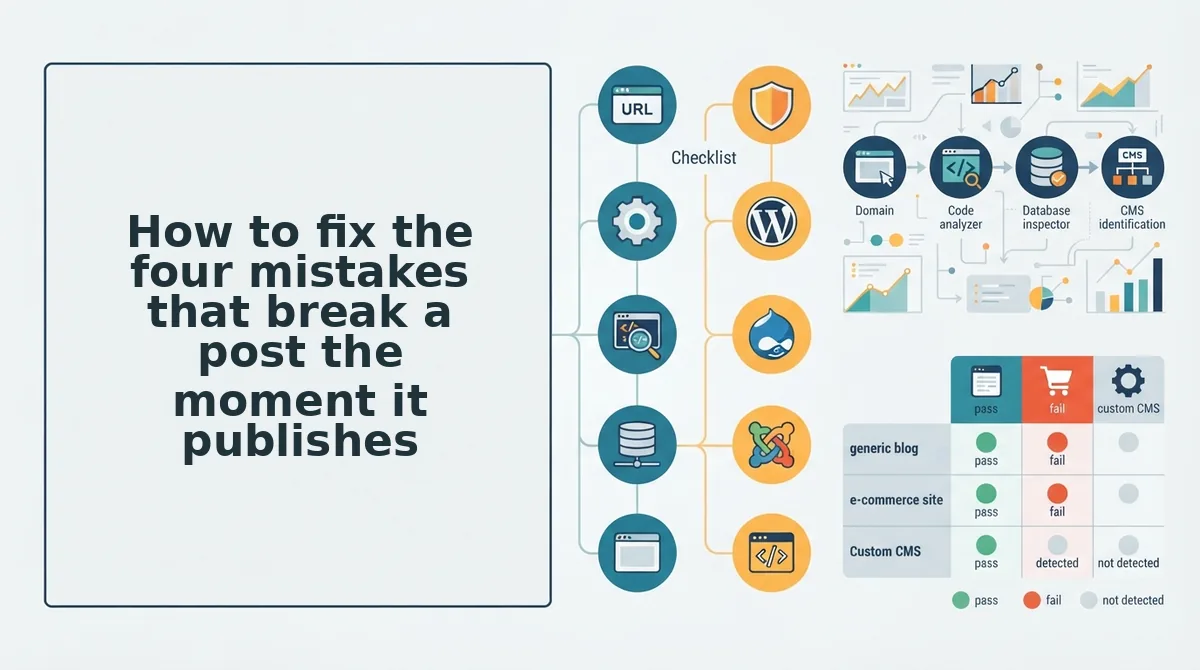
How to fix the four mistakes that break a post the moment it publishes
Fix in reverse order of visibility: repair the redirect-and-canonical damage first, clear the robots block second, restore media third, and build internal links last. Here's where it actually goes wrong, one step per mistake.
- Kill the slug collision before it becomes a canonical problem. A duplicate title during automation generates a
-2suffix on the slug, and the post's own canonical then resolves to the URL it should be competing against. Open the published post, read the canonical tag, and compare it character for character with the live permalink. If they differ, correct the slug and re-save so the canonical regenerates against the right address. - Audit for staging noindex that shipped to production. A noindex toggle set on staging often survives deployment because it lives in a plugin setting rather than in the post itself. Check in this order: the SEO plugin's global and post-type defaults, any redirect or maintenance plugin, your caching layer, and finally the raw robots meta in page source â caching can serve a stale tag long after the setting is corrected.
- Repoint featured_media at a real attachment. The field takes an attachment ID, not a URL, so a failed media sideload leaves a valid post with no image and no error in the response. Confirm the image renders, then confirm it carries alt text; a silent sideload frequently drops the description field it was sent.
- Build links to the post, not just a sitemap entry. Adding a URL to your XML sitemap announces that a page exists. It does not create a path a crawler will follow, because crawl discovery and link discovery are separate signals. Add two or three contextual links from ranking posts the same week you publish.
Now the open loop: the noindex leftover is the mistake that makes the other six invisible. A blocked URL returns almost nothing useful in Search Console, so the broken canonical, the missing image, and the orphan status all stay hidden behind a single "not indexed" label. Clear the robots block first and the rest of the chain becomes readable.
Your next step is one action, not a workflow overhaul: run the four checks above on the last post your integration published. If the chain fails in more than one place, hand the crawl and the publishing to BloGoose â it reads your sitemap, learns your voice, and ships posts with canonicals, media, and internal links resolved at the source.
A post that is live, canonical, indexable, imaged, and linked is not a lucky outcome. It is a checklist you now know how to run.