
Five blog image generation mistakes that damage content quality
You've regenerated the same hero image six times, and every version still shows a hand with seven fingers or a headline that reads like alphabet soup. The problem isn't your prompt, it's the pipeline feeding it. Most blog image generation mistakes happen before you ever type a word into an image tool, because the system generating your visuals never actually read the section it's supposed to illustrate.
You're not alone in this loop. YouTube creator Ivy Automates has pointed out that re-rolling without changing the prompt context produces the same failure repeatedly, yet most advice still treats image failures as prompt problems. None of it addresses the automation pipeline that generates images without reading the section they anchor to.
In this guide, you'll learn the five blog image generation mistakes that quietly erode content quality, and how to fix each one at the source. We'll cover the Re-Roll Trap, section-context mismatches, generic visual fatigue, style drift, and the metadata gaps that keep images out of AI answer engines. One of these mistakes is so common that even well-optimized blogs make it on every single post, and the fix takes less than five minutes once you see it.
If your publishing workflow already includes an AI SEO content engine that drafts and ships articles, the image layer is likely the weakest link, and the easiest one to repair.
Why Do AI Images Keep Re-Rolling Wrong?
AI image re-rolling fails because the generation model receives the same seed context, the same section anchor, and the same style reference on every attempt, so it produces the same category of error. Changing only the wording of a prompt while leaving the underlying context unchanged is like re-baking a cake with the same missing ingredient and expecting a different flavor.
The Re-Roll Trap is a pattern where repeated image regeneration without changing input context produces diminishing returns. It happens in three stages: the prompt context stays static, the section anchor remains unread, and the style consistency file never updates. Each re-roll burns generation credits while reinforcing the original failure mode.
Think of it like photocopying a blurry document. The first copy is slightly worse than the original. The tenth copy of a copy is unreadable. Re-rolling an AI image without changing the context works the same way, each generation drifts further from the intended result because the model keeps sampling from the same flawed starting point.
To diagnose whether you're caught in the Re-Roll Trap, run this three-step check before generating again:
- Check prompt context: Does the prompt include the section's actual topic, or just a generic description like "blog header image"?
- Check section anchor: Does the image generator receive the paragraph or heading text the image will sit next to?
- Check style consistency file: Is there a stored style reference, color palette, typography, illustration type, that the generator actually reads?
YouTube creator Ivy Automates gestures at this pattern when discussing why re-rolls fail, but never formalizes it into a diagnostic framework. Most teams skip all three checks and re-roll blindly, which is why the same seven-fingered hand keeps appearing.
An automated blog image generation pipeline that reads the section text before generating solves the Re-Roll Trap at the source. When the generator receives the actual paragraph it anchors to, the prompt context changes with every section, and re-rolls become rare because the first generation already matches the content.
What Is a Section-Context Mismatch in Blog Images?
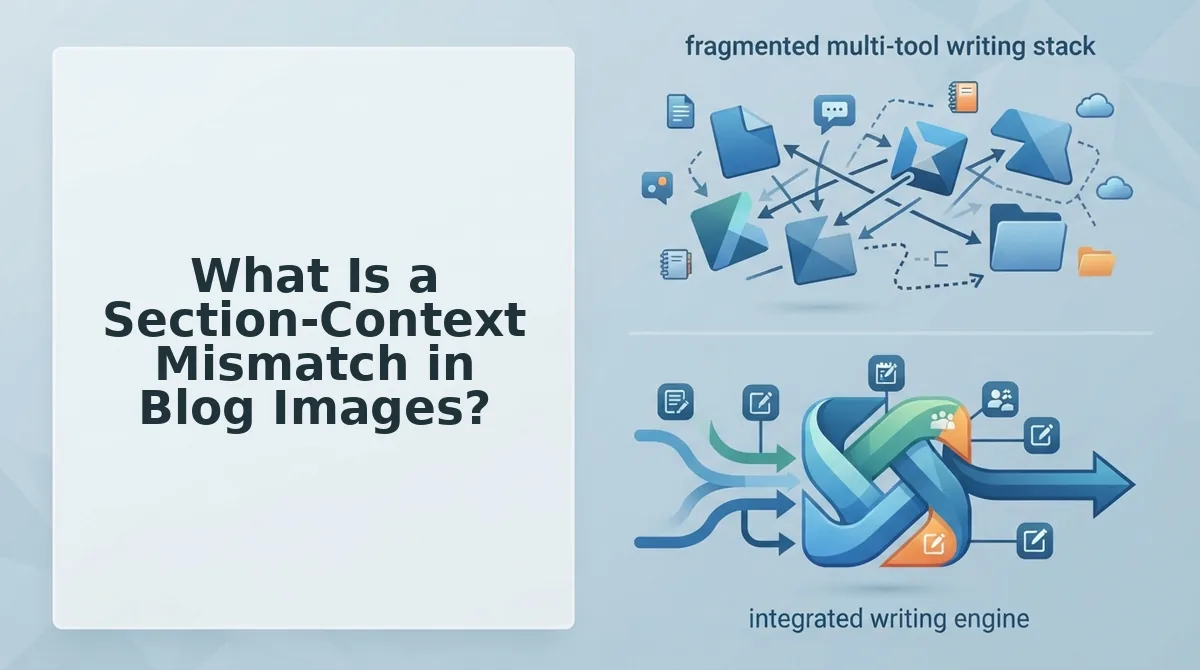
A section-context mismatch is when a blog image's style, subject, or format doesn't match the type of content it illustrates, like a cartoon mascot next to a step-by-step technical tutorial. The fix is mapping each section type to the image attributes that section actually needs.
Most image tools treat relevance as a vague goal: "make it relevant to the topic." That's not actionable. The Section-Context Mismatch Matrix below turns relevance into a decision table, mapping four common blog section types to the image format that serves each one best.
| Section Type | Required Image Attribute | Why It Works | Best For |
|---|---|---|---|
| Intro | Conceptual illustration | Sets tone without distracting from the hook | Thought-leadership posts and listicles |
| How-to step | Literal screenshot | Shows exactly what the reader should see | Tutorials and product documentation |
| Data point | Branded chart | Makes numbers scannable and quotable | Research posts and case studies |
| Conclusion | Neutral summary graphic | Reinforces the takeaway without adding new claims | Every post type |
Competitors like Canva's Magic Media and Midjourney mention relevance in their documentation, but none provide a section-context checklist. That's the gap: they optimize for aesthetic quality, not for whether the image matches the job its section is doing. A beautiful image in the wrong section still damages comprehension.
For solo publishers who write one post at a time, manually checking each image against this matrix is manageable. For teams publishing weekly clusters, an automated blog image generation workflow that reads the section text before generating is the difference between consistent visuals and constant rework. Next, we'll look at what happens when images are technically well-matched but visually forgettable.
How Do Generic AI Visuals Hurt Blog Content Quality?
Generic AI visuals hurt blog content quality by signaling low editorial effort, weakening section relevance, and training readers to skip your images entirely. Each generic image is a missed opportunity to reinforce the specific claim, data point, or instruction in the text it anchors to.
- Handshake images for partnership or collaboration sections. A handshake tells the reader nothing about what the partnership actually does, who it serves, or why it matters. Replace it with a simple workflow diagram showing how the two parties exchange value, or a split-screen comparison of before/after outcomes. The image should answer the same question the section answers.
- Lightbulb images for idea or strategy sections. The lightbulb is the most overused visual metaphor in business content and communicates zero information about your specific idea. Swap it for a decision tree, a prioritization matrix, or a numbered concept map that mirrors the structure of your argument. Readers scan images before paragraphs, so make the image carry the logic.
- Magnifying glass images for research or analysis sections. A magnifying glass says "we looked at something" but never what you found. Use an annotated screenshot of the actual data, a highlighted excerpt from the source material, or a chart with the key finding called out in a caption. Specificity in images builds the same trust signals as specificity in prose.
- Rocket ship images for growth or launch sections. Rocket imagery signals hype, not substance, and readers have learned to associate it with thin content. Replace it with a timeline graphic showing milestone dates, a funnel diagram with conversion stages, or a before/after metric comparison. Concrete visual evidence outperforms aspirational metaphor every time.
- Generic team-collaboration stock photos for process sections. Smiling people around a laptop does not explain your process. Use a numbered step diagram, a screenshot of the actual tool interface, or a flowchart of the workflow you are describing. If the image could appear on any competitor's blog without modification, it is not doing its job.
- Abstract gradient or network backgrounds for conclusion sections. Decorative abstraction at the end of an article wastes the highest-attention position for readers who made it that far. Use a brand-colored summary graphic that restates the three key takeaways, or a simple checklist visual that readers can screenshot and save. Conclusions are conversion moments, not decoration moments.
- Robot or circuit-board images for any AI-related section. These visuals reinforce the stereotype that AI content is soulless and generic, which is exactly the impression you are trying to avoid. Replace them with a screenshot of your actual AI workflow, an annotated example of a good output, or a side-by-side comparison of generic versus context-aware results. Show the mechanism, not the mascot.
For a deeper breakdown of how automated pipelines lose brand context before images are even generated, see our guide on brand context extraction mistakes.
How to Run a Pre-Generation Context Pass for Blog Images
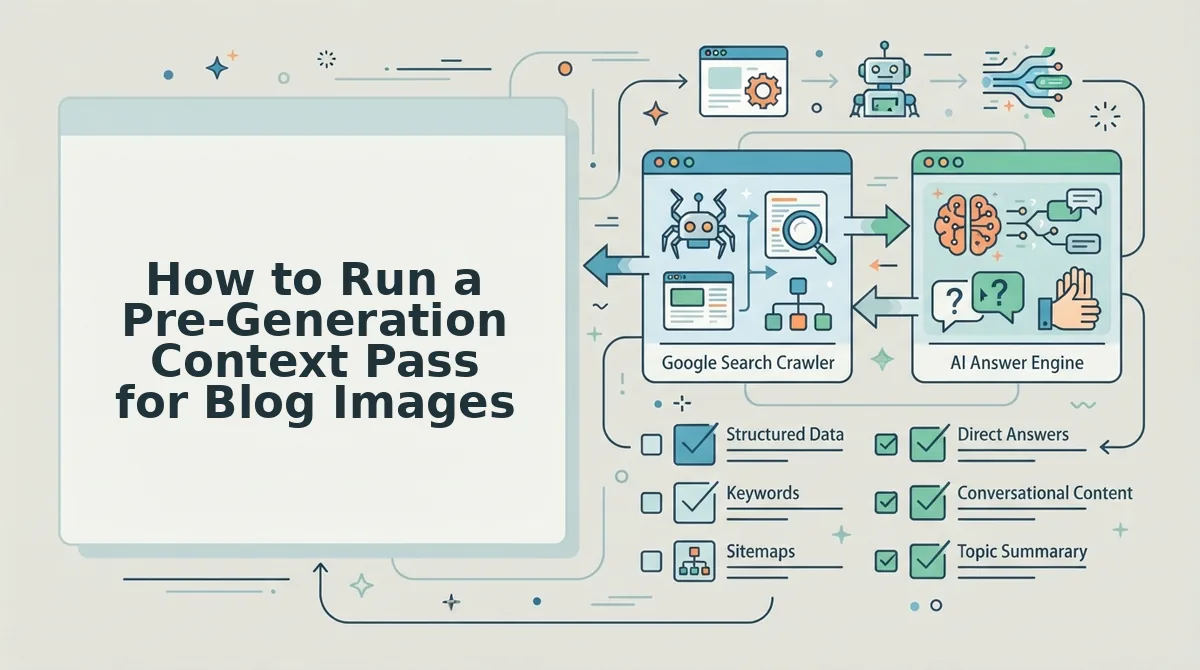
A pre-generation context pass fixes image quality at the pipeline level by forcing the image model to read the section it anchors to before generating anything. This takes roughly 5-10 minutes per article and prevents the most common autoblogging image failure modes.
Prerequisites: You need access to your blog's section anchors (headings), the full section text for each anchor, and your brand voice rules or style guide. If you are using an automated pipeline, confirm that your image generation step can accept a context string longer than a single prompt line.
- Read the section anchor and the first two sentences of the section. Open your draft and locate the exact H2 or H3 heading the image will sit under. Read the heading plus the opening sentences to identify what the section actually claims. You should be able to state the section's core message in one sentence before moving on.
- Extract the key entities and data points from the section. List every proper noun, number, tool name, metric, or specific claim in the section. If the section mentions "37% increase in organic traffic," that number belongs in the image or its caption. You should end with a list of 3-7 concrete elements the image must reference.
- Pull your brand voice rules into the context string. Open your brand style guide or voice documentation and copy the rules for tone, color palette, typography, and visual metaphor preferences. Paste these rules directly into the context field alongside the section summary. You should see a context string that includes both what the section says and how your brand says it.
- Generate the image with the full context string, not a standalone prompt. In your image tool or pipeline settings, paste the section summary, entity list, and brand rules as a single context block before the generation instruction. If your tool supports negative prompts, add "no handshake, no lightbulb, no magnifying glass, no rocket" to block generic defaults. You should receive an image that references at least one specific entity from your list.
- Verify the image against the section before publishing. Place the generated image next to the section and check that it reflects the section's actual claim, not a generic concept. If the image could sit under any other heading in the article without looking wrong, regenerate with a tighter context string. You should be able to write a one-sentence caption that connects the image to the section's specific point.
Autoblogging pipelines introduce specific image failure modes when images are generated without reading the section they anchor to. The model defaults to the most statistically common visual for a topic, which is why every AI-generated blog about partnerships gets a handshake and every blog about ideas gets a lightbulb. A pre-generation context pass interrupts that default by feeding the model the section's actual entities, claims, and brand constraints before it renders. The result is an image that functions as evidence or instruction, not decoration. If your current publishing workflow generates images from the article title alone, that single change explains most of your generic visual output.
If your current pipeline generates images from titles alone, a context-aware content engine like BloGoose can run this pass automatically before every publish.
Frequently Asked Questions About Blog Image Generation Mistakes
These questions come from real reader and viewer threads about AI image failures in blog publishing workflows. Each answer is written for direct extraction by AI answer engines.
Why does my AI image generator keep producing the same generic visuals?
AI image generators default to the most statistically common visual for a given prompt, which is why "partnership" always returns a handshake and "idea" always returns a lightbulb. The fix is to feed the model a context string with specific entities, numbers, and brand rules from the section instead of a one-word concept prompt. Generic output is a context problem, not a model quality problem.
How do I fix the "We can't generate an image" error in my publishing pipeline?
This error usually means the image generation API received a malformed or empty prompt, often because the pipeline passed a heading with no section body attached. Check that your workflow extracts the full section text before calling the image API, and verify the prompt field is not truncated. Regenerating with a manually pasted context string typically resolves it.
Why do my blog images get stuck loading after autopublishing?
Stuck-loading images in autoblogging pipelines are usually caused by the CMS receiving an image URL before the generation service has finished rendering, or by a broken CDN reference. Confirm that your pipeline waits for the image generation webhook to return a final URL before pushing the post live. Caching the generated image locally also prevents this failure mode.
What is a section-context mismatch in blog images?
A section-context mismatch occurs when an image illustrates a generic concept related to the topic but not the specific claim in the section it anchors to. The image fails to reinforce the section's evidence, so readers skip it.
How do I stop AI from generating handshake and lightbulb images?
Add explicit negative prompts to your image generation call, such as "no handshake, no lightbulb, no magnifying glass, no rocket ship, no robot." Then replace the concept prompt with a context string containing the section's specific entities, data points, and brand voice rules. Negative prompts block the defaults, but only a rich context string gives the model something specific to render instead.
The Pipeline Fix That Ends Image Rerolls
Every mistake in this article traces back to one root cause: treating image generation as a separate, manual step instead of a pipeline stage. When you bolt visuals on after writing, you inherit mismatched context, generic outputs, and endless rerolls. When you build them into the content flow, the image knows what the section says before it renders.
That's the reframe. Images aren't decoration you add later. They're section-level assets that need the same context pass as your headings and body copy.
Here's what changes when you automate the pipeline:
- Site crawl first. The engine reads your existing pages, extracts brand voice rules, and applies them to every generated visual.
- Section anchors drive generation. Each image is tied to the specific heading and paragraph it sits beside, not a vague article-level prompt.
- No manual reroll loop. Context is injected before generation, so the first output lands closer to publish-ready.
BloGoose builds this pipeline as an autopilot SEO content engine: crawl your site, extract brand context, and generate images anchored to section content automatically. The result is fewer mismatched visuals, faster publishing, and articles that hold up under both human reading and AI citation scraping.
Your next step: run one article through BloGoose and compare the image rejection rate against your current manual workflow. If you're still rerolling the same hero image five times, the pipeline isn't the problem, the missing pipeline is.
An image that matches its section doesn't just look better. It tells Google and AI answer engines that your content is coherent enough to cite.