
A blog post image generation workflow for organic search
You spend three hours hunting for a hero image, resizing it in Canva, writing alt text, and uploading it to WordPress, then realize you still need four more images for the subheadings. That manual grind is why a blog post image generation workflow quietly eats more publishing time than the writing itself. YouTube creators cover fragments. Canva tutorials, Netlify deploys, Pabbly automations, but no single source assembles the complete pipeline from brand brief to published post.
You're right to be frustrated. Stack sprawl is real: a design tool, a separate LLM, a manual CMS upload, and an image optimizer stitched together with copy-paste. Agree. This article promises to replace that sprawl with one repeatable, four-stage workflow you can run in under 30 minutes per post. You'll learn how to build an image brief from your site's brand context, generate images with AI, optimize them for search and AI citations, and publish them alongside your copy. Along the way, you'll see why starting from your site, not your prompt, changes everything, including one counterintuitive step most guides skip entirely. An AI SEO content engine can automate this whole pipeline, but understanding the stages first lets you control the output.
What Is a Blog Post Image Generation Workflow?
A blog post image generation workflow is a repeatable, four-stage process that turns your site's brand context into search-ready images: brief from brand context, generate with AI, optimize for search and AI citations, then publish alongside post copy.
Think of it like a restaurant kitchen's prep line. The brief is the recipe card, it tells the generator exactly what ingredients (colors, tone, subject, dimensions) to use. The AI generation stage is the line cook executing the recipe. Optimization is the plating pass, checking that every image is the right size, labeled correctly, and appetizing to both human readers and search crawlers. Publishing is the expediter sliding the finished plate to the table, in this case your CMS.
At the simple level, the workflow is manual: you write a prompt, generate an image, download it, upload it. At the intermediate level, you add brand context extraction, pulling colors, voice, and visual rules from your existing site so images match your published pages. At the advanced level, the entire pipeline runs automatically: a sitemap crawl extracts brand rules, an AI generates section graphics at the same time as H2 drafts, and the platform pushes finished images and alt text to WordPress without a single manual upload.
Three entity definitions anchor this workflow. Brand context extraction is the automated process of crawling a site's sitemap and published pages to detect visual and tonal rules. An image brief is a structured specification document that tells an AI generator what to create, including subject, style, dimensions, and alt text intent. Alt text schema is a structured format for image descriptions that helps search engines and AI answer engines understand and cite your visuals.
Stage 1: Build the Image Brief from Your Site's Brand Context
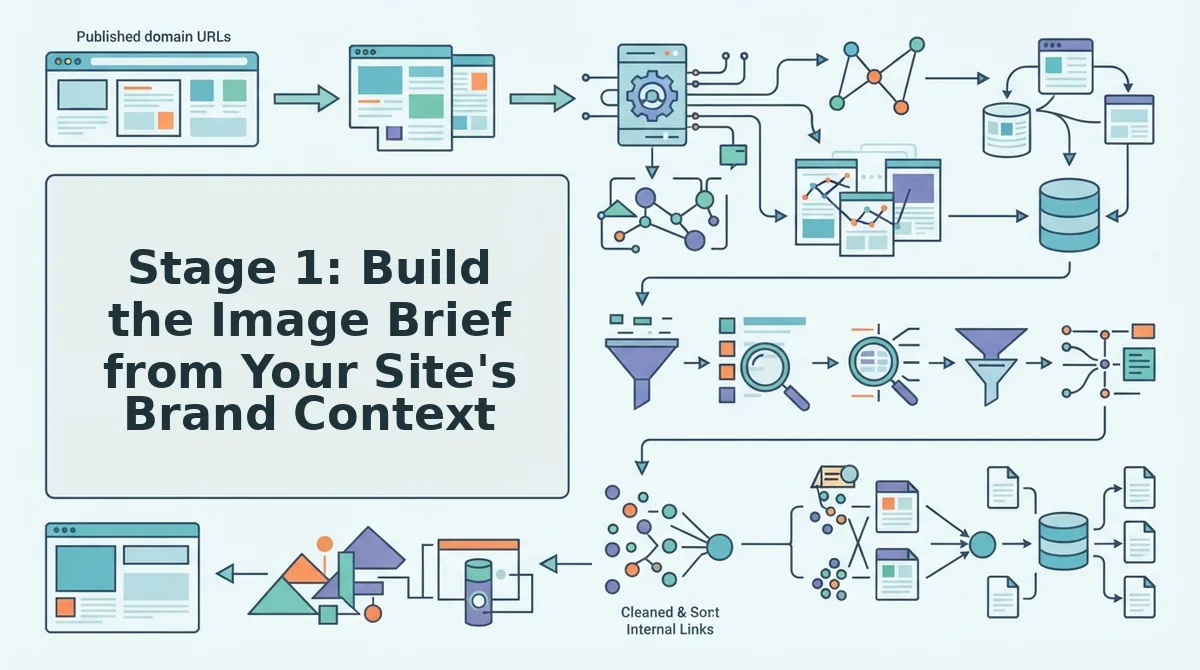
Start from your site, not your prompt. Crawling your own domain to extract brand voice rules and image rules before writing a single generation prompt is the step most guides skip, and it's the one that makes every downstream image consistent.
Prerequisites: Your live site URL, access to its XML sitemap, and either a crawl-capable platform or a manual review of 5 - 10 published pages. Budget 10 - 15 minutes for this stage.
- Run a sitemap crawl of your domain. Open your setup tool and enter your site URL. The crawler locates the XML sitemap, inspects published pages, and detects the underlying technical structure. You should see a list of crawled URLs and detected page types within a minute or two.
- Review the extracted brand voice rules. Look for detected patterns in tone, sentence length, and vocabulary. Confirm or edit these rules, they'll shape how image captions and alt text read. Success looks like a short list of voice rules you'd agree describes your site.
- Define your image rules. Specify color palette, image style (photographic, illustrative, screenshot-based), aspect ratios per placement, and whether images include text overlays. If your platform supports brand context files, export these rules into one so every future post inherits them automatically.
- Write the image brief as a structured spec. For each image slot, hero, section graphic, OG image, list the subject, style, dimensions, and the alt text intent. You should end with a brief that any AI generator or teammate could execute without asking clarifying questions.
Pro Tip: Generate section graphics at the same time as your H2 drafts, not after the article is written. Drafting both in parallel keeps image subjects aligned with heading intent and cuts total production time. An automated pipeline can handle this pairing for you, pushing finished images straight to your CMS. Next, you'll turn that brief into actual images.
Stage 2: Generate Images with AI Tools
AI image generation for blog posts spans three practical tool categories: design platforms with built-in AI, LLM-native image models, and automation agents that bundle image creation with content publishing. Each approach trades control for convenience differently, and the right choice depends on whether you prioritize brand consistency, workflow consolidation, or raw creative flexibility.
The table below compares the four most common generation routes for organic search content teams, based on capabilities documented in each platform's public materials.
| Tool | Core Strength | Workflow Fit | Best for |
|---|---|---|---|
| Canva AI | Template-driven design with integrated AI image generation and brand kits | Manual, design-first creation inside a familiar editor | Content marketers who want on-brand visuals without leaving a design tool |
| Netlify AI Gateway | Unified API access to multiple LLM image models without separate provider accounts | Developer-built image agents that call generation endpoints programmatically | Engineering-led teams building custom pipelines who want provider flexibility |
| Pabbly | Single automation agent that generates blog content and images in one workflow | Trigger-based content production with image generation bundled in | Solo operators and small teams consolidating content creation into one agent |
| General LLM image generation (e.g., DALL·E, Midjourney, Stable Diffusion) | Highest creative ceiling and prompt control for unique, non-template visuals | Standalone generation requiring manual export and upload to your CMS | Brands with dedicated visual identity needs and a designer on hand |
Canva AI deserves credit for lowering the barrier to entry: Keegan Edwards has documented how its AI tools produce blog-ready images inside a design environment most marketers already know. Netlify AI Gateway solves a real friction point by letting image agents call LLM providers without opening separate accounts for each one. Pabbly's strength is consolidation, content and images emerge from the same agent run.
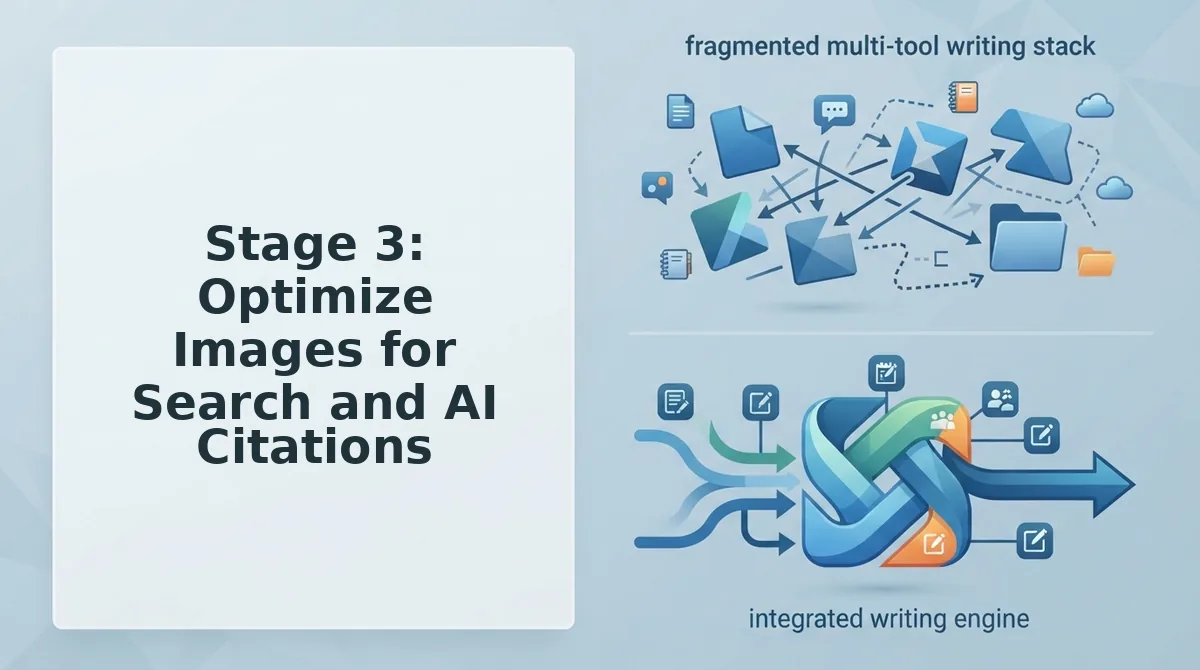
The hidden cost across all four is stack sprawl. Each tool generates images, but none of them alone carries an image from brief to published post. If you are already routing content through an automated blog image generation pipeline, adding a separate generation tool means another export step, another naming convention, and another place where brand voice drifts.
Stage 3: Optimize Images for Search and AI Citations
Optimizing blog images for organic search means making each image legible to Google Image Search and quotable by AI answer engines. The process takes roughly 10 - 15 minutes per image and requires access to your CMS media library and your site's schema markup.
- Rename the file before upload. Replace camera-generated names like
IMG_4821.jpgwith descriptive, hyphenated, keyword-relevant filenames such asai-seo-content-workflow-diagram.jpg. You should see the filename appear cleanly in your CMS media library without underscores or spaces. - Write alt text as a self-contained passage. Type an 80 - 120 word description that names the entities in the image, explains what the image shows, and states why it matters to the surrounding article. The passage should read as a standalone answer, because AI answer engines quote alt text verbatim when it matches a query. You should be able to paste the alt text into a chat prompt and have it make sense without the image.
- Add ImageObject schema. Open your page's structured data block and add an
ImageObjectwithcontentUrl,caption, anddescriptionfields. The caption should be entity-aligned, naming the product, concept, or process the image illustrates. You should see the schema validate without errors in Google's Rich Results Test. - Compress and set dimensions. Export the image at the exact display size and run it through your compression tool of choice. You should see the file size drop below 150 KB without visible quality loss, which keeps page speed from undercutting your image rankings.
Alt text that gets quoted in AI answers is descriptive, entity-aligned, and written as an 80 - 120 word self-contained passage. It names the people, products, or processes shown, explains their relationship, and states the takeaway a reader should draw. Google Image Search uses alt text and filenames to understand image content, while AI answer engines extract alt text as a ready-made citation when the passage answers a user's question directly. For a deeper breakdown of how this works, see image SEO for AI answer engines.
Stage 4: Publish Images Alongside Post Copy Automatically
Automated publishing removes the manual CMS upload step by wiring image generation directly into your content pipeline. The pattern is consistent whether you use WordPress, a custom API, or a headless CMS: trigger, prompt, generate, optimize, publish.
Prerequisites: A connected CMS (WordPress REST API, custom endpoint, or supported headless CMS), an image generation source from Stage 2, and your optimization rules from Stage 3 saved as a reusable template.
- Create the trigger. Open your automation tool and set the event that starts the workflow, a new draft post, a scheduled publish date, or a manual "generate images" action. You should see the workflow fire once per post, not per image.
- Map the prompt template. Connect the image brief fields from Stage 1 (brand colors, entity names, image type) to the generation tool's prompt input. You should see the generated image reflect the brief without manual prompt editing.
- Apply optimization rules automatically. Add a step that renames the file using your hyphenated convention, injects the 80 - 120 word alt text passage, and attaches ImageObject schema. You should see the optimized image land in the CMS media library with metadata intact.
- Attach and publish. Set the final step to insert the image into the post body at the designated position and publish or schedule the post. You should see the live post with the image, alt text, and schema all present, no manual upload required.
Automation pays for itself at the publish stage because no manual CMS upload means no forgotten alt text, no mismatched filenames, and no orphaned media files. WP Learning 101 notes that the same automated pipeline can repurpose blog images for social media, extending one generation run across multiple channels. If your current process still involves downloading AI images and re-uploading them by hand, an automated blog publishing engine closes that loop entirely.
Those are the four stages, now let's address the questions readers ask most about image workflows.
FAQ
Real questions from search results, Reddit threads, and YouTube comments about blog image generation workflows, answered for quick extraction by AI answer engines.
How do I keep AI-generated blog images on-brand?
Feed the generator a brand context file containing your color palette, typography rules, logo placement, and visual tone before prompting. BloGoose extracts these rules automatically from your existing site during setup, so every image matches your published pages without manual style guides.
Can I generate blog images without opening accounts with multiple AI providers?
Yes, through an AI gateway that routes image requests to multiple LLM providers from a single authenticated endpoint. Netlify AI Gateway handles provider credentials and rate limits behind one API key, so you never create separate accounts with each image model vendor.
Do AI-generated images rank in Google Image Search?
Yes, when they carry descriptive filenames, alt text, structured data, and sit on pages with strong topical relevance. Google indexes AI images the same way it indexes any raster file; the ranking signal comes from surrounding context and metadata, not the generation method.
Why do my blog posts publish without images even though I generated them?
The images are likely stranded in a separate tool or local folder because your publishing step does not pull them automatically. A workflow that generates, optimizes, and attaches images inside the same pipeline that ships the post eliminates the finished-post-no-images bottleneck.
What image formats should I use for blog posts in 2026?
WebP or AVIF for photos and illustrations, SVG for logos and simple graphics, and PNG only when transparency or lossless quality is required. Both WebP and AVIF compress significantly smaller than JPEG at equal visual quality, which improves Core Web Vitals and page speed.
How many images should a blog post have for SEO?
At least one unique hero image plus one supporting visual per major section, with no arbitrary upper limit. Each image should earn its place by illustrating a concept, breaking up long text, or providing a shareable visual for social and AI citation snippets.
Put the Four-Stage Workflow on Autopilot
The four-stage framework, brief, generate, optimize, publish, removes the single biggest bottleneck in content operations: the finished post sitting in a queue with no images. When image creation lives inside the same pipeline as drafting and publishing, the bottleneck disappears by design, not by discipline.
Start from your site's brand context, not a blank prompt. That one shift turns generic AI illustrations into visual assets that reinforce recognition across every post. Then automate the rest.
Your next step depends on where you are: explore the workflow manually for one post, automate a single stage with a gateway like Netlify AI Gateway, or hand the entire pipeline to BloGoose and let it crawl your site, extract brand rules, generate on-brand images, and publish finished posts with visuals attached. See BloGoose pricing to match the automation level to your publishing volume.
The sites winning organic search and AI citations in 2026 are not publishing more words. They are publishing complete, visually consistent pages faster than their competitors can open a design tool.