What Ranking Signals to Check Before Choosing a Blog Topic
You published, it never ranked. The keyword tool showed a low difficulty score, so nobody opened the live results page. Google was already rewarding a different format that served a different intent, which is why the ranking signals to check before choosing a blog topic matter more than any single number.
Trusting keyword tools is reasonable, since they make topics look easy. This guide gives you a repeatable winnability check: nine signals, seven from the live SERP and two from your own data. They feed a scorecard that ends in a Go, Refresh, or Skip call for each topic.
You need three things: a logged-out or private browser window, access to Google Search Console, and a list of your existing posts. SERPs vary by location and change over time, so date each check. Pay close attention to Signal 7, because it changes how you read AI Overviews.
Read the live SERP before you trust any score. Nine signals show whether a topic is winnable, and the scorecard turns them into a clear Go, Refresh, or Skip decision.
What Ranking Signals Should You Check Before Choosing a Blog Topic?
Check nine signals: dominant intent and format, SERP features, who ranks, title-to-query match, freshness, coverage gaps, AI Overview citation sources, Search Console impressions, and cluster fit. The first seven come from the live results page. The last two come from your own site data.
To decide whether a blog topic is winnable, search the exact query in a private window and scan the top 10 for six things: a format you can match, pages that miss the exact query, outdated dates, forum threads, unanswered People Also Ask questions, and an AI Overview that cites smaller domains. Then confirm two signals on your side: Search Console impressions for the query or a close variant, and existing posts you can interlink. Mostly passes point to Go, an underperforming page you already own points to Refresh, and mostly failures point to Skip.
Before you start, open a private browser window, Google Search Console, and your post list. Budget roughly 20 minutes per topic.
1. Dominant Intent and Format
Check what the top results are. If most of them share a format you can't produce, change your angle or skip the topic. Search intent is the goal behind a query, such as learning, comparing, or buying.
- Open a private window, type the exact query, and press Enter.
- Scroll through the top 10 and label each result as a guide, list, tool, product page, or video.
Success looks like one clearly dominant format. This takes about 3 minutes.
2. SERP Features
Check which SERP features appear. If an AI Overview, featured snippet, People Also Ask box, or video carousel pushes the organic links down, plan your post to win that feature. A SERP feature is any result that isn't a standard blue link. This takes about 2 minutes.
Pro tip: Run every check in a logged-out or private window so personalization doesn't skew what you see.
3. Who Ranks
Check whether brands, niche sites, or forums hold the top 10. If Reddit or Quora threads rank, searchers aren't finding a good answer, and that's a weak-result tell. Big brands only block you when their pages target the exact query.
4. Title-to-Query Match
Check whether the ranking titles use the query's wording. If most titles answer a broader or adjacent question, a precisely matched post has an opening.
Here's where most hard SERPs crack.
5. Freshness of Top Results
Check the publish and update dates. If the top results are years old on a topic that changes, a current post can outrank them. Stale screenshots are another tell.
6. Coverage Gaps
Check the H2s that most top pages share against the People Also Ask questions. If PAA questions go unanswered, those gaps become your differentiating sections. This takes about 4 minutes.
7. AI Overview Citation Sources
Check which domains the AI Overview cites. If it cites small or niche domains, the topic is winnable for citation even when the organic results look crowded. An AI Overview is Google's generated summary at the top of results, with linked sources. Learn how to optimize for AI answ
No. A keyword difficulty score is a filter, not a verdict. The live search results page is the evidence that shows whether a topic is worth writing. Keyword difficulty (KD) is a third-party estimate of how hard a query is to rank for, built largely on the backlink data of pages already ranking. Think of KD as a weather forecast. Looking out the window shows what is actually happening. Is keyword difficulty reliable? Only as a first filter. KD compresses mostly link data into one number, so it cannot see search intent, the format Google rewards, how fresh results must be, whether ranking titles mismatch the query, whether forum threads are winning, or which sources AI Overviews cite. A low score can hide a results page dominated by a format you cannot produce. A high score can hide weak, outdated pages. Shortlist topics with KD, then open the live results before committing. Here is what each source tells you: BloGoose runs live SERP and social research for each calendar topic before drafting. Every SEO content brief starts from current evidence instead of a single score. With both signals in hand, each topic can be sorted into a clear decision. Now put it together: rate each signal green, yellow, or red, then read the pattern. Mostly green with no red on intent means Go. Strong domains with stale pages means Refresh, and red on intent plus brand pages targeting the exact query means Skip for now. These thresholds are a working heuristic, not data. Adjust them as your own results come in. A team scores a topic mixed because it already has a related post. Instead of publishing a new article, it chooses to refresh an existing post. These answers cover the edge cases the scorecard raises most often. No, not by default. If the AI Overview cites small or niche sites, the topic is still worth targeting because those citation slots are open to pages like yours. Skip it only when the overview cites major brands alone and your intent signal also reads red. A keyword is too competitive when brand pages precisely target the exact query and your scorecard tallies red on intent. Strong domains alone do not rule a topic out. If their pages are stale or mismatched, a fresher and more specific post can still compete. Recheck ranking signals right before you draft, even if you scored the topic weeks earlier. Search results shift over time and vary by location, so a SERP that looked green last month can turn yellow. Check from your target market's location whenever you can. The topics worth writing are the ones the live SERP says you can win, not the ones a difficulty number flatters. Keep one decision habit: give every idea a Go, Refresh, or Skip verdict before anyone drafts. That habit resolves the question from the start. A low score never guaranteed a ranking, and a high one rarely ruled one out. The pattern of signals decides. To run this process across a full calendar, BloGoose, an AI SEO content engine, reads your site and plans a 30-day content calendar using live SERP research for each topic. It maps cluster fit before drafting and publishing to WordPress or your custom API, so every article you ship has earned its place.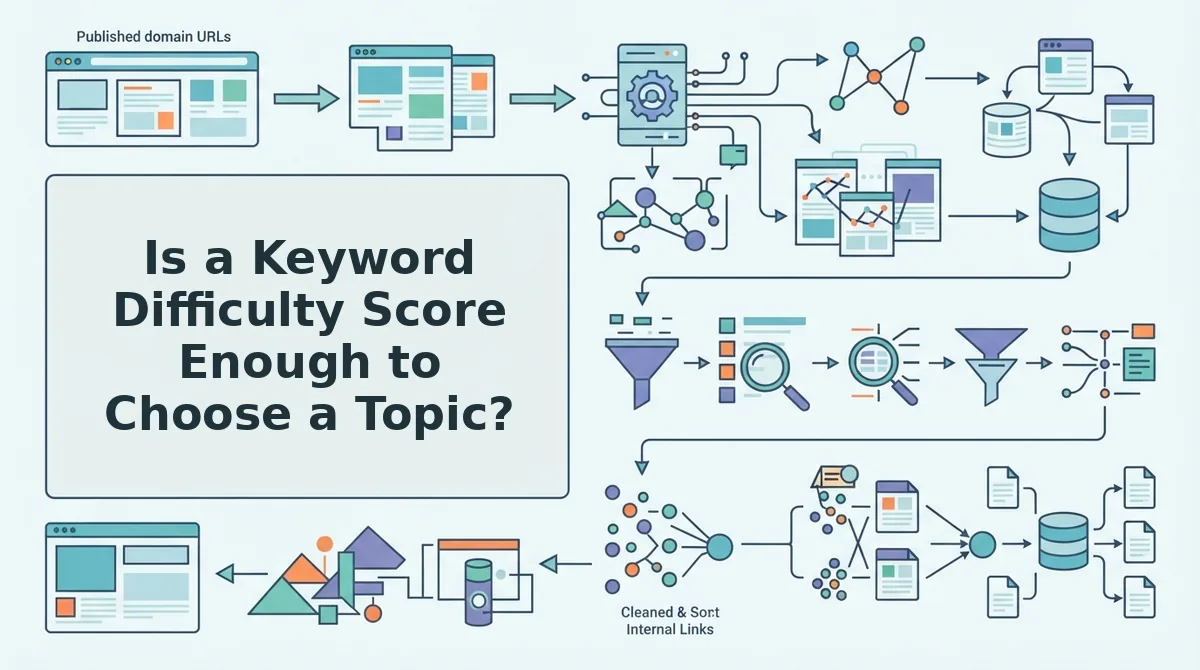
Is a Keyword Difficulty Score Enough to Choose a Topic?
How to Score a Topic as Go, Refresh, or Skip
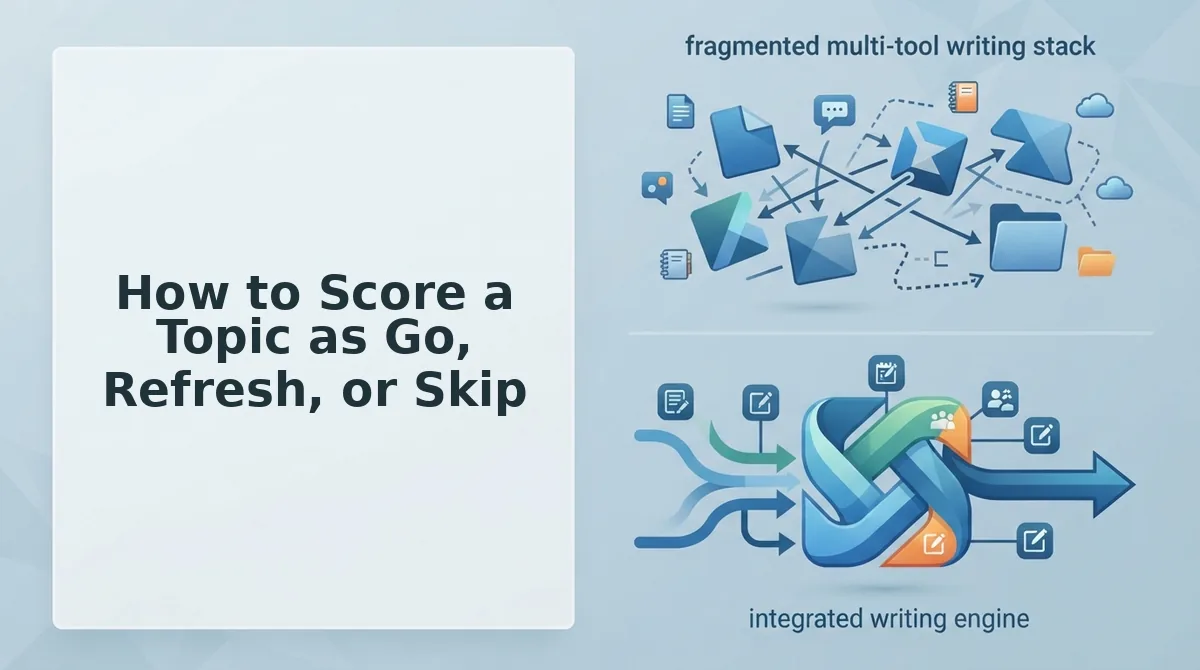
Signal Green Yellow Red Intent match Top results match your format Mixed formats Product or brand pages dominate Competing pages Niche sites rank Strong domains, stale pages Strong domains, fresh and precise pages AI Overview Absent, or cites small sites Cites mixed sources Cites only major brands Forums and PAA Forum ranks, PAA thin Partial PAA coverage Top pages fully answer PAA
Verdict Pattern Best for Go Mostly green, no red on intent Solo operators starting a new cluster Refresh Strong but stale competitors, or you have a post already earning impressions Publishers with an existing archive Skip for now Red on intent plus precise brand pages Newer sites with limited authority When Signals Conflict
Worked Example #3
FAQ About Choosing Blog Topics You Can Rank For
Should I skip a topic that shows an AI Overview?
How do I know if a keyword is too competitive for my site?
How often should I recheck ranking signals?
Pick Topics From Evidence, Not Scores