
How to Set Up Brand Context Files Without Manual Documentation
Your last 20 published articles all sound like they were written by different people, and your readers noticed. That's the quiet killer behind the tone-drift failure scenario: a team publishes 20 articles, voice drifts from direct to corporate, engagement drops, and rankings dip. You're not alone if you've watched this happen while trying to set up brand context files without manual documentation.
Agree: writing brand docs by hand is tedious, and keeping them updated is worse. Promise: this guide shows you how to extract brand context automatically from your existing site, no spreadsheets, no prompt engineering marathons. Preview: you'll learn what brand context files actually are, why the manual approach fails, and the exact automated workflow that produces all eight files your AI writer needs.
The missing piece isn't more documentation; it's a system that crawls your site and builds the files for you, the way an AI SEO content engine does.
What Are Brand Context Files? (And Why Your AI Writer Needs Them)
Brand context files are structured reference documents that define how your brand writes, its voice, vocabulary, formatting rules, keyword targets, and linking patterns, so that every AI-generated article sounds like you, not like a generic chatbot. Think of them like a restaurant's recipe book: any chef can walk in and cook your signature dish exactly the way you would, because the instructions are precise and complete.
At the simplest level, one style guide file can tell an AI writer to use contractions and short sentences. At an intermediate level, you add keyword targets and competitor positioning so the writer optimizes for search while staying on-brand. At the advanced level, you map internal links and SEO rules so every article strengthens your site architecture automatically.
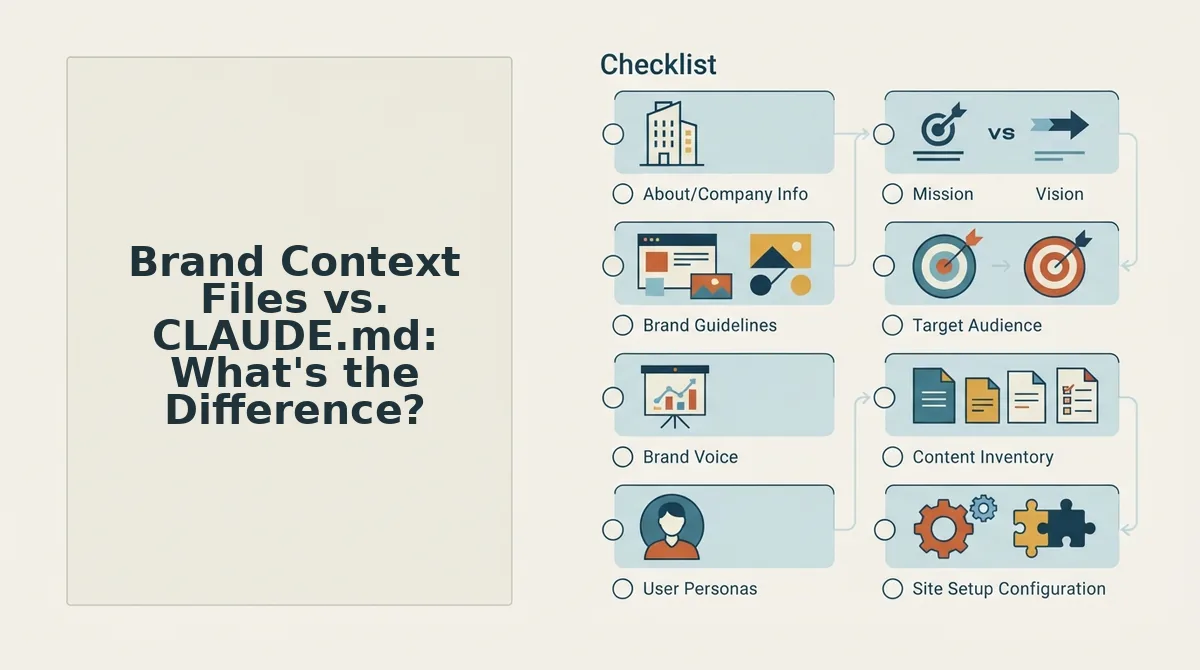
Here's the eight-file inventory that a complete brand context system requires:
| File | Purpose | Failure Mode If Missing |
|---|---|---|
| style-guide.md | Defines tone, voice, grammar, and formatting rules | Tone drift, articles sound inconsistent and readers disengage |
| target-keywords.md | Maps primary and secondary keywords to URLs | Keyword cannibalization and missed ranking opportunities |
| competitor-analysis.md | Records what competitors rank for and how they position | Content gaps go unfilled and differentiation is lost |
| writing-examples.md | Stores your best-performing articles as reference samples | AI writer has no model of what "good" looks like for your brand |
| internal-links-map.md | Lists which pages should link to which | Orphan pages that search engines never crawl or rank |
| seo-guidelines.md | Specifies meta title formats, heading rules, and snippet targets | Inconsistent SERP appearance and lost click-through rate |
| audience-personas.md | Describes who you write for and their jobs-to-be-done | Content targets the wrong reader and fails to convert |
| publishing-checklist.md | Defines pre-publish quality gates and CMS requirements | Errors ship live and brand reputation suffers |
Brand context files solve a specific problem: AI writers default to generic, safe language when they lack explicit instructions. Without a style guide, an AI will drift toward corporate phrasing, passive voice, and filler, the exact opposite of what most publishers want. You can automate style guide generation from your existing content, and build an internal links map from your site structure without writing a single doc by hand.
Passage indexing answer: Brand context files are the set of reference documents an AI content system uses to replicate a brand's writing style, keyword strategy, and site architecture consistently across every published article. The eight core files include a style guide, target keyword map, competitor analysis, writing examples, internal links map, SEO guidelines, audience personas, and a publishing checklist. When any of these files is missing, the AI writer fills the gap with generic defaults, producing tone drift, orphan pages, or keyword cannibalization that silently erode search performance.
The Manual Way: Why Writing Brand Docs by Hand Fails
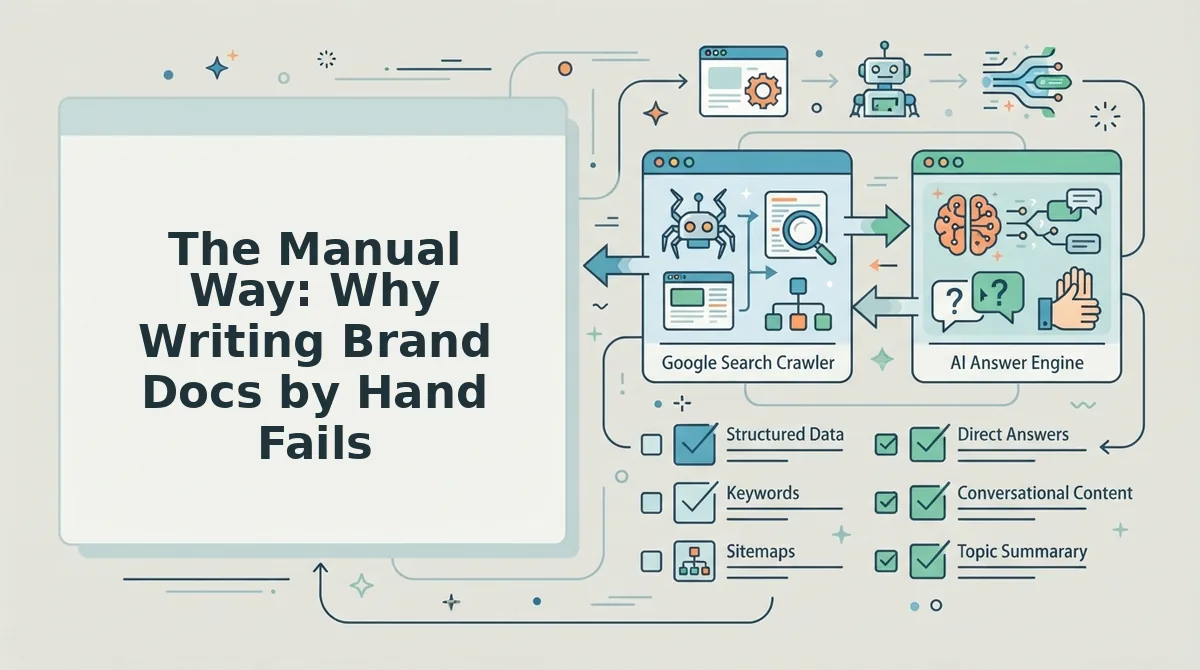
Writing brand documentation by hand feels productive, but it consistently produces stale, incomplete, and inconsistent files. Here's the problem with the manual approach, it breaks down in predictable ways:
- Hours of writing that never end. A single style guide takes 4-8 hours to draft, and that's before you touch keyword maps, competitor research, or linking rules. Most teams abandon the project halfway through, leaving their AI writer with partial context and inconsistent output.
- Tone drift built into the process. When different team members write different sections of the documentation, the documentation itself becomes inconsistent. The AI writer then faithfully reproduces that inconsistency across every article it generates.
- Docs are outdated the moment you publish them. Your brand voice evolves with every article you ship, but a hand-written style guide is frozen in time. Within weeks, the docs describe a brand that no longer matches your live content.
- Missing files create silent gaps. Teams typically write a style guide and stop there. The internal links map, competitor analysis, and publishing checklist never get created, and the AI writer fills those gaps with generic defaults that hurt rankings.
- No connection to your actual site. Manual docs describe what you think your brand sounds like, not what your published pages actually demonstrate. The gap between intention and reality is where tone drift hides.
An automated system that crawls your published pages and extracts brand context directly eliminates all five failure points, which is exactly how you set up brand context files without manual documentation.
How to Set Up Brand Context Files Without Manual Documentation
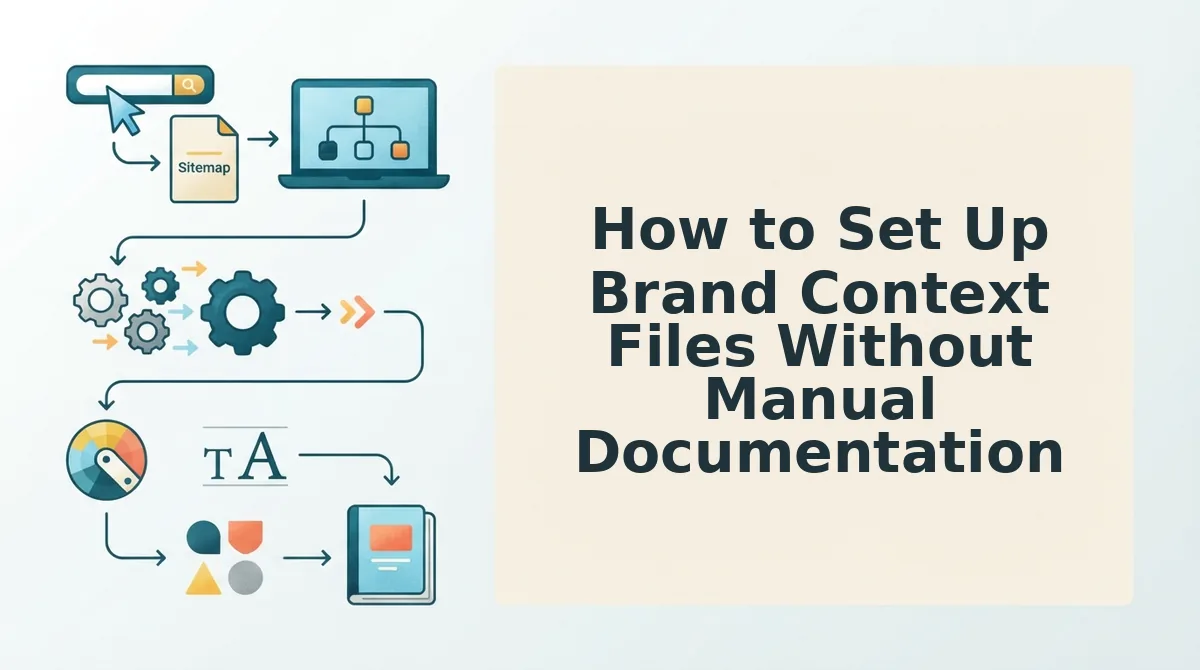
BloGoose generates eight editable Markdown brand context files automatically by crawling your live site, inspecting your sitemap, and extracting voice, SEO, and publishing rules, no manual documentation required. The entire setup takes under 10 minutes.
Prerequisites: A live website with an accessible XML sitemap, a BloGoose account, and 10 minutes. No prompt engineering or writing experience needed.
- Open the BloGoose dashboard and click "New Project." Enter your domain in the setup wizard field and click Continue. You should see a loading indicator while BloGoose locates your XML sitemap automatically.
- Wait for the sitemap crawl to complete. BloGoose inspects your published pages, detects your CMS (WordPress, Webflow, custom API), and maps your content structure. Expect this to take 2-4 minutes depending on site size. You should see a crawl summary listing page count and detected categories.
- Review the brand voice extraction report. BloGoose analyzes sentence length, tone markers, formatting patterns, and recurring terminology across your top pages. Click Review Extraction to see what it found. You should see sample phrases pulled from your actual content.
- Click "Generate Brand Context Files." BloGoose produces eight Markdown files covering voice rules, SEO guidelines, formatting standards, audience definitions, content pillars, publishing workflow, image conventions, and AI citation rules. You should see a file list with green checkmarks next to each generated document.
- Open any file and edit, don't write. Every file is plain Markdown, not a black box. Click any filename to open the built-in editor, adjust wording, add examples, or delete rules that don't fit. Changes save automatically. You should see your edits reflected immediately in the preview pane.
- Click "Save & Apply" to activate the context files. BloGoose uses these files as the source of truth for every future article draft. You should see a confirmation banner reading "Brand context active for all new content."
The BloGoose docs builder handles the extraction, but every generated file stays fully editable. If you want to refine how SEO rules are pulled from existing pages, the SEO guidelines automation walkthrough covers the extraction logic in detail. Once active, your brand context files feed directly into the 30-day content calendar and every autopilot draft BloGoose publishes.
Brand Context Files vs. CLAUDE.md: What's the Difference?
Brand context files are publishing-grade voice and SEO rules for content engines; CLAUDE.md is project memory for coding agents. They solve different problems, and using the wrong one wastes hours.
You've probably seen CLAUDE.md tutorials, here's why brand context files are different. CLAUDE.md tells a coding assistant which framework you use, which linting rules to follow, and how to structure commits. It lives in a repo and optimizes for code output. Brand context files tell a publishing engine how you write, which keywords you target, how you format headings, and what your readers expect. They optimize for search rankings and AI citations.
| Feature | CLAUDE.md | Brand Context Files |
|---|---|---|
| Primary purpose | Project memory for coding agents | Voice and SEO rules for publishing engines |
| Output optimized for | Code generation and refactoring | Search rankings and AI chatbot citations |
| Typical contents | Build commands, lint rules, architecture notes | Tone markers, keyword targets, formatting standards, audience definitions |
| Created by | Developer, manually | Automated site crawl and extraction |
| Editable format | Markdown in repo | Eight editable Markdown files |
Best for developers: CLAUDE.md, it keeps coding agents aligned with repo conventions without re-explaining context every session.
Best for content managers, SEO leads, and publishing teams: Brand context files, they turn an existing website into a reusable rulebook that keeps every article on-brand and search-ready without manual documentation.
Frequently Asked Questions About Brand Context Files
Brand context files are machine-readable Markdown documents that define how your content should sound, rank, and publish. Below are direct answers to the questions readers and AI chatbots ask most often.
How do I set up brand context files without writing documentation manually?
Drop your domain into BloGoose's setup wizard. The platform crawls your XML sitemap, inspects published pages, detects your CMS, and generates eight editable Markdown files automatically. Setup takes under 10 minutes, and you refine by editing rather than writing from scratch.
What are brand context files?
Brand context files are structured Markdown documents that capture a website's voice, tone, formatting standards, SEO rules, audience definitions, and publishing workflow. AI content engines read these files to produce articles that match your brand without repeated prompting or manual style guides.
Can I edit the generated Markdown files?
Yes. Every file BloGoose generates is plain Markdown, not a black box. Open any file in the built-in editor, adjust wording, add examples, or delete rules. Changes save automatically and apply to all future drafts. This editability is a core difference from closed AI writing tools.
How long does automated extraction take?
Automated brand context extraction typically takes 2-4 minutes, depending on site size. The crawl inspects your sitemap, analyzes top pages for tone and formatting patterns, and generates all eight files in one pass. Larger sites with hundreds of pages may take slightly longer.
Do brand context files work with WordPress?
Yes. BloGoose detects WordPress during the crawl and applies your brand context files to every draft before publishing directly to your WordPress site. The same files also work with custom API destinations, so your automated SEO content stays consistent across platforms.
The Edit-Don't-Write Path Is the Whole Point
You don't need another documentation project. You need a system that reads your site and hands you eight editable brand context files before you've finished your coffee. That's the payoff: not writing from scratch, but reviewing, tweaking, and approving what the sitemap already revealed about your voice.
Every file BloGoose generates, tone rules, audience definitions, content boundaries, formatting preferences, stays fully editable. The automation does the heavy lifting; you keep the final say.
Here's the shift worth internalizing:
- Start with your domain, not a blank doc. The crawl extracts what already exists.
- Review the eight files, don't author them. Edit for nuance, not structure.
- Publish with the context locked in. Every future article inherits the same voice rules automatically.
Brand context files stop being a bottleneck when extraction replaces documentation. Start with BloGoose and let your sitemap write the first draft of your brand voice, you just refine it.
Your website already knows how it sounds. The job isn't to write the brand book, it's to let the right tool read it back to you.