How to Build Topic Clusters From Your Existing Pillar Pages
You have dozens of published posts, some with real traffic, and not one of them reinforces another. Every guide you open tells you to start from a blank slate.
The most-watched video explanations, including Matthew Zare's hub-and-spoke breakdown, Marketing Explained's 32k-view primer, and the Surfer Academy walkthrough, all assume you are starting from zero. None explains how to build topic clusters from pillar pages that already hold rankings. If your blog feels like a pile of one-off posts, that is a normal starting point.
This guide gives you a sitemap-first workflow instead. You will learn how to spot which existing pages qualify as pillars, run a four-check Pillar Readiness Audit, split search intent so spokes never cannibalize the hub, and map every internal link. For the fundamentals of topic clusters, start there.
One audit verdict, Demote, is the one almost nobody plans for, and the step-by-step section explains it. If you would rather skip the manual mapping, BloGoose reads your sitemap and plans posts around pages you already own.
What Counts as a Pillar Page and What You Need First
A pillar page is a broad, in-depth page that covers one core topic and links out to narrower supporting posts. To retrofit clusters onto pages you already have, you need four things: a crawlable sitemap, performance data, the ability to edit links, and a business goal for each pillar.
To build clusters from pillars already on your site, pull your XML sitemap and shortlist broad pages that already earn internal links and search impressions. Audit each one against four checks. Then list the subtopics each pillar only half-answers, publish one narrow supporting post per subtopic, and link every post back to the pillar with descriptive anchor text.
A pillar page is a single hub URL. A topic cluster is the full system: that hub, its supporting posts, and the internal links between them, the way a train station connects to the rail lines that feed it.
Do not build a new pillar first. Existing pages already have crawl history, which means search engines have discovered and revisited them. They also have internal inlinks, meaning other pages on your site already point to them.
A brand-new pillar starts with neither advantage. Your first cluster posts should reinforce pages that already carry those signals before you publish anything new.
Before you start, confirm you have:
- A crawlable XML sitemap. This is the file that lists your URLs for search engine crawlers.
- Search Console or analytics access. You need it to see which queries and visits each page already earns.
- Permission to edit internal links in your CMS, including links in older posts.
- One named business goal per pillar, such as demo requests or newsletter signups.
The last item is the one most guides skip. A pillar without a business goal behind it becomes a content museum: well organized, rarely visited, and disconnected from revenue. If you have never inventoried your posts, run a content audit first.
How Do You Build the Cluster Step by Step
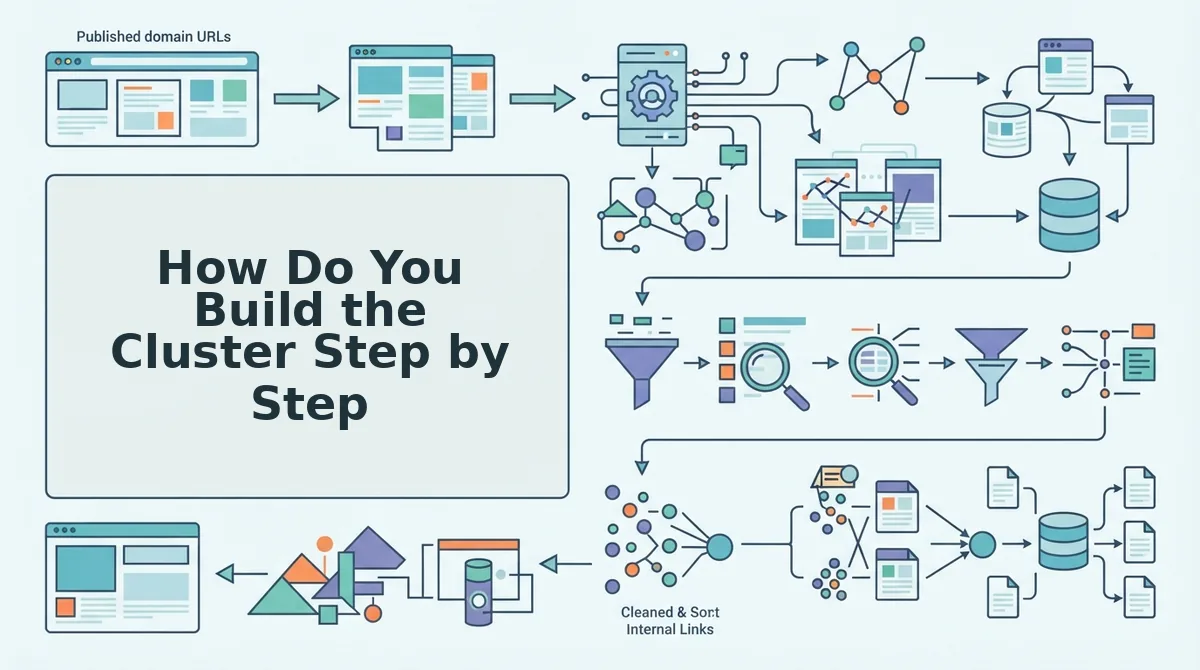
You build the cluster in six steps: pull your sitemap, score candidate hubs, run the Pillar Readiness Audit, extract subtopics, split intent, and fill in a Cluster Map. Before you begin, have your sitemap URL, Search Console access, and a spreadsheet open. The time estimates below are rough.
- Open your XML sitemap (often at /sitemap.xml), paste every URL into a spreadsheet, and flag broad guides as candidate hubs. This takes about 30 minutes. When you finish, you should have a shortlist of possible pillars.
- Count internal inlinks and topic breadth for each candidate. In Search Console, go to Links, then Top linked pages under Internal links. Then count how many distinct subtopics each page covers. When you finish, every candidate should have two numbers beside it.
- Run the Pillar Readiness Audit using the table below. When you finish, every candidate should have one verdict.
- Extract subtopics from the pillar's own H2s. Add the queries it only half-answers, which you can find under Performance, then Queries, for that page. When you finish, you should have a list of possible spokes.
- Apply the intent split. The pillar owns the overview, and each spoke owns one narrow task. If a proposed spoke targets a query the pillar already ranks for, either widen the spoke or drop it. That rule is your cannibalization guard.
- Fill in the Cluster Map with one row per spoke. When you finish, every planned post should have a parent pillar and a link direction.
What is the Pillar Readiness Audit? It scores an existing page on four checks. First, the page covers a broad topic with room for several subtopics. Second, it already has internal inlinks from other posts. Third, it earns search impressions for more than one query. Fourth, it ties to one named business goal. Each page then gets one of four verdicts: Keep, Expand, Merge, or Demote. Demote is the verdict teams rarely plan for. A page that fails the breadth or goal check is not deleted. It becomes a spoke under a stronger pillar.
| Verdict | When it applies | Action |
|---|---|---|
| Keep | The page passes all four checks | Link new spokes to it |
| Expand | The page passes the topic and goal checks but has few links or little depth | Add sections and inlinks |
| Merge | The page is a near-duplicate of another guide that targets the same intent | Combine the guides and set canonical URLs |
| Demote | The page fails the breadth or goal check | Reassign it as a spoke under a stronger pillar |
| Pillar URL | Subtopic | Spoke intent | Anchor text | Link direction |
|---|---|---|---|---|
| /topic-clusters | Internal linking | How to link spokes to a hub | internal linking for topic clusters | Spoke to pillar and pillar to spoke |
Worked example: a sitemap shows one broad guide surrounded by several thin related posts. The guide gets a Keep verdict, and the thin posts become its spokes. The fix is internal links plus new subtopic posts, not a rewrite.
BloGoose handles this mapping automatically. It locates your XML sitemap, detects pillar pages, and groups supporting topics into a 30-day calendar, so each planned post maps to a page that already exists.
Once the map is live, you need a way to measure it.
How Do You Know the Cluster Is Working
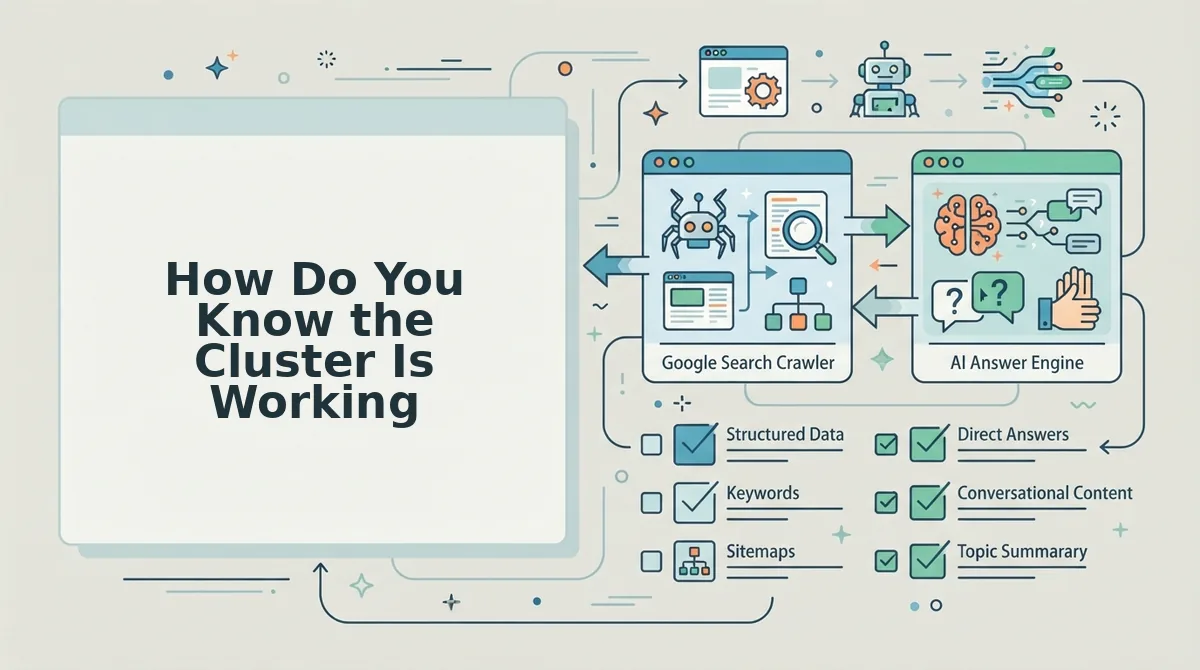
A working cluster passes six checks you can run within a month: the pillar gains varied inlinks, spokes rank for their own queries, the pillar's query set widens, orphan pages reach zero, no URLs trade places, and spokes appear in AI answers.
- The pillar gains varied inlinks. Count the internal links pointing to the pillar and the anchor text each one uses. Varied anchors show the page covers the whole topic, not just one phrase.
- Spokes rank for their own narrow query. Each new spoke should index and rank for its task-level query without pushing the pillar down. Confirm this with URL Inspection in Search Console.
- The pillar's query set widens. Filter Search Console by the pillar URL and compare its queries month over month. A longer query list is the clearest signal of growing topical authority.
- Orphan pages drop to zero. Crawl your sitemap and flag any cluster post with no inbound internal link. Pages with no inbound links rarely get crawled often or ranked well.
- No two URLs trade places. Check whether two of your URLs alternate positions for the same query. Alternating positions mean cannibalization, which the check below explains.
- Spokes surface in AI answers. Answer engines quote posts that answer one narrow question cleanly. That is why the intent split matters more than post volume, so optimize cluster posts for AI answers.
How do you spot two URLs competing for one query? In Search Console, open Performance, filter by the exact query, and switch to the Pages tab. If two URLs from the same cluster both earn impressions and their average positions swap from week to week, they are competing. Fix it by giving the query's intent to one URL. Keep that URL focused on the broad overview or the narrow task, rewrite the other page toward a different intent, and change internal anchors so they point only to the page that owns the query.
Here is a worked example. Two overlapping guides get merged into one pillar, and every existing spoke is re-pointed to it. This also removes the duplicate that was competing for the pillar's own head term.
Links alone will not carry the cluster. If the pillar is thin, refresh the underperforming pillar first. BloGoose crawls your sitemap, detects existing pillars, and groups supporting topics, so every spoke ships with a clear parent page.
Common Questions About Building Clusters From Existing Pillars
These answers cover the practical gaps left after the build: spoke count, timing, rewrites, and starting without a pillar.
How many supporting posts does one pillar need?
Plan for roughly five to eight spokes per pillar as a working heuristic, not a rule. The right number depends on how many distinct subtopics the pillar introduces. Each subtopic that needs a fuller answer earns one spoke.
How long before a cluster shows results?
Check indexing status first. A spoke that isn't indexed cannot rank, no matter how good its links are. Once every spoke is indexed, timing depends on your site's authority and competition, so track the six checks monthly instead of expecting a fixed date.
Do I have to rewrite the pillar page?
Usually no. Expand the one section where a spoke goes deeper, then add a link to that spoke. A full rewrite only makes sense when the pillar no longer matches the topic's search intent.
What if I have no pillar at all?
Promote the closest page you already have. Pick the broadest post that already earns traffic or links, expand it to cover the topic overview, and point related posts to it.
Start With the Pillars You Already Own
The cluster you need is mostly published already. It is waiting on internal links and a few well-aimed spokes, not a blank-slate content plan.
The retrofit argument from the start holds up. Your sitemap already contains the pillars. The work is diagnosing them, connecting them, and filling only the real gaps.
Three takeaways carry the whole method:
- Run the audit before you write anything. Sort every candidate page into Keep, Expand, Merge, or Demote before you open a single new draft. This is the one repeatable step.
- Map every post to an existing URL. No spoke ships without a parent pillar and a defined intent.
- Verify with the six checks before you scale. Confirm indexing, inlinks, and clean query ownership before you add more spokes.
Your next step is to plan a pillar-mapped 30-day calendar with BloGoose. It detects your pillars and turns grouped supporting topics into a publishing plan through automated SEO content.
Every post you publish after that adds to a structure built on pages you already own.