Byword vs BloGoose for Brand Voice Grounded in Your Site
Your AI writer ships a draft in minutes, and it still reads like "another chat window with hopes." The tone drifts, product names wobble, and you end up back on prompt-engineering homework.
That frustration makes sense. Byword and BloGoose both generate articles fast, so speed alone won't settle the Byword vs BloGoose brand voice question. This guide shows you how to judge which tool actually keeps your voice. It covers a quick verdict, a criteria table, and a closer look at each tool.
Picture two setups. One team uploads a keyword list and hopes the tone lands. The other drops its domain into the BloGoose setup wizard, which locates the XML sitemap and inspects published pages before it writes a word.
One finding reframes the whole comparison, and we resolve it below: bulk generation isn't what makes output sound off-brand. The missing input is. Before you add another tool to your 12-tab content stack, check where your current one learns your voice. Then compare it with an AI SEO content engine that starts from your site.
BloGoose builds brand voice from your own published pages, not from a keyword list.
Off-brand AI content is usually an input problem, not a volume problem.
The right tool depends on whether voice accuracy or raw output volume matters more to your team.
Is Byword or BloGoose Better for Keeping AI Blog Posts on Brand?
BloGoose is the better choice when voice accuracy matters, because it builds tone rules from your own published pages and stores them in 8 editable Markdown files. Byword appears to suit high-volume, keyword-upload output where voice consistency is a lower priority. That Byword workflow is unverified and should be checked against byword.ai documentation.
Brand voice grounding is the process of building an AI writer's tone, vocabulary, and style rules from content you have already published, instead of from a one-off prompt.
Think of it like onboarding a new writer. You can hand a freelancer a topic list and hope for the best. Or you can have them read your back catalog first so they absorb how you actually talk.
In practice, BloGoose crawls your sitemap, which is the file listing every public page on your site. It then inspects those pages and writes what it learns into context files. One of them, brand-voice.md, holds your tone rules in plain Markdown, a simple text format you can open and edit like a document.
At a more advanced level, those files persist across every draft. When you tighten a rule once, the change carries into the whole content calendar, so you don't have to re-prompt each article.
- Best for brand-sensitive teams: BloGoose, for founders, publishers, and growth leads who need every article to sound like their site.
- Best for volume-first programmatic SEO (pSEO): Byword (unverified), for teams generating large keyword-driven page sets where tone is secondary.
To see this before committing, run the BloGoose setup wizard on your domain. Then read the brand-voice.md it generates.
How to Judge Any AI Writer on Brand Voice (The Voice Source Test)
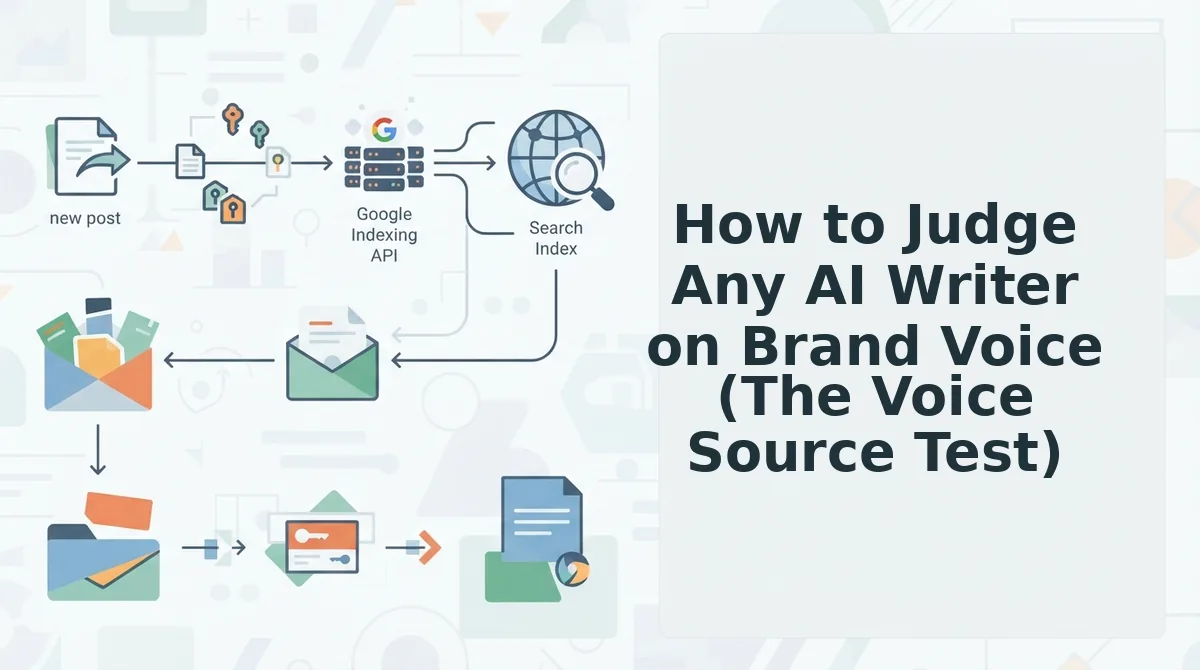
The Voice Source Test judges an AI writer by its inputs rather than its output speed. Three questions show whether a tool can actually sound like you:
- Where does the voice come from? A keyword list, a pasted prompt, or your published pages?
- Can you see and edit the rules after setup?
- Does research and context reach the draft, or only the keyword?
Here is how to apply the test to any AI writing tool. First, find the voice source. A keyword list carries topics but no tone, a pasted prompt carries whatever you remembered to type, and published pages carry the voice your audience already knows. Second, check editability. If you can't open and change the voice rules after onboarding, every fix becomes a fresh prompt. Third, trace what reaches the draft. A tool that passes only the keyword to the model writes generically, while one that passes research and site context writes specifically.
Applied to the two tools, the test produces the table below. Byword cells we could not confirm on byword.ai are marked unverified.
| Criteria | Byword | BloGoose |
|---|---|---|
| Voice input | Keyword upload (unverified) | Site crawl via sitemap plus published-page inspection |
| Editability after setup | Unverified | 8 editable Markdown context files, including brand-voice.md |
| Research | Unverified | Live SERP and social research |
| Images | Unverified | Generated with each article |
| Publishing | Unverified | WordPress or custom API |
| Pricing model | Unverified | AI included in the platform |
To be fair to Byword, a keyword-driven workflow has real strengths. If you already own a validated keyword list and need many pages quickly, uploading that list is a short path from spreadsheet to drafts.
The tradeoff shows up in voice. Fast output that ignores your published pages still needs human editing to sound on-brand. BloGoose also writes for AI answer engines through its AEO content optimization tool, so drafts are structured to be quoted in AI answers as well as to rank.
- Best for founders and content publishers protecting a distinct voice: BloGoose.
- Best for SEO operators running large keyword-list pSEO projects: Byword (verify its current workflow first).
With the test in hand, let's look at how Byword approaches brand voice.
How Does Byword Handle Brand Voice?
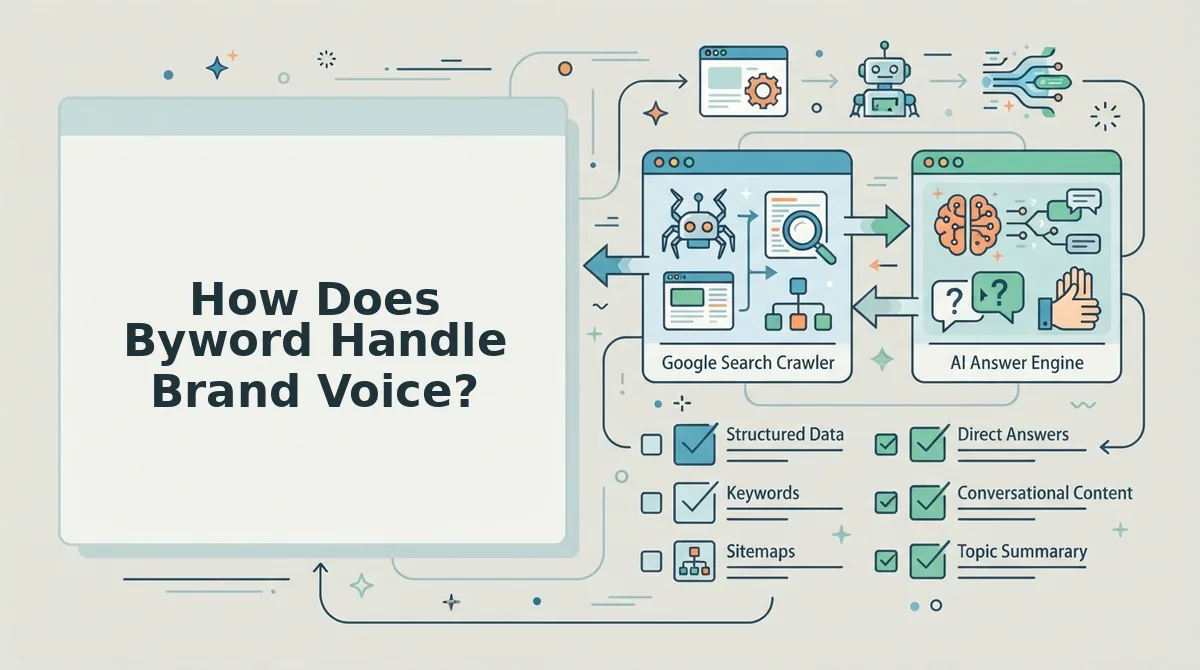
Byword treats brand voice as a secondary input layered on top of a keyword-first workflow. You give it keywords, and it returns articles at volume. That design suits programmatic SEO well.
Byword is an AI article generator built around bulk keyword input, turning lists of target terms into published-ready posts. Its public positioning on byword.ai centers on scale and keyword coverage rather than voice extraction. Confirm the current feature set on byword.ai before you buy, because it may have changed since this was written.
The basic workflow runs like a mail-merge. You upload a keyword list, and each row becomes an article. Voice enters through whatever settings you apply to the batch, not through a reading of your existing site. Inferred: no site crawl for voice is documented on the landing page.
That gap rarely hurts programmatic SEO (pSEO). pSEO is the practice of generating many pages from one template, each targeting a variation of the same intent, such as "best CRM for dentists" and "best CRM for plumbers." On those pages, readers want the answer, so data accuracy and coverage matter more than voice.
How far Byword's voice settings go, such as tone presets or custom style instructions, is not confirmed in its public documentation at the time of writing.
Genuine strengths, limited to what Byword's own positioning supports:
- Volume: bulk keyword upload is the core input, so large batches are the intended use.
- pSEO fit: keyword-per-row generation maps cleanly onto templated, intent-matched page sets.
- Low setup: a keyword list is enough to start, with no context files to edit first.
How Does BloGoose Ground Brand Voice in Your Site?
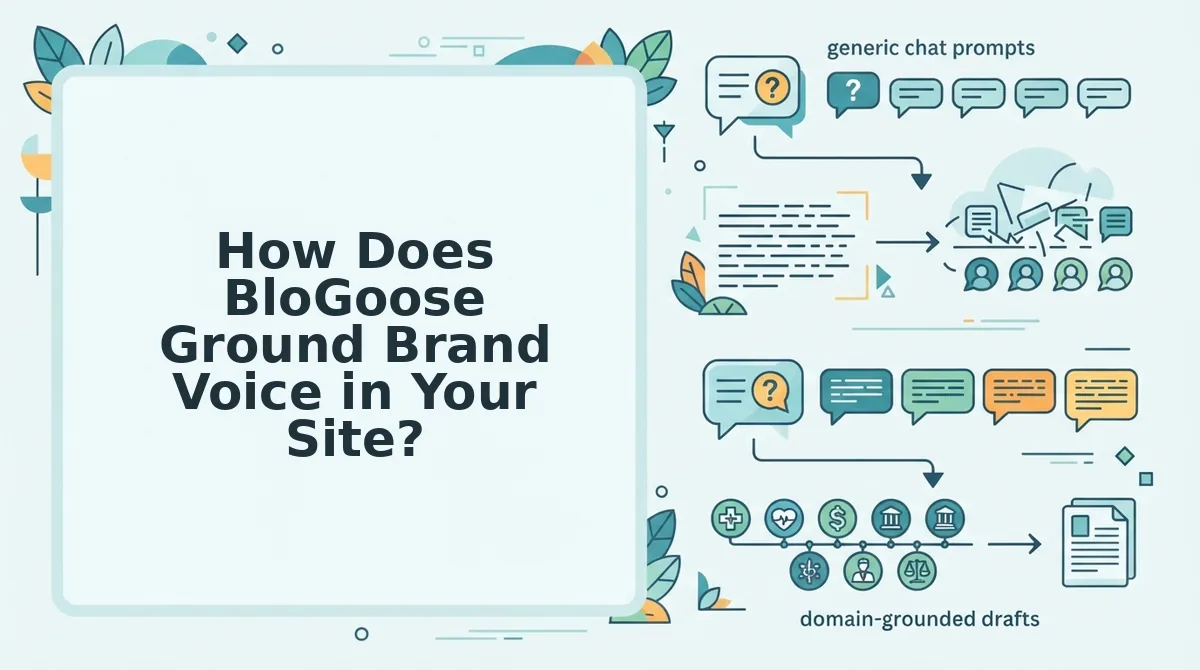
BloGoose grounds brand voice by crawling your published site and turning what it finds into editable Markdown files that every article draws from. You correct the voice once, in plain text, and the whole calendar inherits it.
Prerequisites: a live domain with published pages, an XML sitemap (most CMSs create one automatically), and a WordPress site or custom API endpoint for publishing. The BloGoose setup docs cover connection details.
- Type your domain into the setup wizard. BloGoose locates your XML sitemap without manual input. You should see your sitemap detected before the crawl begins.
- Let the crawl inspect your published pages. It reads your existing copy and detects your technical setup. Crawl time scales with site size.
- Open the 8 generated context files. Brand context files are editable Markdown documents that store your voice, style, features, audience, and keywords. You should see files such as brand-voice.md, style-guide.md, and target-keywords.md ready to edit.
- Edit the DO/DON'T rules in brand-voice.md. Tighten anything the crawl got wrong. Plan to spend real time here, because this step drives quality.
- Run live SERP and social research. BloGoose checks current search results and social conversations for your topics. You should see research tied to your pillars.
- Generate the 30-day calendar. Each planned post inherits your edited files. If you added a DON'T rule in step 4, all 30 posts follow it.
brand-voice.md: The Constant Traits
Brand voice is the consistent personality behind everything you publish. BloGoose's own file shows the format. It includes a DO rule to explain exact mechanics, like crawling sitemaps, and a DON'T rule against inflated startup jargon.
style-guide.md: The Context-Dependent Delivery
Brand tone is how that voice adapts to the situation, such as a docs page versus a launch post. Tone drift is the gradual slide away from your intended tone across many AI-generated posts.
What is the difference between brand voice and brand tone in BloGoose? Voice lives in brand-voice.md, and tone lives in style-guide.md. Voice covers traits that never change, written as DO/DON'T rules, such as "explain exact mechanics" or "avoid startup jargon." Tone covers delivery that shifts by context, including formality, sentence length, and formatting choices for each content type. The split mirrors the distinction drawn in videos like "Brand Tone vs Brand Voice" (HMLC) and "What is Brand Voice?" (Orange Element). BloGoose turns that theory into files the engine actually reads before drafting. Editing one file changes every article in the calendar, which helps keep tone drift in check.
This grounding supports helpful content that reads like your team wrote it. If you are tired of rewriting prompts for every post, start with your domain and edit the files instead. That one edit replaces the prompt-engineering homework across all 30 posts.
Where BloGoose Falls Short and When Byword Is the Better Pick
BloGoose depends on your existing site, so it is weakest where there is little to learn from. Byword is the better pick when volume matters more than voice.
- Thin sites: a brand-new site gives the crawl fewer published pages to ground on.
- Editing time: the context files reward the time you spend refining them.
- High-volume pSEO: for templated pages, a keyword-upload tool fits better. Scale responsibly to avoid scaled content abuse.
| Team type | Volume need | Voice sensitivity | Editing time | Best pick |
|---|---|---|---|---|
| pSEO operator | High | Low | Minimal | Byword |
| Agency | Medium-high | Medium | Per client | BloGoose |
| Founder | Medium | High | Limited | BloGoose |
| Brand-sensitive team | Medium | Very high | Available | BloGoose |
Tone-drift audit: check every batch for banned phrases, point of view, sentence rhythm, claim style, and CTA tone.
Now for the practical call on your next batch.
Which Should You Run Your Next 30 Posts Through?
So what does this mean for your next 30 posts? Choose the tool whose voice comes from your published pages, not from a description you typed. Ask every vendor the Voice Source Test question: where does the voice actually come from?
Here is what that answer looks like in the BloGoose AI SEO content engine, traced through one calendar topic:
- BloGoose crawls your domain through its XML sitemap and published pages.
- It writes context files, including brand-voice.md, from what it finds.
- A topic lands on the 30-day calendar, grounded in those files.
- The draft ships to WordPress or your custom API with SEO and AEO built in.
Pick your next step based on how much you want to commit.
Light: run the tone-drift audit on your current drafts. Strong: drop your domain into BloGoose and review the generated brand-voice.md before the calendar builds. You can compare plans on BloGoose pricing.
A brand voice you describe will drift, but a brand voice read from your own site gets sharper with every post you publish.