
Byword vs BloGoose for Brand Voice Accurate Publishing
Your content calendar says "on brand," but every published article reads like it was written by a different freelancer on a different day, because, effectively, it was. That tone drift is the quiet killer of content trust, and it's exactly what the Byword vs BloGoose brand voice publishing comparison comes down to: whether your AI writing tool remembers who you are, or just takes a polite guess each time.
You're right to be skeptical of tools that promise "brand voice" but only offer a text box for tone instructions. The real question is where those voice rules live, in a prompt that gets retyped every session, or in persistent files your entire content calendar can reference.
This comparison walks through how Byword approaches brand voice, how BloGoose extracts it by crawling your actual site, and which approach holds up when you're publishing 30 articles a month instead of three. Along the way, you'll see why the location of your voice rules matters more than how cleverly they're written, and one finding about Byword's approach may surprise you before the end.
If you're already running a WordPress site, BloGoose's crawl-and-extract workflow means your voice rules get built from what you've actually published, not from what you think you sound like.
How Byword Handles Brand Voice
Byword handles brand voice through prompt-level tone instructions, meaning you describe your desired writing style in text, and that description gets fed to the AI each time it generates an article. There is no site crawl or automated extraction of your existing content's voice.
Think of Byword's approach like giving a new writer a one-page style guide and hoping they internalize it. The guide might say "friendly but authoritative, short sentences, no jargon." That works reasonably well for a single article. But when the same writer produces 50 articles across different topics, small deviations compound, a slightly more formal intro here, a casual aside there, until the body of work no longer sounds like one publication.
That compounding drift has a name: tone drift is the gradual deviation from brand voice across many AI-generated articles, where each piece starts from the same instructions but ends up sounding subtly different from the last. It's not a failure of the prompt; it's a structural limitation of re-stating instructions rather than extracting them from source material.
At the simple end, Byword's workflow is straightforward: you open the tool, paste or select a tone description, add your topic, and generate. At the intermediate level, you can save tone presets so you're not retyping the same instructions every time. The advanced user might maintain a library of tone presets for different content types, one for product pages, one for blog posts, one for email copy.
What Byword does not do is read your existing site to learn how you actually write. If your published content has a distinctive rhythm, vocabulary, or formatting style, none of that gets captured automatically. You'd need to manually describe those patterns in your prompt, and you'd need to know they exist first. For a solo operator who writes everything themselves, that's manageable. For a team where five people contribute to the brand voice, the prompt becomes a negotiation document rather than a reflection of what's already live on the site.
How BloGoose Extracts Brand Voice from Your Site
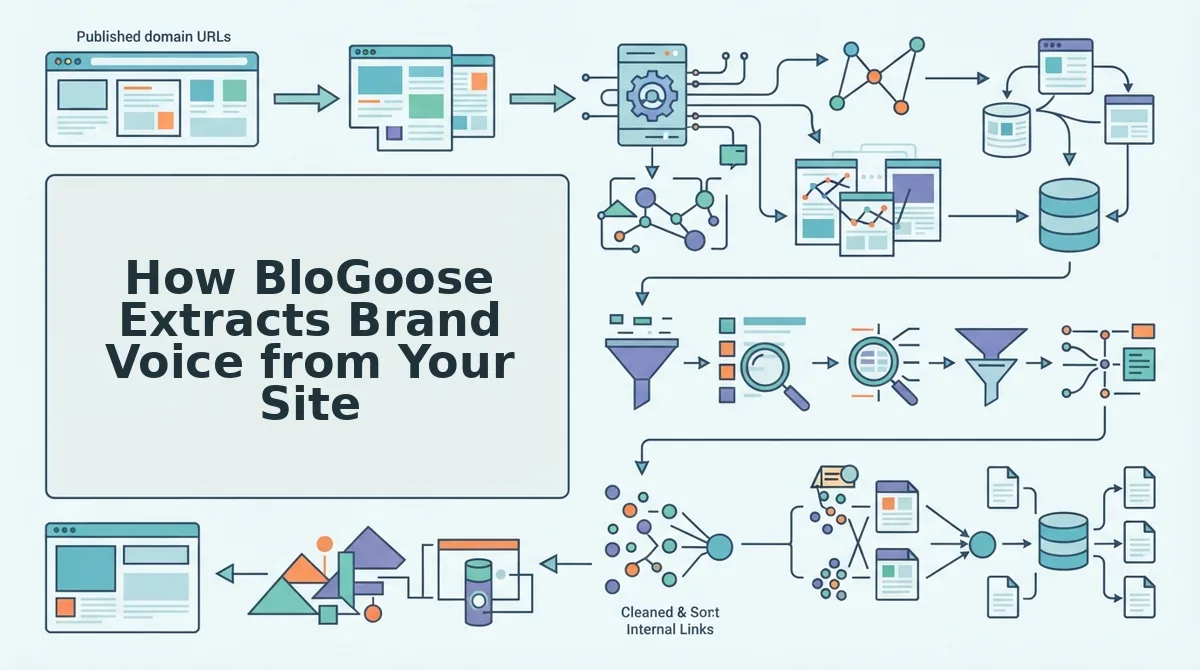
BloGoose extracts brand voice by crawling your XML sitemap and generating eight editable Markdown brand context files that act as a persistent voice anchor across your entire content calendar. Instead of asking you to describe your voice, it reads what you've already published and codifies it.
Prerequisites: You'll need your domain name and access to the BloGoose setup wizard. No manual tone descriptions, style guides, or prompt engineering are required, the crawl does the extraction work for you.
- Enter your domain in the setup wizard. Open the BloGoose onboarding flow and type your site's URL. The system automatically locates your XML sitemap and begins inspecting your published pages. You should see a confirmation that your sitemap was found within a few seconds.
- Let the crawl inspect your published content. BloGoose reads your existing articles, product pages, and metadata to detect how you actually write, sentence length, vocabulary choices, formatting habits, and structural patterns. This step typically takes a few minutes depending on site size. You should see a progress indicator as pages are processed.
- Review the eight generated Markdown brand context files. Once the crawl completes, BloGoose produces eight editable Markdown files covering your voice rules, audience language, formatting conventions, and other brand dimensions. Open each file and make any adjustments, the files are fully editable, so you can refine what the crawl detected. You should see your brand's actual phrasing and patterns reflected in the files, not generic tone descriptions.
- Apply the context files to your content calendar. Every article BloGoose drafts from that point forward references these persistent files automatically. The voice rules don't get re-prompted per article, they're baked into the generation pipeline. You should see consistent voice across every draft in your 30-day calendar without re-entering instructions.
The key difference from prompt-based approaches is persistence. Brand context files act as a persistent voice anchor across an entire content calendar, meaning every article references the same extracted rules rather than a re-typed description that can drift. BloGoose crawls your sitemap and extracts brand voice from what you've actually published, so the rules reflect reality rather than aspiration.
Once your voice files are in place, BloGoose pairs them with live SERP research to draft articles that match both your brand and the current search landscape, then publishes them directly to WordPress or your custom API without a copy-paste step in between.
Next, let's look at what happens after the draft is written: how each tool gets the finished article from the editor to your live site.
Publishing Workflow: Copy-Paste vs Direct to WordPress
Byword produces polished drafts you must manually move into your CMS, while BloGoose removes that export-upload loop by publishing finished articles directly to WordPress or a custom API. The difference comes down to how many manual steps sit between a generated draft and a live, indexed post.
Byword's workflow follows a familiar five-step pattern: generate the article, copy the text, paste it into your CMS editor, reformat headings and images, then upload and schedule. That manual handoff is not a flaw, it gives editors full control over what goes live, which many teams genuinely want. But it also means every article costs someone 10-20 minutes of copy-paste and formatting labor before it can rank.
BloGoose collapses that chain into two steps: generate the article, then let the platform auto-publish it to your connected WordPress site or custom API endpoint. Brand voice rules, image placement, internal links, and SEO markup are applied at generation time, so the published post matches the draft exactly. For teams publishing 20-30 articles per month, that eliminated loop is the difference between a half-day of manual work and zero.
| Workflow Factor | Byword | BloGoose |
|---|---|---|
| Steps from topic to live post | 5 (generate to copy to paste to format to upload) | 2 (generate to auto-publish) |
| CMS integration | None native; manual export | Direct to WordPress or custom API |
| Editorial control point | Full human review before publishing | Review optional; auto-publish available |
| Formatting consistency | Depends on paste target and manual fixes | Applied at generation, preserved on publish |
| Best for | Editors who want a final approval gate on every post | Publishers scaling voice-accurate content without manual loops |
Best for hands-on editors: Byword, if you want to touch every article before it goes live and don't mind the copy-paste step. Best for publishing teams: BloGoose, if your bottleneck is manual upload work rather than draft quality. If your current workflow involves a browser tab permanently open to your WordPress editor, BloGoose publishes directly to WordPress or your custom API so that tab stops being part of your job.
The Tone Drift Test: 3 Questions to Score Any AI Writer
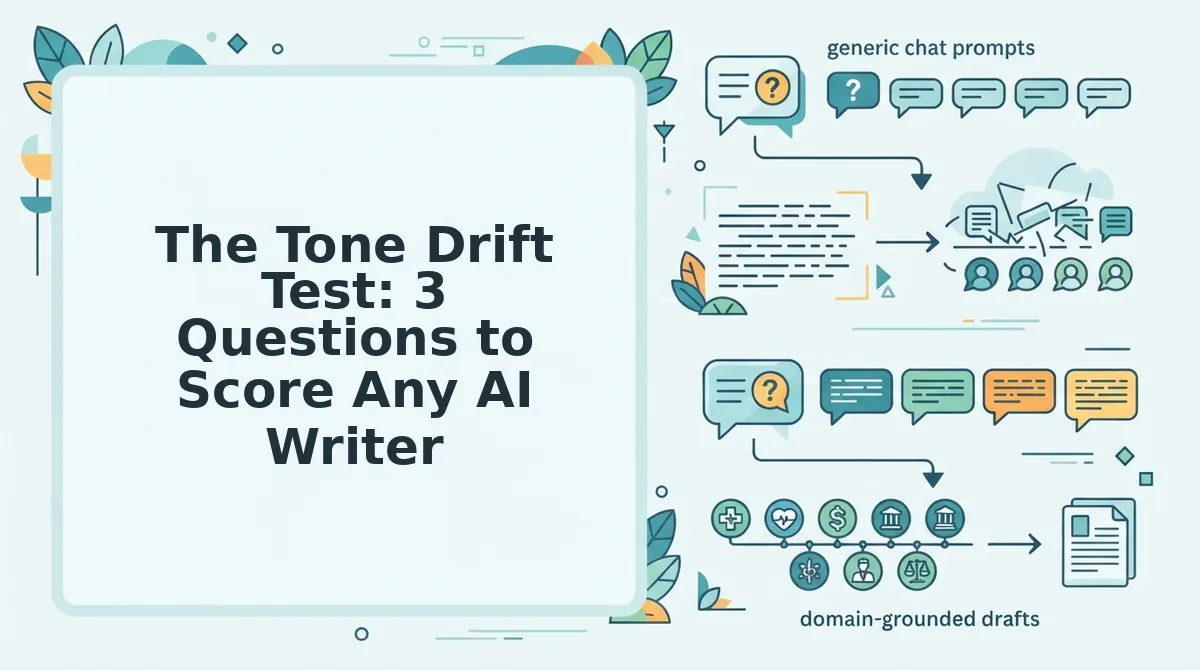
Brand voice accuracy in AI writing comes down to three testable behaviors: whether the tool extracts voice from your existing pages, whether it stores those rules outside a single prompt, and whether it applies them automatically across a batch. Score any AI writer against these three questions and the gap between "sounds close" and "sounds like us" becomes measurable.
- Does it extract voice from existing pages? A tool that only learns your voice from a text prompt you type is guessing. A tool that crawls your published site and analyzes sentence length, vocabulary, tone markers, and formatting patterns is learning from evidence. To test this, run the tool on a site you haven't described in a prompt and check whether the output matches the actual published style.
- Does it store voice rules outside the prompt? Prompt-only voice instructions disappear the moment you start a new chat or a teammate writes their own prompt. Persistent voice profiles, stored as reusable rules, style guides, or brand settings, mean every article from every user starts from the same baseline. Ask whether the tool has a dedicated brand voice configuration separate from the article prompt.
- Does it apply voice rules automatically across a batch? The real test is consistency at scale. Generate 10 articles and check whether article 10 sounds like article 1 without you re-pasting the same style instructions each time. Automatic application means the voice layer runs at generation time for every piece, not as an optional add-on you remember to include.
Byword scores well on question one when given a detailed style prompt, but voice rules live inside each prompt and require manual re-entry per article. BloGoose extracts brand voice by crawling your existing site during setup, stores those rules as a persistent profile, and applies them automatically to every article in a 30-day calendar, scoring on all three questions without per-article prompt engineering.
Pricing and Fit: Who Should Choose Which
Byword and BloGoose serve different stages of the content pipeline: Byword optimizes for fast, high-volume draft generation, while BloGoose optimizes for voice-accurate publishing with minimal manual handling. The right choice depends on whether your bottleneck is writing speed or publishing workflow.
Byword's strength is raw generation speed for bulk content. Teams that need 50 short articles drafted quickly and have editors ready to review, format, and upload each one will find Byword's focused approach efficient. It does not pretend to be a publishing platform, and for teams that already have a CMS workflow they like, that's a feature, not a gap.
BloGoose wins on workflow for voice-accurate publishing at scale. By crawling your site to extract brand voice, building a 30-day calendar, and publishing directly to WordPress or a custom API, it removes the manual steps that compound across dozens of posts. Teams publishing 20+ articles monthly with a consistent brand voice will feel that difference immediately.
| Decision Factor | Choose Byword | Choose BloGoose |
|---|---|---|
| Primary need | Fast bulk draft generation | Voice-accurate publishing at scale |
| Editorial capacity | Dedicated editors for review and upload | Lean team; want automation to handle publishing |
| Brand voice source | Manually written style prompts | Extracted automatically from existing site pages |
| CMS workflow | Comfortable with copy-paste or existing export tools | Want direct WordPress or API publishing |
| Best for | Agencies producing high-volume drafts for client review | Publishers and DTC brands scaling consistent, on-brand content |
Best for agencies and high-volume drafters: Byword, when speed to first draft outweighs publishing automation. Best for publishers and brand teams: BloGoose, when voice consistency and hands-off publishing determine whether content ships at all. If you're still weighing the tradeoffs, the answers below cover the most common questions readers ask before choosing.
FAQ: Byword vs BloGoose for Brand Voice Accurate Publishing
Byword requires you to restate brand rules in every prompt, while BloGoose extracts them once from your live site into editable Markdown context files that anchor every article it produces.
How does Byword compare to BloGoose for brand voice accurate publishing?
Byword depends on prompt repetition: you paste voice guidelines into each new brief, and consistency degrades as prompts drift. BloGoose crawls your site once, extracts tone, terminology, and formatting rules into persistent context files, then applies them automatically to every draft without re-prompting.
Does Byword publish directly to WordPress?
Byword exports content for manual copy-paste into WordPress. BloGoose ships finished, citation-optimized articles directly to WordPress or a custom API, eliminating the manual publishing loop between draft and live post.
What are BloGoose brand context files?
Brand context files are editable Markdown documents BloGoose generates after crawling your site. They capture voice rules, banned phrases, formatting preferences, and terminology so every article in a 30-day calendar inherits the same standards without re-entering instructions.
Can AI content stay on-brand across 30 articles?
Yes, when voice rules live in a persistent system rather than per-prompt memory. BloGoose applies extracted brand context to every article in a calendar, so article 30 matches article 1. Prompt-based tools like Byword drift as instructions get paraphrased or truncated over time.
Why does my AI content sound generic after a few articles?
Generic output happens when the model lacks a stable voice reference. Without persistent brand context, each generation falls back to neutral training data. BloGoose prevents this by anchoring every draft to your site's extracted voice rules, keeping tone specific across long content runs.
Which tool is better for publishing citation-optimized articles at scale?
BloGoose is built for scale: it combines brand voice extraction, SEO and AEO optimization, and direct CMS publishing in one engine. Byword handles drafting well but leaves voice enforcement and publishing as manual steps, which compounds across a 30-article calendar.
The Bottom Line: Where Your Voice Rules Live Determines Everything
The Byword vs BloGoose decision is not about which model writes better prose. It is about where your brand voice rules live. Byword keeps them in your head and your prompts, which means every new article is a fresh negotiation with the model. BloGoose moves them into editable Markdown context files that persist across your entire publishing calendar, so voice accuracy becomes infrastructure instead of repetition.
That distinction compounds fast. One article with a pasted prompt works fine. Thirty articles with a persistent voice anchor stay consistent without you policing every draft.
Start with a site crawl at BloGoose and see what your extracted brand context actually looks like. Once you can read your own voice rules as a file, you will stop trusting prompt memory to carry them.