CMS stack detection when you crawl a blog for writing rules
A draft built in block markup lands on a classic-editor site as one undifferentiated HTML blob: headings flattened, embeds dead, the byline swallowed into body copy. That failure is not a writing problem. It is a detection problem, and it is why CMS stack detection from a site crawl belongs before the first sentence gets drafted.
You know what your own site runs on. The unknown is every other domain you write into, where the CMS stays invisible until something breaks at publish time.
The prerequisites are modest â a public domain, a reachable XML sitemap, and crawl access to rendered pages â and the output is worth more than a label. It is a payload contract: the shape the CMS will accept a post in, which decides editor dialect, publish transport, and image handling.
Below is the signal ladder, ordered by trustworthiness rather than by tutorial convention. The tag most guides check first is the least reliable one on a cached site, and it fails without an error message.
What does CMS stack detection tell a content engine before it writes anything?
CMS stack detection is the practice of reading crawlable signals â sitemap shape, response headers, asset paths, API routes â to infer which publishing system a site runs and how it accepts content. Before drafting begins, it settles three things: the editor dialect, the publish transport, and image handling.
It confirms less than most writers assume. A sitemap pattern narrows the field to a family of platforms; only an API probe confirms a capability. Treating a hint as a confirmation is how wrong payloads get shipped.
A payload contract is the exact shape a CMS will accept a post in: block objects, raw HTML, Markdown, or a JSON body with named fields. Think of mailing a letter versus filing a form â identical words, different enclosure, and only one gets processed. Idempotent endpoints, where repeating a request leaves the same state instead of creating a duplicate, are the forgiving case; a non-idempotent one turns a retry into two published drafts.
Editor dialect decides whether an H2 survives as a heading or becomes a paragraph of markup. Publish transport decides whether you authenticate with an application password, an OAuth token, or a bare API key. Image handling decides whether remote image URLs are sideloaded and re-encoded or rejected outright.
The same constraint runs through AEO content optimization: a citation-ready answer block is worthless if the CMS strips the structure carrying it. BloGoose reads a domain, extracts brand voice rules, and records the payload contract in the same pass â the step most writing tools skip entirely.
How do you detect a CMS from a website crawl, signal by signal?
Detecting a CMS from a crawl means checking four public signals and one authenticated one, in order of reliability, and stopping at the first that confirms rather than hints. You need crawl access, a browser, and â for the final step â credentials to the site's API, if you have them.
- Fetch robots.txt, then the sitemap (about 2 minutes). Open
/robots.txtand follow theSitemap:line to an index file. You should see child sitemaps broken out by post type and taxonomy, which tells you what content types exist. Read more on running a XML sitemap crawl without guessing at shapes. - Inspect the head and link headers (about 1 minute). View source and look for
rel="https://api.w.org/", then check the response headers forX-Powered-Byor a server string. A w.org link header confirms WordPress specifically; a bare server string only hints at a stack family. - Probe the API root (about 1 minute). Request
/wp-json/or/graphqldirectly. A JSON index listing routes is the only signal that confirms publishing capability rather than stack identity â it tells you what you can send, not just what they run. - Check asset paths (about 1 minute). Scan a handful of URLs for
/wp-content/,/wp-includes/, or/sites/default/. Expect these to hint at a family at best; CDNs and bundlers rewrite them routinely. - Read the generator meta tag last (30 seconds). The
generatortag is cheap to check and easy to spoof, and a page cache can serve a stale or stripped copy long after a migration.
| Signal | What it confirms | What it only hints at |
|---|---|---|
| robots.txt + sitemap index shape | Post types and pagination scheme | Which platform renders them |
| w.org link header in head | WordPress REST presence | Whether the API is publicly reachable |
| API root response (/wp-json/, /graphql) | Publishing capability and route names | Which fields the writer must send |
| Asset paths | Theme or plugin family | Anything about the editor |
| Generator meta tag | A string someone set once | The version actually running |
Why the generator tag ranks last is a caching problem, not a markup one. A CDN sits in front of the origin and serves a stored copy of the HTML, so the tag you read may predate the current build, or a security plugin may strip it to obscure the version. The signal degrades precisely on the sites that are serious enough to have infrastructure.
Behind a CDN, detection becomes an exercise in reading headers and probing the API host instead of trusting the page. Fetch the origin's robots.txt, note any X-Cache or CF-Cache-Status header, and treat the cached HTML as a historical document rather than a live one. Then confirm against the API root, which is usually excluded from full-page caching: a JSON route index is generated at request time, so it reflects the running stack even when the HTML does not. If the API root 404s, stay at the narrow-it-down level and plan a single test post before scheduling anything.
A headless site hides its CMS entirely: the front end is a Next.js or React build, the head carries no generator tag, and the API may sit on a different subdomain than the pages you crawled. Detect it by probing the API host directly â api.example.com/wp-json/ or /graphql â and by checking whether pages arrive as pre-rendered HTML or as a JSON hydration blob. If the payload contains structured fields like title, slug, and content, your contract is JSON fields, not editor blocks.
What changes about publishing once the crawl knows the stack? The payload contract does, and everything downstream of it.
What changes about publishing once the crawl knows the stack?
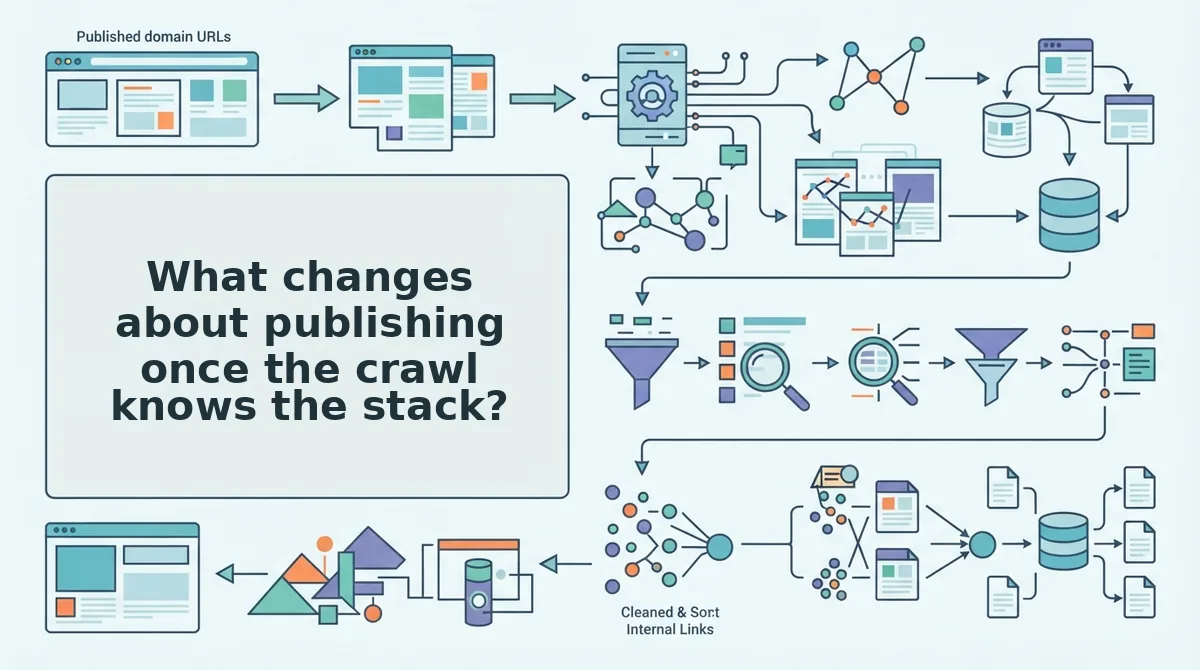
Once the crawl knows the stack, publishing changes in two ways. The draft is built in the shape that stack accepts, such as blocks, raw HTML, Markdown, or a JSON payload. The publish path also targets the right endpoint, so the writing rules and the delivery method come from the same pass.
Here is a worked example of that single pass. A domain goes into the setup wizard, and the crawl locates the XML sitemap. It then inspects published pages and identifies the stack. Finally, it generates eight Markdown context files that hold voice, structure, and publishing rules.
The table below shows how each stack shapes the draft and what goes wrong when the guess is wrong.
| Stack | Draft shape it demands | Failure from a wrong guess | Best for |
|---|---|---|---|
| WordPress block editor | Block-structured content | Raw HTML arrives as one undifferentiated chunk that editors must convert by hand | Publishers who edit posts visually after they go live |
| WordPress classic editor | Raw HTML | Block markup clutters the editor and makes later edits harder | Long-running blogs with legacy themes and established templates |
| Headless CMS | Markdown or structured fields | HTML stored in a Markdown field renders as literal tags on the front end | Teams running a JavaScript front end over a separate content backend |
| Custom API | JSON payload matched to your schema | The endpoint rejects the payload, or fields land in the wrong slots | Developers with a bespoke publishing pipeline |
For headless setups, the front-end framework is a hint and never a confirmation. A Next.js site can sit on top of almost any backend.
Custom API publishing has a different prerequisite. You need a configured endpoint and authentication before detection becomes actionable.
Manual workflows still have one real strength: a human who knows the stack never misreads it. The trade-off is that this knowledge must be re-applied by hand to every post.
If you are tired of copying drafts between tools, see how BloGoose can publish directly to WordPress or a custom API from the same crawl that learns your voice.
How do you check the detection was right before you trust it?
Check detection by moving up a cost-ordered ladder, starting with free signal checks and ending with a single dry-run post. Never start with a scheduled batch.
- Reread the sitemap shape. Sitemap index naming and URL patterns often reveal the CMS at zero cost. Start here because it needs no credentials and no cache purge.
- Inspect the head and link headers after a cache purge. Page caches and CDNs can strip or spoof the generator tag and the /wp-json/ link header. Purge first so you read what the origin server actually sends.
- Check the asset paths. Theme and plugin directories in script and stylesheet URLs are hard to disguise. On JavaScript-rendered front ends, treat these paths as hints about the framework, not proof of the backend.
- Probe the REST endpoint with credentials. An authenticated response confirms both the stack and your permission to publish there. This step settles the questions that the public signals leave open.
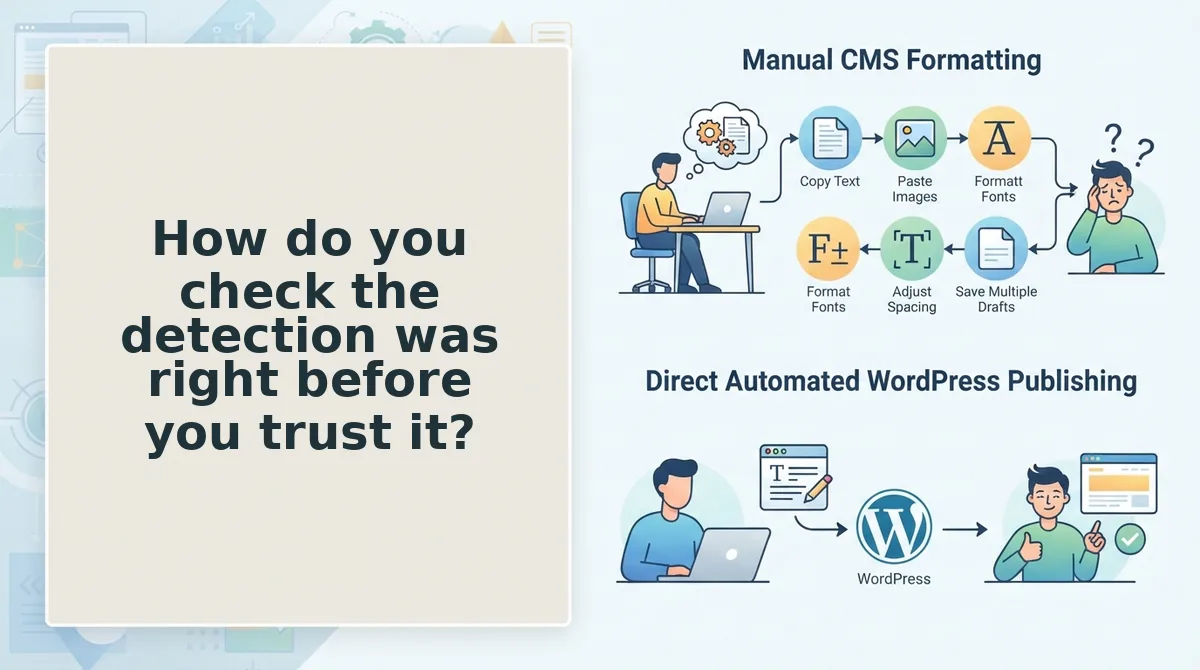
- Run one dry-run publish. Send a single draft post before scheduling any batch. If its formatting survives the editor, the detection is correct, and the test costs one post instead of a month of cleanup.
If a step fails, purge the cache and re-run the crawl instead of hand-patching the writing rules. Hand fixes drift the moment the next post runs.
Make the detection hold up on your first publish
The detected stack sets the payload contract: blocks, raw HTML, Markdown, or JSON, plus the endpoint that accepts them. This is why the generator tag, the signal most tutorials lead with, cannot carry that weight alone. A cached site can strip or spoof it without warning.
The real test is whether the stack the crawl reports matches the stack you believe you run. Any gap between the two shows up as broken formatting on your first live post.
You have two ways to close that gap:
- Soft option: Read the sitemap extraction walkthrough to see the crawl step that comes before detection.
- Strong option: Point a crawl at your own domain, then compare the reported stack with the one you assumed.
Once the two stacks agree, every post that follows ships in the shape your CMS expects.