How to Connect Google Search Console to an Autopilot Blog Workflow
Your post is live. The sitemap still carries last week's date, no page on your site links to it, and Search Console sits there showing nothing. You connected the property months ago, so the crawl should follow on its own â except Search Console has no publish-time webhook, no trigger, no callback of any kind. It reports. It never fires on your behalf.
So the real task when you connect Google Search Console to blog automation isn't finding a hidden setting. It's routing the notification through the channels that do accept one, in the order that keeps them from failing silently. This guide gives you that order: property setup first, credentials second, publish hook third, and a four-point readiness gate before anything leaves your server.
You'll also see why the Indexing API â the endpoint most tutorials promise will "instantly index" your article â is documented only for JobPosting and BroadcastEvent, which is why ordinary posts report success and change nothing. The same walkthrough comes built into an automated blog publishing engine, if you'd rather not maintain the plumbing yourself.
One warning before the steps: three of the four readiness checks are obvious, and the fourth is the reason most submissions bounce. We'll get to it.
Does Connecting Search Console Actually Trigger Indexing?
No. Search Console is a monitoring and reporting console â it surfaces how Google crawled and indexed your pages, but it holds no publish hook, webhook, or event listener that fires when you hit Publish. Nothing you connect there makes a new URL get crawled on command.
Think of Google's index as a warehouse with three separate doors: a resubmitted sitemap is a note to the receiving clerk that new stock arrived, the Indexing API is a courier slip handed over at the dock, and the URL Inspection API is you walking the aisles to check whether the crate is actually on the shelf. Only the third tells you the truth.
| Channel | What it actually does | What it cannot do |
|---|---|---|
| Sitemap resubmit (Sitemaps API) | Signals that the sitemap file changed so Google re-reads it and adds new URLs to the crawl queue. | Fetch or index a specific URL today â crawler scheduling stays Google's call. |
| Indexing API | Sends a push notification about a URL. | Apply to ordinary articles: the documentation scopes it to JobPosting and BroadcastEvent. Outside that, expect a 200 and no effect. |
| URL Inspection API | Returns index status, coverage state, and last-crawl data for a known URL. | Request indexing. Manual "Request Indexing" in the console has no API equivalent, so it stays a human click. |
No Google API guarantees indexing. Submission moves a URL into a queue â nothing more â and there is no unlimited Google-facing push channel for ordinary pages.
The automation you can actually build is a discovery loop rather than an indexing shortcut. Your CMS updates lastmod on publish, resubmits the sitemap, pings the URL Inspection API on a delay to read status, and re-pings only URLs still absent after several days. Each cycle answers one question â did the crawl happen â instead of assuming it did, which is the failure mode behind duplicate submissions and wasted quota. Reviewing that loop against request indexing for a new post keeps expectations matched to what each endpoint is documented to return.
How Do You Wire the Connection Step by Step?
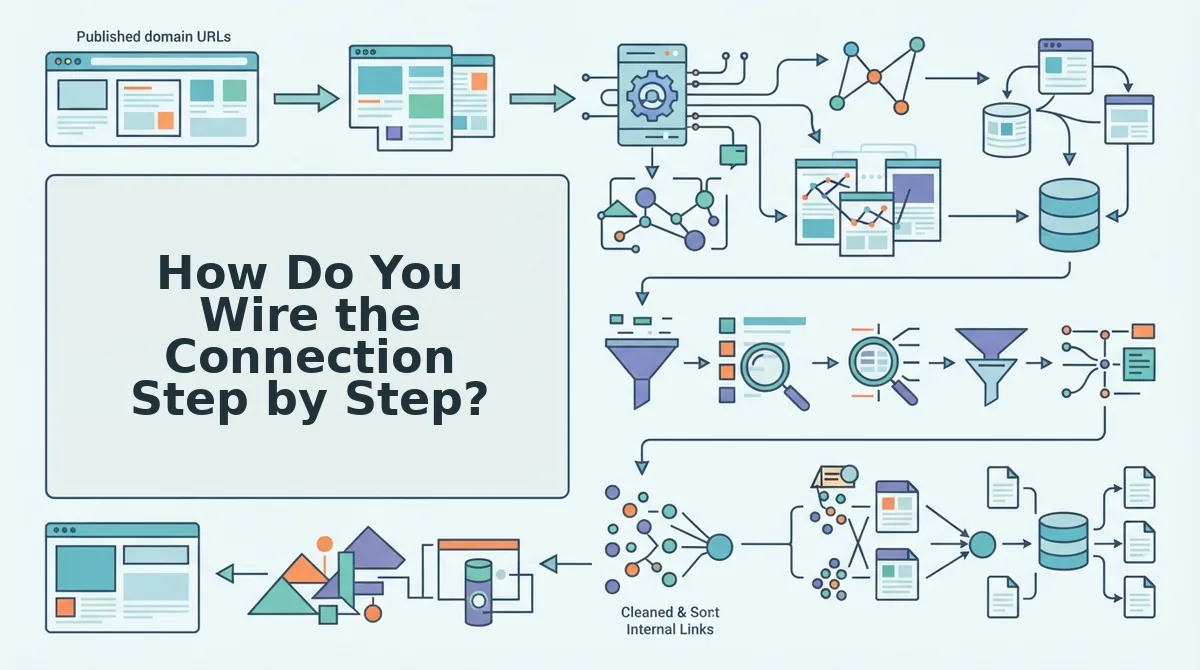
You need a verified Search Console property, a Google Cloud project with the Search Console API and Indexing API enabled, a service account with a JSON key, and a CMS or custom API that can write an updated lastmod and fire an HTTP request on publish. Budget about 45 minutes.
- Choose the property type before anything else (5 minutes). Open Search Console, then Add Property, and pick either Domain (covers every subdomain and protocol) or URL-prefix (one exact string). This decides the
siteUrlvalue each API accepts: a Domain property passessc-domain:example.com, while a URL-prefix property passeshttps://example.com/with the trailing slash. Success looks like the property appearing in your console switcher with the correct icon. - Create the service account and grant Owner (10 minutes). In Google Cloud, enable the APIs, create a service account, and download its JSON key. Copy the service account email, then go to Search Console, Settings, Users and permissions, and add that address as an Owner. Full access is silently ignored by the API and surfaces later as a 403. Success: the email appears in the permission list with Owner beside it.
- Add the publish hook in your CMS (20 minutes). Wire your publish event to update the sitemap's
lastmodfor that URL first, then call the Sitemaps API to resubmit. Order matters â a duplicate ping against an unchanged file gives the crawler no reason to look again. Keep the sitemap lastmod accurate after publish so the timestamp reflects real content changes. Success: the sitemap reflects today's date and the API returns 200. - Pass the readiness gate before any notification fires (5 minutes). Confirm four things: the page returns a 200 status, its canonical tag points to itself, the sitemap
lastmodis updated, and at least one existing page links to it. Run the self-canonical check before you submit â a mismatched canonical quietly sends the signal to a different URL. - Verify with the URL Inspection API, then wait (5 minutes). Query the URL and read
coverageState. Expect a 2â3 day lag before status stabilizes, and respect the limits: roughly 2,000 inspections per day per property, and around 200 publish notifications daily. If you see "email not found" or 403, suspect an identifier mismatch â www versus non-www, or a trailing slash â before you assume the account is wrong; OAuth is the fallback when a service account is blocked entirely.
Get those five steps in place and your workflow stops guessing, which is exactly what the first week of data will show.
What Does a Working Connection Look Like a Week After Publish?
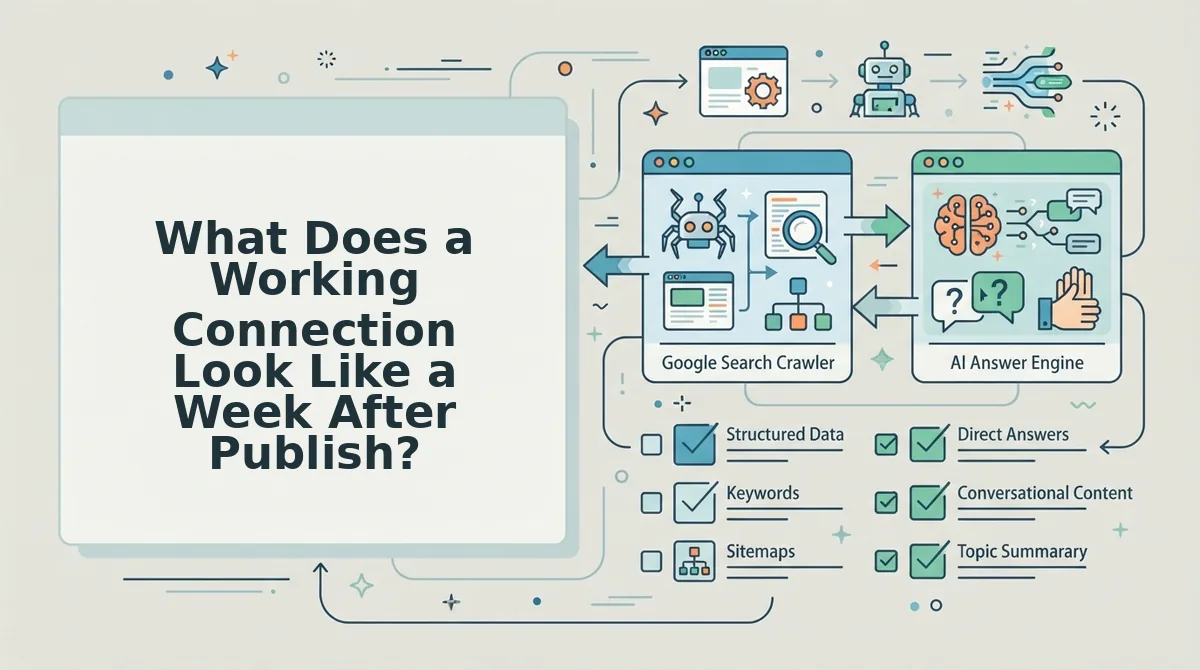
A healthy connection looks like a predictable status ladder: a new URL moves from Discovered to Crawled to Indexed within about a week, and Search Console performance data begins filling in a few days behind that. If your post is still sitting on Discovered at T+7, the problem is almost always crawl access or internal linking, not the notification you sent.
Stop checking once. Run a URL Inspection cadence instead, and read coverageState at each rung so you can tell a slow crawl from a silent failure.
- T+1 â Confirm the URL was Discovered. The URL is known to Google but not yet fetched. This is the expected state one day after publish and is not a warning sign. If the sitemap
lastmodis missing or the URL was never in the sitemap at all, it may never leave this rung. - T+3 â Confirm it has been Crawled. A crawl means the page was fetched, but it says nothing about quality. A "Crawled" reading with no impressions after another few days is your earliest signal that the page may be judged thin or duplicative.
- T+7 â Watch for "Crawled - currently not indexed." This status means Google saw the page and chose not to index it yet, usually a quality, duplication, or linking problem. Fix the page and add one inbound internal link rather than re-pinging; early impressions may still be absent because performance data lags 2 to 3 days.
- T+14 â Confirm Indexed, then read performance. Indexed is the state that matters, and only after it should you judge traffic. Set a 7-day dedupe window on any notification you fire, so a minor edit does not re-notify the same URL and burn quota on a page already indexed.
Once a post reaches Indexed, the interesting work starts: what changes once a post is actually indexed is a different problem from getting it crawled.
Where Does the Automation Stop Working at Scale?
The automation stops working at the documented quota ceilings, not at the quality of your code. Google's Indexing API accepts roughly 200 publish notifications per day, and URL Inspection allows about 2,000 calls per property per day â both generous for a single blog and tight for a portfolio.
| Channel | What it does | Hard limit | Best for |
|---|---|---|---|
| Indexing API | Publish notifications; documented only for JobPosting and BroadcastEvent | ~200 notifications/day | Sites that accept the scope caveat and want a nudge |
| URL Inspection API | Reads coverageState per URL | ~2,000 inspections per property/day | Verification-driven workflows and QA dashboards |
| Sitemap resubmit | Signals discovery via lastmod | No publish-level control | Bulk publishers who need reliable discovery |
| IndexNow | Notifies Bing and other participating engines | Not Google | Sites that want multi-engine coverage alongside Google channels |
IndexNow is a genuine win for Bing visibility and costs little to add, but it does not reach Google. Duplicate submissions are the quieter failure: re-notifying URLs already queued consumes quota and produces nothing, and once a site crosses the quality threshold, a 30 to 40 percent rejection band is a normal outcome rather than a bug to fix.
Worth stating plainly: repeated pinging of a thin or unlinked URL correlates with "Crawled - currently not indexed," not faster indexing. Submission can accelerate a rejection as easily as an approval, and crawl budget is the real constraint, not submission volume.
Connect the Pipeline, Then Let Verification Do the Talking
There was never a trigger to find. The connection is a sequence â property, grant, gate â and the gate matters more than the notification, because a clean URL submitted late beats a broken URL submitted instantly.
Move in that order. Confirm the property type you created matches the identifier your API calls send as siteUrl, grant the service account access at the right level, then build the publish-time readiness gate so nothing fires until the URL returns 200, self-canonicals, has a sitemap lastmod, and carries one inbound internal link.
Indexing is a prerequisite, not the finish line. What you actually want is to get cited in AI answers, and no engine quotes a page it never crawled.
The next step is small: run BloGoose's site crawl on your own domain and let it read your structure and voice before a single article ships.