Content Calendar Mistakes That Cause Keyword Cannibalization
Two posts go live six weeks apart on the same query, and neither one holds the ranking. Most advice treats this content calendar keyword cannibalization as a cleanup job you discover in Search Console. That discovery always comes too late. Sitechecker's Search Console walkthrough states plainly that GSC has no direct cannibalization report, so by the time you notice the split, both pages are already competing.
The problem is real, and you are not imagining it. Competitor coverage splits roughly 70 percent informational and 30 percent tool-led find-and-fix walkthroughs, by rough estimate. Every one of those pieces teaches detection after publishing, and none traces the collision back to the planning decision that created it.
This guide argues that the collision is decided in a planning sheet. It covers six calendar mistakes that split rankings across your topic clusters and the one-query-one-owner rule that prevents them. Pay attention to the fifth mistake, because it hides the other five.
Why keyword cannibalization starts in a content calendar, not in Search Console
Keyword cannibalization starts when two calendar slots are assigned the same searcher intent, weeks before either post is published. Keyword cannibalization is the condition where two or more URLs on one site compete for the same query. Search engines then split ranking signals between those pages, and neither holds a stable position.
Picture two waiters assigned to the same table. Neither waiter did anything wrong, because the seating chart caused the conflict. Your calendar works the same way as that seating chart.
Search Console does not show cannibalization directly. Google Search Console ships no cannibalization report, a limitation Sitechecker's walkthrough states plainly, so there is no dashboard to check and no alert that fires when two of your URLs start trading impressions on one query. You have to detect it by hand: open the Performance report, filter to a single query, switch to the Pages tab, and look for more than one URL earning impressions. Pages need time to collect data, so this check always lags publication, and even Edward Sturm's identification workflow starts from ranking URLs rather than from the calendar that scheduled them.
- Query ownership means naming exactly one URL as the ranking target for a query.
- Intent slot is a calendar row tagged by the job the searcher wants done, not by a string of words.
- Cluster collision happens when a pillar and its child, or two children, pull on the same intent.
The goal is a calendar where every query has one named owner and every slot carries an intent tag. The fixes below only work if your calendar has four things in place first: an owner column, an intent tag, a refresh slot, and a 90-day published-URL check.
You can skip some of the manual setup. BloGoose's site crawl inspects your published pages before it plans a calendar.
How to fix the six calendar mistakes that split your rankings
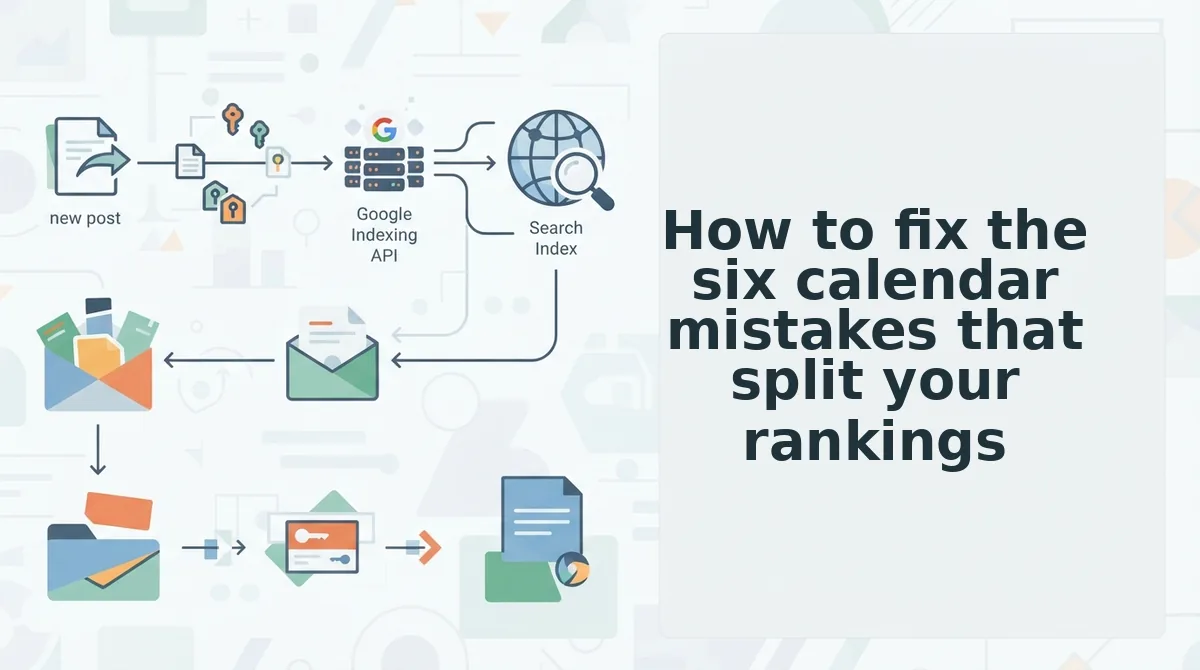
You fix each mistake by adding one planning constraint: name an owner URL, plan by intent, book refreshes, check recent URLs, and resolve conflicts by assignment. Before you start, have three things ready: your content calendar spreadsheet, a list of URLs published in the last 90 days, and Search Console access.
- Add an owner column. Insert a column named Owner URL next to Target Keyword, and fill it in before you approve any slot. Most calendars list a keyword and a publish date but never name a URL. This takes about 30 minutes, and every row should end up showing one URL or "new."
- Stop planning by keyword alone. Give the head term to the pillar and the modifiers to child posts. Internal links should point from child up to pillar, never from pillar down to child for the same query. Allow about an hour per cluster. When you finish, no child row should list the pillar's head term.
- Tag slots by intent. Add an Intent column that describes the searcher's job. Consider a slot tagged "AI SEO content engine" and another tagged "automated SEO content platform." Both pass any keyword-dedupe check, yet they target the same intent. Allow about 20 minutes. When you sort the column, duplicate intent tags should appear next to each other.
- Book refresh slots. Reserve calendar rows for refreshing the existing owner so you upgrade it instead of publishing a rival. Choosing between a refresh and a new post is a calendar decision you make weeks before it becomes an SEO decision. Every cluster should show at least one refresh row.
- Check the last 90 days of published URLs before approving any brief. Before content brief approval, filter your published-URL list to the last 90 days and search it for the slot's intent tag, head term, and close synonyms, which takes about 10 minutes per brief. Skipping this check is the mistake that hides the other five. Without it, missing owners, keyword-only planning, synonym drift, skipped refreshes, and third-post fixes all pass approval because nothing compares the new brief against pages already live. A brief passes when it either names an existing owner URL or records that no published page serves the intent.
- Resolve collisions by assigning ownership. When two slots or URLs share an intent, pick one owner, retarget the other to a different modifier, and update the Owner URL column. Do not plan a third post to cover the gap. Allow about 15 minutes per conflict. When you finish, each intent tag should map to exactly one URL.
Treat one query, one owner as a planning constraint, not a cleanup task. BloGoose applies that constraint across the whole workflow. It plans pillar-focused calendars from your existing site, drafts the articles, and publishes them directly to WordPress or your custom API.
The next step is to check whether it worked and decide which URL should survive.
How to check whether it worked and which URL should survive
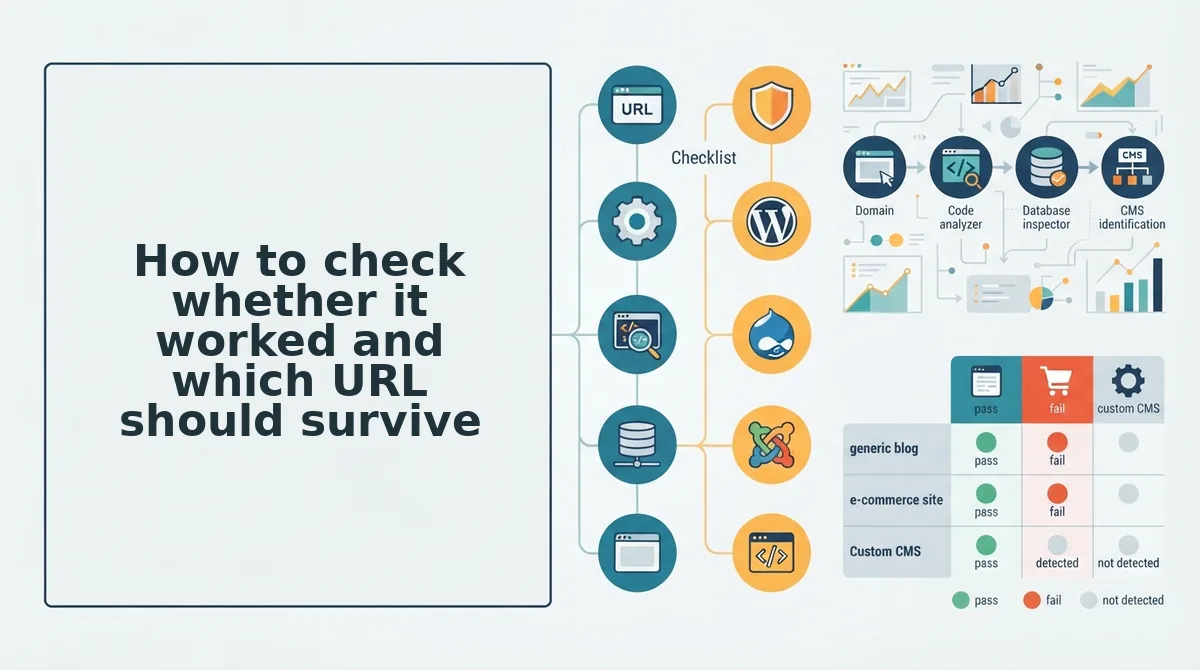
Verification takes the query in Search Console's Performance report and the list of URLs that collected impressions for it; when impressions consolidate onto one URL across crawl cycles while the retired URL keeps only long-tail impressions, the fix worked.
Pull the query, compare the competing URLs side by side, then apply one of four decisions:
| Decision | Choose it when | Best for |
|---|---|---|
| Keep A, retire B | A holds the stronger link and content profile | Teams inheriting an older URL with backlinks |
| Keep B, 301 A into it | B is newer but structurally better â tighter intent match, cleaner sections | Publishers who rewrote a post and left the original live |
| Merge both into one | Each page carries unique sections worth preserving | Solo operators holding two half-complete guides |
| Leave both | Google already picks one URL consistently and each earns distinct long-tail traffic | Large sites with steady impressions per URL |
Rank Math's consolidation mechanics explain the two exit paths. A 301 redirect retires the source URL and passes users and signals; a canonical consolidates signals while leaving both URLs live and crawlable.
To surface the pairs first, the Semrush Claude Code and Semrush MCP walkthrough runs a cannibalization audit against your own sitemap via prompt, returning the URL pairs competing for one query. Ownership goes to the older URL, and the second post's internal links get repointed at it.
Edward Sturm's "when to worry" framing supports a stop rule rather than blanket consolidation. If a content audit shows one URL already winning consistently and each page earning distinct long-tail traffic, leave both and spend the slot elsewhere.
Keyword cannibalization questions planners still ask
Should I use a 301 redirect or a canonical tag when merging two posts?
A 301 when the source URL should be gone; a canonical when it should stay live. The redirect retires the URL and passes users and signals to the survivor, while a canonical keeps both crawlable and only hints at consolidation.
Can two posts target the same keyword without cannibalizing each other?
Yes, when the intent differs. Collisions come from intent overlap rather than string overlap, so a pricing comparison and a setup guide can both use the same phrase and still rank separately because they answer different questions.
Does deleting one of the two pages fix cannibalization?
No â deletion removes the signals instead of consolidating them. Move the unique sections onto the survivor and point the old URL at it, so accumulated links and engagement transfer rather than vanishing with the page.
How long does consolidation take to show after a merge?
It tracks crawl frequency, not a fixed day count. Watch Search Console impressions for the query: consolidation is underway once the owner URL absorbs them and the retired URL drops to long-tail only. Request a recrawl and update internal links in the meantime.
Start assigning owners before your next slot is approved
The six mistakes resolve into one constraint: one query, one owner, one slot. The finding the article opened with is that this is a calendar field, not a cleanup project â the collision is created the day the slot is approved without an owner URL, and the Search Console work is only the invoice arriving later.
Open your next brief and add an owner URL line before anyone writes a word. Then run the 90-day published-URL check against your sitemap this week, or let BloGoose's 30-day calendar planner ship slots with owner fields already assigned.
A calendar that assigns ownership up front never needs a consolidation sprint â every slot you plan from here is one fewer collision to unwind later.