
How to Define Your Niche Automatically From Site Structure
Most content managers can describe their niche in a sentence, but ask them to prove it from their own site structure, and the answer falls apart. Manual niche definition means reading every page, tallying topics by hand, and guessing which clusters actually matter. That process is slow, biased, and quietly sabotages your content calendar.
Here's the part nobody tells you: your niche is already written into your XML sitemap, title tags, and internal links. You just haven't read the signals. When you define niche automatically from site structure, you stop asking "what should we write about?" and start extracting the answer your published pages have been giving you all along.
In this guide, you'll learn what a niche actually is for a website, which structural signals carry the most weight, and how an AI-powered SEO content engine turns those signals into a defensible topical boundary. By the end, you'll have a ranked framework for automated niche detection, including one signal most teams ignore entirely, and it's the one that matters most.
What Does Niche Actually Mean for a Website?
A website's niche is the intersection of topics its published pages consistently cover, as evidenced by URL patterns, headings, and internal links. It is not what you claim in a mission statement, it is what your site structure demonstrates at scale.
Think of a niche like a store's actual inventory versus its sign. Your sitemap and title tags are the shelves. Your intended niche is the sign. Competitors assume the two are identical; automated detection treats them as separate questions and answers the second one first.
At a simple level, niche means "the broad category your content fits into." At an intermediate level, it means the recurring URL segments and category labels that group your pages. At an advanced level, it means the weighted intersection of those signals, where title tag frequency, taxonomy depth, and internal link anchor text converge on a defensible topical boundary.
Here is the passage that matters for search engines: A proven niche is the set of topics your published pages consistently demonstrate through structural signals, not the set of topics you intend to cover. Automated niche detection reads XML sitemap URL patterns, title tag and H1 frequency, category and taxonomy structure, internal link anchor text, and body keyword density, in that priority order, to derive the niche your site has already committed to. This distinction between intended and proven niche is why manual audits fail: humans read pages selectively, while structure reveals aggregate behavior.
The Niche Signal Hierarchy: What Automated Detection Reads First
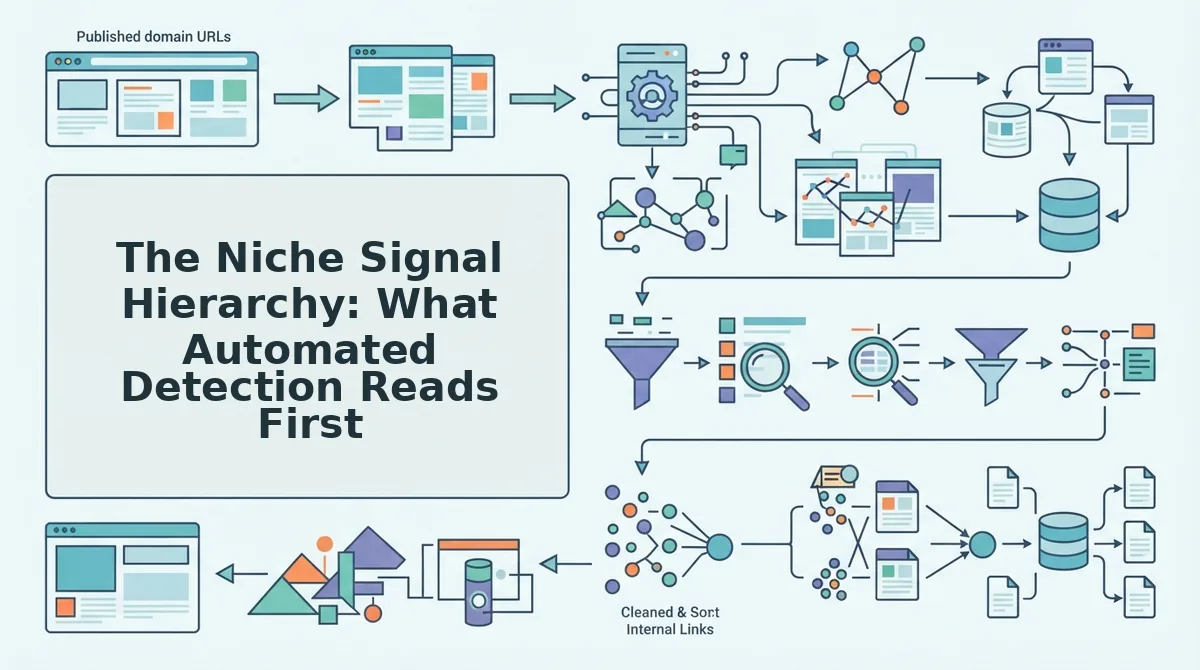
Automated niche detection ranks five structural signals in priority order, from highest to lowest weight. The Niche Signal Hierarchy below is the framework to apply when you want to define niche automatically from site structure, and it starts with the signal most teams never inspect.
- XML sitemap URL patterns. Your XML sitemap exposes the folder-like segments that group your content, /recipes/keto/, /tools/seo/, /guides/email-marketing/. These segments are the raw material of niche detection because they represent deliberate publishing decisions made at scale. To use this signal, extract every unique URL segment and rank them by page count; the top segments are your proven niche clusters.
- Title tag and H1 frequency. The words you repeat in titles and H1s reveal the topics you actually prioritize, not the ones you aspire to. A site with 40 titles containing "project management" and 3 containing "productivity" has a proven niche in the former. To use this signal, aggregate title and H1 text, strip stop words, and count recurring topic phrases.
- Category and taxonomy structure. Your CMS categories, tags, and custom taxonomies are explicit niche declarations baked into the architecture. A taxonomy tree with 12 categories under "B2B SaaS" and 2 under "ecommerce" tells a clear story. To use this signal, map every category and tag to its parent, then measure the depth and breadth of each branch.
- Internal link anchor text. The words you use when linking to your own pages describe those pages in context. Anchor text like "SEO audit checklist" or "keto meal plan" clusters pages into topical neighborhoods. To use this signal, extract all internal anchor text, group it by target URL, and identify the recurring phrases that define each cluster.
- Body keyword density. The frequency of terms inside page content carries the lowest weight because it is noisy and easily gamed. Body text confirms what structure already suggests, but it rarely overrides stronger signals. To use this signal, run keyword frequency analysis as a validation layer, not a primary detector.
Most tools stop at signal five and call it a day. The hierarchy above is why automated detection outperforms manual audits, and the next section walks through the exact pipeline that turns these five signals into a niche definition.
How Automated Niche Detection Works: A Step-by-Step Pipeline
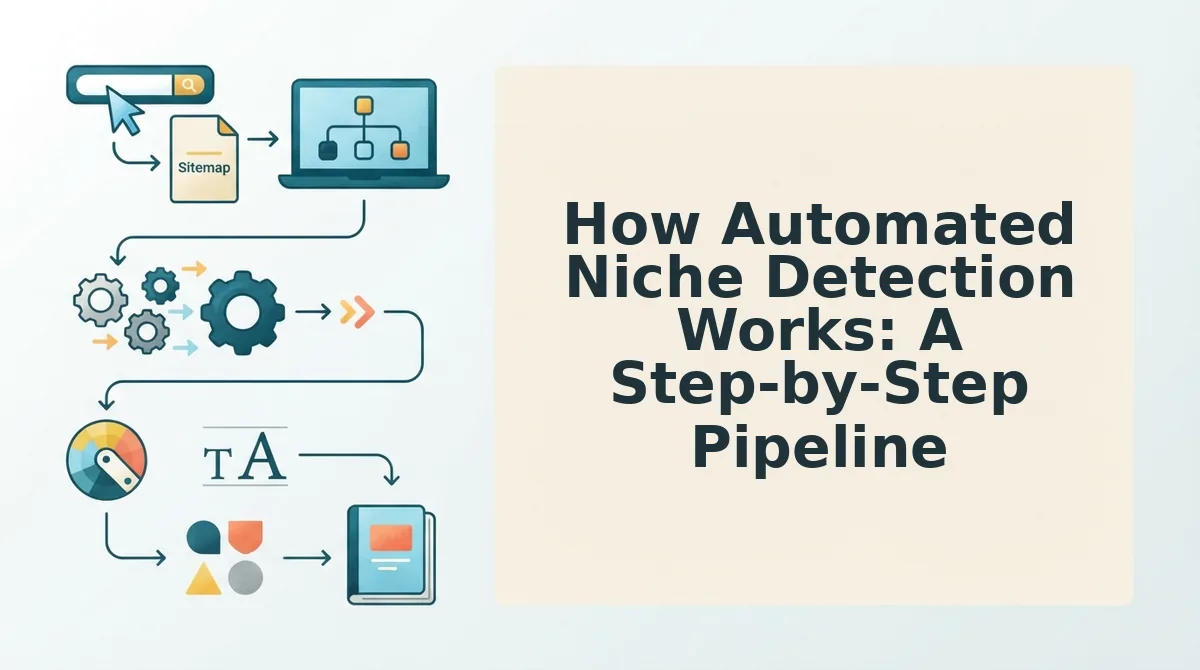
Automated niche detection is a five-step pipeline that crawls your sitemap, parses on-page signals, clusters pages by shared keyword frequency, weights clusters by page count and internal links, then outputs a niche definition plus brand context files, no manual tagging required.
Prerequisites: You need a live website with an accessible XML sitemap, plus an AI-powered SEO content engine that can crawl, parse, and cluster at scale. The full pipeline typically completes in 5-15 minutes for sites under 500 pages.
- Open the setup wizard and enter your domain. Type your root URL (e.g.,
yoursite.com) into the domain field and click Start Crawl. The engine locates your XML sitemap automatically, you should see a confirmation like "Sitemap found: 412 URLs" within 30 seconds. - Let the crawler extract all page URLs. The engine pulls every URL from the sitemap and filters out non-content pages (tag archives, author pages, pagination). You should see a deduplicated list of indexable URLs, typically 80-95% of the sitemap total.
- Parse titles, H1s, and meta descriptions. For each URL, the engine extracts the title tag, primary H1, and meta description, then tokenizes them into keyword phrases. You should see a preview table showing the top recurring terms per page.
- Cluster pages by shared keyword frequency. The engine groups pages that share statistically significant keyword overlap, for example, 30 pages mentioning "keto recipes" form one cluster, while 12 pages mentioning "meal prep containers" form another. You should see clusters labeled with their dominant keyword and page count.
- Weight clusters by page count and internal link volume. Each cluster receives a score based on how many pages it contains and how many internal links point into it. The highest-scoring cluster becomes your primary niche. You should see a ranked list with a clear winner.
- Output the niche definition and generate brand context files. The engine writes a one-paragraph niche definition (e.g., "This site covers beginner-friendly keto meal planning and recipes") and exports brand context files containing voice rules, topic boundaries, and keyword priorities. You should see a green checkmark confirming the files are ready for use in content generation.
This pipeline is fully automated end to end. A site with 300 pages can go from raw crawl to a usable niche definition and brand context file in under 10 minutes, eliminating the hours of spreadsheet work a manual audit would require.
What to Do When Your Site Covers Multiple Topics
A multi-niche site is a website where two or more content clusters compete for dominance, and automated detection resolves this by weighting clusters on page count and internal link strength rather than forcing a single label.
Think of your site like a library with multiple wings. A single-niche site is a library devoted entirely to cookbooks; a multi-niche site is a library with a large cookbook wing and an equally large travel wing. You wouldn't label the whole building "cookbook library" if the travel wing is just as big.
Start simple: run the automated pipeline and look at the weighted cluster scores. The cluster with the most pages and strongest internal links wins. If your site has 80 pages about "home workouts" and 25 pages about "protein supplements," the workout cluster is your primary niche, and the supplement pages become a secondary topic.
For example, 60 pages on "indoor plants" and 55 pages on "garden tools" are close enough that neither should dominate. In this case, generate separate brand context files per cluster so each topic gets its own voice rules, keyword priorities, and content calendar.
At the advanced level, you can run the pipeline recursively on each cluster to detect sub-niches. A "fitness" cluster might split into "strength training" and "mobility work," each with its own context file. This prevents the diluted, unfocused content that search engines penalize when a site tries to be everything at once.
Automated niche detection handles multi-topic sites by scoring each content cluster on two signals: the number of pages it contains and the volume of internal links pointing into it. The cluster with the highest combined score becomes the primary niche.
From Niche Definition to Content Calendar
A niche definition is the structured output of automated detection that grounds every downstream content decision, topic generation, live SERP research, and brand voice extraction all anchor to it.
Think of the niche definition like the foundation of a house. You wouldn't start framing walls before the concrete sets. The detected niche is that concrete: it tells the content engine which topics to generate, which search results to analyze, and which voice rules to apply.
Once the niche is locked, topic generation pulls from the dominant keyword clusters instead of guessing. Live SERP research then checks what's actually ranking for those topics, so you're not writing into a vacuum. Brand voice extraction uses the same niche context to keep every article consistent with how your site already sounds.
BloGoose turns your detected niche into a 30-day content calendar automatically, each article drafted, optimized, and scheduled without a manual spreadsheet in sight. If your niche detection says "keto meal planning," your calendar fills with keto-specific topics, not generic health posts.
That calendar is where the pipeline pays off. Next, let's answer the most common questions about automated niche detection.
FAQ
Automated niche detection answers the most common questions about turning site structure into a usable niche definition, from minimum page counts to incomplete sitemaps and ecommerce compatibility.
How many pages does my site need for accurate niche detection?
10-20 published pages provide enough signal for accurate niche detection. Below that threshold, title tags and URL patterns become too sparse to establish reliable topic clusters, so the crawler may return a broader or less confident niche definition.
What if my XML sitemap is incomplete or outdated?
The crawler can still parse internal links from already-crawled pages to discover additional URLs. Sitemap gaps do not block niche detection because internal linking structure, title tags, and URL slugs provide independent signals that the pipeline reads in priority order.
Can automated niche detection work for ecommerce sites?
Yes, automated niche detection works for ecommerce sites by reading product category URLs, collection titles, and breadcrumb structures. Category hierarchies map directly to niche boundaries, making product-driven sites one of the strongest use cases for structure-based niche extraction.
Why does my site rank for topics I never intentionally targeted?
Search engines infer topical authority from the cumulative signals in your title tags, internal links, and URL patterns, not from your stated intentions. Automated detection surfaces the niche your structure actually communicates, which often differs from the niche you think you are targeting.
How do I know if my detected niche is too broad or too narrow?
Compare the detected niche against your top 20 ranking keywords. If those keywords span unrelated categories, the niche is too broad; if they all sit inside one subcategory with no head terms, it is too narrow. The niche signal hierarchy output shows where the imbalance originates.
Your Site Already Knows Its Niche, You Just Need to Read It
Your sitemap, title tags, and internal links already define your niche. The question is whether you are reading those signals deliberately or letting search engines interpret them without your input. Automated detection reads these signals in priority order and outputs a niche definition plus brand context files you can act on immediately.
The niche signal hierarchy. URL structure first, then title tags, then internal link anchors, is not a framework you impose. It is the order in which crawlers and AI answer engines already parse your site. Aligning your content strategy with that order removes the guesswork from topical authority.
Run BloGoose on your domain to extract your niche definition and brand context automatically, then let the AI-powered SEO content engine turn that definition into a rank-ready content calendar. Your site has been telling you what it is about since the first page went live, now you can build on that signal instead of fighting it.