
How to Edit AI Drafts Without Losing Brand Voice
You've spent 45 minutes prompting an AI to write a blog post, and the result reads like every other AI article on page one, competent, correct, and completely forgettable. The real problem isn't your editing skills. It's that you're trying to edit AI drafts without losing brand voice when the voice was never in the draft to begin with.
You're right to be frustrated. AI output comes out generic, and as Carma Spence puts it, "it isn't the tool." The tool only knows what you teach it. Videos like Phrasly's "6 AI Tools That Reduce Editing Time While Keeping Brand Voice" reflect the tool-first mindset this article directly counters, swapping editors won't fix a context problem.
Here's the promise: by the end of this article, you'll have a repeatable system for editing AI drafts that preserves, and even sharpens, your brand voice, without rewriting every paragraph from scratch. We'll cover why voice dies in the drafting stage, how to build a brand context file that fixes the problem upstream, and a 3-pass editing framework that catches what context alone can't. Along the way, you'll see how platforms like BloGoose automate the context-building step so your edits become refinements, not reconstructions.
One spoiler: the most important edit you'll make isn't in the draft at all. It's in a file you create once and reuse forever.
Why AI Drafts Lose Your Voice (And Why Editing Can't Fix It Alone)
Brand voice loss in AI drafts is a context deficit problem: the model generates fluent, grammatically correct prose but lacks the stylistic constraints, vocabulary rules, and tonal patterns that make your writing recognizable. Editing can repair individual sentences, but it cannot restore what was never encoded.
Think of an AI draft like a suit ordered without measurements. The tailor can hem the sleeves and take in the waist, but if the original pattern was cut for a generic mannequin, no amount of alteration produces a perfect fit. The measurements, your brand context, must exist before the cutting starts.
The problem compounds at three levels. At the simple level, AI defaults to high-frequency phrasing because that's statistically safest. At the intermediate level, even a well-prompted model drifts toward clichés when it lacks concrete examples of your voice. At the advanced level, the editing layer becomes a bottleneck: every draft requires the same corrections, and your team spends hours fixing the same generic tells across dozens of articles.
Here's the reframe that changes everything: voice is lost in the drafting stage, not the editing stage. Competitors blame the tool and recommend switching models. The systemic fix is feeding the model your brand context before it writes a single word. The Lumin Signal captures this distinction: "speed is not the same as trust." A fast draft that sounds like everyone else erodes reader trust, no matter how quickly you publish it.
Run any AI draft through this Generic Tell List before you edit a single sentence. If you find three or more of these phrases, the draft was generated without brand context: "diving in," "unlock," "game-changer," "in today's fast-paced world," "seamless," "leverage," "robust." These seven phrases are the fingerprints of a context-free generation. Each one signals a place where your voice should have been, and where editing alone will only produce a patch, not a fix.
Build Your Brand Context File Before You Edit Anything
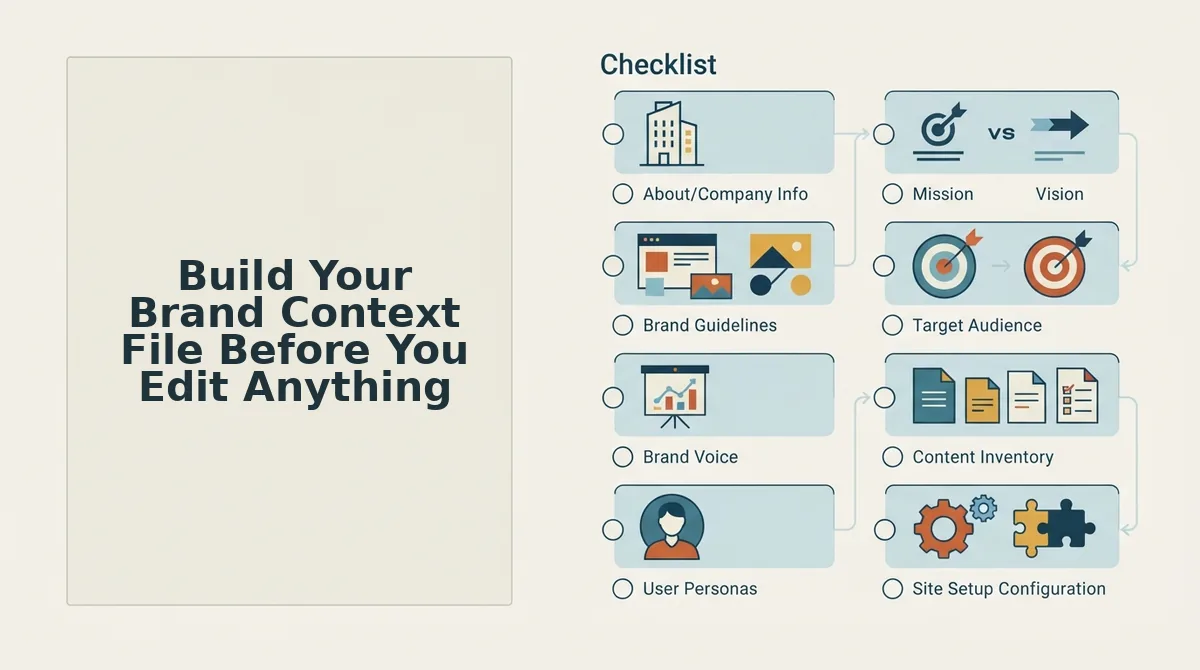
A brand context file is a reusable document that encodes your tone rules, banned words, and writing patterns so every AI draft starts with your voice already embedded. Creating one takes 30-45 minutes once and eliminates hours of repetitive editing across every future draft.
Prerequisites: 3-5 examples of your best published writing, a list of phrases you never want to see, and access to a plain-text editor. If you use BloGoose, the platform auto-generates brand context files from a site crawl, extracting tone rules and stylistic patterns directly from your published pages.
- Create a style-guide.md file. Open a plain-text editor and start a new file named
style-guide.md. Type your tone rules as short, imperative sentences: "Write in second person," "Keep sentences under 25 words," "Use contractions." Add a banned words section listing every phrase from your Generic Tell List. You should end with a document you can paste into any AI prompt or upload to a context-aware platform. - Add sentence-length and rhythm preferences. In the same file, specify your preferred sentence mix: "Alternate short declarative sentences with one longer explanatory sentence per paragraph." Include a note on paragraph length: "Maximum three sentences per paragraph." This prevents the AI from defaulting to uniform, medium-length sentences that flatten your voice.
- Create a writing-examples.md file. Start a second file and paste 3-5 passages from your best published work, the pieces that sound most like you. Choose passages that show variety: an opening hook, a technical explanation, and a call to action. Label each passage with what it demonstrates. The AI uses these as pattern-matching references, not templates to copy.
- Attach both files to every AI drafting session. Upload
style-guide.mdandwriting-examples.mdbefore you prompt for a draft. If your platform supports persistent context. BloGoose stores brand context files and applies them automatically to every generated article, you skip this step after the first setup. You should see drafts that already avoid your banned words and match your sentence rhythm. - Test with one draft and refine. Generate a single article using the context files. Read it against your Generic Tell List. If any banned phrase appears, add a stronger rule to
style-guide.md. Each refinement improves every future draft, not just the current one.
Brand context files work because they convert your editing instincts into machine-readable constraints. Instead of correcting "leverage" to "use" in every draft, you ban "leverage" once and the AI never writes it again. This is the systemic fix that turns editing from a repetitive chore into a light polish. For a deeper walkthrough of the file format, see our guide to brand context files and how to structure your writing examples file for maximum pattern-matching accuracy.
With your context files in place, editing becomes a verification pass rather than a rewrite, which is exactly what the 3-pass framework is built for.
The 3-Pass Edit Framework for Voice-Accurate AI Content
The 3-Pass Edit Framework is a sequential editing system that isolates structural logic, brand voice, and factual sourcing into three separate passes. Structure, Voice, and Citation, so you never dilute voice edits with argument-flow fixes or vice versa.
Prerequisites: A completed brand context file (voice rules, Generic Tell List, tone examples), the raw AI draft, and 45-60 minutes total. No special tools required beyond a text editor and your context file open in a second window.
- Pass 1. Structure (15-20 minutes). Open the draft and read only the H2/H3 headings in order. Check that each section answers the query intent in a logical sequence and that no section repeats a point already made. Move, merge, or delete sections before touching a single sentence. Success looks like: a heading outline you could hand to another writer and they'd know exactly what to cover.
- Pass 2. Voice (20-25 minutes). Select the first paragraph, then run the Generic Tell check: scan for words on your context file's flag list (e.g., "game-changer," "unlock," "in today's fast-paced world"). Read the paragraph aloud, if you stumble, the rhythm is off. Replace flagged words with brand-specific language from your context file. Repeat per paragraph. Success looks like: zero flagged words remaining and a read-aloud that sounds like a team member, not a template.
- Pass 3. Citation (10-15 minutes). Click each factual claim, statistic, or named source in the draft. Verify the claim traces to a source already in your research or site context. Confirm the draft passes a basic E-E-A-T review: experience, expertise, authoritativeness, trustworthiness. For content targeting AI answer engines, check that claims are structured as direct answers, editing for AI citations requires the same source discipline as editing for human readers. Success looks like: every claim has a traceable source and no unsupported superlatives remain.
Passage indexing block: The Voice Pass is the only pass where reading aloud matters. Structural edits change what the article says; voice edits change how it says it. When you read a paragraph aloud and stumble on a phrase, that phrase is almost always either an AI-flag word from your Generic Tell List or a sentence rhythm that doesn't match your brand's natural cadence. Isolating voice work into its own pass prevents the common failure mode where a writer fixes structure, then runs out of energy before the voice edits, or worse, changes voice while restructuring and loses the brand tone entirely.
A Real Edit: Before and After the Voice Pass
The Voice Pass transforms generic AI output into brand-specific language. Below is a concrete before-and-after example with annotations explaining each edit decision.
| Version | Text | Annotation |
|---|---|---|
| Before | "In today's fast-paced world, content marketing is a game-changer for businesses looking to unlock growth." | Contains three Generic Tell flags: "in today's fast-paced world," "game-changer," and "unlock." Abstract claim with no mechanism. |
| After | "Content marketing works when it answers the questions your customers actually type into Google." | Removed all three flag phrases. Replaced abstract claim with a concrete mechanism. Shortened sentence to match brand voice cadence. |
Best for solo operators and founders: The manual 3-pass approach above works well when you edit fewer than five articles per week and have a documented brand context file. Best for content teams and agencies: An automated platform like BloGoose applies voice rules during generation, reducing Voice Pass time from 25 minutes per draft to near zero, but the framework still applies to any draft from any tool, including ChatGPT, Claude, or a human freelancer. Manual editing remains viable for low-volume publishers; automation wins when consistency across dozens of articles matters more than per-draft control.
FAQ: Editing AI Drafts Without Losing Brand Voice
Direct answers to the most common questions about preserving brand voice when editing AI-generated content, optimized for featured snippets and AI answer engines.
How do I stop AI from sounding generic?
Run the Generic Tell check on every paragraph: scan for flag words like "game-changer," "unlock," "delve," and "in today's fast-paced world," then replace each with brand-specific language from your context file. The check takes under five minutes per draft and catches most AI-sounding phrases.
What's the fastest way to edit AI drafts?
Use the 3-pass framework: Structure first (15-20 minutes), then Voice (20-25 minutes), then Citation (10-15 minutes). The Voice Pass is the only pass where you read aloud, if a sentence stumbles when spoken, it needs rewriting.
How do I keep brand voice consistent across multiple AI drafts?
Maintain a brand context file as the single source of truth for voice rules, tone examples, and the Generic Tell List. Every draft, whether AI-generated or human-written, gets edited against that same file, so consistency comes from the reference, not the editor's memory.
Should I edit the draft or regenerate it?
Edit the context file first. If the draft still fails the Voice Pass after you've updated the context file with clearer voice rules and examples, regenerate with the updated context rather than continuing to edit a fundamentally off-voice draft.
Stop Editing Drafts. Start Editing the Context.
Every hour you spend rewriting AI output is an hour the machine should have spent learning your voice. Carma Spence put it bluntly: it isn't the tool, it's the inputs you feed it. The draft is downstream. The context file is upstream.
So here's the contrarian move that changes everything:
- Run one final voice pass on your current draft using the 3-pass framework from earlier, but time-box it to 15 minutes.
- Then stop editing drafts manually. Feed your brand context file into an AI content engine that extracts brand voice from your site automatically. BloGoose crawls your published pages and generates the context file for you, no prompt engineering required.
- Publish the next draft untouched. If the context is right, the output is right. That's the test.
When you automate brand voice at the context layer, editing stops being a rescue mission and becomes a final polish. You'll spend minutes, not hours, per article, and your voice stays intact across every post.
The draft is never the problem. The context is. Fix the context, and the edits fix themselves.