How to Edit Markdown Brand Context Files Before Your First Draft
Your first AI draft arrives, and it reads like robotic AI mush: polite, generic, and nothing like the way you actually write. That tone drift is rarely a model problem. It is a context problem, and the fastest fix is to edit markdown brand context files before you generate a single article.
If you have spent evenings on prompt-engineering homework only to rewrite every paragraph by hand, your frustration is reasonable. The drafts sound off because the rules behind them are vague, generic, or partly guessed.
This guide shows you how to tighten those rules so drafts match your real voice, your banned phrases, and your SEO standards. You will review eight files in priority order, use an edit matrix to spot red flags, and work through two worked examples. One example centers on a single HTML comment that tells you exactly which lines to distrust.
Review your brand context files in priority order, starting with brand-voice.md. Tighten the voice DO and DON'T rules, and replace generic examples with real published paragraphs. Verify every inferred entry, then remove duplicate rules across files. Finish by running one test draft and comparing it against your own writing.
What Are Markdown Brand Context Files and Which Should You Edit First?
A Markdown brand context file is a plain-text document the AI rereads before every draft, so your voice, style, and SEO rules carry into each article. Edit brand-voice.md first, because it shapes every sentence the model writes.
Markdown context files for AI writing are plain-text documents that store the rules a model must follow before it writes. They work like persistent memory: the model reads them at the start of every draft, so it does not forget your tone between articles. This is the same idea popularized in the widely viewed video "The CLAUDE.md file," applied to brand writing instead of code. The rules are split across several files by concern, meaning each file handles one job. That separation avoids the one-massive-rules-file problem described in "Understanding your AI markdown files," where conflicting instructions pile up and the model obeys none of them reliably.
Think of it like a kitchen with labeled drawers. When knives, spices, and utensils each have their own drawer, you find the right tool quickly. A single junk drawer slows everything down.
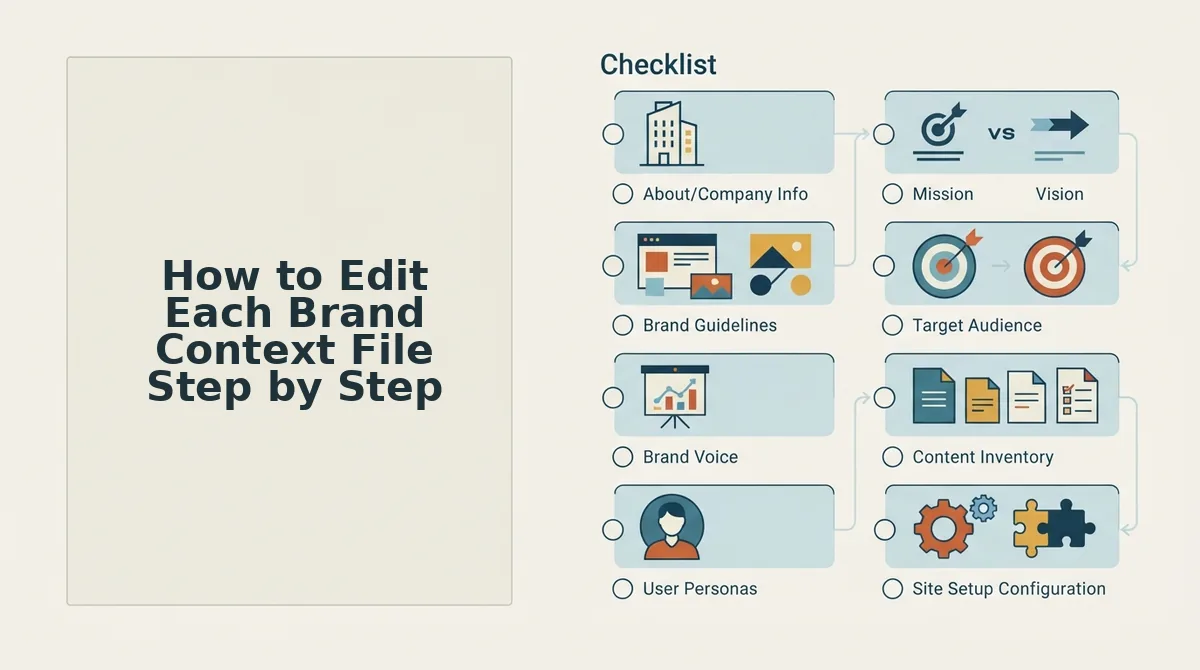
BloGoose builds eight files from your site crawl. You can read how BloGoose builds context files from your sitemap for the full setup flow. Edit them in this order, ranked by how much each file changes your drafts:
- brand-voice.md
- style-guide.md
- writing-examples.md
- seo-guidelines.md
- target-keywords.md
- internal-links-map.md
- competitor-analysis.md
- features.md
Prerequisites: You need a completed site crawl and a text editor. You do not need any Markdown expertise, because these files are mostly headings and bullet lists.
How to Edit Each Brand Context File Step by Step
Edit each file in priority order. In each one, find the red flag, apply a specific fix, and confirm that the file now gives the AI a precise instruction. Before you start, open your completed crawl output and a text editor, and set aside roughly an hour for all eight files.
| File | What it controls in drafts | Red flag | Fix |
|---|---|---|---|
| brand-voice.md | Tone, personality, banned language | Abstract DON'Ts | List exact banned phrases |
| style-guide.md | Formatting, grammar, structure | Generic samples | Use real published paragraphs |
| writing-examples.md | Sentence rhythm and voice imitation | Placeholder text | Paste your best paragraphs |
| seo-guidelines.md | Titles, metas, headings | Wrong length ranges | Confirm character limits |
| target-keywords.md | Topic and keyword focus | Off-target terms | Prune or add secondaries |
| internal-links-map.md | Link targets and anchors | Broken URLs | Test each link |
| competitor-analysis.md | Positioning and comparisons | Inferred entries | Verify, then remove tags |
| features.md | Product claims | Overstated capabilities | Correct each claim |
- Rewrite brand-voice.md DON'Ts as exact phrases (about 10 minutes). Find the rule "inflated startup jargon or marketing fog." Replace it with a bullet list of the specific phrases you never use, such as "game-changer" and "unlock the power of." When you finish, the file should show concrete phrases that a model can match word for word.
- Replace samples in style-guide.md (about 5 minutes). Delete the generic sample sentences and paste in formatting examples taken from your live posts. Every example in the file should now come from your own site.
- Swap placeholders in writing-examples.md (about 10 minutes). Paste in two or three of your strongest published paragraphs. The file should read like your writing, not a template.
- Confirm title and meta rules in seo-guidelines.md (about 5 minutes). Check that the title pattern reads "[Actionable Title] · BloGoose" and stays under 60 characters. See the title tag pattern guide for details. Then confirm the meta description range is 140-155 characters.
- Prune target-keywords.md (about 5 minutes). Delete secondary keywords you will never target, and add any that are missing. The list should only contain terms you want to rank for.
- Test every URL in internal-links-map.md (about 10 minutes). Open each URL to confirm that it resolves. Read each anchor aloud and check that it sounds natural. You should end up with zero broken links.
- Run the inferred-entry audit in competitor-analysis.md (about 10 minutes). Search the file for <!-- inferred --> tags.
The inferred-entry audit is the step that removes guesses from your competitor positioning. During the crawl, BloGoose marks any competitor detail it could not confirm with an <!-- inferred --> HTML comment, so these are the lines to distrust. In competitor-analysis.md, the tag typically appears on entries such as Jasper and Surfer SEO. For each tagged entry, check the claim against the competitor's own site. Then either confirm the entry or rewrite it with accurate details. Delete the tag once you have verified the entry. When you finish, no tags remain, and every comparison in your drafts rests on facts you have checked.
- Correct features.md (about 5 minutes). Read each capability claim and remove or soften anything your product does not fully deliver. The file should describe only shipped features, so your drafts don't overpromise.
These edits pay off on every article. BloGoose autopilot drafting rereads all eight files before each draft, so a single cleanup carries into your entire content calendar, along with built-in AEO content optimization.
The next step is to confirm that your edits actually changed the output.
How Do You Check Your Edits Worked Before Drafting?
Run a cross-file conflict check, then generate one test draft and grade it against each file. Your context is ready when every rule has one home, no inferred tags remain, and the draft matches your voice, claims, keywords, and links.
- Give every rule one home. A meta description length set in seo-guidelines.md and restated in style-guide.md can drift apart over time. Keep the rule in its canonical file and delete the copy.
- Clear leftover inferred tags. Search all files for <!-- inferred -->. Each tag marks a guess from the crawl, so confirm it, rewrite it, or delete it.
- Replace vague adjectives. A word like "friendly" gives the model nothing it can test. Rewrite it as an observable rule, such as "use second person and contractions."
- Verify every link. Open each listed URL and remove any that redirect or return a 404. A stale link repeats in every draft until you fix it.
- Grade one test draft per file. Check the voice against brand-voice.md, the claims against features.md, and the keywords against target-keywords.md. Then audit the test draft for on-page gaps.
- Stop when the draft passes. More editing does not always produce better drafts, because over-specified files tend to produce stiff prose. If the test draft reads right, leave the files alone.
FAQ About Editing Brand Context Files
These answers cover timing, syntax, and review cadence, the questions most teams ask after their first edit pass.
Can I edit brand context files after drafts start?
Yes. Edits apply to the next article generated, not to posts already published. If an older post needs the new rule, revise that post separately.
Do I need to know Markdown to edit these files?
No. You only need three pieces of syntax: # for headings, - for list items, and <!-- --> for comments. Everything else is plain sentences.
How often should I review my brand context files?
Review them whenever your positioning, product features, or link targets change. You should also review them when a draft drifts from your voice. A drifting draft usually points to one outdated or vague rule.
What happens if I delete an inferred tag without changing the rule?
The rule becomes confirmed context. Drafts then treat it as your stated position, so delete a tag only after you have verified that the rule is accurate.
Review Your Context Files, Then Let the Drafts Run
The edits that matter most are the ones that remove ambiguity. Adding more rules rarely helps. A short, conflict-free context file set produces better drafts than a long one that contradicts itself.
- Fix voice first: rewrite vague adjectives in brand-voice.md as testable rules.
- Audit inferred tags: confirm, rewrite, or delete every one before drafting.
- Run the conflict check: give each rule one home, then grade a single test draft.
Once those three checks pass, step back and let the calendar run. Crawl your site with the BloGoose AI SEO content engine, review the eight generated files, and publish drafts that sound like you from the first article.