
How to Extract Target Keywords From Your Own Site Content

You already own a keyword goldmine, and you're probably ignoring it to chase ideas in a tool that knows nothing about your site. Most keyword research starts in a keyword tool. Yours should start in your own sitemap. If you've been grinding through a 12-tab content stack and still guessing what to write next, the fix isn't another tool. It's learning how to extract target keywords from own site content, the pages you've already published, the rankings you've already earned, and the topical signals Google has already associated with your domain.
You're not wrong to feel like keyword research is a treadmill. The problem is the starting point, not the effort. This guide will show you how to mine your existing site for high-intent keywords, turn incidental rankings into deliberate content clusters, and build a calendar from evidence instead of hunches. You'll learn a five-step extraction sequence: crawl your XML sitemap, pull on-page signals, cross-reference Search Console, cluster by intent, and feed the output into an automated publishing workflow. Along the way, you'll discover why one specific ranking pattern, keywords you never targeted, is the most underused growth lever in SEO. Keep reading; the answer in Step 3 will change how you plan content.
Why Your Own Site Beats Any Keyword Tool as a Starting Point
Your own site is a keyword research dataset that no third-party tool can replicate, because it contains Google's actual verdict on what your domain deserves to rank for. The keywords you already rank for are the cheapest wins you'll ever get.
Think of your site like a restaurant that's been open for a year. A keyword tool is a market research report telling you what dishes people in your city search for. Your own analytics are the order tickets from customers who already walked in, sat down, and ate. One tells you what might work. The other tells you what already does.
Here's the progression most SEOs miss. At the simple level, you look at pages that already rank and optimize them further, title tweaks, internal links, refreshed content. At the intermediate level, you identify incidental rankings: keywords you rank for on positions 8-20 that you never deliberately targeted. Ranking for a keyword you never targeted is proof of latent topical authority. Google's index already associates your domain with those topics, making your own site a higher-intent signal than greenfield keyword ideas from a tool.
At the advanced level, you treat those incidental rankings as a map of your domain's expanding topical footprint. Each one is a signal that Google has already granted you partial authority in a topic cluster. The job isn't to convince Google you're relevant, it's to consolidate authority you already have. This is the targeted-versus-incidental distinction that most keyword research frameworks skip entirely, and it's why tool-first research so often produces content that never ranks: it starts from zero authority, while your own site starts from evidence.
Once you've extracted those evidence-based keywords, you can feed them directly into an automated SEO content workflow that turns them into published articles without manual spreadsheet coordination.
Step 1, Crawl Your Sitemap and Pull Every URL
Start by exporting every indexable URL on your site, because you can't extract keywords from pages you don't know exist. You'll need access to your site's XML sitemap and either a spreadsheet or a crawling tool.
- Open your XML sitemap. Type your domain followed by
/sitemap.xmlinto a browser, for example,https://yourdomain.com/sitemap.xml. You should see a list of URLs or links to sub-sitemaps. If you see a 404, check your robots.txt file for a Sitemap directive. - Copy every URL into a spreadsheet. Select all URLs from the sitemap and paste them into column A of a new sheet. If your sitemap is split into sub-sitemaps, repeat the process for each one. You should end up with one row per published page.
- Remove non-content URLs. Delete rows containing
/tag/,/author/,/category/, pagination parameters like?page=, and any URL ending in.jpg,.png, or.pdf. What remains is your actual content inventory, usually 60-80% of the original list. - Verify the count. Compare your remaining URL count against the number of published posts or pages in your CMS. If the numbers are wildly different, you may have orphan pages or a stale sitemap. You should see a clean list where every row maps to a real, indexable article or landing page.
If your sitemap is messy, export your top 50 pages from Search Console instead, those are the pages Google actually cares about. Next, you'll pull the on-page signals from each URL to start surfacing keyword candidates.
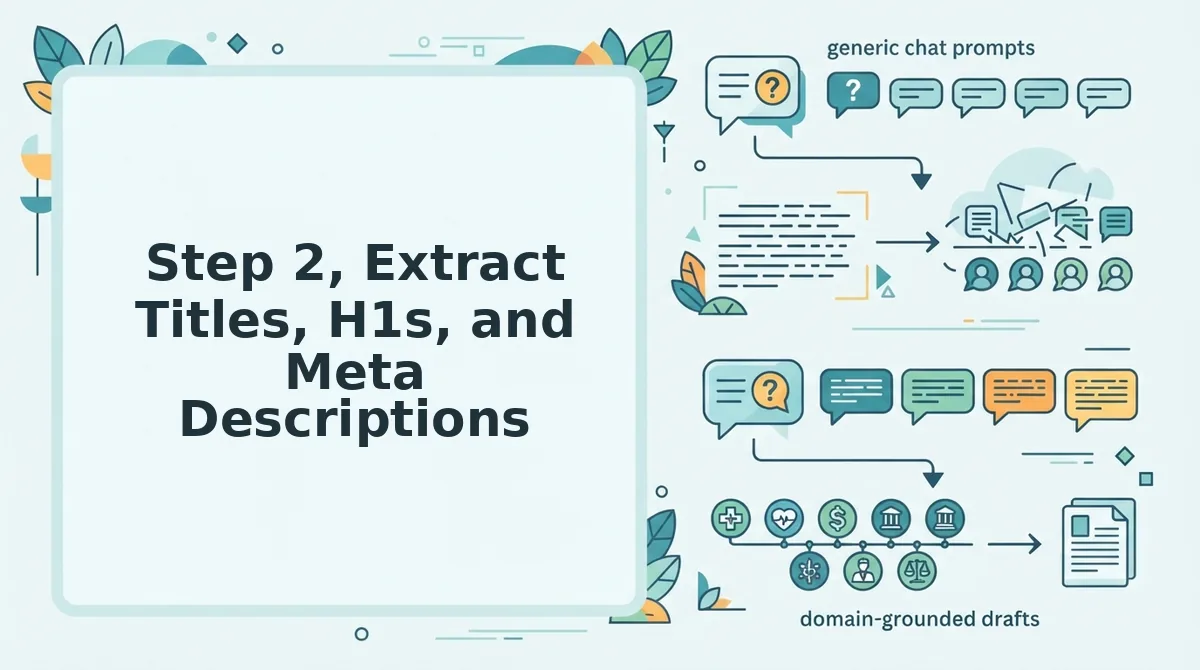
Step 2, Extract Titles, H1s, and Meta Descriptions
Target keyword extraction means pulling the exact phrases from your title tags, H1s, meta descriptions, and opening body copy that signal what each page is trying to rank for.
Prerequisites: Your sitemap URL list from Step 1, plus either Screaming Frog (free tier handles 500 URLs), a spreadsheet, or a CMS export. Budget 20-30 minutes for a 50-page site.
- Open Screaming Frog and select Configuration to Spider to Extraction. Check the boxes for Title 1 (H1), Meta Description 1, and First 100 Words. Click OK.
- Upload your sitemap URL list into Mode to List, then click Start. You should see the crawl progress bar fill within 2-5 minutes for a typical site.
- Export the results via Reports to Page Titles and Meta Descriptions. Open the CSV in your spreadsheet tool. You should see one row per URL with four populated columns.
- Highlight any phrase that repeats across a title tag, H1, and meta description on the same page. That repetition is your strongest targeting signal, the page is deliberately optimized for it.
Check your work against the live SERP preview: if the extracted phrase matches what you intended the snippet to display, the extraction is accurate.
A page targeting "AI SEO content engine" that incidentally ranks for "automated blog publishing engine" surfaces a keyword you never optimized for, and that discovery is exactly what Step 3 handles.
Step 3, Separate Targeted Keywords From Incidental Keywords
Targeted keywords are phrases you deliberately placed in title tags, H1s, and meta descriptions; incidental keywords are phrases Google already associates with your page through body copy alone.
Think of it like a restaurant menu: the dishes you list under "Specials" are targeted, you chose to feature them. The dish a regular customer keeps ordering that never made the menu is incidental. Both sell, but only one shows intent.
Start simple: mark every phrase from Step 2 that appears in a title tag or H1 as targeted. Then move to intermediate: pull phrases from your first 100 words of body copy that never appeared in any meta element. Those are incidental.
Advanced practitioners should cross-reference Search Console queries. A site targeting "AI SEO content engine" may incidentally rank for "automated blog publishing engine" without ever optimizing for it, that is accidental authority, and it is gold.
Run this classification as part of a full SEO content audit to catch incidental keywords you would otherwise miss.
| Signal Location | Classification | Meaning |
|---|---|---|
| Title tag, H1, meta description | Targeted | Deliberate optimization |
| Body copy only, ranks anyway | Incidental | Accidental authority |
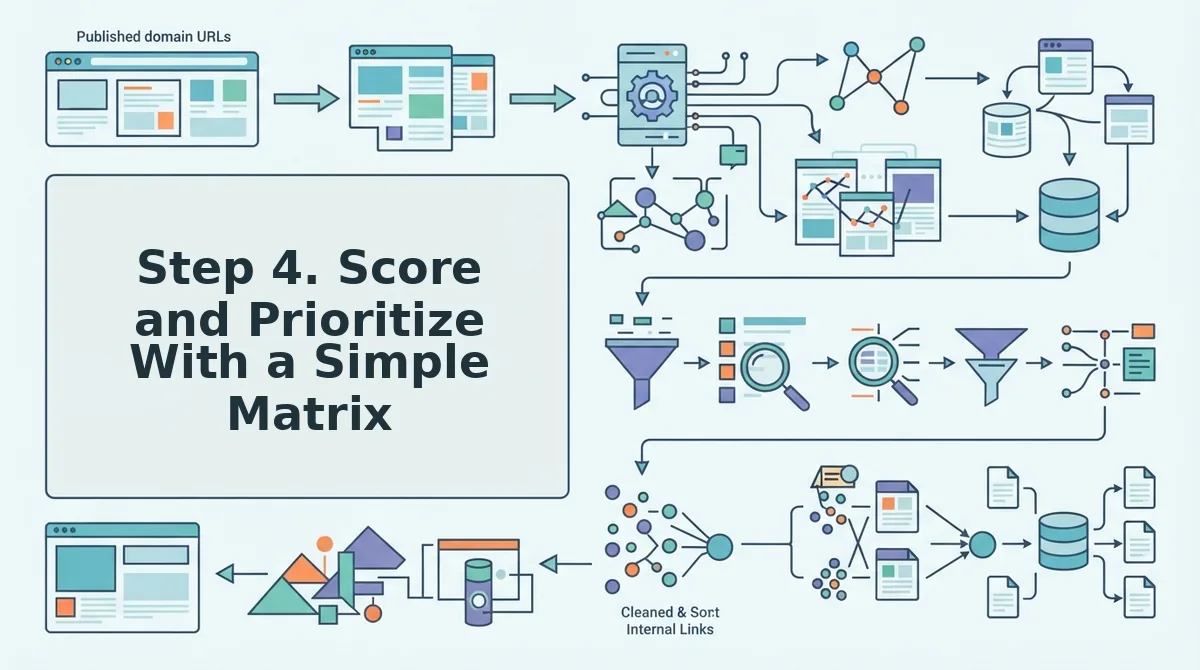
Step 4. Score and Prioritize With a Simple Matrix
Score every extracted keyword on two axes, does it rank, and did you target it, then assign one of four actions per quadrant.
Prerequisites: Your targeted/incidental list from Step 3, plus Search Console query data. Budget 10 minutes for a 50-keyword list.
- Open a spreadsheet and create four columns: Keyword, Targeted?, Ranks?, Action. You should see a blank grid ready for scoring.
- Type "Yes" or "No" in the Targeted? column for each keyword based on Step 3. Then check Search Console and fill the Ranks? column with "Yes" if the page appears in the top 20.
- Select the action from this matrix: Keep (targets + ranks), maintain optimization. Promote (incidental + ranks), add to your target-keywords.md file and build content around it. Fix (targets + doesn't rank), run a content refresh on on-page elements. Ignore (incidental + doesn't rank), deprioritize.
- Sort the sheet by Action so Promote items float to the top. You should see your highest-opportunity keywords grouped together, ready for documentation.
With your matrix sorted, you are ready to lock everything into a single source of truth.
Step 5, Document Everything in a target-keywords.md File
A target-keywords.md file is a single Markdown document that records your primary keyword, secondary keywords, long-tail keywords by search intent, and target URL mapping, so every future content decision reads from one source of truth instead of scattered spreadsheets.
Prerequisites: You need the scored keyword list from Step 4, your site's URL structure, and any plain-text editor (VS Code, Obsidian, or even Notepad). No paid tools required.
- Create the file. Open your editor and save a new file as
target-keywords.mdin your content repository root. You should see a blank Markdown document ready for structured input. - Add the primary keyword block. Type a level-2 heading called
## Primary Keyword, then list your single highest-scoring keyword with its target URL in backticks. You should see one keyword mapped to one URL, with no ambiguity about what the page targets. - Add secondary keywords. Type
## Secondary Keywordsand list 3-5 supporting keywords as bullet points, each with its target URL. You should see a clean list where every keyword has an explicit destination page. - Add long-tail keywords by intent. Type
### Informational,### Commercial, and### Transactionalsubheadings under a## Long-Tail Keywordssection. Paste each long-tail phrase under the intent that matches the search behavior you identified in Step 3. You should see every long-tail keyword grouped by how a searcher would use it, not by topic guesswork. - Map target URLs. For each keyword, add the destination URL on the same line after a colon or arrow. You should see a complete keyword-to-URL mapping that mirrors your site structure exactly.
- Save and commit. Save the file and push it to your Git repository if you use version control. You should see a clean diff showing only the keyword file changed, no formatting noise, no merged cells, no version conflicts.
Markdown beats a spreadsheet here for three reasons: it feeds AI writing tools directly as context, it version-controls cleanly in Git without binary merge conflicts, and it doubles as brand context when you onboard a docs builder or content pipeline. A spreadsheet stores data; a Markdown file stores decisions.
If you are running this workflow inside BloGoose, the platform generates a target-keywords.md file automatically from your domain crawl, you skip steps 1 through 5 and start reviewing the mapped output immediately.

FAQ
How do I extract target keywords from my own site content?
Crawl your XML sitemap to pull every URL, then extract the title tags, H1s, and meta descriptions from each page. Separate phrases that appear consistently across a page's on-page elements from incidental mentions, then score and prioritize the results using a simple matrix based on search volume, relevance, and current ranking position.
What's the difference between targeted and incidental keywords?
Targeted keywords appear deliberately in a page's title, H1, and meta description, signals that the page was built to rank for that phrase. Incidental keywords appear only in body copy or anchor text, meaning the page mentions the topic without optimizing for it. Only targeted keywords represent actual ranking intent.
Can I automate keyword extraction from my sitemap?
Yes. Tools like BloGoose crawl your domain, locate the XML sitemap, and extract titles, headings, and meta descriptions automatically, no manual spreadsheet work required. The platform then separates targeted from incidental keywords and generates a structured target-keywords.md file you can feed directly into your content workflow.
How do I know which extracted keywords are worth targeting?
Score each keyword on three factors: current ranking position (closer to page one means easier wins), search volume (enough demand to justify effort), and business relevance (does the keyword map to a page that drives conversions). Prioritize keywords scoring high on at least two of the three factors.
Your Keyword List Is Already on Your Site, Go Get It
The extraction workflow in this article closes the loop on a truth most SEO teams ignore: your site already contains the keyword data you are paying tools to guess at. Every title tag, H1, and meta description you have published is a recorded ranking decision. The work is not finding new keywords, it is reading the decisions you already made and turning them into a reusable asset.
Run the extraction on your own site today. The keywords you already rank for are the cheapest wins you will ever get, because Google has already validated them. Build the target-keywords.md file, commit it to your repo, and let it feed every future brief, brief revision, and content calendar decision.
If you want the crawl, extraction, and documentation handled in one pass, start with BloGoose, drop in your domain and it generates the target-keywords.md file from your live site structure automatically. Your next content decision should start from what your site already proves, not from another blank keyword tool.