How to Find Which Pages Should Anchor Your Monthly Content Plan

Twelve posts a month, four tools, and a year of publishing later, the organic traffic line still looks flat. Torro's video description names the cause â random content â then stops before showing how to choose anchors.
You don't need more pages. You need to know which pages you already own should organise the rest. Marketing Explained's most-viewed explainer defines pillars and clusters well, but never audits the viewer's existing URLs â the step that decides whether a calendar compounds or scatters.
Here is how to find pillar pages to anchor content plan development, using three inputs you already have: your XML sitemap, a keyword list, and CMS or crawler access. You will group sitemap URLs by path to expose existing sections, score each candidate on four signals, then label pages as anchors, merge targets, or parked â before a single draft is generated. An AI SEO content engine runs that crawl and scoring in one pass instead of a spreadsheet.
One finding up front, because it changes how you read the steps below: in most audits the anchor you need is already published. It usually isn't the page you'd guess.
How do I find which pages should anchor a monthly content plan?
Group every URL in your XML sitemap by its first path segment, count how many child URLs each group contains, then score each group against your keyword list. The section with the most related children and the closest match to a priority term becomes your anchor; thin or orphaned groups become merge targets.
Three prerequisites: the site's XML sitemap, a keyword list with at least one priority term per planned topic, and access to your CMS or a crawler. Budget 45-60 minutes for a site under 200 URLs.
- Open the sitemap and export every URL (5 minutes). Load XML sitemap at yourdomain.com/sitemap.xml, or /wp-sitemap.xml on a default WordPress install, and copy the URL list into a spreadsheet with one column. You should see every public URL, including posts you forgot were live.
- Group by first path segment (10 minutes). Add a second column containing only the segment after the domain â /docs/, /blog/, /author/ â then sort by it. You should see the site collapse into a handful of buckets whose relative size is obvious at a glance; section depth and segment count reveal structure faster than any full-text sort.
- Score each bucket on the four signals (15 minutes). Count child URLs per bucket, then run your crawler to count inbound internal links per candidate. You should end with a table of buckets, each carrying a child count, a link count, a term match, and a money-page distance.
- Label every candidate (10 minutes). Mark each bucket Anchor, Merge, or Park in a third column, using the scorecard bands below. You should have a shortlist of three to six anchors, not a 200-row spreadsheet.
- Validate against demand (10 minutes). Match each labelled anchor to a term on your keyword list and demote anything with no match. You should see the anchors that survive confirmed by both structure and search demand.
A sitemap shows structure but not demand, so grouping must always be paired with keyword research. The grouping pass is still the fastest way to see what you already own: run the method on BloGoose's own sitemap and the shape is immediate. /docs/ holds setup and product pages, /blog/ holds articles, /author/ holds thin bylines, and the tool pages sit flat at the root with no shared parent. Path grouping separates those four into distinct buckets in one pass. /author/ has children but no search demand, so it parks; /docs/ has depth but serves existing users, so it merges into the product cluster; /blog/ and the tool pages carry the demand. That split is the audit result.
Before you go further, paste one sitemap URL into the BloGoose crawler and let it rebuild those buckets automatically â it reads your sitemap, groups the sections, and shows which ones already look like anchors.
How to score pillar candidates with the Anchor Scorecard
Score each candidate 1-3 on four signals: inbound internal links, child URLs sharing its path, match to a priority term, and proximity to a money page. A total of 10 or higher makes it an anchor, 6-9 makes it a merge target, and anything below 6 gets parked until demand changes.
- Inbound internal links. This is how many internal links point at the page from elsewhere on the site, and it is the least subjective of the four signals because a crawl counts it exactly. Score 3 for ten or more, 2 for four to nine, 1 for three or fewer â pages nobody links to are already telling you they aren't anchors.
- Child URLs sharing its path. This counts published URLs sitting under the same first segment. A pillar candidate needs three or more related child URLs before promotion is worth the effort. Score 3 for eight or more children, 2 for three to seven, 1 for two or fewer.
- Match to a priority term. This asks whether the bucket maps to a term on your keyword list. Structure without demand produces tidy sections nobody searches for. Score 3 when the bucket owns a high-priority term, 2 when it sits adjacent to one, 1 when nothing on the list matches.
- Proximity to a money page. This measures how many internal links separate the candidate from a commercial page, which tells you whether the cluster can carry commercial intent and not just traffic. Score 3 when a money page sits one link away, 2 when two links away, 1 when the path is longer or absent.
These bands are heuristics, not Google rules, and a crawl cannot see search demand â treat the total as a sorting tool, not a verdict. The most common failure is counting links without a keyword filter, so the largest section wins on volume even when it serves no priority term. On small sites under roughly 20 URLs, build rather than promote; there is nothing yet to consolidate.
Once an anchor clears 10, map it to the surrounding topic clusters before you add a single article to the calendar.
That leaves one decision: promote the page, merge it into a stronger sibling, or build a new pillar from scratch.
Should you promote, merge, or build a new pillar page?
Promote or merge before you build. Most sites already have hub-like pages buried in the sitemap, so the audit comes before any writing brief.
Before you start: Gather your Anchor Scorecard, your XML sitemap, and an internal-links map. If you don't have a map, run an SEO content audit first.
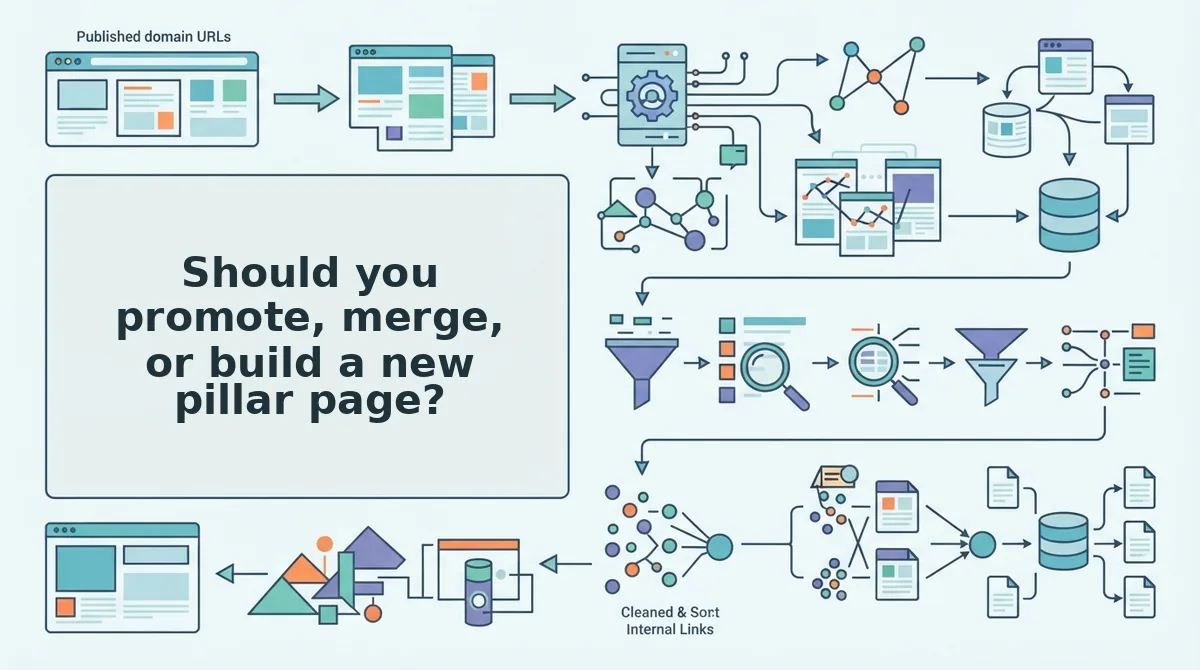
Should you promote an existing page or build a new pillar? Promote a live page when it already acts as a hub, which means sibling URLs link to it and child URLs share its path. If no hub exists but three or more related URLs cover the topic, promote the strongest one or merge them into a single page. Merging two thin near-duplicates beats publishing a third page that competes with both. Build a new pillar only when an isolated topic has verified search demand. If the topic is isolated and shows no demand, park it.
- Open the internal-links map and sort URLs by inbound links from sibling pages. This takes about 10 minutes. You should see a short list of pages that already attract links. Mark these as promotion candidates.
- Assign clusters to each candidate that already works as a hub. Success looks like this: the page keeps its URL and takes cluster posts as-is.
- Group topics that have three or more related URLs. Promote the strongest one, or merge the near-duplicates and add a 301 redirect. Allow 15 to 20 minutes per topic. Success means each topic ends up with one URL.
- Label isolated topics as Build or Park after you check live SERP demand for each one.
Worked example: Suppose the map shows that /guides/onboarding/ receives links from five sibling URLs that share its path. That page gets promoted, and no new pillar is needed.
BloGoose runs this crawl for you. It locates your sitemap, inspects your published pages, and feeds the result straight into calendar planning.
How do you know the anchors are right? Run a pre-flight check
The anchors are right when they pass four checks before you generate a calendar. Each anchor needs real cluster depth, a short path to revenue, a term of its own, and a place within your publishing capacity.
You'll need: your scored anchor list, your priority keyword list, and a live SERP tool. The full check takes about 30 minutes.
- List three or more planned cluster posts under each anchor. If an anchor can't reach three, it fails and should be parked.
- Click through from each anchor to a money page. Passing means you get there in two internal clicks or fewer.
- Match each anchor to one priority term and check for duplicates. Two anchors that target the same term split internal links instead of concentrating them, so merge one or retarget it.
- Cap the anchor count at your monthly publishing capacity, not at the number of candidates that scored well. For most small and mid-size sites, that cap lands at three to five.
- Verify demand with live SERP research, because a crawl can't measure demand. Then confirm each anchor opens with a direct, quotable answer that follows AEO content optimization practices.
Turn scored anchors into next month's calendar
Generate the calendar after you score your anchors, never before. Calendar-first planning produces posts that link to nothing and compete with each other. Anchor-first planning gives every post a parent page and a clear job.
The four signals fit on one line: inbound internal links, child URLs that share a path, a match to a priority term, and proximity to a money page.
Worked example: Say three anchors pass pre-flight. The 30-day calendar assigns four cluster posts to each one. Every post inherits its parent anchor as its internal link target, straight from the scored list. The calendar follows the pillar structure automatically, and nobody has to reconcile links in a spreadsheet afterward.
Keep the limits in view. Scoring is a heuristic, not a guarantee. A sitemap crawl shows structure, not search demand, so always confirm demand with live SERP data.
Next step: Drop your domain into the BloGoose setup wizard. The AI SEO content engine crawls your sitemap, surfaces your anchor candidates, and builds a calendar on top of them.
Your strongest pillars probably already exist. Next month's plan can start from them.