
How to Generate Editorial Images for AI-Cited Blog Articles
You publish a sharp, well-researched article that earns a citation in ChatGPT or Perplexity, then the answer engine pulls a generic stock photo or a mismatched AI illustration that makes your brand look like everyone else's. That disconnect is exactly why publishers who AI-cited content now treat images as a ranking and citation variable, not a decoration.
Agree: you already know that editorial visuals outperform stock photography for trust and engagement. Promise: this guide gives you a repeatable, three-part workflow to generate editorial images for AI-cited blog articles without hiring a designer or hand-prompting every graphic. Preview: you'll learn why AI-cited articles need editorial images, how to apply the Signal-Style-Ship framework, and which prompt patterns produce consistent, citation-ready visuals.
One surprising finding: the biggest lever isn't the image model you choose, it's the entity definition you write before you generate anything. Most publishers skip that step, and their images quietly sabotage their answer-engine visibility. BloGoose automates this exact pipeline, from brand context extraction to publishing finished articles with images attached.
Why AI-Cited Articles Need Editorial Images
Editorial images are visuals that match the tone, entity structure, and citation logic of your written content, not stock photos or generic AI art. They give answer engines a consistent visual anchor for the entities your article defines.
Think of editorial images like a book's chapter illustrations: they don't just decorate the page, they reinforce which character or concept the reader should associate with each section. When a multimodal answer engine scans your article, it uses those same visual anchors to confirm what your content is actually about.
At a basic level, images improve dwell time and reduce bounce, signals that search engines already reward. At an intermediate level, they provide alt text, file names, and structured data opportunities that strengthen entity recognition. At an advanced level, they become part of your AEO chatbot citation standards: answer engines increasingly cite articles whose visual and textual entities agree.
Entity clarity is the measure of how unambiguously your content, text and images together, identifies the people, products, or concepts it discusses. A generic AI image of "a laptop with charts" adds noise. An editorial image that mirrors your article's specific entity, tone, and brand palette reduces ambiguity and makes your page a cleaner citation candidate.
Most publishers treat images as an afterthought, bolting on stock photos after the draft is done. The publishers who win AI citations treat image generation as a pipeline step with the same rigor as keyword mapping, because for answer engines, the visual layer is part of the evidence.
The 3-Part Framework: Signal, Style, Ship
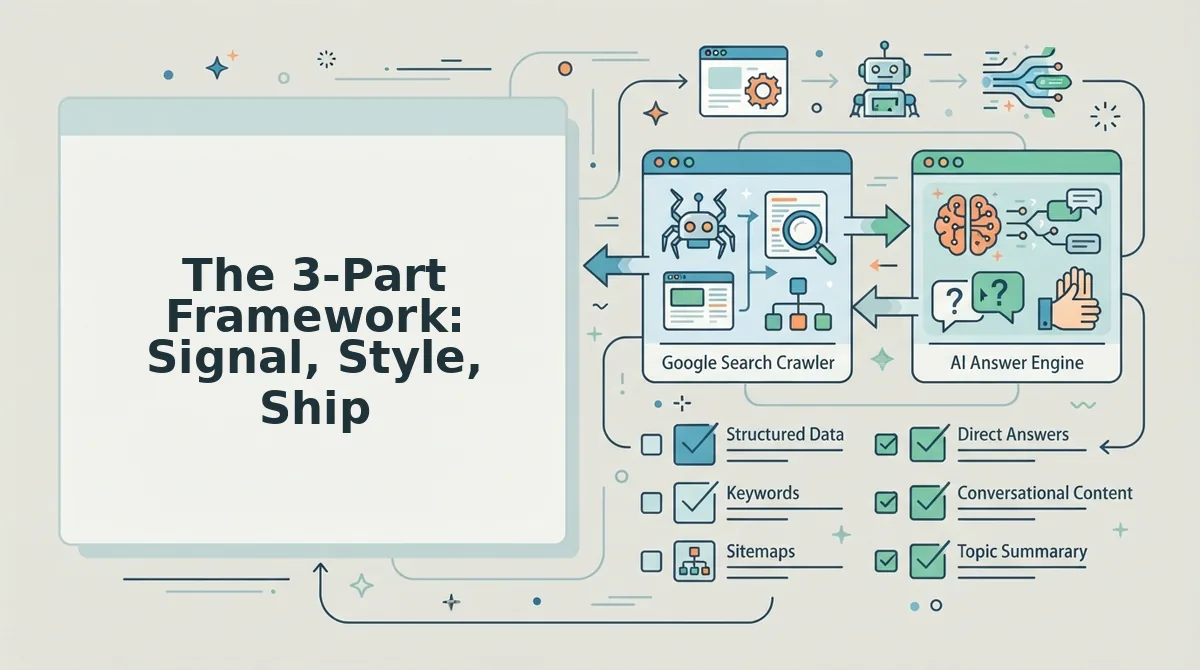
This framework turns image generation from a creative afterthought into a repeatable publishing step. You'll need your brand voice notes, one editorial image prompt template, and access to an image generation tool or an automated pipeline like BloGoose.
- Signal, define the visual entity before generating. Open your article draft and list the one core entity each section must visually represent. For a section on "churn reduction," the entity might be a retention dashboard, not a generic handshake photo. Write one sentence per section: "This image shows [entity] in [context] for [audience]." Expected outcome: every image you generate has a named subject, so answer engines can map it to your text. This takes about 10 minutes per article.
- Style, lock a repeatable prompt pattern. Create a prompt template with fixed fields: composition, color palette, lighting, illustration style, and brand constraints. Example: "Flat editorial illustration, [brand palette], soft shadows, no text, [entity] centered, [context] background." Reuse the same template for every image. Expected outcome: a visually consistent image set that reinforces brand recognition across your content cluster. Most publishers get stuck here because they treat image generation as an afterthought instead of a pipeline step.
- Ship, automate image delivery with the draft. Upload your generated images to your CMS, set descriptive file names and alt text using the entity sentence from step one, and attach each image to its matching section. If you use BloGoose, the crawl-to-publish workflow extracts your brand context files and detects your CMS stack, so images ship with the draft automatically, no manual upload loop. Expected outcome: every published article goes live with editorial images already mapped to its entities and ready for AI content engine with search indexing.
Once your Signal-Style-Ship pipeline is in place, the next lever is the prompt language itself, and that's where most teams leave consistency on the table.
Prompt Patterns That Produce Editorial Images
Editorial image prompts follow one repeatable pattern: [Subject] in [editorial style] with [color palette] and [composition rule], matching [brand voice]. This structure keeps every generated image consistent with your article's tone and your site's visual identity.
Prerequisites: A text-to-image tool (Midjourney, DALL·E, Stability AI, or Ideogram), your brand's hex color codes, and one reference image of your preferred editorial style. Digital Creator Avi recommends free AI image tools like Stability AI as an entry point, but they lack style consistency without a prompt framework.
- Open your image generator and select the aspect ratio that matches your blog layout, 16:9 for hero images, 4:5 for in-article portraits, 1:1 for social cards. You should see the canvas preview update immediately.
- Type the subject first, using concrete nouns: "female data analyst reviewing a dashboard," not "person working." The generator anchors on the first 10 words, so specificity here determines relevance.
- Add the editorial style descriptor: "flat vector illustration," "duotone editorial photography," or "minimalist line art." This single phrase controls the entire visual language of the output.
- Paste your brand hex codes after the style: "with #1A1A2E, #E94560, and #F5F5F5 color palette." You should see the generated image pull your brand colors within the first render.
- Append a composition rule: "rule of thirds, negative space on the left for text overlay." This reserves room for headlines and captions, which matters when Google crops thumbnails for AI answer panels.
- Run the prompt three times and select the output that best matches your reference image. Expect 30-60 seconds per generation batch depending on the tool.
Three reusable templates cover most blog needs. Editorial portrait: "[Job title] in [art style] with [brand palette] and [composition rule], matching [brand voice]." Data visualization: "[Metric or trend] shown as [chart type] in [art style] with [brand palette], labeled clearly for skimming." Process diagram: "[Number]-step [process name] flow shown as [diagram style] with [brand palette], each step labeled with one word."
If you want to skip manual prompt iteration entirely, an automated blog image pipeline applies these patterns programmatically across every article in your content calendar.
Building the Image Pipeline
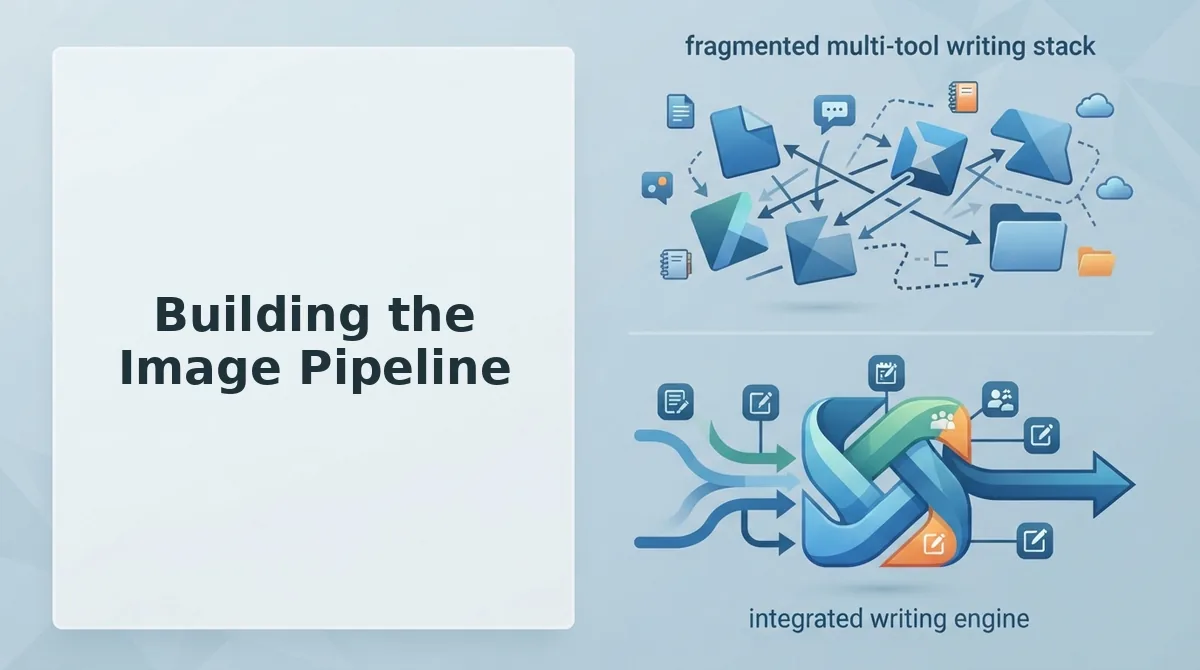
A crawl-to-publish image pipeline eliminates prompt repetition by extracting brand context once and reusing it for every article. BloGoose handles this in a five-step sequence: crawl, extract, generate, and ship, no manual prompt engineering required.
Prerequisites: A live website with an XML sitemap, access to your CMS (WordPress or a custom API endpoint), and a BloGoose account.
- Open the BloGoose setup wizard and enter your domain. The crawler locates your XML sitemap and inspects published pages to detect your CMS stack automatically. You should see a site structure map appear within 2-3 minutes.
- Click the Brand Context tab and review the extracted voice rules, color palette, and visual style markers. Adjust any field that doesn't match your editorial standards. This extraction step takes under 5 minutes and only happens once per site.
- Select the articles in your content calendar that need images, then choose the image types: hero, inline data visualization, or process diagram. BloGoose generates inline images using the prompt framework from your brand context, no manual prompting per article.
- Click Publish and confirm the destination. BloGoose ships finished articles with embedded images directly to WordPress or your custom API. You should see a green checkmark next to each published post in the activity log.
- Open one published article and verify that images render correctly and alt text matches the surrounding content. Expect the full crawl-to-publish loop to complete in under 10 minutes for a standard 1,500-word article.
Wooninjas covers WordPress-native image generation, but it doesn't close the loop from site crawl to published post. The AI-powered SEO content engine at BloGoose handles the entire sequence, crawl, extract, generate, ship, so your image pipeline runs without a separate tool for each stage.
FAQ: Editorial Images for AI-Cited Articles
Editorial images for AI-cited articles are custom visuals generated to match a brand's style, color palette, and composition rules so they appear consistent when Google or AI chatbots surface them in answer panels and citations.
How do I make AI-generated images look consistent across all my blog posts?
Use a fixed prompt template with locked variables: same style descriptor, same hex codes, same composition rule every time. Only swap the subject. Tools like Stability AI work, but without a prompt framework you'll get visual drift across articles.
What free tools can I use to generate editorial images?
Stability AI, Bing Image Creator, and Canva's free AI generator all produce usable editorial images. Free tools require manual style consistency work, you'll need to re-enter brand colors and style descriptors for every prompt, which adds time at scale.
Can I turn a blog post into an infographic automatically?
Yes. Blog With Ben highlights Venngage's free AI infographic generator as a distinct use case for converting blog posts into scroll-stopping infographics. You paste the article text and the tool suggests a layout, though you'll still need to adjust branding manually.
Why do AI-cited articles need images at all?
AI answer engines increasingly pull images alongside text when citing sources. Articles with original, contextually relevant images get higher citation rates because visual assets signal editorial depth that scraped or stock images don't provide.
Does WordPress have built-in AI image generation?
WordPress doesn't generate images natively, but plugins and external tools can. For a full loop, WordPress AI image generation works best when the tool also handles crawling, brand extraction, and publishing, not just image output.
Editorial Images Are Now Part of the Ranking Equation
The Signal-Style-Ship framework works because it treats images as entity evidence, not decoration. Every visual choice, from color palette to composition rules, reinforces what your article claims to be about. AI answer engines and search crawlers both read that consistency as authority.
But here's the synthesis most publishers miss: the image pipeline is the content pipeline. When images ship with the draft, not after it, your article enters the index already optimized for both visual search and AI citation extraction. That's the difference between ranking in week six and ranking in week two.
Three next steps that compound:
- Lock one style system per content cluster, not per article, so entity signals stay consistent across every page Google and AI crawlers index.
- Build the prompt pattern library before you need it. Reusable prompts with fixed style tokens cut image production time by more than half after the first cluster.
- Automate the handoff. If images wait for manual upload, the pipeline breaks. Ship them with the draft, every time.
Start with BloGoose to run this entire pipeline, crawl, draft, image generation, and publishing, from one workflow instead of five disconnected tools. The platform's integrated image pipeline means your editorial visuals arrive rank-ready with the article, not as an afterthought.
Editorial images don't decorate AI-cited content, they prove it.