
How to Ground AI Drafts in Your Real Website Voice
One content manager using a 12-tab stack spends 45 minutes per article just assembling voice context, and the draft still sounds like it was written by a stranger. If you've watched AI output flatten your brand's personality into the same beige prose every competitor publishes, you already know the real problem isn't the model. It's the missing bridge between your website and the prompt.
You're right to be frustrated. Generic AI drafts are a context problem, not a talent problem, and the fix is more mechanical than creative. This guide will show you exactly how to ground AI drafts in real website voice by extracting the right context files, feeding them into every draft, and building a repeatable system that stops tone drift before it starts.
You'll learn why AI defaults to a training-data average, which eight context files actually define your voice, and how to wire them into your publishing workflow. Along the way, you'll discover why most "brand voice" prompts fail, and the one extraction step that changes everything. A platform like BloGoose automates this entire pipeline, but the principles below work whether you're using a tool or stitching it together yourself.
Why AI Drafts Drift From Your Voice
Voice drift is the gradual erosion of a brand's distinctive tone, vocabulary, and sentence rhythm when AI-generated content is produced without domain-specific context. It happens because language models default to a statistical average of their training data, not because the model is broken.
Think of an AI model like a chef who has memorized every recipe ever published but has never tasted your restaurant's food. Without your menu, your ingredient ratios, and your plating style, the chef cooks something technically correct but unrecognizable to your regulars. The model needs your website's "recipe book" before it can replicate your voice.
The failure follows a predictable four-step chain. First, the AI defaults to its training-data average, the most statistically common phrasing across billions of documents. Second, no domain context is fed into the prompt, so the model has nothing to anchor against. Third, the output uses generic vocabulary and uniform sentence rhythm that could belong to any brand in your niche. Fourth, published content erodes reader trust because the voice they recognize from your site is absent.
This is the Voice Drift Failure Chain: default average to missing context to generic output to eroded trust. Each link compounds the previous one. A single off-voice article is a minor annoyance; ten of them teach your audience that your brand has no consistent personality. The chain breaks at link two, feed domain-specific context, and the model stops defaulting to the average. That's why voice grounding is an input problem, not an output problem.
What to Extract From Your Website to Ground AI Drafts
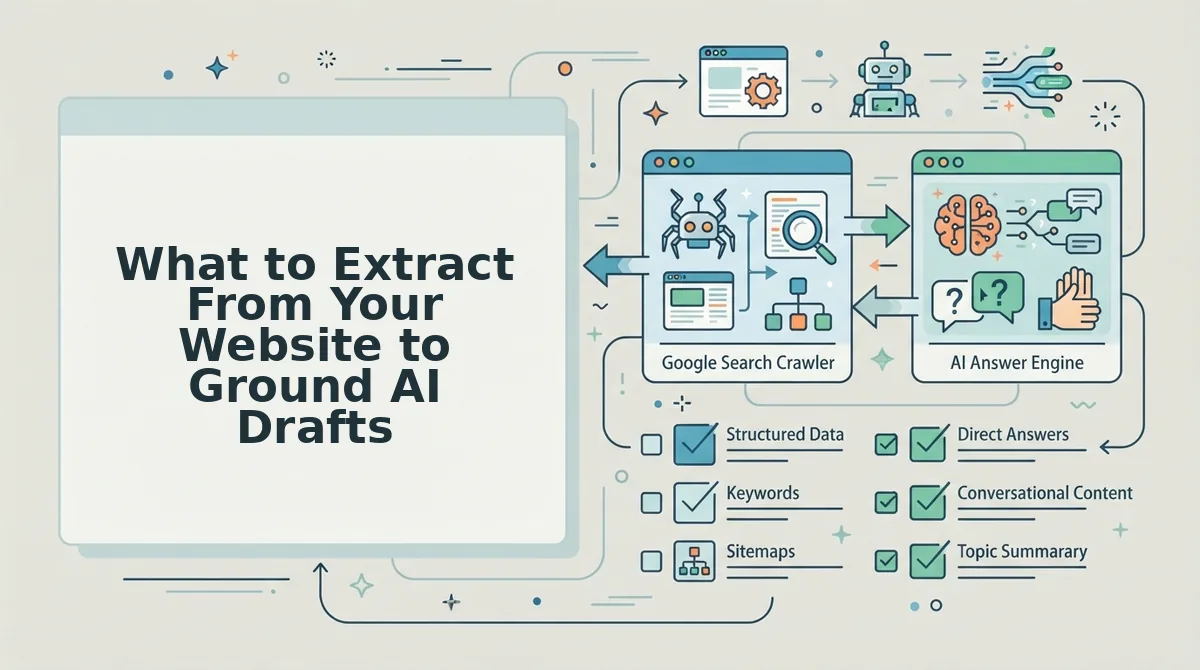
To ground AI drafts in your real website voice, extract eight specific context files from your site, style rules, keyword targets, competitor positioning, writing samples, internal link structure, SEO guidelines, niche definitions, and content briefs, and feed them into every prompt. These eight files form the complete voice fingerprint of your site.
- style-guide.md. This file captures your tone, sentence length preferences, banned words, and formatting conventions. It matters because it's the single highest-leverage input for voice consistency. Use it as the opening block of every AI prompt to set the voice before any drafting begins.
- target-keywords.md. This file lists your primary, secondary, and long-tail keywords mapped to specific pages. It matters because keyword context shapes vocabulary choices and prevents the AI from drifting into generic phrasing. Use it to tell the model which terms must appear naturally and which to avoid.
- competitor-analysis.md. This file documents what competitors say, how they say it, and where they leave gaps. It matters because differentiation is a voice decision, not just a topic decision. Use it to instruct the AI on what angles and phrasings to deliberately avoid.
- writing-examples.md. This file contains 3-5 of your best-performing published articles, stripped to their structure and voice patterns. It matters because concrete examples teach a model faster than abstract rules. Use it as few-shot context, paste excerpts into the prompt so the AI can mirror rhythm and vocabulary.
- internal-links-map.md. This file maps your pillar pages, cluster posts, and anchor text conventions. It matters because internal linking is part of voice, the way you reference your own content signals authority. Use it to tell the AI which pages to link and what anchor text fits your style.
- seo-guidelines.md. This file records your metadata conventions, heading hierarchy, image alt-text rules, and snippet optimization preferences. It matters because technical consistency reinforces brand professionalism. Use it to constrain the AI's structural output before it writes a single sentence.
- define-niche.md. This file articulates your unique positioning, audience jobs-to-be-done, and the specific problems only you solve. It matters because niche definition prevents the AI from writing content that could belong to any competitor. Use it to frame every article's angle and conclusion.
- content-brief.md. This file is the per-article template that combines all seven files above into a single working brief. It matters because it operationalizes voice grounding, no ad-hoc prompt assembly per article. Use it as the master input for every draft, updated as your site evolves.
Extracting these eight files manually means crawling your sitemap, reading dozens of pages, and compiling Markdown documents by hand, a multi-hour process per site. BloGoose generates all eight automatically from a single sitemap context extraction pass, so the voice fingerprint is built before the first draft is requested. With the context files in hand, the next step is feeding them into every AI draft consistently.
How to Feed Voice Context Into Every AI Draft
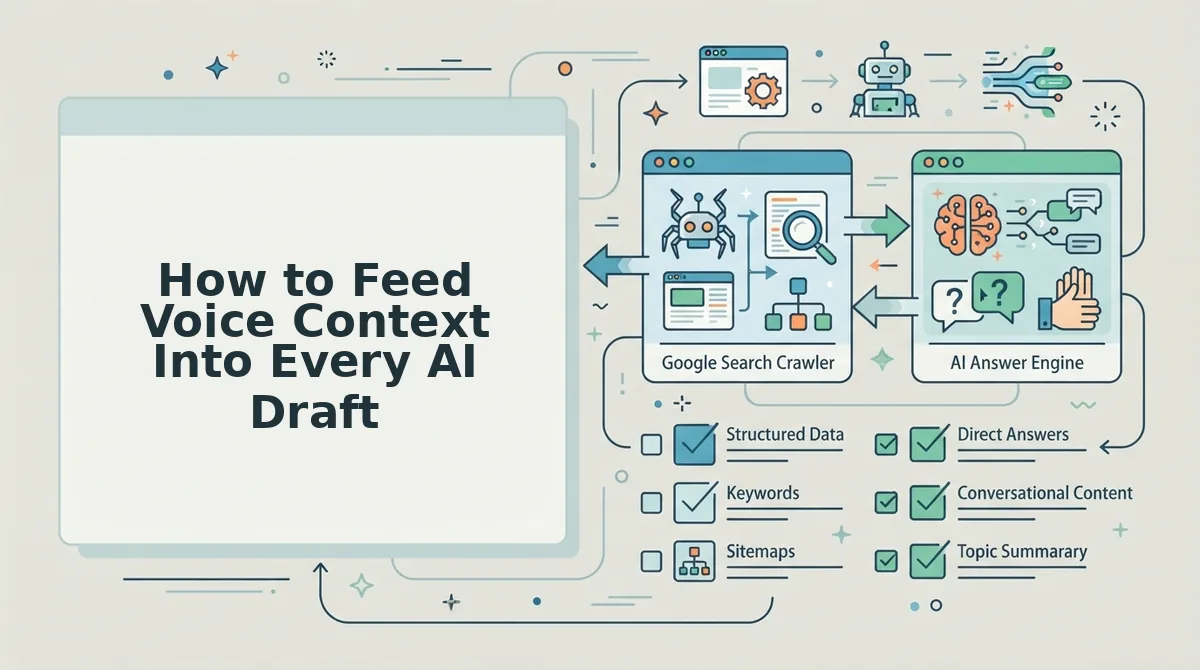
You can ground every AI draft in your real website voice by either manually pasting style rules into each prompt or by automating the crawl to extract to inject to publish workflow. Manual prompt libraries work for a handful of articles but don't scale past a few posts per week.
Prerequisites: Access to your website's XML sitemap, a saved brand voice document (or existing published pages), and an AI SEO content engine that supports context injection. Budget 15-20 minutes for manual setup or 5 minutes for automated setup.
- Open your AI writing tool and locate the Settings or Project Settings panel. Click Custom Instructions or Context Files. You should see a text field or upload area where persistent instructions live.
- Upload your brand voice document or paste your extracted style rules. Include vocabulary preferences, banned words, sentence length targets, and terminology choices. You should see a confirmation that the file is attached to all future prompts in that project.
- Type a draft prompt that references the uploaded context explicitly. For example: "Write this article using the attached voice file. Match the sentence rhythm and terminology from Section 2." The output should mirror your existing published pages within the first two paragraphs.
- Repeat steps 1-3 for every new article or content cluster. This is the manual bottleneck: each new topic requires re-pasting context or re-verifying the prompt library. Expect 10-15 minutes of setup per article.
- Switch to an automated workflow to remove the repetition. Instead of pasting context per prompt, an AI SEO content engine crawls your XML sitemap, extracts voice context files from your live pages, injects them into every draft automatically, and publishes directly to WordPress. You should see consistent voice across a 30-day calendar without touching a single prompt.
Manual prompt-chaining, the approach popularized by YouTube creators, teaches you to build prompt libraries and paste style guides into every chat. It works for one-off posts. It breaks down when you need 20-30 articles per month with consistent terminology, internal link anchors, and live SERP analysis baked into each draft.
If you're still pasting voice rules into a chat window for every article, you're doing the work an automated content engine was built to eliminate.
How to Verify AI Drafts Stay On-Voice
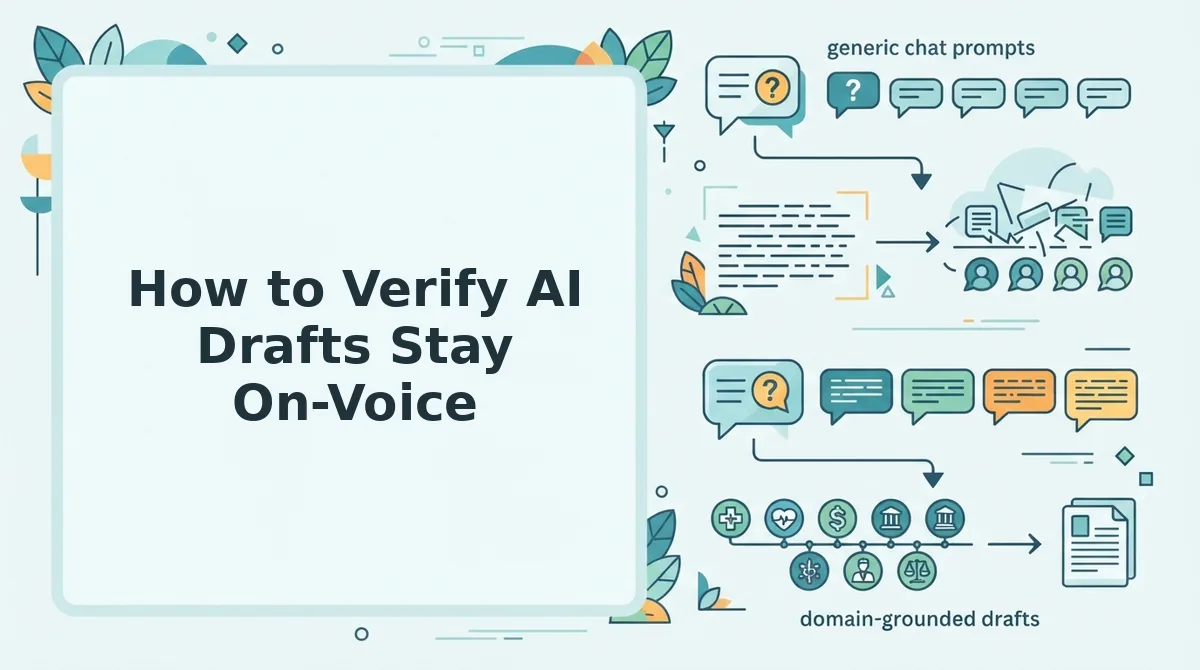
Verifying voice consistency takes a four-point checklist applied to every draft before publishing: vocabulary, sentence rhythm, terminology, and internal link anchors. Run this check in under 10 minutes per article.
Prerequisites: A published article from your site as the voice baseline, the AI draft open side by side, and access to your AEO content optimization settings.
- Open your baseline article and the AI draft in two side-by-side tabs. Scan the first 200 words of each. Vocabulary should overlap at least 70%, if your site says "revenue engine" and the draft says "money machine," flag it.
- Check sentence rhythm by reading both aloud. Count average sentence length. If your baseline averages 14 words per sentence and the draft averages 28, the rhythm is off. You should hear the same cadence in both.
- Verify terminology and internal link anchors match your site conventions. Search the draft for product names, category labels, and linked phrases. They should match your existing anchor text patterns exactly.
- Run the draft through your AEO content optimization tool. Confirm the draft answers questions in a citation-ready format, direct answer first, supporting context second. You should see a passing score for snippet and AI-citation readiness.
Competitors rarely publish a voice consistency checklist, which is why so much AI content drifts generic within three posts. Vocabulary, rhythm, terminology, and anchors are the four failure points, check all four and your drafts stay citation-ready for AI answer engines.
FAQ
How do I ground AI drafts in my real website voice?
Extract your brand voice from existing published pages, vocabulary, sentence rhythm, terminology, and banned words, then inject that context file into every AI draft. Automated tools crawl your sitemap, build the context file, and apply it to all drafts without manual prompt pasting.
Why does AI content sound generic?
AI models default to a neutral, high-probability writing style when they lack specific voice constraints. Without extracted vocabulary rules, terminology preferences, and rhythm targets, the model produces the statistical average of internet writing, which reads as generic to your audience.
What is sitemap context extraction?
Sitemap context extraction is the process of crawling a website's XML sitemap, reading its published pages, and automatically building a brand voice profile from the patterns found, word choice, sentence structure, terminology, and internal linking habits. That profile then grounds every future AI draft.
Can I automate brand voice for AI writing?
Yes. An AI SEO content engine crawls your site, extracts voice context files, injects them into every draft, and publishes directly to WordPress or a custom API. This removes the manual step of pasting style guides into each prompt and scales voice consistency across a full content calendar.
Grounding Starts With Your Sitemap, Not Your Prompt
Voice drift is not a prompt problem. It is a context problem. Every section of this article points to the same fix: extract real website signals first, then let the AI draft from that foundation.
Your next step is concrete. Start with your sitemap, BloGoose reads your site and builds your voice context in minutes, so the grounding work happens before a single draft is generated.
Here is the sequence that closes the loop:
- Drop your domain into BloGoose and let it crawl your sitemap and published pages.
- Review the extracted voice rules, tone, terminology, formatting patterns, and citation style.
- Feed that context into every draft automatically, then verify with the on-voice checks from Section 5.
When your AI drafts pull from real site structure instead of generic training data, the result is not just on-brand copy. It is content that search engines recognize as yours and AI answer engines cite with confidence.
Grounding AI drafts is not about writing better prompts, it is about giving the model your actual voice, extracted from the pages you have already published.