Jasper Alternative for Blog Posts That Ship With Images
Your Jasper draft is finished, but the post still isn't live. You still have to find images, upload them, and format everything inside WordPress. One WriteRush video describes bloggers as "juggling 6 other tools" just to get a single article out the door.
That frustration makes sense, because the draft was never the hard part. A real jasper alternative with blog images should close the gap between "written" and "published." This guide counts exactly how many handoffs sit in that gap.
A Jasper alternative with blog images is a tool that generates featured and inline images, places them in the post with alt text, and publishes the finished article to your CMS. BloGoose does this for WordPress or a custom API. Jasper remains the better fit for multichannel marketing copy.
Below, you'll find a criteria table that defines what "with images" should actually mean, a step-by-step handoff audit of both workflows, and a decision guide for choosing between them. One finding may surprise you: the image itself isn't the bottleneck.
Before you read on, list every step between your finished draft and the publish button. Then compare your list against the audit below.
What Should a Jasper Alternative With Blog Images Actually Do?
A Jasper alternative with blog images should generate a featured image and inline images, place each one with alt text, and publish the finished post live in your CMS. If a tool only generates the picture, it leaves you with most of the work still ahead.
Three terms need clear definitions, because most comparisons blur them:
- Featured image: the post's lead image, also used as its social and thumbnail image. It is set in the CMS's featured image field.
- Inline image: an image placed within the body of the post, under a relevant heading.
- Published: live in the CMS. A post saved in an editor does not count.
The Draft-to-Live Handoff Audit
| Step after the draft is done | Jasper workflow | BloGoose workflow |
|---|---|---|
| 1. Write the image prompt | Manual | Handled |
| 2. Generate the image | Handled (in-app generation) | Handled |
| 3. Download the file | Manual | Handled |
| 4. Resize and compress | Manual | Handled |
| 5. Write alt text | Manual | Handled |
| 6. Upload to the media library | Manual | Handled |
| 7. Set the featured image | Manual | Handled |
| 8. Place inline images | Manual | Handled |
| 9. Paste and format the draft | Manual | Handled |
This audit resolves the earlier open loop. Image generation is one row out of nine. Having image generation is not the same as shipping blog posts with images.
The other eight rows are where your publishing time goes. Several of them, including alt text, file size, and placement, also shape your image SEO.
What is a Jasper alternative with blog images?
A Jasper alternative with blog images is an AI writing tool that covers the full path from finished draft to live post, not just the copy. It generates a featured image for the post's lead, social, and thumbnail slot, and inline images that sit under relevant headings. It writes alt text for every image, uploads each file to the CMS media library, and sets the featured image field. Finally, it publishes the formatted article so the post is live, not sitting in an editor. BloGoose handles this flow for WordPress or a custom API. Jasper generates copy and images but leaves placement, uploading, and formatting to you.
Which option fits you?
- Jasper is best for marketing teams writing multichannel copy, such as ads, emails, and social posts, where a CMS handoff isn't the main job.
- BloGoose is best for founders, solo operators, and publishers who need regular blog clusters to go live without manual uploads.
Hold this nine-step list up against your own stack. Then see how BloGoose's direct WordPress and custom API publishing changes how many rows you handle yourself.
Where Does Jasper's Blog Workflow Stop?
Jasper writes blog drafts and can generate images, but its draft stays isolated from your site. Image placement, alt text, media library uploads, and CMS formatting all remain manual.
A blog workflow is the full sequence of steps that turns an idea into a live, indexed post. Jasper covers the early part of that sequence well, and many listicles skip that fact.
What Jasper does well
Creator comparisons treat Jasper as a real image tool. The Passive Income Pathways video comparing Canva, Jasper, and Writesonic places it alongside dedicated AI text-to-image options.
Long-form tutorials, such as Stellar Media's, show Jasper producing full blog drafts. On copy and image generation alone, Jasper holds its own.
Where the handoff begins
Think of Jasper as a skilled kitchen that cooks the meal but doesn't plate or serve it. The food is ready, yet someone still has to carry it to the table.
In practice, you export the draft, download each image, write alt text, upload the files to your WordPress media library, set the featured image, and reformat the headings. A CMS, or content management system, is the software that runs your site, and Jasper's output never lands there on its own.
The bill-stack view
The cost problem compounds the workflow problem. A typical stack pairs a large language model (LLM) subscription for drafting, a separate image generator, and a SERP research tool for keyword and competitor analysis. SERP means search engine results page.
Each of these tools carries its own bill and its own login. BloGoose takes an "AI included" approach, bundling drafting, images, and publishing into one engine instead of three stacked subscriptions.
The next question is how that engine handles each step.
How Does BloGoose Build, Place, and Publish Blog Images?
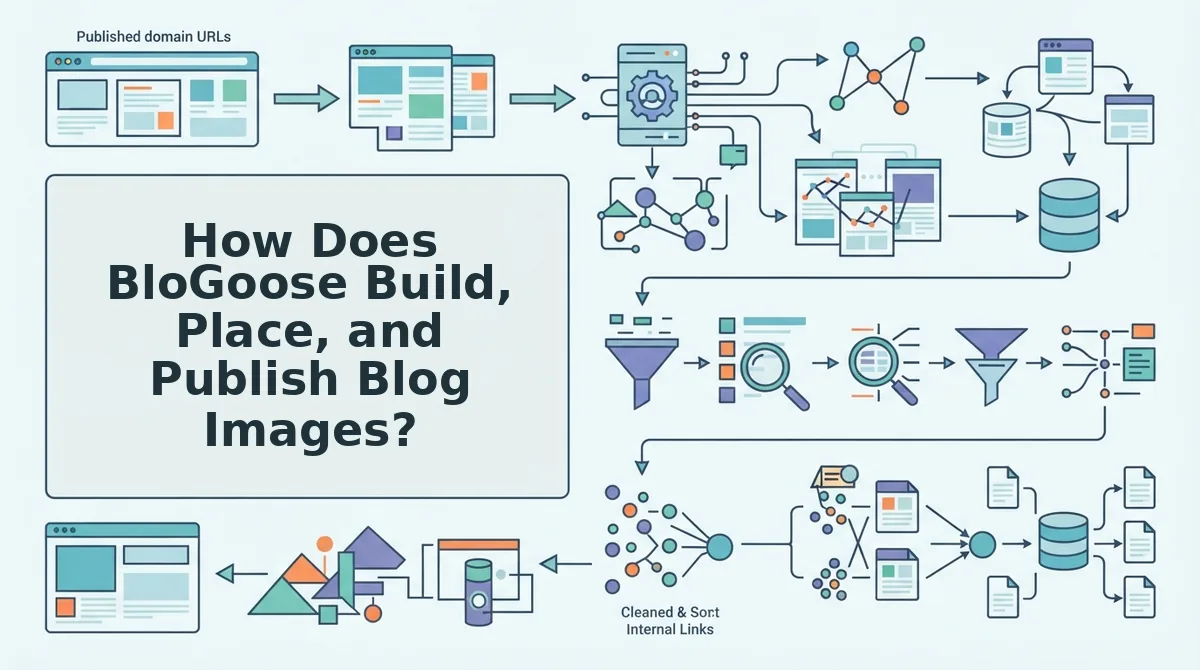
BloGoose generates featured and inline images in the same run that researches and drafts the post, places them in the layout, and publishes the finished article to WordPress or a custom API. You provide a domain and approve a preview, and the engine handles the handoffs in between.
Before you start: Have your site's domain and your WordPress credentials or custom API endpoint ready. If you want indexing requests, you also need a Google Cloud service account.
- Enter your domain in the setup wizard. BloGoose finds your XML sitemap, inspects published pages, and detects your CMS stack. Your sitemap and platform should appear in the wizard. This step replaces the manual site audit and stack check. Time: about a minute of your input.
- Review the eight Markdown brand context files. BloGoose generates these files from your sitemap so the voice stays consistent from post to post. All eight files should be listed and editable. This step replaces the style-guide doc and repeated prompt pasting. Time: 10 to 15 minutes if you edit them.
- Select a topic from your content calendar. BloGoose runs live SERP and social research for that topic. The research should appear attached to the brief. This step replaces tab-hopping SERP research.
- Generate the draft. The draft includes SEO structure and AEO content optimization, such as question headings and direct-answer openings. This step replaces a separate optimization-tool pass.
- Check the generated images. BloGoose creates a featured image and inline images and places them in the post body. Each image should sit in position within the draft. This step replaces stock searches, a separate image tool, and manual placement.
- Open the preview. The preview shows the rendered layout with headings, images, and links in place. This step replaces the CMS staging check.
- Click publish. The post ships to WordPress or your custom API. The live URL should appear once publishing completes. This step replaces copy-paste and formatting fixes.
- Enable indexing requests (optional). Connect a service account using the Google Indexing API setup guide. BloGoose then requests indexing after each publish. This step replaces manual URL submission.
How do you publish AI content to WordPress automatically with images? Use a single engine that writes the post, generates the images, and pushes the finished article to WordPress in one run. With BloGoose, you connect your domain and WordPress credentials. You then pick a topic, and the engine drafts the post with SEO and AEO structure, creates a featured image plus inline images, and places them in the body. You review a rendered preview and publish. The post arrives in WordPress with its images already placed, so you don't upload media or rebuild the layout by hand.
If image placement and CMS uploads are eating your publishing week, see how the automated blog publishing engine runs the whole sequence from one brief.
Jasper vs BloGoose: Which Fits Your Team (and Where BloGoose Falls Short)?
Jasper fits teams producing multichannel ad copy and campaign variants. BloGoose fits teams shipping blog clusters with images to WordPress or a custom API.
BloGoose isn't the right tool for every job. The matrix below compares fit by use case rather than declaring a winner.
| Use case | Jasper fit | Autopilot engine (BloGoose) fit |
|---|---|---|
| Multichannel ad copy | Strong: built for ads, email, and social variations | Weak: not built for ad or social copy |
| Campaign variants | Strong: fast iteration on many short versions | Weak: optimized for long-form articles |
| Solo blog cluster | Partial: drafts well, but images, placement, and publishing stay manual | Strong: calendar, research, drafting, images, and publishing in one run |
| Agency publishing to WordPress or a custom API | Partial: needs separate CMS and image steps | Strong: direct publishing to WordPress or a custom API |
BloGoose falls short in two places:
- It doesn't write ad or social copy.
- CMS platforms other than WordPress require the custom API route rather than a native connector.
Best for Jasper: marketing teams running paid campaigns across many channels who need copy variants more than published articles.
Best for BloGoose: founders, solo operators, and agencies publishing regular blog clusters that need to rank and get cited in AI answers. Compare plans on the BloGoose pricing page.
Recommendation: If most of your output is ads and campaign variations, stay with Jasper. If your bottleneck is getting finished, illustrated blog posts live on WordPress or your own stack, an autopilot engine like BloGoose removes more of your workflow.
Ship the Post, Not Just the Draft
The best Jasper alternative for blog posts with images removes your slowest handoffs, not just your writing time. Most teams lose hours after the draft is finished, during image sourcing, placement, and the CMS upload.
Count your own handoffs against the nine-row audit from earlier. If most of your time goes to image placement and CMS uploads, choose an engine that eliminates those steps rather than one that only speeds up the first draft.
Here is worked example #3, end to end:
- You select a topic from your 30-day content calendar.
- BloGoose drafts the post with a featured image and inline images placed in the body.
- The finished post ships to WordPress, ready to rank and get cited.
That is the payoff the intro promised: the handoff count drops because writing, images, and publishing happen in one run, not because you write faster. Your calendar becomes a queue of live, illustrated posts rather than unfinished drafts.
Run your domain through BloGoose, the AI SEO content engine, and publish your first finished post.