How to Use Live SERP Analysis to Find Blog Topics That Rank
How do you use live SERP analysis to find blog topics that rank? Run each candidate query live and record four signals across the top 10 results: search intent, content format, freshness, and unanswered questions. Keep topics that clear at least 3 of 4 signals, then build your brief around the gaps the ranking pages leave open.
You pulled a topic from a keyword export, published it, and watched it stall on page three. The volume was real. The intent or format had changed after the database refreshed.
Keyword tools feel safe, and they are useful for sizing demand. This guide shows you how to use live SERP analysis for blog topics so you can check each idea against what Google shows right now.
You will learn what live analysis is, why static data misleads, and how to validate a topic step by step. Watch for the fourth signal, which most SERP audits skip.
What Is Live SERP Analysis and What Do You Need Before You Start?
Live SERP analysis is the practice of running a query in real time and reading the current results page to judge whether a topic is worth writing. You review the ranking pages, their formats, SERP features, and People Also Ask questions. Keyword databases remain the better tool for sizing demand at scale.
| Factor | Live SERP data | Keyword database data |
|---|---|---|
| Data age | Current at query time | As of the last refresh |
| Intent accuracy | Reflects today's ranking intent | Can lag behind intent shifts |
| Format visibility | Shows the formats ranking now | Varies by tool |
| SERP features | Shown as Google renders them | Reported as of the refresh |
| People Also Ask | Today's questions | May be stale or missing |
| Best for | Content leads validating individual topics | Researchers sizing volume across large keyword sets |
Before you start, you need these three things:
- A seed niche or domain
- A list of candidate topics
- Access to live search results
This article covers how to select and validate topics. For the mechanics of reading a results page, see the full live SERP analysis walkthrough.
Worked example: In the BloGoose setup wizard, you enter a domain. BloGoose locates the sitemap and detects the niche through sitemap context extraction. It then queues real-time SERP and social queries for your candidate topics.
Why Does Static Keyword Data Pick the Wrong Topics?
Static keyword data picks the wrong topics because it reflects an earlier results page, not the one your post will compete on. Static keyword data is a stored snapshot of search metrics captured at a tool's last database refresh.
Using it is like planning a commute from last month's traffic report. SEO Frank's spreadsheet SERP analysis video, which has 4,510 views, shows this snapshot method. Database-driven SEMrush workflows capture a single moment in the same way.
- Intent drift: The purpose behind a query can change between database refreshes.
- Format mismatch: A guide loses ground when the results page now favors listicles or video.
- Keyword cloning: Copying the keywords that competitors use produces the same article again.
A Rank Math SEO video framed around ranking outcomes drew 9,653 views. An Auto blogging video about pulling the keywords that top pages use drew 5. Readers want results, so briefs that target answer gaps work better than keyword copies. This is a useful test when you compare Surfer SEO alternatives.
Live validation fixes these problems one step at a time.
How to Validate a Blog Topic With Live SERP Analysis Step by Step
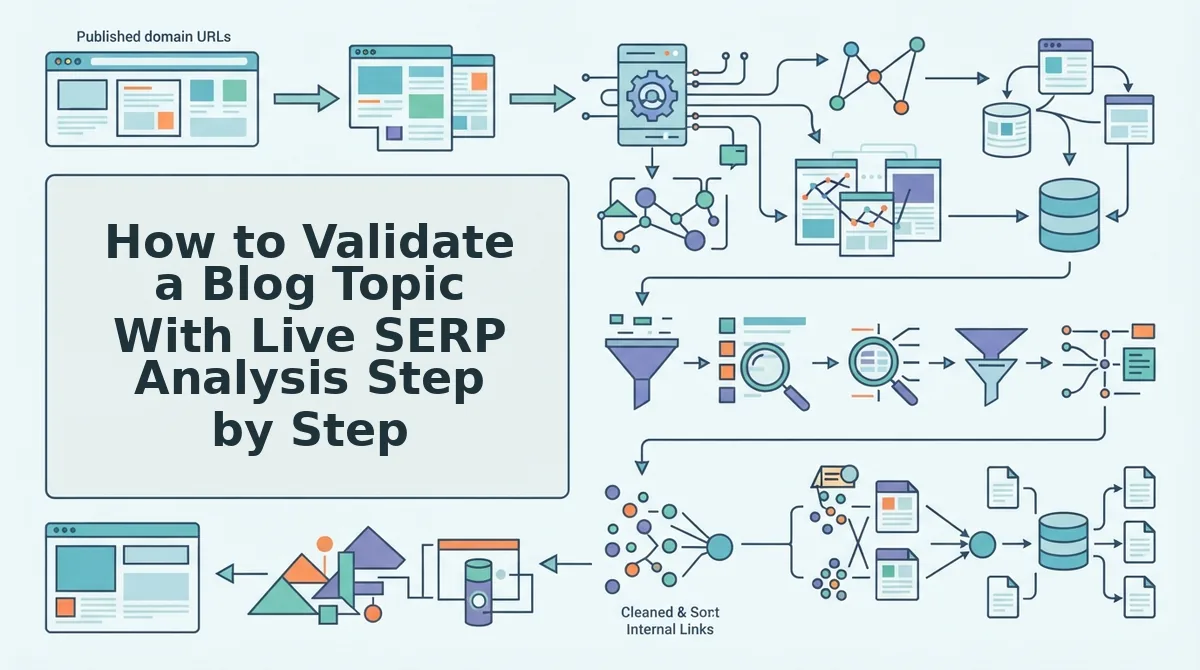
To validate a blog topic, search it live, record the top 10 results against four signals (intent consistency, dominant format, freshness gap, and answer gap), and keep the topic only if it passes at least 3 of 4. The full check takes about 30 minutes per topic.
Prerequisites: a logged-out or incognito browser, plus a spreadsheet with five columns for intent, format, freshness, H2 overlap, and answer gaps.
- Search the topic live (5 minutes). Open an incognito window, type the exact candidate phrase into Google, and paste the top 10 organic URLs into your sheet. You should see 10 filled rows with no ads.
- Record intent (5 minutes). Label each result informational, commercial, or transactional. Intent Consistency passes when 7 or more results share one label.
- Tag the format (5 minutes). Mark each page as an article, video, list, or tool, and log its H2s in the H2 overlap column. You should see one format dominate.
- Check dates (5 minutes). Note each page's published or updated date. A Freshness Gap exists when several top results are over a year old.
- Collect unanswered questions (10 minutes). Expand People Also Ask, search Reddit and YouTube, and list questions no top result answers directly. Two or more qualify as an Answer Gap.
- Apply the decision table. Score each signal pass or fail. Keep topics clearing 3 of 4, and fold weaker ones into existing topic clusters.
| Signal | What to check | Pass condition | If it fails |
|---|---|---|---|
| Intent Consistency | Intent label per result | 7+ of 10 match | Narrow the keyword |
| Dominant Format | Article, video, list, tool | One format leads | Skip if it is tools |
| Freshness Gap | Publish and update dates | Several pages are stale | Out-depth, not out-date |
| Answer Gap | PAA and social questions | 2+ unanswered | Backlog the topic |
The Four-Signal Topic Validation framework is a pass/fail test that predicts whether a blog topic can rank before you write it. It scores the live top 10 Google results on intent consistency, meaning most results serve one intent; dominant format, meaning one content type leads; freshness gap, meaning top pages are stale; and answer gap, meaning real questions go unanswered. A topic passes when it clears at least 3 of the 4 signals. Fewer than 3 means Google is confused by the query, satisfied with current results, or rewarding a format you cannot match.
What If Social Research Returns Almost Nothing?
Thin social data is a signal, not a dead end. Shift weight toward SERP structure and video coverage, then treat volume and difficulty as estimates.
Low-data topic research is the practice of validating a topic when forums and keyword tools return little evidence. Think of it like house hunting in a new neighborhood with no reviews: you judge by what is already built on the street.
Research for this very topic returned 0 Reddit threads and 5 YouTube videos. The videos came from Rank Math, SEO Frank, GetGenie (at 821 views), and an auto-blogging channel. None offered a self-contained text answer, which is a short passage that makes sense when quoted alone.
The workflow was to weight SERP structure and video coverage more heavily, infer likely questions from video titles and descriptions, and label volume and difficulty as estimates in the brief.
A video-heavy landscape with no text answer is an AEO opening. AEO, or answer engine optimization, means structuring content so AI chatbots can quote it. BloGoose runs live SERP and social research and generates the brief in one workflow, so thin-data topics still get a usable plan.
How Do You Turn SERP Findings Into a Brief That Ranks and Gets Cited?
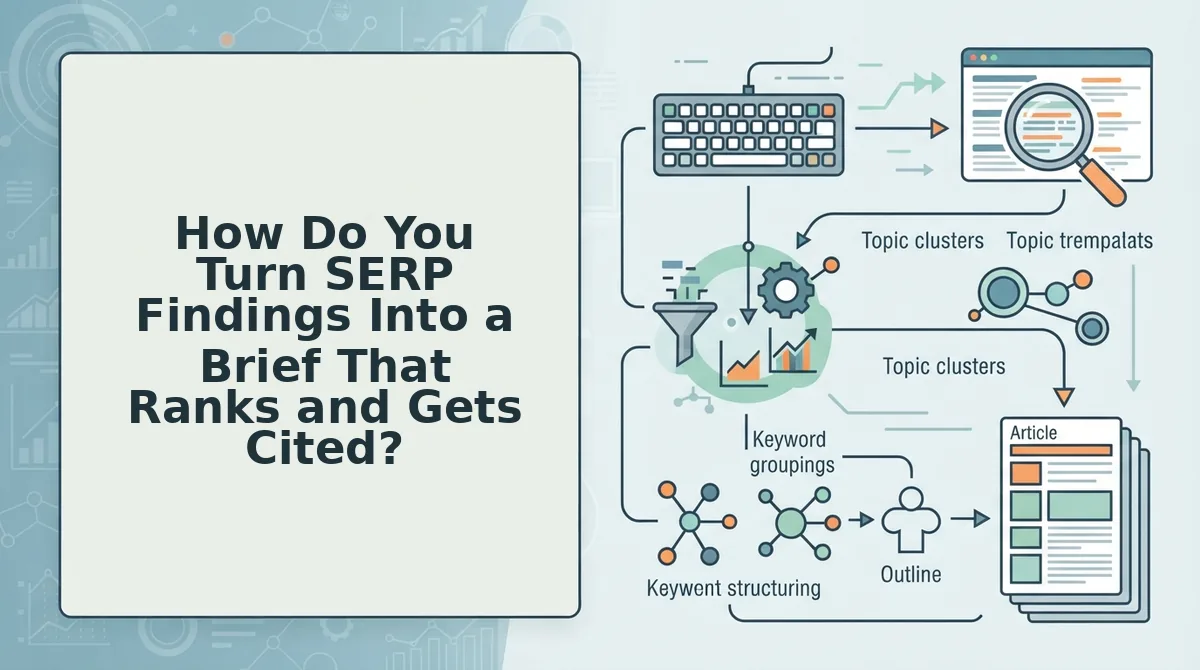
Map each validated signal to a specific element of your SEO content brief, then plan quotable passages.
- Answer gaps become H2s. Rewrite each unanswered question as a question-style heading. This matches how people phrase queries.
- Dominant format sets structure. Mirror the winning format, whether list, guide, or comparison. Google already rewards that shape.
- Freshness gaps define updates. List the outdated facts competitors still show. Those become your current-data sections.
- Intent consistency sets the angle. Write for the intent 7 of 10 results share. This keeps the brief focused.
Direct-answer leads get cited because AI chatbots extract short, self-contained passages that answer a query without surrounding context. Opening each H2 with a 40-60 word direct answer gives an answer engine a clean, quotable unit placed exactly where the question appears. Follow it with an 80-120 word passage that defines the concept, adds one concrete detail, and stands alone if lifted from the page. This pattern is the core of AEO content optimization, and it helps featured snippets too, since Google favors answers it can display without editing.
Next, confirm the brief actually performed.
How to Check It Worked and Fix Common SERP Analysis Problems
Your analysis worked if the topic still clears 3 of the 4 signals on a fresh live search, the brief answers every gap you recorded, and the outline matches the dominant format on page one. If any check fails, use the fixes below.
Verification check: Re-run the live search in a clean session and re-score the topic against the 3-of-4 rule. Then check each recorded gap against the brief.
| Problem | Fix | Best for |
|---|---|---|
| Mixed intent | Build an outline that serves both intents. | Growth leads targeting commercial keywords |
| No social data | Lean on SERP structure and label estimates. | Solo operators in niche B2B |
| Video-dominated SERP | Write the text answer the videos lack. | Publishers in how-to niches |
| Big-brand SERP | Target the answer and freshness gaps they leave open. | Founders of newer sites |
Be honest about the competition. Big brands earn their rankings through authority, and videos often serve visual tasks better than text can.
Worked example #3: The brief flags a mixed-intent SERP. The outline opens with a direct definition, adds steps, and closes with an option comparison. If a published post later slips, re-run this check as part of a content refresh.
Live SERP Analysis FAQ
These answers cover re-check timing, tools, and how many results to review.
How often should I re-check a SERP?
Check the SERP once before drafting, again before publishing, and again after the post goes live. Rankings shift, and the freshness signal decays fastest. A topic that cleared 3 of 4 signals last month can fail today if newer results take over page one.
Do I need a paid tool for live SERP analysis?
No, you can run the framework with a manual live search in a private browser window. Paid tools speed up data collection, but the scoring logic stays the same. You record what ranks, note the gaps, and apply the 3-of-4 rule.
How many search results should I analyze?
Use the top 10 organic results as your baseline, then add the People Also Ask questions. The top 10 shows the dominant format and intent. PAA reveals the follow-up questions that rankings miss, which are often your strongest gap opportunities.
Start Picking Topics From What Ranks Today
A topic that ranks is one that page one is ready to accept right now, not one with an impressive search volume figure. Treat each live search as a quick test you can pass or fail.
- Pick three candidate topics from your backlog.
- Run each topic as a live search and score it against the four signals.
- Drop any topic that clears fewer than 3 signals, then brief the survivors.
To skip the manual work, try BloGoose. Enter your domain, and the AI SEO content engine detects your niche, runs live SERP and social research, and returns validated briefs. Your next calendar can then rest on evidence rather than guesswork.