
How to Map Internal Links for AI Blog Posts Automatically
If your team spends two to four hours per post manually hunting for internal links, you're burning a full workday every three articles, and the links still end up inconsistent. You're not alone: content teams juggling a "12-tab stack" of disconnected tools know this pain intimately. The good news is you can map internal links for AI blog posts automatically before a single word is drafted, cutting that time to near zero and improving both rankings and AI citation odds.
In this guide, you'll learn a three-step framework: extract your sitemap into a link map, define anchor text rules your AI writer must follow, and automate the mapping so every post ships with cluster-aware links. You'll also see why one YouTube creator's claim of saving 10+ hours per week with AI linking tools hides a critical flaw, and how a sitemap-first approach fixes it. By the end, you'll know how an AI SEO content engine like BloGoose turns this entire workflow into an autopilot publishing loop.
What Is Internal Link Mapping for AI Content?
Internal link mapping is the process of deciding which pages on your site should link to each other, and with what anchor text, before you draft new content. Think of it like planning subway routes before laying track: you identify the hubs (pillar pages), the neighborhood stops (cluster pages), and the stations nobody visits (orphan pages) so every new train has a clear destination.
Most teams rely on retroactive linking: after publishing, a plugin like AIWU scans the post and inserts links to related pages. That approach works, but it operates without sitemap context, the plugin doesn't know which pages are pillars, which are clusters, or which are stranded. Pre-draft mapping flips this. You crawl your XML sitemap first, identify pillar pages, cluster pages, and orphan risks, then hand your AI writer a map before it generates the first sentence.
For a full walkthrough of turning an existing site into a structured link map, see this internal links map guide. The key distinction: retroactive linking patches gaps after publishing; pre-draft mapping designs the network before content exists. That difference determines whether your AI-generated posts reinforce your topic clusters or create new orphan pages.
Step 1, Extract Your Sitemap and Build a Link Map
Before your AI writer can place internal links correctly, it needs a map of your site's existing structure. This step takes roughly 15-20 minutes and requires access to your site's XML sitemap and a spreadsheet or Markdown file.
- Locate your XML sitemap. Open your browser and visit
yoursite.com/sitemap.xml(or check your robots.txt file for the sitemap URL). You should see a list of all published URLs organized by post type or category. - Export the URL list. Copy all URLs into a spreadsheet, or use a free sitemap parser to export them as CSV. You should now have one row per published page.
- Label each URL by role. Add a column called "Role" and mark each page as Pillar (broad topic page targeting a head keyword), Cluster (supporting article targeting a long-tail keyword), or Orphan (page with zero inbound internal links). You should see clear clusters emerge around your main topic clusters.
- Build the link map. Create a Markdown file that groups cluster pages under their pillar. Example structure:
# Pillar: AI SEO Content Engine
- Cluster: AI blog writer for WordPress
- Cluster: AEO content optimization tool
- Cluster: Automated blog publishing engine
# Pillar: Internal Linking
- Cluster: Internal links map guide
- Cluster: Anchor text best practices
One YouTube creator demonstrated an AI tool auto-linking 1,000+ posts in minutes, but the video never mentioned that the tool linked to irrelevant pages because it had no sitemap context. BloGoose extracts the sitemap first, so every new post is mapped to existing cluster pages before a word is written. Next, you'll define the anchor text rules your AI writer must follow.
Step 2, Define Anchor Text Rules for Your AI Writer
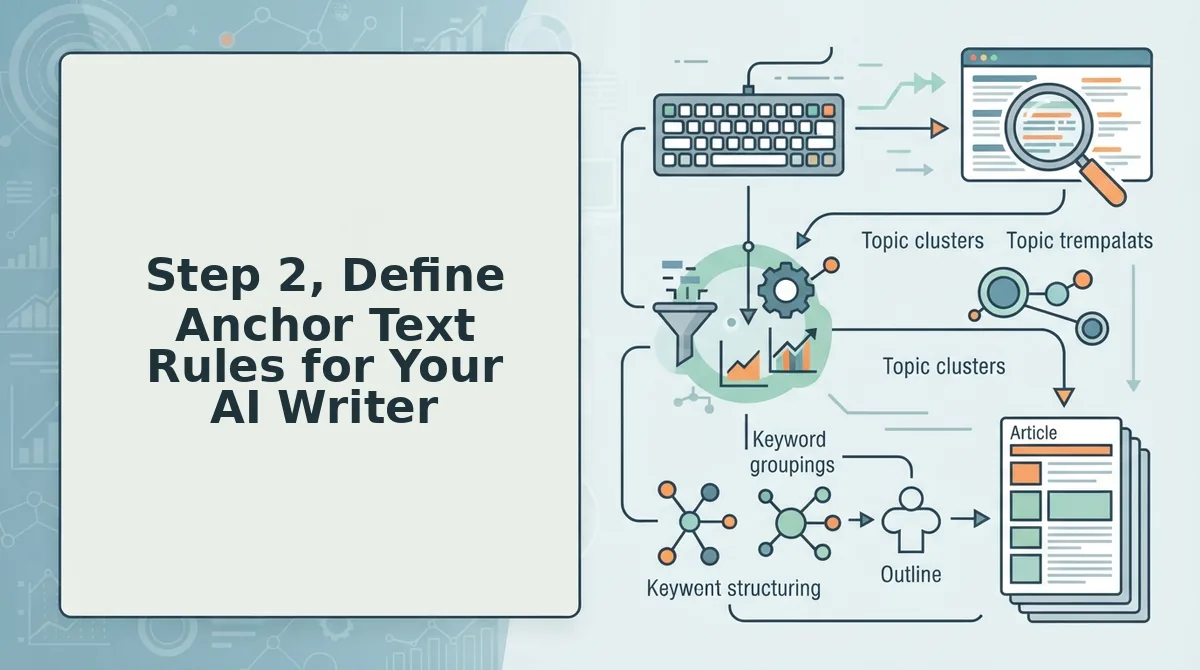
Anchor text rules tell your AI writer exactly how to phrase internal links so they read naturally, avoid over-optimization penalties, and signal relevance to both Google and AI answer engines. Without explicit rules, AI drafts default to generic phrases like "click here" or repeat the same exact-match keyword dozens of times.
- Exact match, cap at 5% of internal links. Use the target page's primary keyword verbatim (e.g., "AI SEO content engine") only when it fits the sentence flow. Overuse triggers Google's spam filters and makes AI-generated content sound robotic, so treat exact match as a seasoning, not the main ingredient.
- Partial match, the workhorse at 40-50% of links. Combine the keyword with surrounding context (e.g., "automated SEO content workflow" or "internal link mapping for AI posts"). Partial match anchors satisfy search intent while keeping prose natural, which is why BloGoose defaults to this ratio in every SEO content brief it generates.
- Branded, reserve 10-15% for trust and entity building. Use your brand name or product name as the anchor (e.g., "BloGoose" or "the BloGoose platform"). Branded anchors reinforce entity recognition for AI answer engines and protect against anchor text manipulation penalties.
- Natural language, fill the remaining 30-35%. Use descriptive phrases that match how readers actually speak and search (e.g., "learn how to map internal links automatically" or "this guide to AI blog publishing"). Natural language anchors align with voice search and AEO citation patterns, which is why BloGoose's autopilot engine prioritizes them in every draft.
Good anchor: "automated internal link mapping for WordPress blogs." Bad anchor: "this article" or a 12-word keyword-stuffed phrase. Define these four rules once, and your AI writer applies them consistently across every post.
Step 3. Create an internal-links-map.md File
An internal-links-map.md file is a single Markdown document that lists every link target, its approved anchor text, placement rules, and priority level for your AI drafting workflow. BloGoose generates this file automatically from your sitemap crawl, giving your AI writer a concrete artifact to follow instead of vague instructions.
Prerequisites: a crawled sitemap from Step 1 and your anchor text rules from Step 2. You'll need a text editor or your CMS file manager.
- Create the file. Open your text editor and save a new file as
internal-links-map.mdin your content project folder. This file becomes the single source of truth your AI writer references during drafting. - Add link targets. List each pillar page and supporting post URL from your sitemap crawl, one per section. BloGoose does this automatically, you should see every crawlable URL with its page title and current word count.
- Assign anchor text per target. Under each URL, add the approved exact match, partial match, branded, and natural language anchors from your rules. BloGoose pre-fills these based on your internal-links-map.md guide settings.
- Set placement rules. Specify where links may appear: first 100 words, H2 sections, conclusion, or anywhere. BloGoose defaults to "first mention in body + one contextual link per 500 words."
- Mark priority levels. Tag each target as High (pillar pages, money pages), Medium (supporting posts), or Low (archived or tangential content). High-priority targets get linked first in every draft.
Success looks like a clean Markdown file where every URL has at least three approved anchors, a placement rule, and a priority tag.
Step 4. Feed the Link Map to Your AI Drafting Workflow
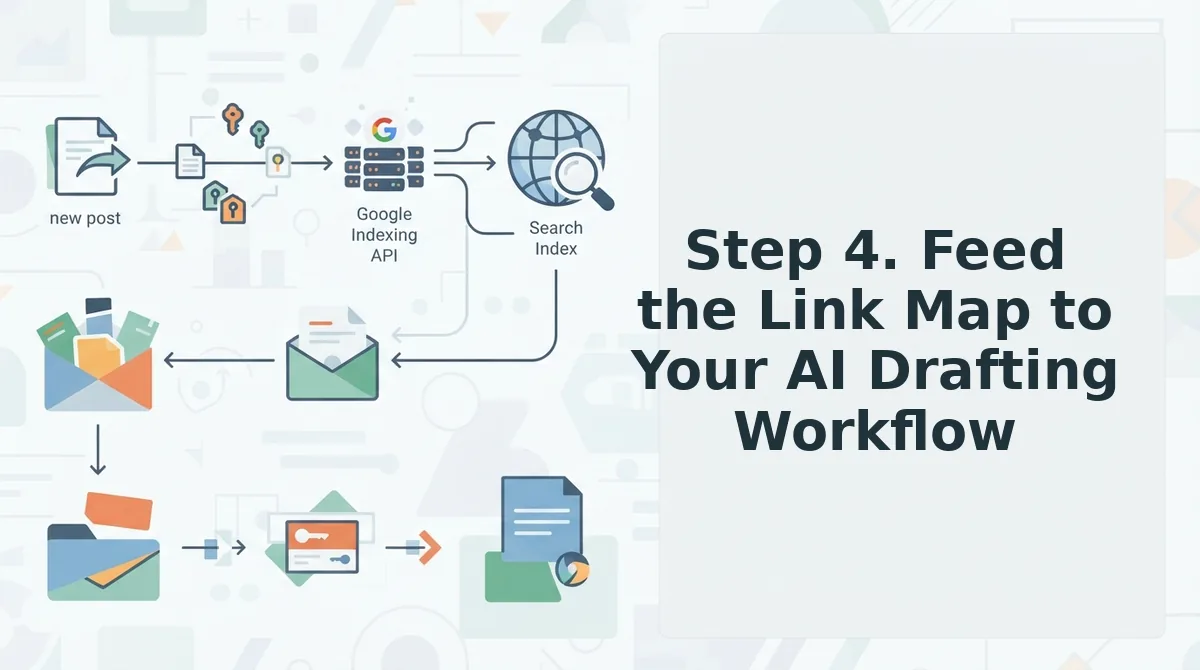
Once your internal-links-map.md file exists, you have three ways to apply it: manual ChatGPT prompts, plugin-based retroactive linking, or an integrated engine like BloGoose that reads the map natively. Each approach works, but they differ sharply in setup time, orphan prevention, and anchor text control.
| Approach | How It Works | Strengths | Weaknesses | Best For |
|---|---|---|---|---|
| ChatGPT with manual prompts | Paste your link map into a prompt and ask ChatGPT to insert links while drafting | Free or low-cost; full control over prompt wording | Ryan Doser's YouTube demo shows it works but requires rebuilding prompts for every article; no orphan detection; anchor text drifts without constant re-instruction | Solo bloggers publishing 1-2 posts monthly who enjoy prompt engineering |
| Plugin-based auto-linking (e.g., AIWU) | Scans published posts and retroactively inserts links based on keyword matching | Fast retroactive linking at scale; minimal setup | AIWU's plugin demo shows it links after publication, not before; lacks sitemap-aware mapping logic, so orphan pages and irrelevant anchors slip through | Teams fixing link gaps in large existing archives |
| BloGoose sitemap-aware mapping | Crawls your sitemap, builds the link map, and feeds it to the AI writer before drafting begins | Prevents orphans by design, every new post links to existing pages from the first draft; anchor text rules enforced automatically; publishes directly to WordPress | Requires adopting a new platform rather than patching existing tools | Content teams and publishers who need consistent, citation-optimized automated SEO content without manual oversight |
If you're already using ChatGPT, you can replicate parts of this workflow, but you'll spend more time maintaining prompts than writing. If you're using a retroactive linking plugin, you're fixing orphans after they exist. BloGoose's approach feeds the map forward, so every draft arrives with internal links already placed, anchored, and prioritized. Next, validate and refresh your link map so it stays accurate as your site grows.
Step 5. Validate and Refresh Your Link Map
Validation closes the loop between automated drafting and actual site health. A link map that is never checked produces orphan pages and broken anchors at scale.
- Run an orphan page check after every publish batch. An orphan page is any URL with zero inbound internal links, which means crawlers and users cannot discover it. Use your SEO content audit workflow to compare your sitemap against your live link graph, then flag any page missing from the map and add it to the next refresh cycle.
- Verify anchor text matches the rules you defined in Step 2. AI writers occasionally drift from your anchor text guidelines, especially when drafting at high volume. Spot-check 10-15% of published links per batch against your internal-links-map.md file, and correct any anchors that are generic, over-optimized, or contextually off-target.
- Check link distribution across your pillar and cluster pages. A healthy site spreads internal links proportionally, with pillar pages receiving the most and new posts receiving at least 3-5 inbound links each. Pull a crawl report monthly and rebalance any page that has accumulated too many or too few links relative to its position in your content architecture.
- Test every anchor URL for 404s and redirects. A broken internal link wastes crawl budget and signals poor maintenance to search engines. Run a link checker against your map after each site migration, URL change, or content pruning session, then update the map file before your next AI drafting run.
- Refresh the map file whenever you publish a new cluster or retire old content. Your internal-links-map.md is a living document, not a one-time setup artifact. Schedule a 15-minute refresh after every 5-10 published posts so the AI always drafts against current site structure rather than a stale snapshot.
- Log validation results in the same file your AI reads. Add a "Last Validated" date and a "Known Issues" section to your link map. When your AI workflow ingests the file, it can avoid linking to flagged URLs and prioritize anchors you have confirmed as healthy.
- Automate the crawl but keep a human review gate. Josiah Roche's video claims AI internal linking tools save 10+ hours per week, but validation still requires a manual pass. Use automated crawls to surface anomalies, then spend 20 minutes reviewing the flagged items before approving the next content batch.
FAQ
Internal link mapping for AI-generated content raises specific questions about automation, tooling, and site health. These answers address the most common queries from publishers scaling AI blog output.
Can ChatGPT automate internal linking?
ChatGPT can suggest internal links when you provide a sitemap, URL list, and anchor text rules in your prompt, but it cannot crawl your live site or verify that links resolve correctly. You still need a validation step to catch broken anchors and orphan pages after drafting.
What's the best AI internal linking tool for WordPress?
The best tool depends on whether you need drafting assistance or full publishing automation. A sitemap-aware platform like BloGoose extracts your existing link structure, applies anchor text rules during drafting, and publishes directly to WordPress without manual copy-paste loops. See the internal links map guide for a step-by-step setup.
How do I avoid orphan pages with AI content?
Maintain a validated internal-links-map.md file that lists every URL on your site and its required inbound links. After each AI publishing batch, run an orphan page check comparing your sitemap against your live link graph, then add any unlinked URLs to the map before the next drafting cycle.
What anchor text should AI use for internal links?
AI should use descriptive, contextually relevant anchor text that matches the target page's primary keyword without exact-match repetition.
Why does my AI blog content create broken internal links?
Broken internal links occur when the AI drafts against a stale URL list or when you change slugs, delete pages, or migrate your site without updating the link map. Refresh your internal-links-map.md after every structural change and run a link checker before publishing each batch.
Conclusion
The five-step framework, extract your sitemap, define anchor text rules, create an internal-links-map.md file, feed it to your AI workflow, and validate after publishing, works because it inverts the typical AI content pipeline. Most teams draft first and retrofit links later, which produces orphan pages and inconsistent anchors. Mapping before drafting turns your site's existing architecture into a constraint the AI must respect, not an afterthought you patch manually.
Start with your sitemap today. Export it, build the map file, and run one validation pass on your last 10 published posts to see how many orphan pages or broken anchors already exist. Then connect the map to your drafting workflow so every future article inherits the same link structure automatically.
BloGoose automates this entire loop, sitemap extraction, anchor rule enforcement, and validated publishing to WordPress, so you can scale AI content without sacrificing site health. See BloGoose pricing to start mapping your internal links the way search engines actually crawl them.