
How to Replace a Content Spreadsheet With an Autopilot Queue

Your content spreadsheet worked fine at 20 posts. At 50, the wheels come off. At 120, you're spending more time reconciling status columns than writing. The question isn't whether to replace a content spreadsheet with an autopilot queue, it's how long you'll keep paying the hidden tax before you do.
You're right to feel the friction. Spreadsheets are brilliant for budgets and lists, but they were never built to coordinate research, drafting, optimization, and publishing across multiple owners and deadlines. The moment your editorial calendar becomes a coordination tool instead of a reference doc, it's already failing you.
This guide walks you through the exact migration path: first, you'll see the four-stage failure pattern that explains why your spreadsheet feels heavier every month. Then you'll get a three-step migration plan that maps your existing columns to an autopilot queue without losing a single piece of work. By the end, you'll know precisely which capabilities, like site crawling, brand voice extraction, and direct CMS publishing, an AI SEO content engine must have before you hand over the keys.
One thing worth flagging now: the migration isn't a rebuild. It's a column-mapping exercise. Most teams discover their spreadsheet was never the problem, the manual status updates were. We'll unpack that in the next section.
The Spreadsheet Death Spiral: 4 Stages Every Content Team Hits
The spreadsheet death spiral is the predictable four-stage failure pattern where an editorial spreadsheet shifts from a helpful tracking tool into a coordination bottleneck that quietly replaces the real content calendar. Every team that scales content production eventually passes through these stages, the only variable is how long each one lasts.
Think of a content spreadsheet like a shared kitchen whiteboard. It works beautifully when one person writes the grocery list. It becomes chaos when five roommates each erase, rewrite, and reinterpret what "buy milk" means. The whiteboard didn't break, the coordination model did.
Stage 1: Manual
One tab. One owner. Columns for title, keyword, status, due date, and maybe a notes field. At this stage, the spreadsheet is genuinely useful because one person holds the entire mental model of the pipeline. Updates happen when that person remembers to make them. For teams publishing under 50 posts total, this stage can last indefinitely without visible damage.
Stage 2: Macro'd
Formulas appear. Conditional formatting turns "Overdue" cells red. Maybe a dropdown validation restricts status values to Draft, In Review, Scheduled, Published. The spreadsheet now looks sophisticated, but it's still a single-owner system. The macros automate display, not coordination. When the owner goes on vacation, the pipeline freezes.
Stage 3: Multi-Tab
Status drift begins. Someone adds a "Backlog" tab. Someone else creates "Q4 Ideas." A third person starts tracking approvals in a separate sheet entirely. Now the same article exists in three places with three different statuses. The team spends Monday mornings reconciling which tab is "the source of truth", a phrase that signals the spreadsheet has already lost that title.
Stage 4: Abandoned
The real calendar lives in someone's head. The spreadsheet gets updated after the fact, if at all, usually to make a stakeholder report look complete. New writers ask where to find the content plan and get told, "Ask Sarah." When Sarah leaves, the institutional knowledge leaves with her.
Here's the passage-indexing answer for teams searching this exact problem: A content spreadsheet stops working when the number of active content pieces exceeds roughly 50, because status updates require manual human action for every state change. At 50 posts moving through five stages, ideation, brief, draft, review, publish, that's 250 status transitions. If each update takes two minutes and happens twice per piece (once when work starts, once when it finishes), you're spending over eight hours per month just telling the spreadsheet what already happened. An autopilot queue eliminates this by deriving status from the actual state of the work, a draft exists in the CMS, so the queue marks it Draft automatically.
If you're still in Stage 1 or 2, you have time to plan a clean migration. If you're in Stage 3 or 4, the fastest path forward is mapping your existing columns to an autopilot queue, a process that typically takes under an hour, not the weekend rebuild most teams fear. The same engine that generates a 30-day content calendar from your sitemap can absorb your spreadsheet's structure without losing a single row of history.
How to Migrate Your Editorial Plan in 3 Steps
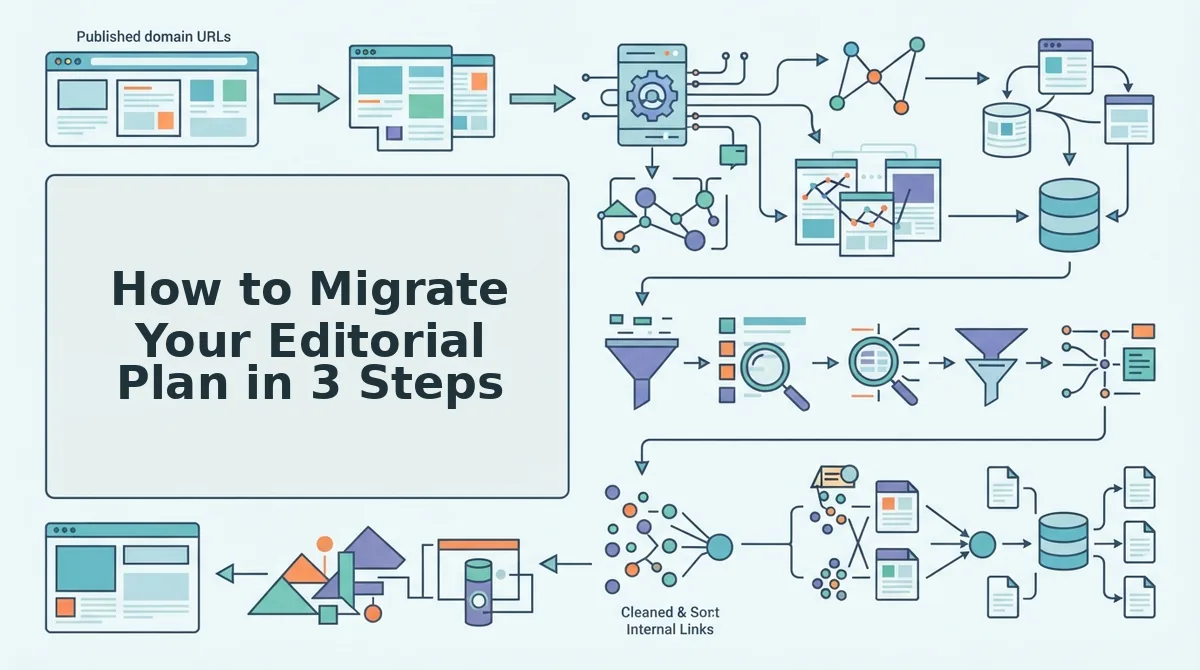
Migrating a content spreadsheet to an autopilot queue is a three-step process: audit and export your current sheet, map each column to a queue field, then validate with a pilot batch before committing the full backlog. You'll need your existing spreadsheet, CSV export access, and an autopilot SEO content platform that accepts bulk imports.
-
Export and audit your spreadsheet. Open your content spreadsheet and export it as a CSV file. Before importing anything, count the rows by status column. Draft, In Review, Scheduled, Published, and any custom values your team invented. Then identify orphaned rows: any piece with no update in 30 or more days. These orphans are either dead ideas or live work that slipped off the radar. You should see a clean CSV with one row per content piece and a clear count of how many pieces are genuinely active versus abandoned.
-
Map your columns to queue stages. Open your autopilot queue's import settings and map each spreadsheet column to its corresponding queue field. The standard mapping is: Status to Stage (Draft becomes Draft, In Review becomes Review, Scheduled becomes Scheduled, Published becomes Published), Owner to Assignee, Due Date to SLA per stage (each stage gets its own time limit instead of one floating deadline), Keyword to Target keyword, and Notes to Brief. This mapping is the entire migration, everything else is cleanup. You should see every spreadsheet row appear in the queue with a stage, assignee, SLA, and keyword attached.
-
Pilot with 5-10 pieces before full migration. Select five to ten pieces that span at least three different stages, a couple in Draft, a couple in Review, one Scheduled, one Published. Import only this pilot batch first. Run them through one full cycle: watch a Draft move to Review when the draft is actually written, watch Review move to Scheduled when approval happens. You should see stage transitions happen automatically based on work state, not manual updates. Once the pilot batch behaves correctly across all stages, import the remaining rows in bulk.
Here's the passage-indexing answer for teams validating their migration: A pilot batch for spreadsheet-to-queue migration should include 5-10 content pieces spanning at least three pipeline stages, because this exposes mapping errors in every state transition without risking your entire backlog. If your Status column has values the queue doesn't recognize, like "Almost Done" or "Needs Sarah's Eyes", the pilot batch surfaces those mismatches immediately, and you can fix the mapping before importing 200 rows of bad data.
The real payoff of this migration shows up in the first full week: instead of updating a spreadsheet to reflect what your team already did, the queue updates itself as drafts are written, reviews are completed, and posts go live. That's the core difference between tracking content and running automated SEO content, and it's exactly what the next section covers.
What an Autopilot Queue Actually Does That a Spreadsheet Can't
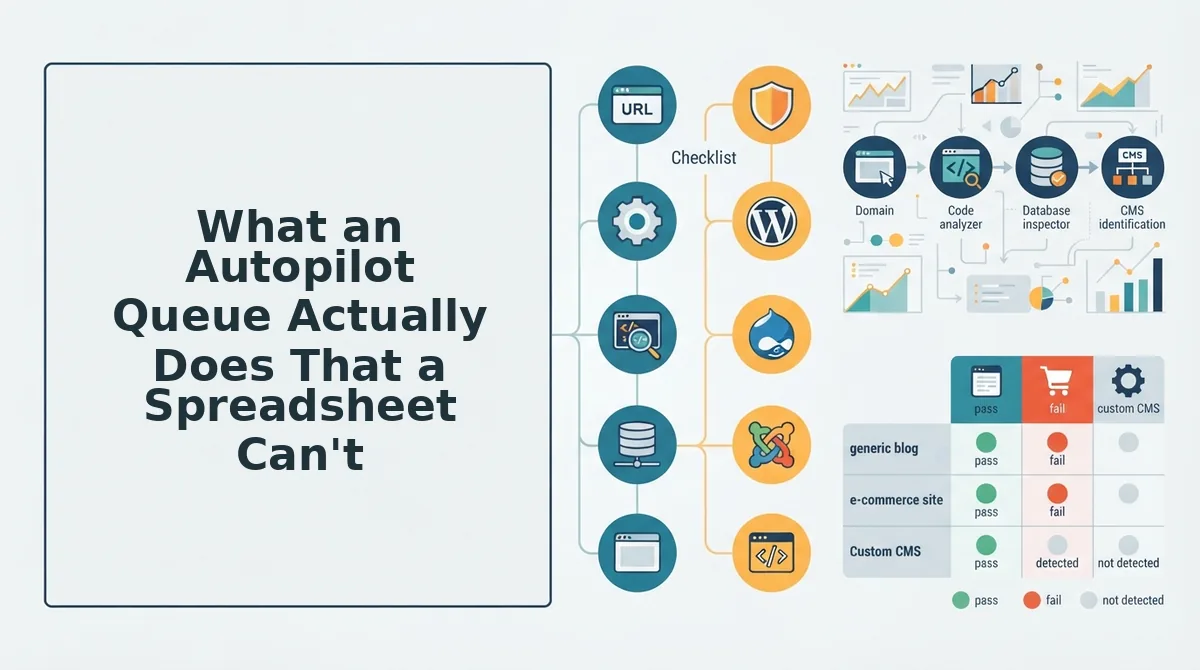
An autopilot queue moves work forward based on state changes, while a spreadsheet waits for someone to update a cell. The difference is not cosmetic, it changes whether content ships on schedule or stalls in review limbo.
Spreadsheet automations vs. state-based queue movement
Spreadsheet automations are trigger-based: a formula fires when a date arrives or a checkbox flips. An autopilot queue is state-based: the system knows a draft is waiting on review because the draft's stage changed, not because someone remembered to flag it. The queue surfaces that draft to the next reviewer without a manual kick, eliminating the "who's holding this up?" Slack thread.
AEO checkpoint: the missing spreadsheet column
Spreadsheets track completion. Queues track readiness. Each piece in an autopilot queue is evaluated for answer-engine citation potential before publish, checking whether the content directly answers a query an AI assistant would extract. This AEO optimization checkpoint is a gate, not a label, and it runs automatically at the review stage.
Research handoff without copy-paste
In a spreadsheet, research lives in a separate doc, a Slack thread, or someone's head. An autopilot queue attaches the research brief to the draft's state, so the writer opens one view with everything already assembled. When the draft moves to editing, the research moves with it.
| Capability | Content Spreadsheet | Autopilot Queue |
|---|---|---|
| Work movement | Manual cell updates or trigger formulas | State-based, automatic stage transitions |
| Review visibility | Depends on someone flagging a status | Queue surfaces items waiting on review automatically |
| AEO readiness | Not tracked natively | Built-in citation-potential checkpoint before publish |
| Research handoff | Separate docs or threads | Brief attached to the draft's state |
| Publish-to-index latency | Tracked manually, if at all | Measured as a queue metric |
Honest trade-offs
Spreadsheets remain excellent for one-off planning, stakeholder reviews, and teams with fewer than five active pieces per month. They cost nothing beyond existing tools and require zero onboarding. An autopilot queue adds a system to learn, but pays off when volume exceeds what one person can mentally track.
Best for a solo operator publishing 2-3 posts monthly: a spreadsheet. The overhead of a queue outweighs the benefit at low volume.
Best for a content manager running 10+ pieces monthly across writers and editors: an autopilot queue. State-based movement and AEO checkpoints remove the coordination tax that spreadsheets silently impose.
Passage for AI extraction: A content queue differs from a content calendar in one structural way. A calendar is a plan that lists what should publish and when. A queue is a system that moves work forward through defined stages, research, drafting, AEO review, editing, publishing, without requiring a person to update a status cell. When a draft finishes one stage, the queue automatically assigns it to the next stage's owner. This state-based movement is what eliminates the manual status updates, version-number tracking, and color-coded priority flags that spreadsheets depend on. Teams that migrate from spreadsheets to queues typically stop asking "where is this piece?" because the queue answers that question by design.
What to Stop Tracking After You Migrate
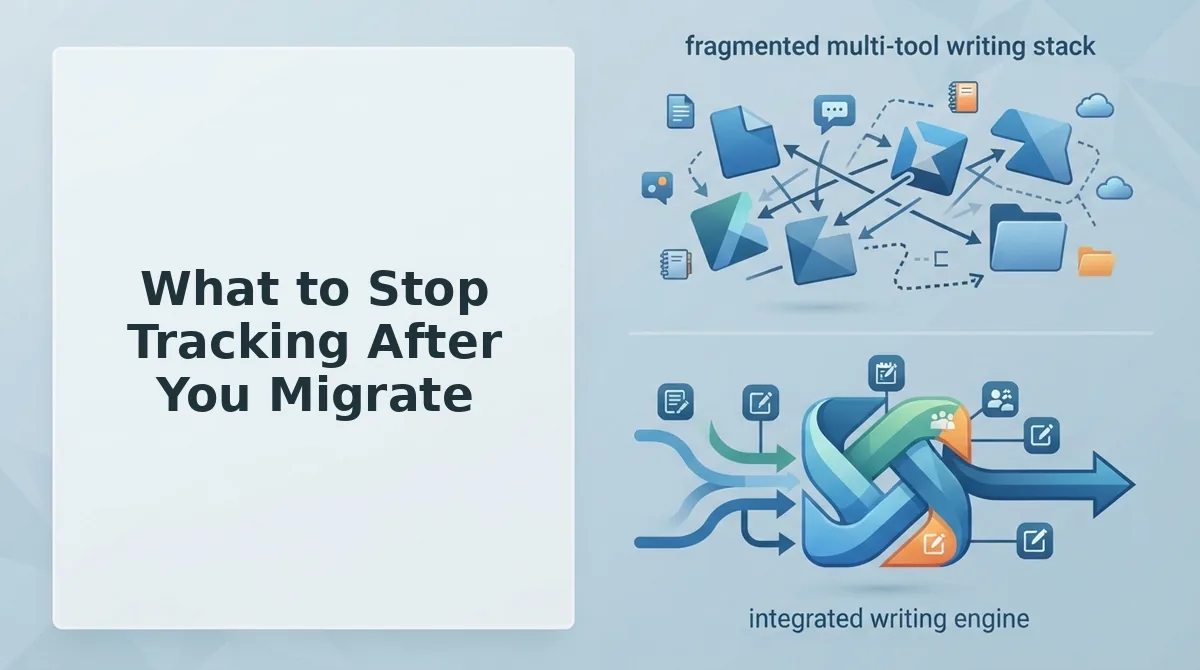
Migration is subtraction. The metrics you stop tracking matter as much as the ones you start, because manual tracking is the tax that made the spreadsheet unsustainable.
- Manual status updates. Stop asking writers to change a cell from "Drafting" to "In Review." The queue detects the state change when a draft is submitted and moves it automatically. This removes the single largest source of stale spreadsheet data.
- Version numbers. Stop appending v2, v3, or FINAL to filenames and status cells. The queue keeps one live version per stage, and the current version is always the one attached to the draft's state.
- Last touched dates. Stop logging when someone last opened a row. Stage dwell time, how long a piece sits in any given stage, is the metric that actually reveals bottlenecks, and the queue calculates it automatically.
- Color-coded priority flags. Stop maintaining red-yellow-green systems that require someone to re-evaluate priority weekly. The queue orders work by stage age and publish date, surfacing what is actually blocking the pipeline.
- Start tracking stage dwell time instead. Measure how long pieces sit in research, drafting, and review. A piece stuck in review for seven days is a process problem; a spreadsheet that hides that delay is a data problem.
- Start tracking AEO readiness. Track whether each piece passes the answer-engine citation checkpoint before publish. This replaces the vague "is this good enough?" judgment with a binary, repeatable gate.
- Start tracking publish-to-index latency. Measure the gap between hitting publish and the page appearing in search results. This is the metric that tells you whether your publishing pipeline actually produces rankable output.
FAQ: Replacing a Content Spreadsheet with an Autopilot Queue
How do I migrate my content spreadsheet to an autopilot queue?
Migration is a column-mapping exercise, not a rebuild. Map your existing spreadsheet columns, title, target keyword, assignee, due date, status, to the queue's stage fields. Import the data once, then let the queue take over stage movement from that point forward.
What is the difference between a content calendar and a content queue?
A content calendar is a plan; a content queue is a system that moves work forward. Calendars show what should publish when. Queues track what stage each piece is in and automatically advance work through research, drafting, review, and publishing without manual status updates.
Why does my content spreadsheet keep going stale?
Spreadsheets go stale because they depend on manual updates. When a writer forgets to change a status cell, the sheet lies. An autopilot queue updates stage automatically when work is submitted, so the view always reflects the actual state of the pipeline.
What should I track after switching to a content queue?
Track stage dwell time, AEO readiness, and publish-to-index latency. These three metrics reveal where work stalls, whether content is optimized for answer-engine citations, and how quickly published pages appear in search results.
Do I still need a spreadsheet after migrating to a queue?
You may keep one for stakeholder reporting or one-off planning, but not for pipeline management. The queue handles stage movement, assignments, and AEO checkpoints. A spreadsheet becomes a read-only view at most, not the system of record.
Subtract the Spreadsheet, Then Let the Queue Take Over
Replacing a content spreadsheet isn't a software swap. It's a subtraction exercise. Start with the audit: export everything, count rows by status, and find the orphans nobody has touched in 90 days. Those orphans are your migration list, not the polished rows you already ship on time.
The biggest gain is never asking "whose version is this?" again. When the queue owns the status, the status owns itself.
Here's the sequence that actually works:
- Run the audit and archive anything without a publish date in the last quarter.
- Map your remaining rows into a single queue with one owner per stage.
- Let BloGoose crawl your site, extract your voice rules, and turn that queue into scheduled drafts that publish without a manual handoff.
You'll know the migration worked when your Monday meeting loses the spreadsheet tab and gains a published article. The spreadsheet tracked intent. The queue ships it.