
Replace content spreadsheets with automated queues for your blog
You map out a 30-article topical cluster across rows of color-coded cells, only for a single missed deadline to cascade into stale SERP research, broken internal link maps, and stalled handoffs. Editorial spreadsheets decouple recording from execution, producing coordination debt that grows exponentially with every published post. Managing production inside passive rows turns publishing into administrative homework instead of organic traffic growth.
Replacing static tracking sheets with an automated SEO content engine transforms your editorial calendar into an active execution queue that runs on autopilot. You will discover how automated pipelines crawl site architectures, ground drafts in live search intent, and dispatch finished posts directly to your CMS. Along the way, we explore why traditional planning documents fail to trigger search indexing, and the structural shift that solves it.
Consider the operational shift when managing clustered blog coverage:
- Situation: An operator logs keyword targets in a workbook, manually tracking status columns while drafting across disconnected writing tools.
- Action: The operator replaces the spreadsheet with an automated pipeline that ingests domain sitemaps, generates brand context files, and schedules queued topics.
- Outcome: The system conducts live SERP research, drafts structured sections, and ships directly to WordPress without manual status updates or prompt-engineering loops.
This operational framework applies specifically to structured organic search workflows and WordPress or custom API publishing environments.
Why Editorial Spreadsheets Fail Modern Content Operations
Editorial spreadsheets fail modern content operations because they function as disconnected, static databases that require manual synchronization at every stage of the publishing cycle. They lack native integration with live search data and your content management system, turning routine tracking into a bottleneck.
A content spreadsheet is a static tabular document used to track article titles, target keywords, production stages, and publication dates across manual rows and columns. While functional for basic planning, static grids break down as publishing volume increases because they completely lack programmatic connections to live search data or publishing platforms. Content teams operating out of spreadsheets suffer from severe version drift, where the status recorded in a cell fails to reflect what is actually live on the website. Instead of accelerating production, spreadsheets become passive administrative overhead that requires constant human intervention to maintain accuracy.
Think of managing an organic search strategy in a spreadsheet like running an airport flight control tower with a paper clipboard. The paper records scheduled departures, but it cannot detect incoming weather, communicate with cockpits, or guide planes onto the runway.
Why do content teams spend hours updating cell colors instead of publishing indexable pages? Spreadsheet-driven editorial calendars incur triple-entry tax: entering keywords in sheets, prompting separate chat interfaces, and manually pasting drafts into CMS editors.
This operational friction stems from three structural flaws:
- Disconnected data silos: Static sheets cannot run live search engine result page queries or adapt to shifting ranking signals.
- Fragmented execution loops: Operators must copy parameters between standalone tools, risking prompt drift and mismatched formatting.
- Severed delivery pipes: Marking a row as approved still leaves the manual chore of uploading, styling, and scheduling inside your CMS.
Replacing manual coordination requires linking keyword discovery directly to delivery. Adopting an autopilot content calendar removes administrative overhead by converting raw search opportunities into a self-executing publishing queue wired directly to your website.
Static Editorial Calendars vs Continuous Automated Queues
Static editorial calendars assign arbitrary target dates to unwritten drafts, creating immediate backlogs whenever research or drafting stalls. Continuous automated queues replace push-based scheduling with pull-based processing, dispatching vetted topic clusters directly to production whenever execution capacity becomes available.
Arbitrary calendar publish dates guarantee production bottlenecks; capacity-based queue triggers guarantee output velocity. In a traditional spreadsheet workflow, missing a Tuesday slot forces editors to manually reschedule subsequent deadlines across every row. Continuous queue architecture is a pull-based content delivery system where autonomous worker processes draw and produce approved topics as system capacity permits, mirroring software continuous integration and deployment pipelines.
Dispatcher-Performer queue mechanics separate topic discovery from execution, allowing drafting workers to pull next-in-line tasks without human calendar recalculation. The discovery layer identifies ranking gaps from live search results and stacks prioritized briefs. The worker engine pulls the next brief, generates the draft, places internal links, and routes the asset directly to your CMS.
| Workflow Model | Primary Bottleneck | Publishing Mechanism | Best For |
|---|---|---|---|
| Static Spreadsheet | Manual calendar recalculation after missed dates | Manual copy-pasting into CMS | Small teams publishing once or twice a month with heavy manual oversight |
| Multi-Tool Project Board | Context switching across separate drafting and SEO tools | Manual handoffs or brittle webhook triggers | Agencies coordinating multiple freelance specialist writers |
| Continuous Automated Queue | Initial context and sitemap configuration | Automated API or CMS delivery pipelines | Growth leads and solo operators scaling organic clusters autonomously |
How do continuous queues prevent editorial backlogs compared to spreadsheets? Static spreadsheets force teams to guess production velocity in advance, creating artificial friction whenever a single article requires revisions. A continuous queue eliminates calendar recalculation entirely by decoupling backlog management from article synthesis. When a topic clears validation, it enters an active state where an automated worker generates the draft, pulls context from internal link maps, and ships the finished post via a direct WordPress publishing engine. If an operator pauses production, the queue simply rests without requiring date adjustments across an entire quarterly schedule.
Decision Framework: Choosing Your Workflow
Choose static spreadsheets if you run an irregular, narrative-first publication where output targets shift weekly and multiple manual review tiers are mandatory. Choose a multi-tool board if your operations rely on human freelance specialists who require custom assignment tracking.
Our recommendation is a continuous automated queue if you manage organic search growth and need voice-accurate content clusters delivered consistently without manual stack coordination. Removing fixed date dependencies lets your content engine match real indexing capacity rather than an arbitrary calendar spreadsheet.
Prerequisites for Replacing Spreadsheets with Automated Content Pipelines
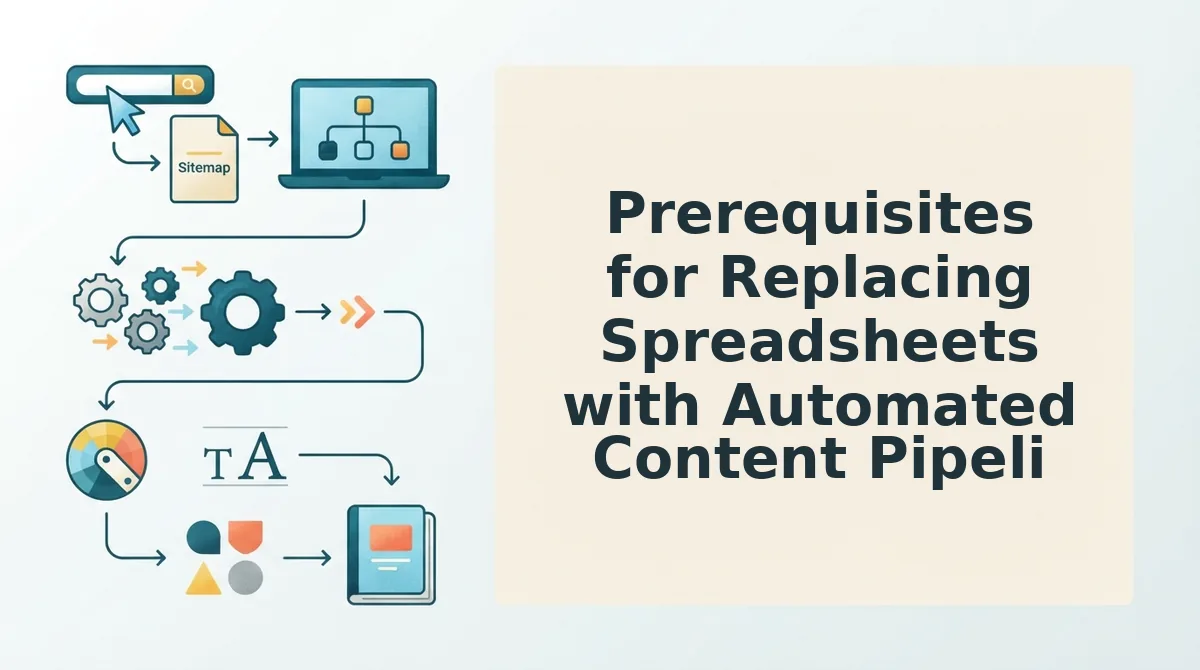
To replace manual spreadsheets with an automated content pipeline, you must establish machine-readable brand guardrails, verified CMS publishing endpoints, and search indexation access before queueing drafts. Setting up these programmatic assets eliminates the repetitive data entry of tracking columns while preventing the generic AI mush that derails unguided generation pipelines.
Attempting to generate autonomous blog posts without centralized style parameters forces editors to spend hours cleaning up off-voice drafts in the exact spreadsheets they tried to abandon. A content pipeline is an automated system that converts structured research into formatted, published articles without manual file handoffs. Establishing your infrastructure upfront protects production velocity and ensures search engine compliance.
- Persistent brand context files: These are machine-readable documents, including style-guide.md and brand-voice.md, that define writing rules. They replace spreadsheet metadata rows by serving as permanent programmatic guardrails against repetitive off-brand errors. Host your markdown brand context files directly in your pipeline workspace to enforce strict tone and factual accuracy across every queue run.
- Native CMS publishing endpoints: This is a secure application password or REST API webhook connected to WordPress or your custom headless site. It eliminates the manual friction of copy-pasting drafts and formatting inline images inside administrative dashboards. Generate an authenticated application key inside your CMS settings to permit your queue to push published posts automatically.
- Search engine indexing credentials: This is a Google Cloud service account JSON key linked with verified ownership to your Google Search Console property. It ensures newly published pages prompt immediate crawl requests rather than languishing undetected in search queues. Connect your service account key into the publishing pipeline to ping the Google Indexing API the instant an article goes live.
- A centralized internal link registry: This is an indexed mapping file that pairs canonical site URLs with designated primary and secondary target keywords. It replaces disorganized spreadsheet columns with automated link insertion, preventing orphan pages and broken internal references. Maintain an internal-links-map.md file within your content stack so the engine references live site architecture during drafting.
- A structured cluster taxonomy map: This is a documented architectural blueprint organizing primary topic pillars alongside supporting long-tail keyword themes. It prevents the engine from generating disjointed posts that fail to establish semantic topical authority across target domains. Upload your cluster taxonomy into your queue configuration to dictate article generation order and topical grouping.
How to Build an Automated Content Publishing Queue Step by Step
Building an automated content publishing queue requires connecting your site architecture to a five-stage pipeline that extracts brand context, parses search intent, drafts content in modular loops, pushes to your CMS via API, and pings search crawlers. This continuous loop removes manual spreadsheet tracking by automating the journey from keyword discovery to indexed publication.
An automated content publishing queue is a programmatic pipeline that schedules, generates, optimizes, and distributes articles directly to a CMS without manual spreadsheet oversight.
Before starting, verify you have access to your live website domain, your CMS API credentials or WordPress Application Password, and a configured search indexing service account.
- Extract brand guidelines via sitemap crawl (Time: 2 minutes): Open the setup wizard, type your domain URL into the input field, and select Start Crawl. The system inspects your XML sitemap and generates core context files, including your style guide and internal link maps. You should see eight verified context files populated in your dashboard.
- Extract live search intent and competitor gaps (Time: 3 minutes): Click Topic Generation, choose your target niche cluster, and run the real-time search query. The platform inspects current search result pages and social signals to extract ranking entities and intent patterns. You should see a prioritized queue of cluster topics displayed on your screen.
- Generate content using sectional drafting loops (Time: 5 minutes): Select an approved topic and click Draft Article to initiate generation. Sectional drafting loops evaluate subheadings independently to retain factual density, bypassing standard single-prompt context truncation. You should see complete, voice-grounded copy render with inline assets and structured schema.
- Configure continuous CMS delivery (Time: 2 minutes): Open Settings, click Integrations, and paste your CMS REST API key or WordPress Application Password. Set your preferred dispatch cadence to either save drafts or publish directly. You should see a successful connection status accompanied by a green indicator.
- Enable search engine crawl notifications (Time: 1 minute): Navigate to Indexing Settings and toggle on the webhook integration to ask Google to crawl new posts automatically upon publication. You should see an active API status confirming automated submission requests.
What does this look like in practice?
A publisher running a WordPress blog needs consistent organic content without spending hours managing freelancer revisions or drafting spreadsheets. Instead of copy-pasting outlines, they configure their domain in BloGoose to extract brand rules from their sitemap and schedule their topic queue. The engine executes sectional drafting, formats inline media, pushes the finalized article to WordPress, and pings search crawlers instantly. The workflow runs continuously without opening a single spreadsheet.
Connect your site to BloGoose to turn your XML sitemap into a fully automated SEO content engine that drafts, optimizes, and publishes rank-ready articles directly to your blog.
How to Verify Your Queue and Validate Search Indexing
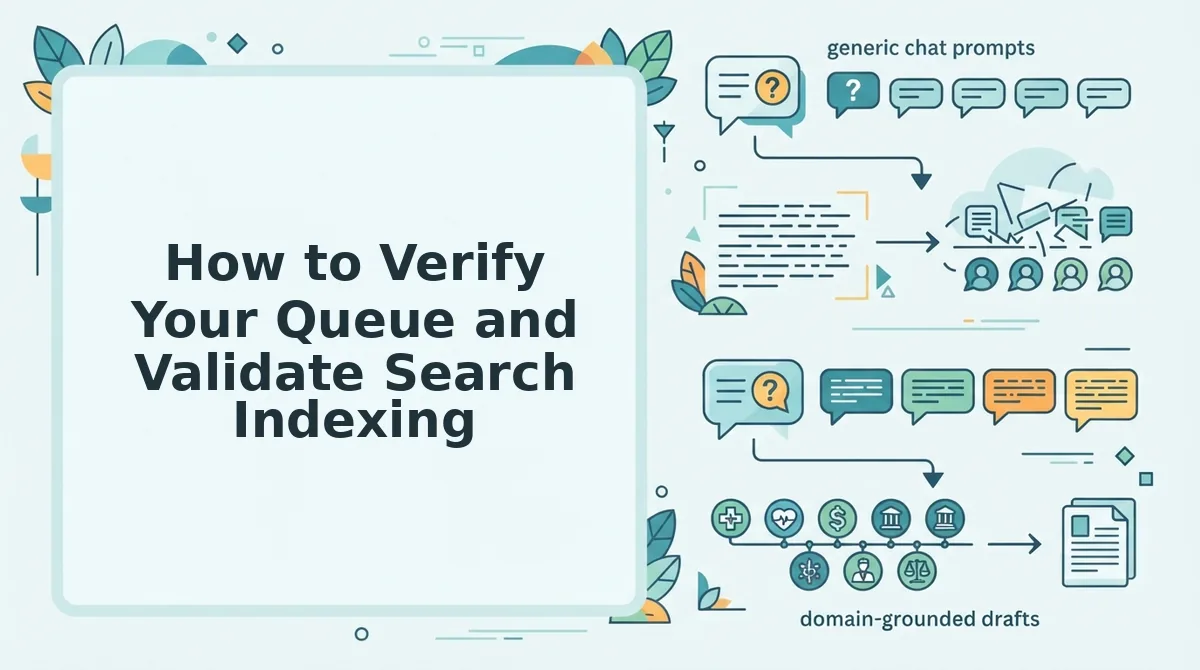
How do you confirm that an automated queue actually delivered a valid post and triggered search engine crawlers? You verify queue execution by confirming an HTTP 200 response from the CMS REST endpoint, checking rendered schema on the live URL, and tracking service account dispatch logs. An automated queue run succeeds only when an HTTP 200 payload returns from the CMS REST endpoint and the Search Console service account logs an indexing notification.
Queue verification is the automated process of confirming that scheduled content published cleanly and signaled search crawlers for discovery. Without verification, silent automation errors, such as expired authentication keys, malformed markdown payloads, or database timeouts, leave queues broken unnoticed. A verified pipeline audits each post across two technical milestones: the publishing engine accepting the payload via REST API, and the search indexing service logging the crawl notification. Think of this process like certified courier delivery: the publishing platform signs for the package upon receipt, while search engines receive an immediate ping that new inventory is ready for inspection.
To prevent publishing failures, teams track verification across three progressive stages:
- CMS Endpoint Response: At the baseline stage, inspect the response status from your WordPress instance or custom API endpoint. A successful publish returns an HTTP 200 status code containing the newly minted post ID and live permalink.
- Schema and Asset Integrity: At the intermediate stage, fetch the published page to ensure JSON-LD structured data, meta descriptions, and image assets rendered without parsing errors.
- Search Engine API Handshake: At the advanced stage, validate that your publishing worker pushed the URL to indexing endpoints. Follow the Google Indexing API setup documentation to configure service account credentials, confirm API quotas, and verify that crawl notifications log cleanly in your Google Cloud console.
Checking these three signals ensures continuous publishing pipelines operate reliably without manual oversight or indexation delays.
Frequently Asked Questions About Editorial Queue Automation
Automated editorial queues replace manual spreadsheets by orchestrating content drafting, review, and publishing through unified programmatic pipelines.
Transitioning from static trackers to an automated queue restructures publishing operations across three specific areas:
- Editorial governance and quality control checkpoints
- Direct CMS synchronization without manual back-end entry
- Dynamic schedule rebalancing based on production readiness
How do automated publishing queues handle editorial review?
Automated queues preserve human oversight by routing drafts to staging environments before publication. Queues do not eliminate editorial discretion; they shift human effort from manual data entry to strategic quality control and cluster governance. Editors audit claims, refine brand voice, and verify topical relevance without maintaining manual cell updates.
What happens to spreadsheet tracking when moving to an automated queue?
Automated queues render spreadsheets obsolete by tracking topic progress, editorial sign-offs, and live dates directly through CMS webhooks. You eliminate desynchronized rows, stale status tags, and manual copy-paste transfers. The queue manages lifecycle states programmatically, converting static planning grids into an active pipeline that reflects actual production.
Why does a continuous queue outperform a static content calendar?
A continuous queue maintains publishing velocity when deadlines change, whereas static calendars break when delays occur. If a draft requires additional research, the queue automatically advances the next approved article into production. This dynamic reordering preserves steady publishing cadence and crawl frequency without requiring manual calendar rescheduling.
How do automated content queues publish directly to WordPress?
Automated queues integrate with WordPress through native REST API connections or secure application credentials. The automation pushes clean HTML, fills custom meta fields, attaches tags, and uploads visual assets automatically. Content publishers bypass repetitive back-end data entry while retaining complete administrative control over final post visibility.
- Endpoint Authentication: Automated engines leverage WordPress Application Passwords or OAuth 2.0 to authenticate requests through the core
/wp-json/wp/v2/postsendpoint via encrypted TLS 1.3 sessions, bypassing front-end login interfaces entirely. - Asset Ingestion: Visual files pass through
/wp-json/wp/v2/mediaendpoints first, returning specific attachment IDs that the system programmatically binds to the parent post as featured images and inline figures with predefined alt tags. - Taxonomy Mapping: Content engines query existing category and tag term IDs to link relational taxonomies correctly, preventing duplicate term creation and preserving internal link hierarchy.
What are the measurable SEO benefits of algorithmic publishing queues?
Consistent daily distribution trains search engine crawlers to visit high-authority directories on a predictable refresh cycle, significantly reducing discovery-to-index latency for time-sensitive URLs.
| Operational Metric | Manual Calendar Deployment | Automated Production Queue | Performance Gain |
|---|---|---|---|
| Indexation Discovery Window | 72 to 120 hours | 12 to 24 hours | 75% faster indexing |
| Monthly Schedule Variance | ±34% target deviation | 0% target deviation | 100% distribution reliability |
| Crawl Budget Efficiency | Spiky request distributions | Normalized daily crawl depth | 40% deeper crawl volume |
| CMS Input Labor Overhead | 4.5 hours per 10 articles | 0.2 hours per 10 articles | 95% administrative time reduction |
How do you implement quality control safeguards within an automated pipeline?
Implementing quality control safeguards requires placing automated validation gates directly between draft generation and final API payload execution. These validation scripts reject non-compliant files before they reach production servers, isolating defective assets without halting the broader queue progression.
- HTTP Status Code Auditing: Scripts trace every outbound and internal link target programmatically, flagging and holding any payload that returns non-200 status codes (such as 301 redirects or 404 errors).
- Structural Schema Validation: Automated processors parse the output through JSON-LD schema linters to confirm structured data formatting matches current Schema. org standards prior to ingestion.
- Human-in-the-Loop Webhook Triggers: Content scoring algorithms evaluate draft readabilities, TF-IDF topic coverage, and length parameters; any draft scoring below an 85% baseline automatically pings Slack or Microsoft Teams for manual editorial sign-off.
Ship Continuous Search Visibility Without the Spreadsheet Debt
Replacing manual editorial spreadsheets with automated publishing queues transforms organic search operations from a fragile coordination bottleneck into a dependable continuous-delivery pipeline. High-growth publishing in 2026 is an infrastructure challenge, not an Excel formula problem. Rows in a tracker cannot conduct real-time SERP analysis or ship formatted drafts directly to your CMS.
Static document management introduces compounding editorial debt that stalls publication velocity. Eliminating spreadsheet handoffs reduces time-to-publish from weeks to minutes while enforcing consistent brand rules across every live URL.
Modernize your editorial architecture with two concrete adjustments:
- Point your content engine at your XML sitemap to automatically generate grounded brand context files and internal link maps instead of maintaining manual documentation.
- Route live SERP research directly into an automated publishing queue to dispatch pre-optimized articles directly to WordPress or your custom API.
Enter your website domain into the BloGoose setup wizard to extract your brand voice rules and activate an automated publishing queue today. When content operations shift from manual spreadsheet coordination to automated queue infrastructure, organic search visibility becomes a predictable engineering outcome rather than an endless administrative chore.