What to check on generated images before a post goes live
Automated publishing pipelines often collapse reader trust when uninspected media endpoints push garbled diagrams, six-fingered stock characters, or broken CDN links directly to live pages. Every operator looking to scale organic traffic must systematically review generated blog images before publishing to protect dwell time and brand authority. You likely recognize the friction of multi-tool stack sprawl: you build strong clusters, yet low-quality synthetic media inflates your bounce rate instantly.
This inspection blueprint details the quality checks required to safeguard your editorial integrity, improve technical performance, and align visuals with core image SEO requirements. You will discover the exact anatomical checks, compression standards, and CMS delivery validations necessary for clean asset handoffs. Below, we reveal why standard batch pipelines silently cause visual fatigue across your entire site structure, and the three-step framework that eliminates it.
Workflow verification principles outlined by Paul Watson emphasize that unvetted synthetic visuals erode human trust faster than average copy defects. Platforms like BloGoose address this bottleneck by embedding automated asset creation and structured CMS handoffs directly into the content drafting workflow, preventing disconnected asset failures before articles reach your queue.
What to Check on Generated Images Before Publishing
A generated blog image review is a structured editorial inspection that validates synthetic media for anatomical accuracy, section relevance, and technical delivery before an article goes live. Content teams conduct this audit to ensure visual assets enhance topical authority rather than signaling unreviewed automation to search engines and visitors.
Think of an unreviewed visual asset like an unchecked printed book cover: if the front illustration misrepresents the title or displays garbled text, readers reject the entire book before opening chapter one. When optimizing for modern discovery, precision visual signals reinforce your AEO optimization strategy by ensuring multimodal answer engines interpret matching visual context alongside your written passages.
At a basic level, review every asset for severe hallucinations such as warped anatomy, nonsensical alphabet strings, and mismatched section intent. For instance, an educational guide explaining XML sitemaps should render a structured XML node hierarchy rather than generic yellow construction cranes lifting physical documents. At an intermediate stage, check batch-level uniqueness so multiple posts avoid sharing the exact same color palette or composition. At an advanced stage, verify technical delivery resilience, confirming the CMS securely ingests the payload instead of referencing temporary cloud storage URLs.
BloGoose automates this multi-layer balance by pulling deep contextual signals straight from your site crawl, pairing generated assets directly to article sections before programmatic scheduling occurs.
How to Audit Generated Visual Assets Using the 3-Gate Framework
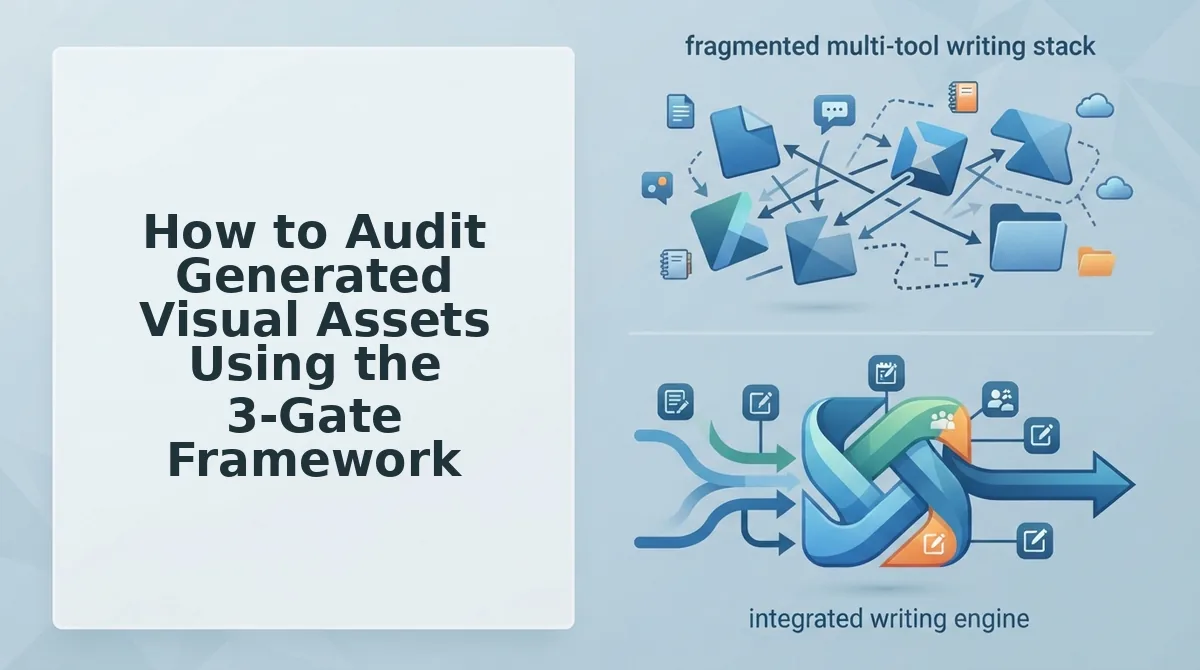
The 3-Gate Image Audit Framework is a systematic pre-publish protocol that screens generated graphics through conceptual relevance, batch visual uniqueness, and technical CMS payload delivery. Operators follow this sequential gate process to prevent hallucinated imagery, visual fatigue, and broken media endpoints on production URLs.
Auditing visuals across automated articles requires establishing a target density metric of 1 contextual inline image per 400 to 600 words of body copy. Before starting, confirm you have access to your staging environment, a media inspection window, and the target article draft.
- Inspect conceptual alignment and typography (Gate 1): Scan the graphic at full resolution for anatomical distortion, synthetic gibberish, and literal prompt misunderstandings (Time: 30 seconds). Apply VdoBloom guidelines to verify commercial depiction clarity and typography legibility across all embedded labels. You should confirm the image depicts your actual topical entity rather than a decorative abstract pattern.
- Evaluate batch deduplication and aesthetic fatigue (Gate 2): Compare the image against the last ten visual assets published across your topic clusters (Time: 45 seconds). Evade the semantic drift trap, where batch-generated runs continuously default to identical glowing neon brains, purple circuit boards, or levitating holographic dashboards. You should see distinct conceptual metaphors and complementary color palettes across adjacent articles.
- Validate technical compression and media handoff (Gate 3): Inspect the physical image URL, file format, and payload size inside your staging draft (Time: 30 seconds). Ensure the asset converts to modern formats like WebP under 150 KB, contains descriptive alt text matching section intent, and uploads directly to your media library rather than relying on ephemeral third-party storage links. You should see a self-hosted media link that loads instantly without mixed-content console warnings.
Executing continuous visual audits manually across extensive publishing runs causes severe operational drag. Teams using automated content workflows in BloGoose bypass this stack sprawl by orchestrating sitemap-driven calendar generation, image generation, and direct CMS delivery inside a single unified engine.
Next, you must address technical failures that break image delivery between generation endpoints and your production database.
How to Diagnose and Fix CMS Image Handoff Failures
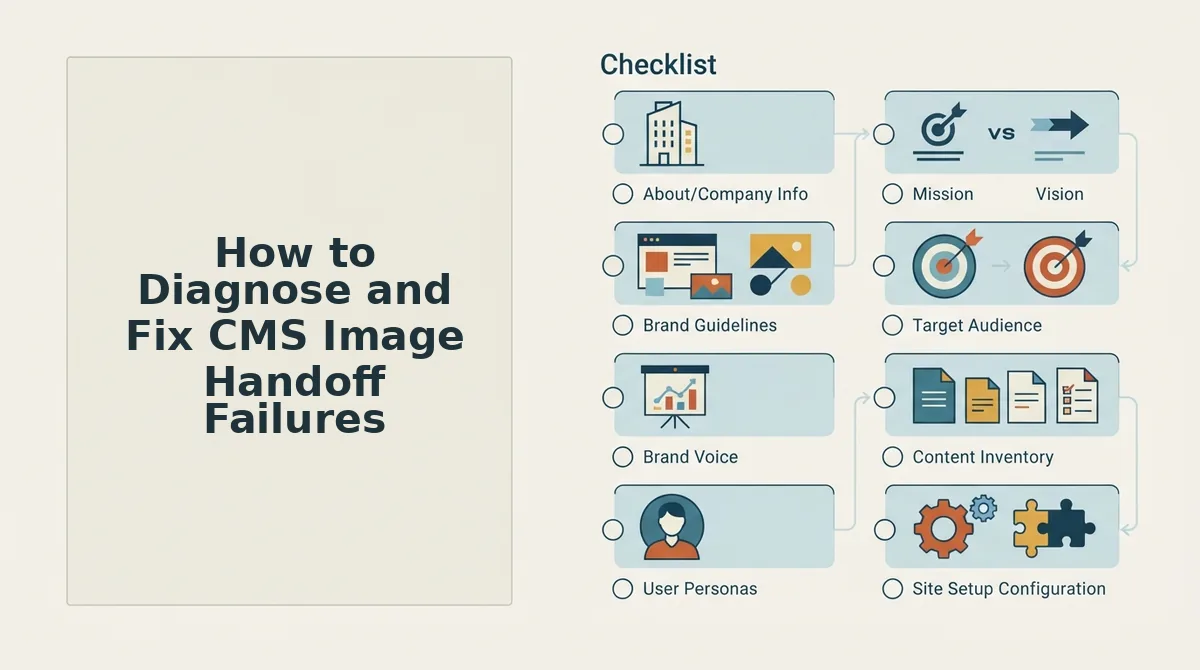
CMS image handoff failures occur when media assets break during automated ingestion due to expired temporary URLs, uncompressed payload sizes, or REST API permission bottlenecks. Diagnosing the exact transport layer error ensures scheduled batch publishing executes without missing asset containers.
| Failure Mode | Root Cause | Resolution Strategy | Best For |
|---|---|---|---|
| Ephemeral URL Expiration | Third-party generator temporary blob URLs expire within 60 minutes before the CMS scheduler executes ingestion. | Ingest assets directly to local media storage upon generation rather than relying on external hosted links. | Solo operators managing scheduled editorial queues |
| Media Upload Timeouts | WordPress REST API media timeout thresholds trigger on uncompressed PNG payloads exceeding gateway buffer limits. | Convert images to WebP binaries under 200 KB prior to initiating REST API POST requests. | Content managers running high-volume batch articles |
| REST API Authorization Blocks | Application password scope restrictions or endpoint security plugins block unauthenticated multipart file creation. | Configure dedicated endpoint credentials with media attachment upload permissions. | Publishing teams integrating custom API pipelines |
Publishers relying on decoupled image generators often experience silent ingest failure when automated workers trigger post-release hooks after external source blobs have expired. When assets fail to bind to post objects, search engines parsing your XML document node tree encounter broken image tags that degrade technical indexing signals.
Auditing server response logs and testing multipart upload endpoints in staging isolates transport layer disconnects before live content distribution. Verifying image ingestion against local CMS directories guarantees permanent media references across multi-post publishing queues.
Frequently Asked Questions About Reviewing Blog Images
Auditing blog visuals before publication resolves search relevance requirements, technical crawl errors, and technical media delivery issues across modern content workflows.
Do AI-generated images hurt blog SEO rankings?
No, AI-generated images do not hurt rankings if they provide relevant contextual value and fast page load times. Search engine documentation evaluates asset utility, structured schema, and technical delivery rather than creation origin.
Why do generated images fail during CMS handoff?
Generated images break during handoff when external generator blob URLs expire before ingestion completes. Additionally, raw uncompressed payloads exceed default REST API gateway upload timeout limits during scheduled post updates.
How many inline images should a long-form post have?
Long-form posts typically require one contextual visual asset every 350 to 500 words to anchor reader dwell time. Balancing inline diagrams with explanatory paragraphs maintains topic relevance without degrading overall rendering speeds.
How do I check generated diagrams for visual errors?
Inspect generated diagrams by checking axis labels for inverted letterforms, garbled typography, and logical directional relationships. Discarding visual assets with unintelligible technical schematics prevents brand credibility loss and editorial inaccuracies.
Ship Production-Ready Visuals Without Editorial Bottlenecks
Systematic pre-publish audits eliminate visual hallucinations and failed media attachments, turning volatile image queues into permanent, high-dwell production assets across every post. Enforcing rigorous payload compression and anatomical checks resolves the unvetted batch drift that quietly degrades technical search performance.
Eliminate multi-tab visual editing loops and verify automated publishing directly by running your domain through the setup wizard at BloG00s3.