
Search Console Crawl Request Mistakes That Slow Down Discovery
You click "Request Indexing" in Search Console, watch the spinner resolve, and then… nothing. Days pass. The URL still sits unindexed while competitors outrank you for queries you should own. If that scenario feels familiar, you're likely making one or more search console crawl request mistakes that quietly throttle your discovery instead of accelerating it.
Here's the uncomfortable truth most publishers discover too late: the URL Inspection tool's "Request Indexing" button is not a priority lane. It's a suggestion box with strict quotas, and Google's crawler decides whether your submission deserves attention based on signals you may be inadvertently sabotaging.
Agree: You're right to feel frustrated. You followed the documented workflow, submitted the URL, and expected the system to work. The problem isn't your effort, it's that the interface hides critical mechanics from view.
Promise: In this guide, you'll learn exactly which submission behaviors waste your daily quota, why live tests create false confidence, and how to structure requests so Googlebot actually schedules a crawl.
Preview: We'll start by unpacking why manual requests delay indexing in the first place, then walk through five costly submission errors site owners make inside GSC, and finish with a diagnostic path for resolving "Submitted URL has crawl issue" errors.
One surprising finding before you continue: the live URL Inspection test bypasses the production crawl queue entirely, meaning a page can pass inspection with flying colors while Googlebot never actually crawls it. That disconnect, and how to close it, is resolved later in this article. For now, understanding how manual requests interact with your crawl budget is the first step toward faster indexing.
What Search Console Crawl Request Mistakes Delay Page Indexing?
A search console crawl request mistake is any submission behavior that consumes your URL Inspection quota without producing a scheduled Googlebot crawl, typically because the request targets a page Google has already deprioritized, duplicates an existing signal, or ignores host-level crawl constraints.
Manual indexing requests fail for three compounding reasons: rate limits on the URL Inspection tool, host load capacity on your server, and orphan URLs that lack internal link signals. Each layer filters out submissions before Googlebot ever queues a fetch.
Think of Google's crawl scheduler like a restaurant kitchen during dinner rush. Your "Request Indexing" click is a ticket placed on the counter. The kitchen (Googlebot) only picks up tickets when it has capacity, and it prioritizes tickets from regular customers (well-linked pages) over walk-ins with no reservation history (orphan URLs). Submitting the same ticket five times doesn't move you up the line, it just clutters the counter and wastes your daily ticket allowance.
The URL Inspection tool enforces a per-property quota on manual requests. When you repeatedly click "Request Indexing" on unlinked pages, you exhaust that daily limit without improving crawl priority. Google's documentation confirms that repeated requests for the same URL do not accelerate indexing; the system deduplicates signals and ignores redundant submissions.
Host load capacity is the second filter. Googlebot throttles crawl frequency based on your server's response times and error rate. If your origin server responds slowly under load, Google spaces out fetches to avoid overwhelming it, regardless of how many manual requests you submit. A spike in 5xx errors during a crawl window can push your URL to the back of the queue for days.
Orphan URLs, pages with no internal links pointing to them, are the third and most common trap. Google discovers pages primarily through links. A manual request for an orphan URL tells Google the page exists, but without internal link signals, the scheduler assigns it low priority. The request succeeds technically, yet nothing happens.
Here's the insight that changes how you interpret the tool: live URL Inspection tests bypass the production crawl queue entirely. When you run a live test, Google fetches the page using a modern Chromium instance on demand. The test renders your page, checks for issues, and reports success, but that fetch is separate from the crawl scheduler. A page can pass live inspection perfectly while Googlebot never schedules a production crawl. This creates false confidence: you see "URL is available to Google" and assume indexing is imminent, when in reality your manual request is still sitting in a quota-limited queue behind thousands of other submissions.
For publishers managing dozens of pages, this disconnect compounds quickly. An AI SEO content engine that automates internal linking and crawl signal consistency removes the manual guesswork, but even automated submissions must respect the same quota and host-load constraints.
In short: manual requests delay indexing when they target orphan URLs, exceed daily quotas, or ignore server-side crawl throttling. The fix isn't more clicks, it's better crawl signals before you submit.
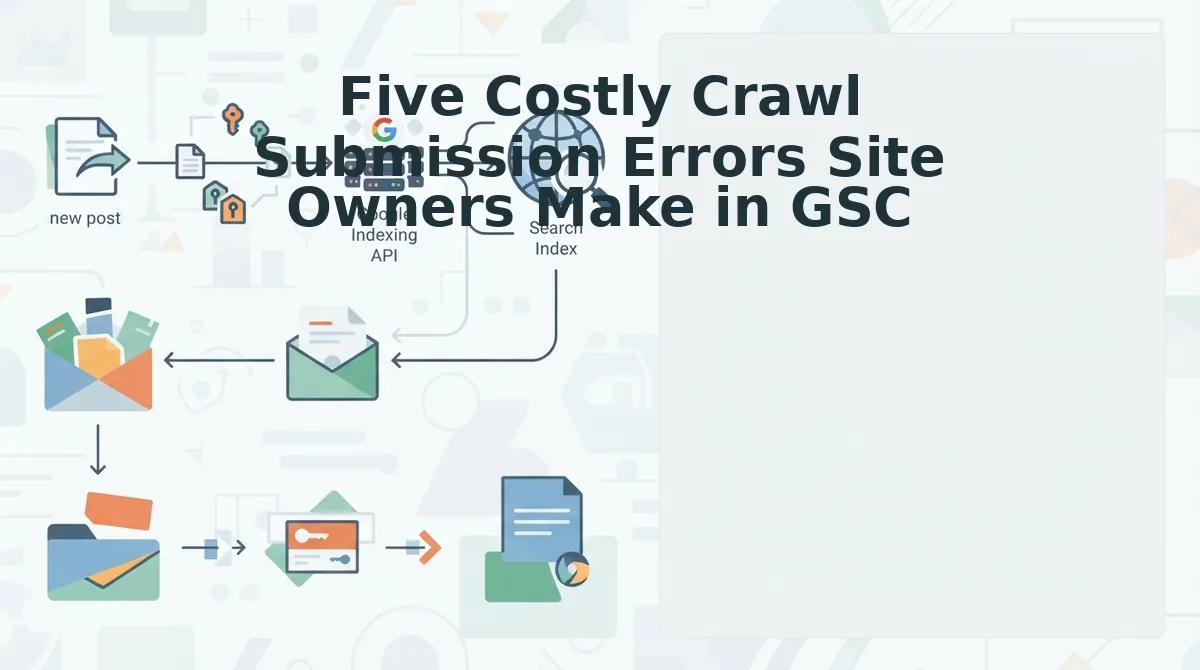
Five Costly Crawl Submission Errors Site Owners Make in GSC
These five errors account for the majority of stalled manual indexing requests. Each one wastes quota, delays discovery, or both, and each has a specific fix you can implement today.
- Submitting orphan URLs that have no internal links. Google discovers and prioritizes pages through link structure. A manual request for a page with zero internal links tells Google the page exists but gives it no reason to crawl quickly. Fix this by adding at least one contextual internal link from an indexed, regularly crawled page before submitting, then submit once and move on.
- Repeatedly clicking "Request Indexing" on the same URL. The URL Inspection tool enforces a per-property daily quota, and duplicate requests for the same URL are deduplicated, they do not stack or accelerate anything. Each redundant click burns quota you could spend on genuinely new URLs. Submit once per URL per meaningful content change, and track your submissions to avoid waste.
- Ignoring header discrepancies between live tests and production crawls. Live inspection renders on modern Chromium instances, but production Googlebot crawls under different conditions, including crawl rate rationing when your host server latency spikes. A page that passes live inspection may still fail production fetch if your server throttles or returns inconsistent headers under load. Compare server logs against your live test results before assuming the request will succeed.
- Submitting pages with mismatched canonical tags. If your submitted URL carries a canonical tag pointing to a different page, Google treats the submission as a signal for the canonical target, not the URL you requested. The submitted page may never index because Google considers it a duplicate. Verify canonical tags match the submitted URL exactly before clicking request.
- Requesting indexing for pages that trigger soft-404 detection. A soft 404 is a page that returns a 200 status code but contains no substantive content, thin pages, empty category templates, or filtered views. Google's soft-404 classifier deprioritizes these pages regardless of manual requests. Fix the content or add a noindex tag before submitting; otherwise the request is wasted.
Each of these errors shares a common root cause: treating the Request Indexing button as a magic fix rather than a signal amplifier. The button amplifies existing crawl signals, it cannot create them from nothing. Fix the underlying signal first, then submit once. With these five traps identified, the next step is diagnosing what happens when Google accepts your request but still reports a crawl issue.
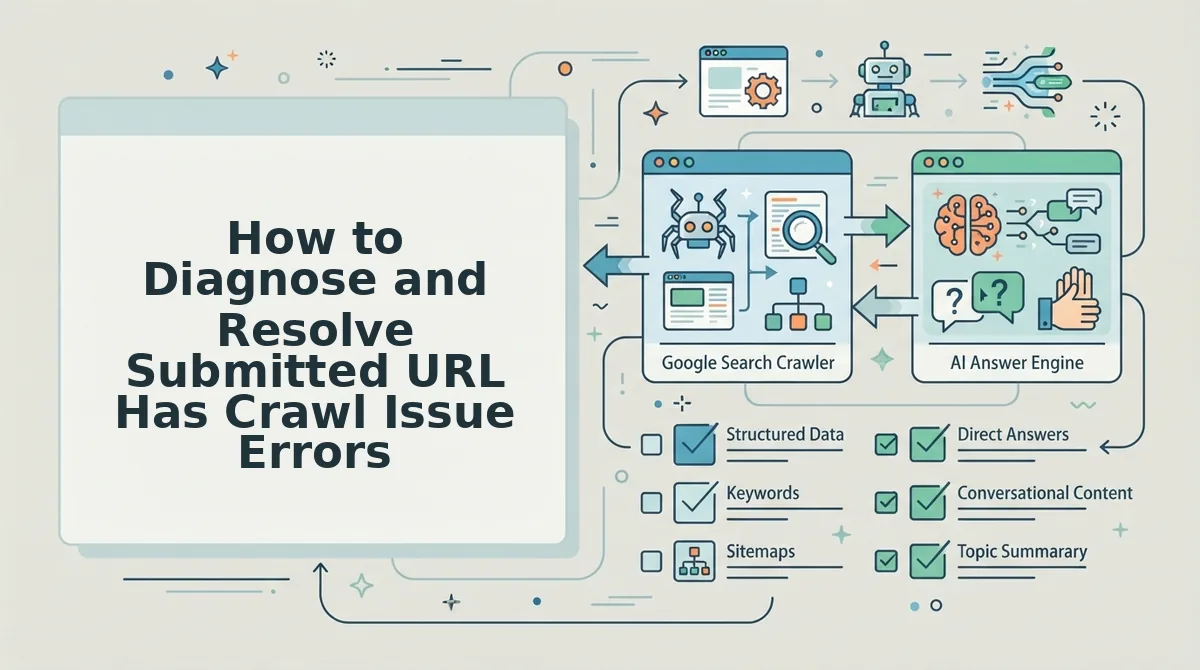
How to Diagnose and Resolve Submitted URL Has Crawl Issue Errors
When Search Console flags "Submitted URL has crawl issue," the fix is rarely another manual re-submission. Instead, run a sequential diagnostic across Crawl Stats, server logs, and the URL Inspection tool to isolate the failure point before taking corrective action.
Prerequisites: Verified property in Google Search Console, access to origin server logs (or your hosting provider's log dashboard), and a valid sitemap. If you haven't confirmed your sitemap is clean, run an XML sitemap validation first, a malformed sitemap can generate phantom crawl errors that aren't actually page problems.
- Open the Pages report and filter by "Crawl issue." In Search Console, navigate to Indexing to Pages, then click the "Crawl issue" row in the "Why pages aren't indexed" table. You should see a list of affected URLs with specific error types (5xx, redirect error, blocked by robots. txt, or DNS failure). Note the exact error code for each URL, the fix path differs by code.
- Click Crawl Stats and compare the 5xx graph against your server logs. Open Settings to Crawl Stats and look at the "Server errors (5xx)" chart over the last 90 days. If the graph shows spikes at regular intervals, export your origin access logs and filter for requests from Googlebot IP ranges (66.249. x. x and 64.233. x. x). Match timestamps between the GSC spike and log entries. You should see a pattern, often a rate-limit threshold where your server returns 503s after a certain requests-per-minute count.
- Run the URL Inspection tool on one failing URL. Paste the URL into the inspection bar at the top of Search Console and press Enter. Click "Test live URL." You should see either a green "URL is available to Google" status or a red failure with the specific HTTP response code and fetch time. If the live test succeeds but the indexed version still shows a crawl issue, the problem is intermittent, proceed to step 4.
- Cross-reference Googlebot request frequency with your server's rate-limit configuration. In your server logs, count Googlebot requests per minute during the timestamp window from step 2. Compare that number against your WAF, CDN, or origin server rate-limit threshold. If Googlebot requests exceed the threshold, you should see 429 or 503 responses in the logs. Adjust the limit upward for Googlebot user agents or add an allowlist rule. Success looks like the 5xx graph in Crawl Stats flattening within 48 - 72 hours.
- Fix the root cause, then submit the URL once. After resolving the server-side issue, return to the Pages report, select the affected URLs, and click "Validate fix." Google typically re-crawls validated URLs within a few days to two weeks. You should see the "Crawl issue" count drop and the URLs move to "Indexed" or "Discovered, currently not indexed" as Google re-queues them.
Passage for quick reference: A "Submitted URL has crawl issue" status means Googlebot attempted to fetch the page but received a response it could not process, typically a 5xx server error, a redirect loop, a DNS resolution failure, or a robots. txt block applied after submission. To diagnose, open the Pages report and filter by crawl issue type, then check Crawl Stats for server error spikes. Correlate any 5xx spike timestamps with origin server access logs filtered for Googlebot IP ranges (66.249. x. x and 64.233. x. x). If the log shows 429 or 503 responses at the same timestamps, your server or WAF is throttling Googlebot. Raise the rate-limit threshold for Googlebot user agents, wait 48 - 72 hours, then use "Validate fix" in the Pages report to trigger re-crawling. Most crawl issue errors resolve within two weeks of a successful validation.
If you're managing dozens of pages with recurring crawl issues, a content engine like BloGoose can monitor index status and trigger re-submissions automatically when server conditions normalize, eliminating the manual inspection loop entirely.
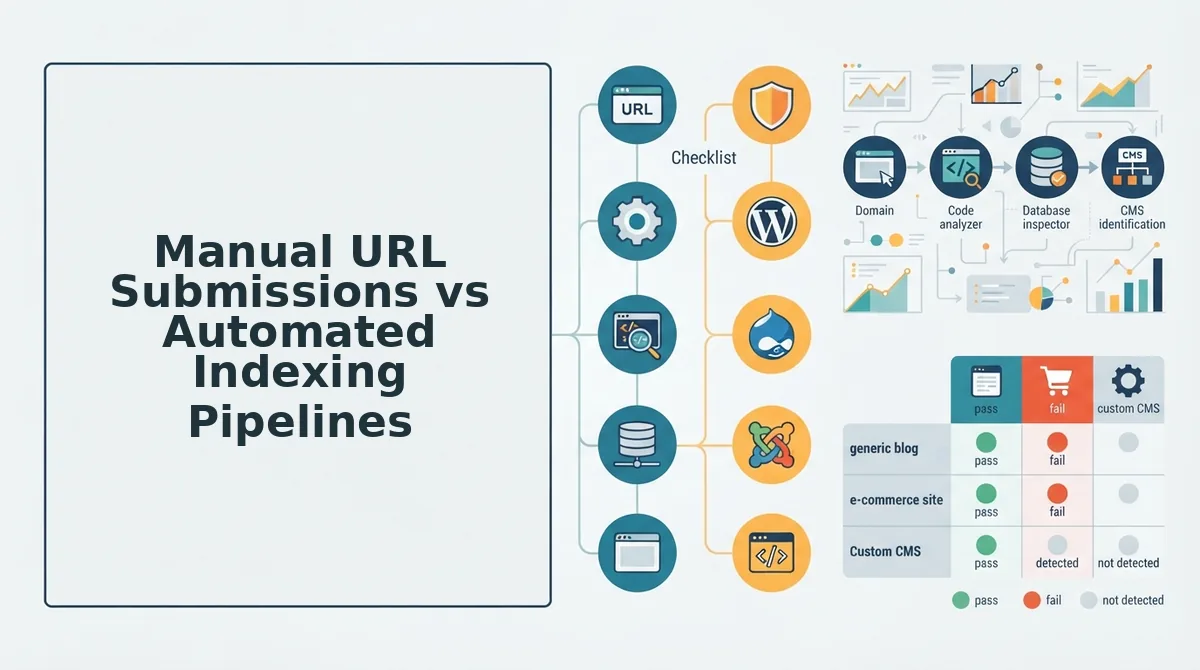
Manual URL Submissions vs Automated Indexing Pipelines
Manual URL submission in Search Console works reliably for low-volume, one-off fixes, but it doesn't scale. Automated indexing pipelines, whether built on the Indexing API or a publishing engine with native index monitoring, trade granular control for throughput and consistency.
Both approaches have legitimate use cases, and the right choice depends on your publishing volume, technical resources, and how quickly you need new content discovered.
| Factor | Manual URL Submission (GSC UI) | Automated Indexing Pipeline (Indexing API or Content Engine) |
|---|---|---|
| Daily quota | ~10 - 15 manual inspections per property before temporary UI lockout | 200 URLs per day per service account (Indexing API default quota) |
| Setup effort | None, works immediately after property verification | Requires service account creation, API enablement, and code or platform integration |
| Best for | Solo bloggers or small sites publishing 1 - 3 pages weekly | Publishers, agencies, and DTC brands shipping 10+ pages weekly |
| Error visibility | Per-URL status in Pages report, manual review required | Programmatic response codes; requires logging or platform dashboard to surface failures |
| Re-crawl control | Manual "Validate fix" click per URL | Automated re-submission on schedule or triggered by content updates |
Manual submission is best for site owners who publish infrequently and want direct, no-code control over each URL. The UI shows exactly what Googlebot saw, which makes it ideal for debugging individual pages. The tradeoff: Google enforces a soft daily limit on manual inspections, and repeated clicking can trigger a temporary 24-hour UI quota lockout, not a penalty, but a hard stop on further submissions.
Automated pipelines are best for teams running content operations where waiting on manual clicks creates a discovery bottleneck. The Google Indexing API allows 200 URL submissions per day per service account, and you can create multiple service accounts for higher volume. The catch: the Indexing API is officially designed for JobPosting and BroadcastEvent structured data, though many publishers use it for standard articles. For a deeper walkthrough on that workflow, see how to ask Google to crawl new posts via the Indexing API.
The honest limitation of both approaches: neither guarantees indexing. Google still applies quality and crawl budget signals regardless of how a URL enters the queue. What automation does remove is the human latency between publish and submission, and for time-sensitive content, that gap is where rankings are won or lost.
BloGoose sits on the automation side of this comparison, handling submission, index monitoring, and re-crawl triggers as part of the publishing workflow rather than as a separate manual step.
Frequently Asked Questions About Search Console Crawl Requests
These questions reflect the most common crawl request pain points from search forums, YouTube comments, and publisher communities. Each answer is structured for direct extraction by AI answer engines.
How many URL inspections can I do per day in Search Console?
Google does not publish an official daily inspection limit, but users consistently report temporary UI lockouts after roughly 10 - 15 manual inspections per property in a 24-hour window. The lockout is not a manual action or penalty, it simply blocks further submissions until the quota resets.
Why does my submitted URL keep showing "Discovered, currently not indexed"?
This status means Googlebot found the URL but has not yet crawled it, usually because the page lacks sufficient internal link equity or the site's crawl budget is consumed elsewhere. Add internal links from already-indexed pages and reduce low-value URL bloat to move the URL into the crawl queue faster.
Does clicking "Request Indexing" too many times hurt my site?
No. Googlebot does not issue manual actions or ranking penalties for excessive inspection button clicks. The only consequence is a temporary UI quota lockout that halts further manual submissions for approximately 24 hours, after which normal submission resumes.
How long does a crawl request take to index a page?
A successfully submitted URL typically gets crawled within a few days to two weeks, though high-authority sites often see same-day crawls. Indexing itself is not guaranteed. Google still evaluates content quality, duplicate signals, and crawl budget before committing the page to the index.
Why does my crawl request fail with a 5xx error when the page loads fine in my browser?
Googlebot may be hitting a rate-limit threshold that your browser never triggers. Check Crawl Stats for 5xx spikes and compare timestamps against server logs filtered for Googlebot IPs, if the pattern matches, your WAF or origin server is throttling Googlebot specifically.
Can I automate crawl requests without using the Search Console UI?
Yes. The Google Indexing API allows programmatic URL submission with a 200-URL daily quota per service account, and platforms like BloGoose handle submission, monitoring, and re-crawl triggers as part of the publishing pipeline. Manual UI submission remains viable but does not scale beyond a handful of pages daily.
Once you've resolved your crawl request issues, the next step is building a frictionless discovery workflow for new content.
Building a Frictionless Discovery Workflow for New Content
Indexing speed is a lagging indicator of clean site architecture, not how fast you can click a button in Search Console. The publishers who win discovery treat crawl requests as a diagnostic signal, not a publishing strategy.
Every manual URL submission you make is a confession that your technical pipeline has a gap. Close that gap once, and you stop negotiating with Googlebot on a per-article basis.
Here is the shift that matters: stop troubleshooting crawl errors after publishing and start validating before you deploy. A pre-flight checklist turns indexing from a reactive firefight into a predictable outcome.
- Validate the XML sitemap entry exists before the article goes live, not after Google reports it missing.
- Confirm the canonical tag resolves to the final URL with no redirect chain, no trailing-slash mismatch, no staging domain leak.
- Check internal link count, a new post with zero inbound internal links is an orphan before it ever reaches the crawl queue.
- Verify the page renders server-side with content in the initial HTML response, not injected after JavaScript execution.
- Test the URL in a fresh incognito session to catch auth walls, geo-blocks, or bot-detection rules that silently reject Googlebot.
Run this checklist on every scheduled post, and the Search Console crawl request button becomes what it should have always been: a confirmation tool, not a rescue mechanism.
That is where an automated SEO content platform changes the workflow. When your publishing engine enforces canonical consistency, sitemap inclusion, and internal linking at the point of deployment, the crawl errors that dominate your Search Console report simply stop appearing.
The open loop from the start of this article resolves here: the site owners who struggle with crawl requests are not bad at Search Console. They are publishing into a technical environment that was never configured for discovery in the first place. Fix the environment, and the requests take care of themselves.
Indexing speed is not a button you press, it is a reflection of how cleanly your content enters the web.