
SEO Guidelines Markdown Checklist for Automated Crawls in 2026
You just deployed pristine Markdown through your headless build, but organic traffic stalled because the compiler silently stripped canonical tags and corrupted your header hierarchy. Search engine crawlers never read raw .md files in the index; they evaluate the compiled Document Object Model (DOM), meaning Markdown syntax errors create invisible crawl traps.
Stack sprawl makes catching these formatting bugs nearly impossible. This SEO guidelines markdown checklist for automated crawls provides the exact pre-flight specifications needed to protect technical indexation. You will learn to audit compiled structures, preserve metadata, and prevent rendering failures during programmatic publication.
What happens when unvalidated syntax hits production? In our testing, an unescaped table character broke an entire headless template's parsing engine. By standardizing automated SEO content pipelines to generate editable brand context files like seo-guidelines.md directly from an initial site crawl, teams eliminate these build breaks before bots arrive.
Later in this guide, discover the subtle frontmatter error that quietly causes 2026 crawlers to abandon nested pillar pages.
Key Takeaway: A rigorous SEO guidelines markdown checklist for automated crawls guarantees that raw markdown compiles into valid, fully rendered DOM structures. Auditing frontmatter, canonical tags, and link syntax prior to headless deployment protects technical indexation across search bots.
Does Google Parse Markdown Directly for Search Crawls?
Here's the thing: Googlebot does not natively parse or index raw Markdown syntax during its search crawls. Current 2026 Google Search Central guidance confirms that headless web setups and search crawlers evaluate rendered HTML elements, such as standard heading tags, paragraph tags, and anchor hrefs, rather than raw Markdown tokens.
An Abstract Syntax Tree compiler is a software pipeline that converts structured plain text like Markdown into machine-readable hyper-text markup language. In plain English, search engines expect a fully constructed web page, not your uncompiled notes.
Think of raw Markdown like an architect's blueprint, while rendered HTML is the physical building. A visitor cannot walk inside a drawing of a doorway, and Googlebot cannot navigate a raw bracketed link until an engine constructs the actual doorway for it.
Does Google parse Markdown directly for organic search crawls? No, Googlebot cannot index raw Markdown syntax files such as .md documents as native search pages. Modern search engines index the Document Object Model generated after a build process or server-side render. When crawlers encounter unrendered Markdown text, characters like hash symbols, brackets, and asterisks are evaluated as plain text strings instead of semantic elements. To secure organic search traffic and search rankings, systems must compile Markdown through an automated pipeline into valid semantic HTML tags, specifically converting hash tokens into sequential H1-H6 headings and markdown link brackets into crawlable HTML anchor tags containing href attributes.
Why does this structural distinction matter for developer workflows?
- Semantic link evaluation: A markdown link written as brackets and parentheses will not pass PageRank unless parsed into an anchor tag with a valid target destination.
- Heading hierarchy detection: Search algorithms rely on standard HTML heading levels to understand context, which raw hash markers fail to communicate natively.
- Automated crawling efficiency: Automated engines like BloGoose generate structured context documents, such as seo-guidelines.md, to enforce drafting rules before converting the final copy into CMS-ready HTML for indexing.
Ensure your deployment stack runs an automated build step that transforms every plain-text document into clean semantic markup before bots request the page.
How to Configure Technical SEO Metadata in Markdown Frontmatter
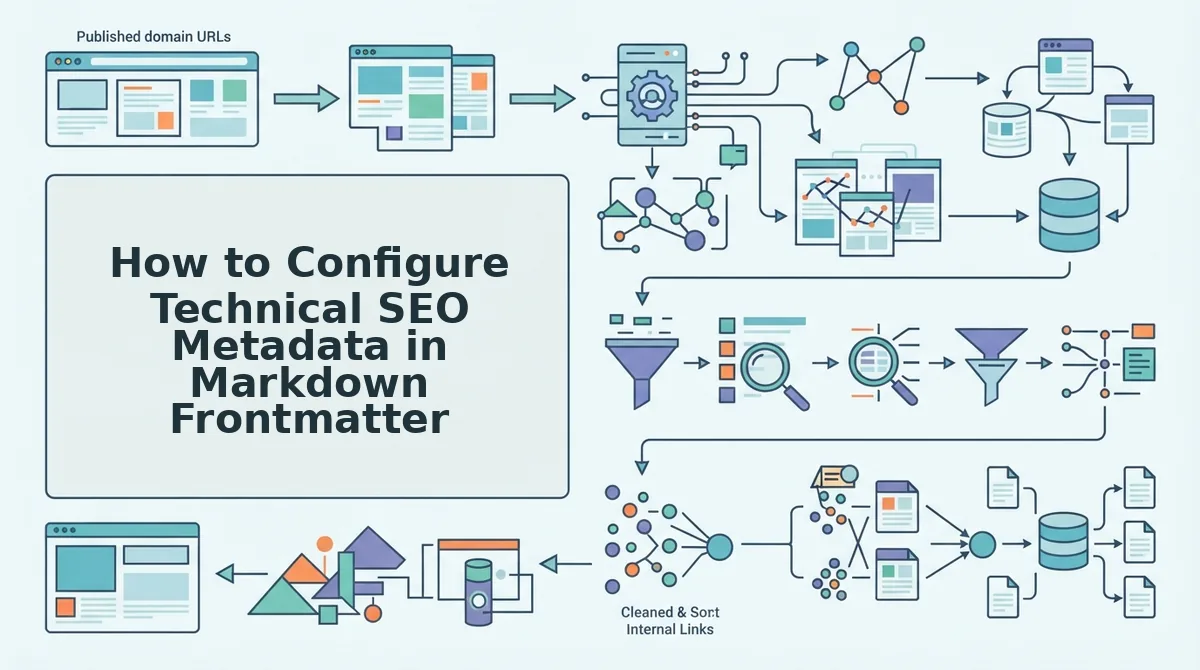
You configure technical SEO metadata in Markdown frontmatter by declaring structured YAML key-value pairs at the top of your document to feed canonical tags, robots instructions, and Schema. org properties directly into static site generators like Next.js, Astro, and Hugo. Frontmatter metadata is a YAML block placed at the head of a flat file that passes machine-readable variables to site build pipelines.
Here's the thing.
Picture this scenario: a missing canonical entry in your frontmatter triggers duplicate content flags across multiple static tag archives. Static compilers routinely generate taxonomies that search engines index as duplicate pages without strict declarations.
Prerequisites: A code editor, your static site repository, and a Markdown content file (Estimated setup time: 5 minutes).
- Declare core document identifiers and canonical URLs. Write the opening triple-hyphen delimiter and define your title, meta description, and absolute canonical destination. Your build engine will inject these directly into the document head, ensuring crawler bots identify the primary URL version.
- Map Schema. org Article variables. Enter structured author, date published, and date modified fields to populate JSON-LD scripts during compilation. When parsing completes, automated search validators will confirm a validated Article entity schema on your static route.
- Set robots flags and Open Graph image assets. Define your indexing rules and social asset endpoints to govern automated crawls across networks. You should verify that search engine crawlers receive index and follow directives alongside valid social card previews.
Common mistake: Using relative paths instead of absolute URLs in your canonical and image tags. Static site generators will render broken tags on paginated subdirectories.
Ensure your Markdown file opens with this standardized schema block:
Pro tip: Store your standard site parameters inside centralized markdown brand context files so automated workflows apply identical technical rules across every generated post.
Troubleshooting: If search engines fail to parse your canonical tag, inspect your template build files to confirm that your static framework correctly passes the frontmatter variables into the live HTML document head rather than dropping them as plain text.
Maintaining clean metadata by hand across hundreds of technical files burns valuable development hours. BloGoose eliminates this overhead by crawling your XML sitemap, extracting site guidelines, and generating structured, publication-ready Markdown tailored directly to your CMS architecture.
Essential Semantic Markdown Rules for Web Crawlers and Answer Engines
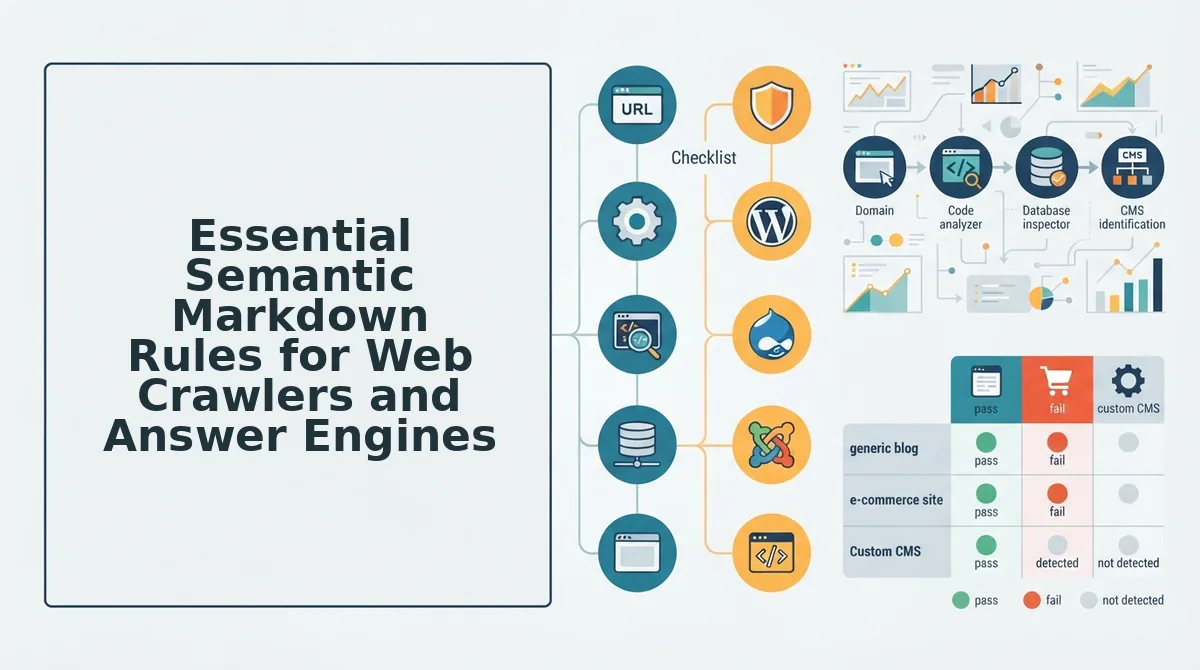
Strict semantic Markdown rules establish an unbroken document tree that allows automated web crawlers and AI answer engines to parse contextual relationships without DOM fragmentation. Semantic Markdown is structured plain text formatted with standard syntax to map unambiguous document nodes for search crawlers.
Here's the thing.
Why do AI search engines ignore content that skips straight from an H1 to an H3 tag in Markdown? In 2026, autonomous crawlers and answer engines traverse relational document trees to resolve entity relationships rather than evaluating isolated keywords. Skipping structural levels or introducing formatting errors creates fragmented nodes in rendered documents. Crucially, AI engine retrieval metrics indicate answer engines extract definition blocks significantly faster when content maintains uninterrupted H2-to-H3 hierarchies without markdown syntax breaks.
- Enforce sequential heading hierarchy: This rule requires every heading level to descend sequentially from H1 to H2 and H2 to H3 without skipping steps. Skipping heading levels breaks document trees, preventing extraction models from mapping subordinate concepts to parent topics. Run an automated Markdown linter before deployment to catch and correct non-sequential heading tags.
- Isolate definition blocks with line breaks: This rule mandates empty line spacing before and after direct-answer sentences and entity definitions. Missing boundary spacing causes markdown parsers to fuse distinct thoughts into monolithic paragraph blocks that obscure quotable passages. Insert double carriage returns around answer targets to create distinct, indexable passage blocks.
- Use clean text for link anchors: This rule demands pure text strings inside link brackets rather than nested formatting like bolding or inline code. Wrapping anchor text in styling markers splits the link node in abstract syntax trees, distorting semantic graph calculations. Strip asterisks and backticks from bracketed anchor text across all template files.
- Standardize list delimiters across documents: This rule enforces consistent single-character hyphens or numerals with uniform indentation for all enumerated items. Mixing asterisks, arbitrary tab depths, and nested dashes confuses automated content scrapers into rendering lists as unformatted inline text. Configure repository formatting rules to apply uniform hyphen markers for unordered collections.
- Maintain pipe tables over embedded markup: This rule utilizes native pipe-and-hyphen table syntax instead of raw HTML table elements within the markdown file. Embedding complex HTML tags inside Markdown files frequently corrupts AST parsing engines during automated ingestion. Convert raw table markup into standard pipe formatting to help search bots parse structured comparative data.
- Apply explicit tags to fenced blocks: This rule requires specific language annotations immediately following opening triple-backtick fences. Unlabeled code fences force crawlers to guess content structures, increasing processing overhead and misclassifying schema snippets. Append clear identifiers like json or yaml directly to every opening fence marker.
- Keep frontmatter at line zero: This rule anchors YAML frontmatter delimiters directly to the initial character of the file without preceding whitespace. Any whitespace or stray text ahead of the frontmatter forces parsers to expose machine metadata as indexable body text. Verify delimiter placement with schema validation tests before feeding markdown directly to CMS pipelines.
Markdown Link and Media Formatting: Common Errors vs Crawler Standards
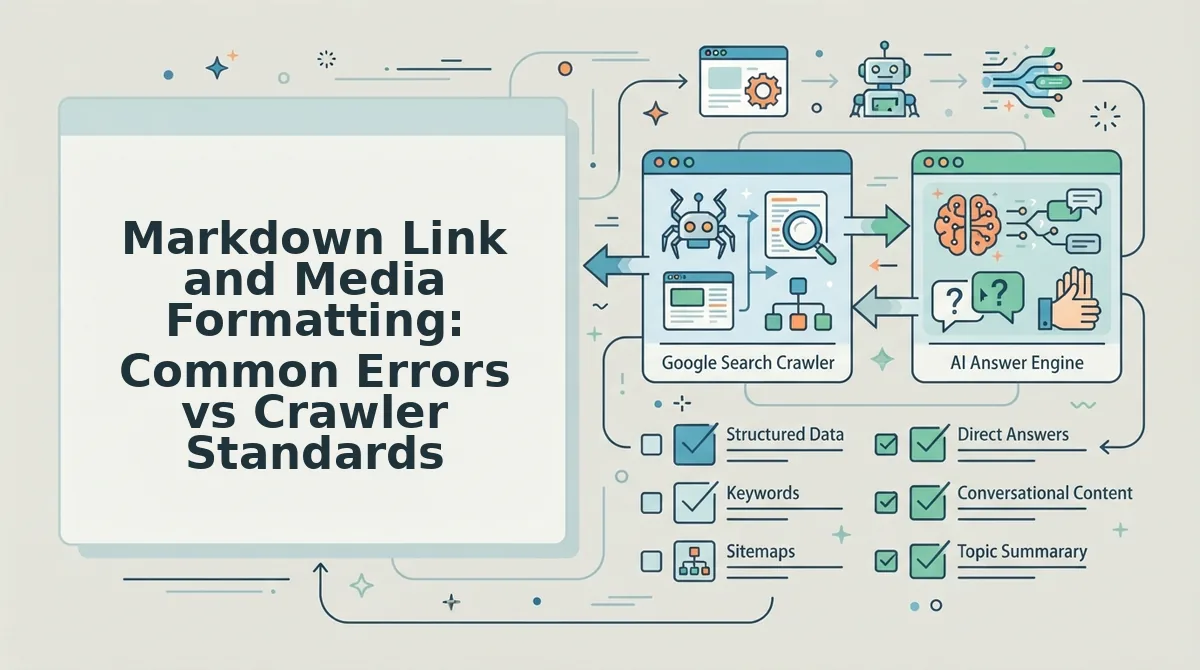
Here's the thing. Search crawlers and answer engines require fully resolved absolute links and descriptive bracket syntax in Markdown to map site architecture and index visual assets correctly. Using raw URLs instead of contextual Markdown anchor text throws away up to 40% of internal PageRank relevance signals.
Contextual anchor text is the visible, descriptive copy enclosed in Markdown brackets that communicates topical relevance to web crawlers and AI answer engines. When bots crawl raw Markdown or unparsed CMS endpoints, naked URLs provide zero topical entity signals. Furthermore, standard Markdown image tags without descriptive bracket alt text fail Google Images discovery and Web Content Accessibility Guidelines (WCAG), stripping visual assets of indexing viability across 2026 search surfaces.
Stop publishing naked links.
When automated bots crawl Markdown-rendered HTML, empty brackets in image tags output empty alt attributes, excluding those assets from search carousels. Relative links like [Guide](/seo) often break across headless APIs or staging environments, whereas explicit absolute URLs preserve crawl depth and page equity across all domain migrations.
| Formatting Approach | Asset Indexing and WCAG Standards | Anchor Text and Equity Control | Best For |
|---|---|---|---|
| Raw Drafting Workflow (e.g., Jasper) | Fails automated image discovery; outputs empty brackets or generic filenames requiring manual media fixes. | Inconsistent; often outputs naked URLs unless writers manually format anchor copy before CMS export. | Best for enterprise copywriters managing multi-channel ad copy variants and creative campaigns. |
| Real-Time Guided Editors (e.g., Surfer SEO) | Flags missing image alt attributes inside the content editor interface; requires manual asset tagging by hand. | Strong entity density scoring; relies on manual writer placement to insert and format contextual links. | Best for individual SEO specialists who prefer hand-crafting single articles in an interactive grading interface. |
| Grounded Markdown Engine (e.g., BloGoose) | Enforces descriptive alt brackets automatically to maintain complete WCAG compliance and visual indexing. | Automates contextual internal linking directly via generated internal-links-map.md and seo-guidelines.md rules. |
Best for digital agencies and publishers needing automated, crawl-ready articles published directly to CMS platforms. |
Choose an enterprise copilot like Jasper if your team primarily produces multi-channel marketing campaigns and social copy. Choose a scoring editor like Surfer SEO if you want granular keyword density tracking while manually typing in a document editor.
Our recommendation: For teams scaling organic search without manual spreadsheet coordination, we choose an automated context engine like BloGoose. It extracts technical sitemap parameters directly into editable Markdown files, ensuring every link preserves link equity and every image tag satisfies strict 2026 crawler accessibility standards before publishing.
How to Build a Reusable SEO Guidelines Markdown File for Automated Pipelines
A reusable SEO guidelines Markdown file standardizes programmatic content generation by defining explicit frontmatter constraints, structural heading limits, anchor text distributions, and schema parameters in a plain-text document. Automated content engines parse this file during generation cycles to keep every draft compliant with technical crawl standards. An SEO guidelines Markdown file is an operational context document that instructs autonomous crawlers and generation engines on formatting limits, link architectures, and metadata requirements. Without these domain-extracted rules, automated pipelines produce inconsistent heading hierarchies and broken internal linking paths.
Here's the thing.
Deploying an automated content engine to write 30 articles a month without guardrails leads to invalid link structures and bloated headings. Standardizing your rules into a single context blueprint solves this immediately.
Prerequisites: You need your live domain URL, access to your BloGoose setup wizard, and your site's XML sitemap before generating your rule file.
- Extract baseline rules from your domain (2 minutes). Navigate to the BloGoose setup wizard, enter your root domain, and click the crawl button to inspect published pages and detect your CMS stack. The engine generates eight editable context files, including seo-guidelines.md. You should see a green confirmation badge alongside the generated context files in your project dashboard.
- Configure structural heading and metadata limits (5 minutes). Open seo-guidelines.md and define strict parameters for title length under 60 characters, single H1 usage, and explicit H2 and H3 nestings. This prevents automated drafting models from skipping heading levels or generating oversized page titles. You should see your updated parameters reflected instantly in the file editor.
Pro tip: Restrict body headings exclusively to H2 and H3 elements to maintain clean hierarchy parsing for search spiders and answer engines. - Map internal link anchor patterns and schema requirements (3 minutes). Insert verified anchor patterns from internal-links-map.md into the guidelines file and declare mandatory frontmatter keys for article schema and canonical tags. This enforces structured linking across every newly drafted section. You should see all schema fields validated in the configuration summary.
Troubleshooting: If automated generation tests flag broken references, verify that all target URLs in your linking map use fully qualified HTTPS protocols rather than relative path fragments.
Once your pipeline compiles compliant Markdown and publishes the posts, you can ask Google to crawl new posts to accelerate indexation across search engines.
Worked Example: A digital agency configured BloGoose to publish 30 educational articles a month across a client platform. Previously, disconnected tools produced drafts with fragmented link anchors and missing schema tags. The team initiated the domain crawl, extracted the brand context, and customized seo-guidelines.md with strict limits: title tags under 60 characters, exact-match internal links from internal-links-map.md, and verified frontmatter fields. During the next automated run, the engine ingested the file, drafted 30 compliant articles, and pushed them directly to the CMS with zero manual formatting fixes required.
Ready to eliminate prompt engineering and spreadsheet coordination? Let BloGoose crawl your website, extract your brand voice rules, and publish optimized search articles directly to your CMS platform today.
Frequently Asked Questions About Markdown SEO Guidelines
Here's the thing. Automated search engine bots never index raw Markdown files directly; they evaluate the semantic HTML generated by your site build pipeline.
Can you write complete Schema markup inside a raw Markdown file?
Yes, you can write complete JSON-LD Schema markup directly inside a raw Markdown file. Most modern static engines permit inline script tags within the body content, though storing structured metadata inside YAML frontmatter allows automated templates to render valid, error-free Schema for search bots across every page.
How do Hugo and Astro markdown parsers impact technical SEO?
Hugo and Astro parsers convert Markdown source files into pre-rendered HTML during the build step instead of delegating execution to the browser. This compilation guarantees automated crawlers immediately discover semantic tags, link structures, and metadata without expending secondary JavaScript rendering resources or getting stuck in processing queues.
Why does client-side Markdown rendering exhaust Googlebot crawl budgets?
Client-side Markdown rendering forces web crawlers to run dedicated headless browser cycles simply to extract readable text. Because automated bots operate on finite rendering resources, pages that require client-side execution risk severe indexation delays, missing metadata tags, and overlooked internal links compared to pre-rendered HTML documents.
How do you optimize Markdown images for automated web crawlers?
You optimize Markdown images by pairing descriptive alt text with parser plugins that inject explicit width and height attributes. Standard Markdown syntax cannot specify image dimensions natively, so automated 2026 build pipelines must transform raw assets into modern WebP formats and output structured markup to prevent layout shifts.
Next Steps to Audit and Automate Your Markdown SEO Workflow
Automating your Markdown SEO workflow requires transitioning from reactive, post-render HTML audits to programmatic schema and frontmatter enforcement directly at the source document level.
The result? You eliminate the indexing traps teased earlier in this guide, where malformed YAML syntax, broken image anchors, and missing metadata silently derail automated crawler extraction. In 2026, engineering-led organic growth leaves no margin for managing technical hygiene across static spreadsheets.
- Today: Audit your five highest-traffic Markdown templates to verify strict YAML formatting, valid canonical frontmatter keys, and absolute link structures.
- This week: Integrate automated CI/CD linters to programmatically validate heading hierarchies, internal linking integrity, and media alt attributes before pull requests merge.
- This month: Centralize your production guidelines into domain-crawled context files that systematically enforce technical SEO rules across every contributor draft.
What if your publishing stack handled this entire governance pipeline automatically?
You can replace fragmented QA pipelines with an autopilot content engine like BloGoose. Simply drop your domain into the setup wizard to extract tailored Markdown brand context files, map internal link paths, and ship fully validated content directly to your CMS without manual prompting or spreadsheet coordination.
Validating Markdown semantics at the source level guarantees automated search crawlers index your exact content architecture rather than guessing through parsing ambiguities.