
Mistakes Teams Make When Stitching SEO Tools Together
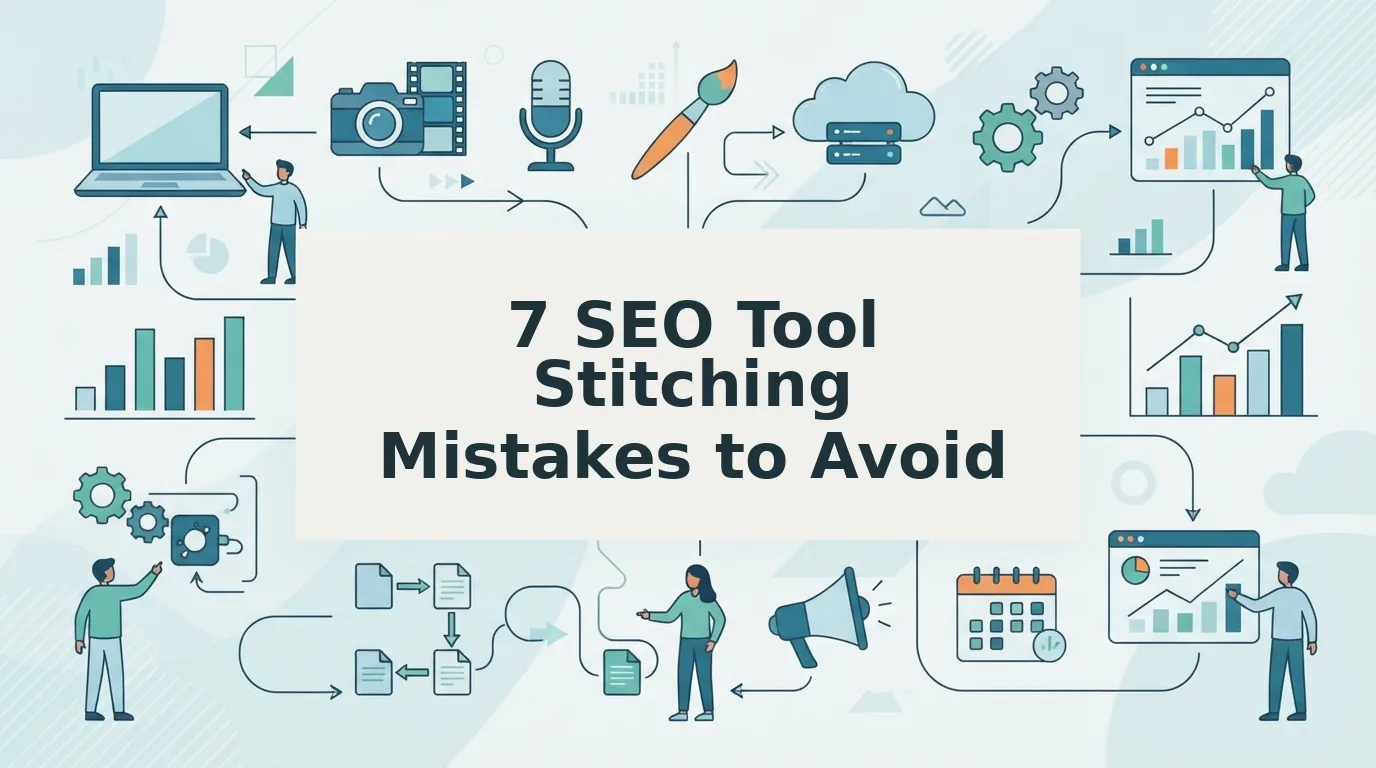
Your team has eleven browser tabs open just to publish one article, and the worst part isn't the wasted time. It's that every tab silently drops a little context, a little tone, a little intent, until the piece that finally ships reads like it was written by five different people who never met. The mistakes stitching SEO tools together aren't the flashy ones you'll find in generic mistake roundups; they're the quiet data leaks that happen every time a draft moves from one tool to the next.
Semrush and WebFX publish solid videos on broad SEO errors, thin content, missing meta tags, weak internal links, but neither addresses what happens when your research tool, AI writer, optimizer, and CMS don't speak the same language. That gap is exactly where content teams bleed rankings and brand consistency.
You already know the 12-tab content stack is unsustainable. This article will show you why handoffs between tools fail, how to stop tone drift across AI writers and editors, and what causes formatting breaks during CMS import. Along the way, you'll see why extracting brand context once, and reusing it everywhere, beats stitching together tools that were never designed to cooperate. One finding near the end will likely change how you evaluate your entire publishing pipeline.
Why Do SEO Tool Handoffs Fail?
A handoff failure is any loss of data or context that occurs when content moves from one tool to the next in your publishing workflow. Think of it like a game of telephone: each player repeats the message slightly differently, and by the final round, the original meaning is unrecognizable.
Most SEO tool stacks are built from tools that were never designed to talk to each other. A keyword research tool exports a CSV. An AI writer reads that CSV but ignores search intent. An optimizer scores the draft against on-page factors but knows nothing about your brand voice rules. A formatter strips inline styles. A CMS import mangles headings. Each transition is a seam, and seams are where content breaks.
The 12-Tab Content Stack Failure Framework maps five critical handoff points where context loss compounds:
- Research to Draft: Keyword data arrives without search intent or SERP context, so the AI writer produces generic content that misses the query's actual need. Teams that skip live SERP analysis during research bake in misalignment from the first sentence.
- Draft to Optimize: The optimizer sees only the text, not the brand voice rules or target audience notes, so its suggestions flatten tone and strip personality in favor of keyword density.
- Optimize to Format: Formatting tools apply generic templates that ignore your site's heading hierarchy, image conventions, and internal linking patterns.
- Format to Publish: The CMS import process reinterprets HTML, drops custom classes, and breaks schema markup that was carefully added earlier.
- Publish to Index: Post-publish monitoring tools lack the original content brief, so they can't tell whether a ranking drop stems from content quality or a technical regression.
Handoff failures compound because each tool only sees the output of the previous one, never the original intent. By the time an article reaches your CMS, it has passed through four or five lossy translations. The fix isn't better individual tools, it's a pipeline where brand context, search intent, and formatting rules travel with the content from research to publish without being re-entered or re-interpreted at each step.
How to Stop Tone Drift Across AI Writers and Editors
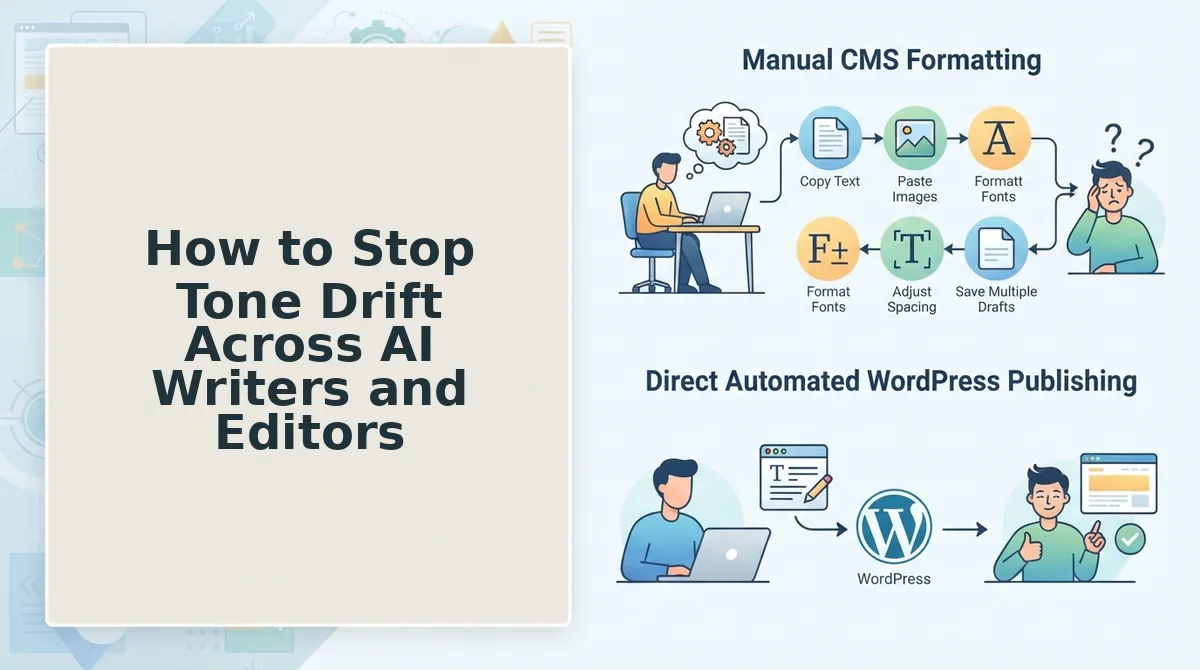
Tone drift happens when each AI tool applies its own default voice instead of your brand's voice, so the final article sounds inconsistent. Content managers consistently report this problem when switching between AI writers, editors, and optimizers, the draft sounds like you, the edits sound like a robot, and the optimized version sounds like neither.
Prerequisites: A documented brand voice guide (or at least 3-5 published articles that represent your ideal tone), access to your AI writing and editing tools, and 20-30 minutes for setup.
- Extract your brand voice rules once. Run your best-performing published articles through a brand context extraction tool that identifies sentence length patterns, vocabulary choices, formality level, and recurring phrases. You should see a structured voice profile, not just a vague description like "friendly and professional," but concrete rules like "average sentence length under 18 words" and "second-person pronouns in 70% of paragraphs."
- Create a reusable voice block. Copy the extracted voice rules into a single text block, including example sentences, banned phrases, and formatting preferences. Save this block in a shared document or directly in your content engine's brand settings. This block becomes the single source of truth that every tool references.
- Paste the voice block into every AI writer prompt. Before generating any draft, prepend the voice block to your prompt. The AI writer should produce copy that matches your sentence rhythm and vocabulary on the first pass. You should see fewer generic phrases like "in today's fast-paced world" and more of your brand's actual speech patterns.
- Feed the same voice block to your editor and optimizer. When running grammar checks or on-page optimization, include the voice block as a constraint. The editor should flag tone violations alongside grammar errors, and the optimizer should preserve your voice while adjusting keyword placement. Success looks like an optimized article that still reads like your brand wrote it.
- Audit a published article monthly. Pick one live article and compare its tone against your voice block using a consistency check. If you find drift, trace it back to the tool where it was introduced and tighten that handoff. A platform that extracts brand context once and reuses it across research, drafting, optimization, and publishing eliminates this recurring audit burden.
Once tone stays consistent from draft to publish, the next failure point appears further down the pipeline: what happens to your carefully formatted article when it hits the CMS import step.
What Causes Formatting Breaks During CMS Import?
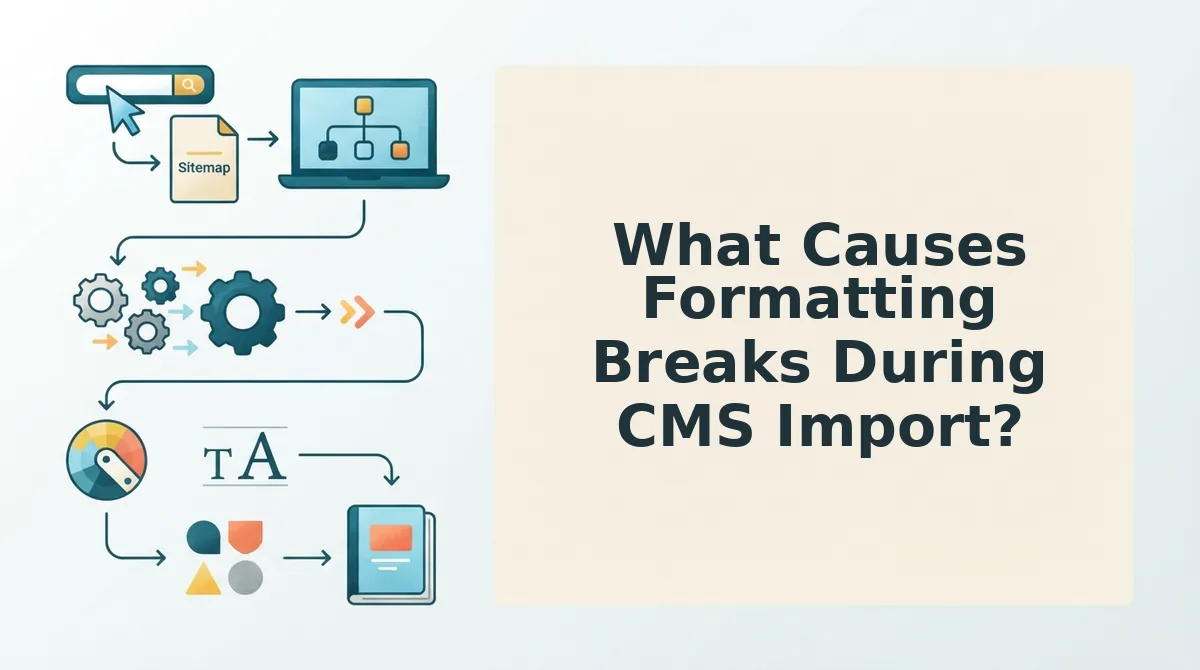
Formatting breaks during CMS import happen when content moves between tools that store structure differently, plain text, Markdown, rich text, or HTML, and each handoff silently strips or mangles a layer of formatting.
Think of a CMS import like moving furniture between houses. If every mover repacks the boxes differently, some items arrive broken, some get left behind, and you only notice when you try to use them. The same happens when an article passes from a chat window to a text editor to WordPress: each tool repacks the content, and structure gets lost along the way.
The Simple Failure: Pasting From a Chat Window
One content manager drafted an article in a chat window, copied it into WordPress, and hit publish. The headings looked fine in the editor, until the page went live and every H2 had become bolded paragraph text. The heading hierarchy was gone, which meant search engines saw a flat wall of text with no topical structure to parse.
Chat windows export plain text or lightweight Markdown. WordPress expects HTML blocks. When the paste happens without a conversion step, heading tags, lists, and blockquotes collapse into unstyled paragraphs.
The Intermediate Failure: Markdown-to-WordPress Conversion
Markdown is a lightweight formatting syntax that uses symbols like ## for headings and - for lists. WordPress does not natively render Markdown, so teams rely on plugins or manual conversion. If the plugin is misconfigured or the Markdown uses non-standard syntax, images lose alt text, ordered lists become unordered, and code blocks escape their containers.
Markdown context files can preserve formatting across tools. A context file stores the article's structure, headings, image paths, metadata, and internal links, in a portable format that each tool reads the same way. When every tool in the chain references the same context file instead of reinterpreting pasted text, the structure survives the handoff.
The Advanced Failure: Image Handling and Heading Structure Loss
Images break during import for a predictable reason: the image URL points to a temporary location or a tool-specific CDN that the CMS cannot access. The result is a broken image icon where a diagram or screenshot should be. Heading structure loss is subtler, a tool may convert H3 tags to H2 tags to "normalize" the outline, which flattens the semantic hierarchy that search engines use to understand topic depth.
The technical failure most content teams ignore is that every tool in a stitched stack makes its own assumptions about what "clean HTML" means. One tool strips inline styles, another adds <span> wrappers, and a third renames heading levels. By the time the article reaches the CMS, the structure no longer matches what the writer intended, and no one checks until rankings stall. If you are already seeing these symptoms, the guide on how to fix broken formatting AI blog posts walks through the repair workflow step by step.
Which Publishing Steps Get Skipped in Manual Workflows?
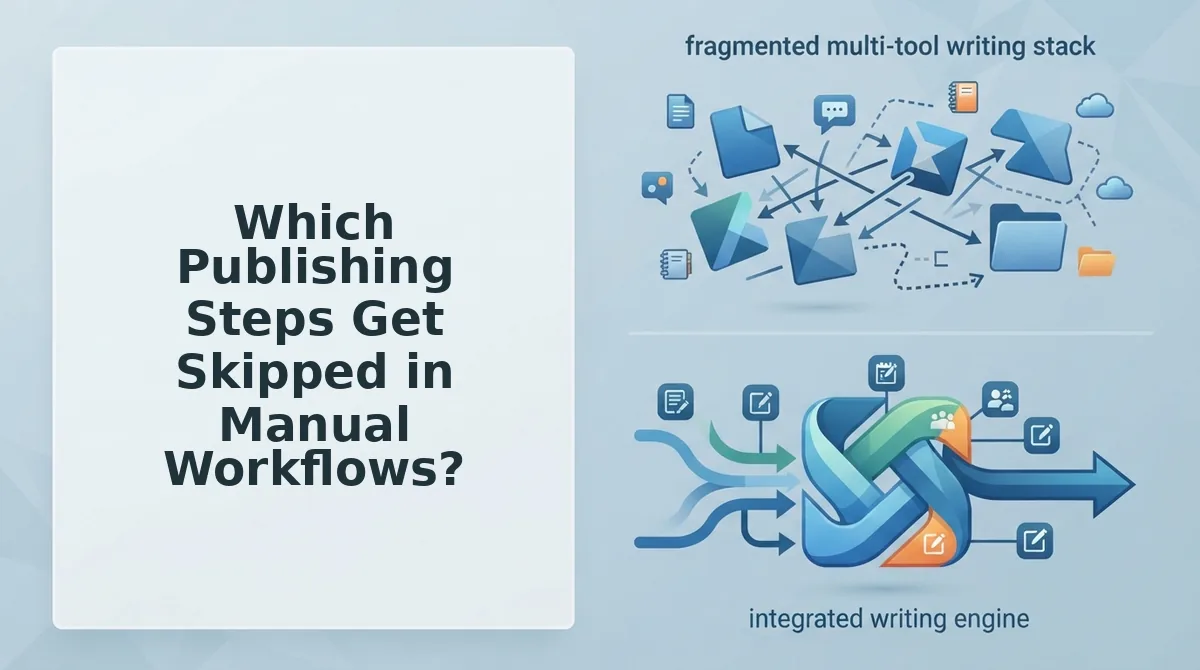
Manual publishing workflows skip the invisible steps that separate a published post from a post that ranks. Here are the seven steps most often dropped when teams stitch tools together by hand.
- Indexing API calls after publish. Publishing a post does not tell Google it exists. Teams that skip the Indexing API call wait days or weeks for crawlers to discover the URL naturally. Submitting the URL to the Indexing API immediately after publish cuts the discovery window from weeks to hours, which matters most for time-sensitive content.
- Internal link insertion into existing posts. New articles need links from older, already-ranking pages to pass authority and establish topical clusters. Manual workflows rarely include the step of editing old posts to add links to the new one, so the new article starts with zero internal equity and takes longer to rank.
- Schema markup validation. Schema markup is structured data that tells search engines what a page is about, article, FAQ, product, or review. Teams that add schema manually often skip validating it against Google's Rich Results Test, which means errors go live and the page loses eligibility for rich snippets.
- Image alt text and compression. Images uploaded directly from a design tool often carry generic filenames like
image-final-v3.pngand no alt text. Skipping alt text and compression hurts both accessibility and page speed, two factors that directly affect rankings and AI answer eligibility. - Canonical tag verification. A canonical tag tells search engines which version of a URL is the original. When a post is published through a stitched workflow, duplicate URLs can appear, with and without trailing slashes, or with UTM parameters, and without canonical verification, the page competes with itself.
- Mobile viewport check. Desktop previews hide layout breaks that appear on mobile, where the majority of search traffic now originates. Skipping the mobile check means publishing tables that overflow, images that push content off-screen, and headings that wrap awkwardly, all of which increase bounce rate.
- AEO content optimization pass. AI answer engines extract answers from pages with clear question-and-answer structure, concise definitions, and entity-rich language. Skipping the AEO content optimization pass means the article may rank on Google but never get quoted in AI responses, a growing share of search visibility that manual workflows ignore entirely.
Each skipped step is small on its own. Together, they form the gap between a published post and a post that earns traffic. An integrated publishing engine runs these steps automatically, so none of them depend on someone remembering.
The Real Fix Is Fewer Handoffs, Not Better Tools
The failures in this article share one root cause: every time content moves between tools, something gets dropped. The problem isn't tool quality, it's tool handoffs. Each transfer is a chance for tone to drift, formatting to break, or a publishing step to vanish.
That's why the fix is architectural, not tactical. A single system that reads your website, learns your brand voice, drafts with SEO and AEO baked in, and publishes directly to WordPress or a custom API removes the handoffs where errors live. BloGoose does exactly that: it crawls your site, extracts the voice rules, builds the calendar, and ships finished articles without a paste buffer in sight.
If you're still moving content through a chat window, a text editor, a grammar checker, and a CMS, the comparison in AI content engine vs chat window workflows will show you exactly what each handoff costs.
Your next step is to run one article through an integrated engine and compare the published output against your current stitched workflow. Count the steps you skip, the formatting you fix, and the publishing tasks you forget. The difference is the business case. When your content engine treats brand voice, formatting, and publishing as one continuous process instead of five separate tools, you stop patching handoffs and start compounding output.