How to turn live SERP research into an article brief

Your writer reopens the SERP before typing a single sentence â and the research you spent an afternoon capturing dies in a document nobody reads.
That handoff failure is the part tool tutorials skip. They promise a "full content brief automatically" and never state what to keep from the research, so the draft gets rebuilt from scratch. To turn live SERP research into an article brief, you stop treating research and drafting as two separate jobs.
The goal is one page a writer can draft from without leaving it. You need three inputs before you start:
- A frozen SERP snapshot, captured once and dated.
- One primary keyword, not a cluster.
- Your site's brand context, so the brief carries voice rules.
Here is the workflow in miniature. An informational query returns five how-to videos and no community threads â thin supply, no commercial layer. You freeze that capture, log what each result actually covers, then build an SEO content brief that carries those notes into the draft. The writer opens one page. The SERP tab stays closed.
What most briefs lack is a rule for what to cut, and that omission costs you the whole handoff.
So let's look at the artifact itself.
What Does a Draftable Article Brief Contain?
A draftable article brief contains five components: the classified search intent, a claim ledger of sourced facts, the section order, a word budget for each section, and an acceptance test. Together, they let a writer draft from the brief alone, without reopening the SERP or guessing what the article must prove.
A content brief is the handoff document that tells a writer what to write, why, and from which evidence. A claim ledger is a table that pairs each claim with its captured source, target section, and confidence level (estimated or verified). A section budget is a word allowance tied to the new information that section adds, not to padding. An outline says what goes where. A brief also says why and from what evidence, and that evidence column is the difference.
An outline works like a grocery list. A brief works like the recipe: it gives the quantities and the reason each ingredient is there.
In working order:
- Intent: the classified search intent the article must satisfy.
- Claim ledger: every fact, its source, its section, and its confidence level.
- Section order: the H2 sequence the writer follows.
- Section budgets: word counts per section, sized to information gain.
- Acceptance test: the check that confirms the draft is finished.
BloGoose crawls your site, extracts brand voice rules, and drafts articles with AEO optimization built in, so every brief starts from your existing structure.
Building a brief starts with what you capture from the SERP.
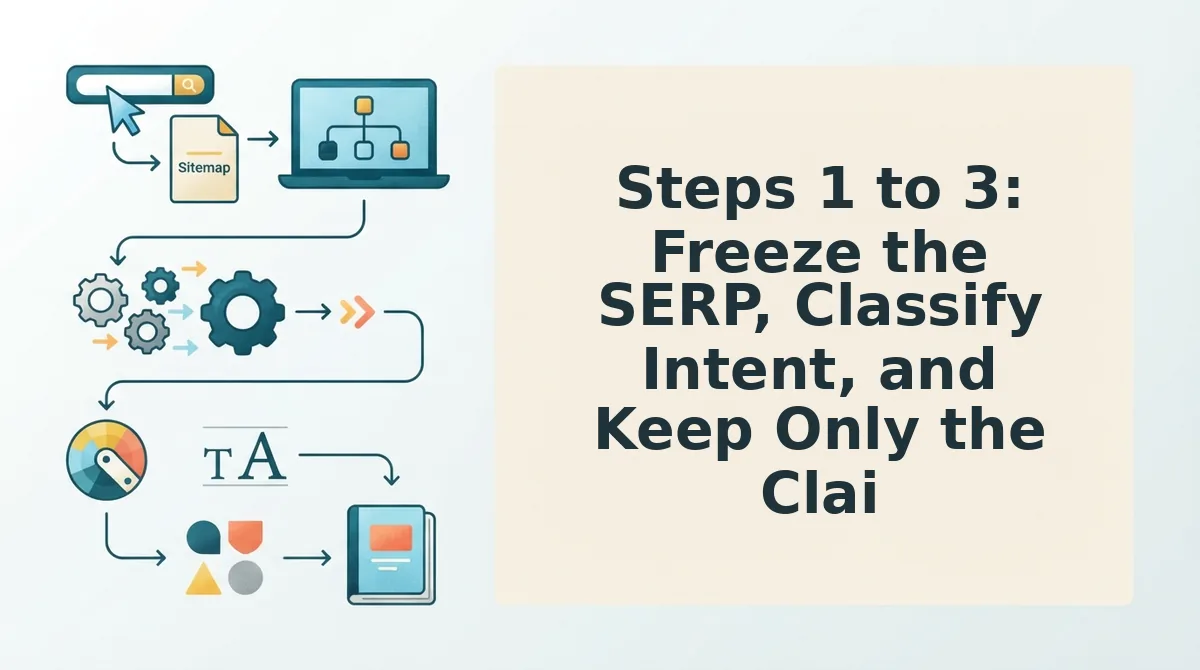
Steps 1 to 3: Freeze the SERP, Classify Intent, and Keep Only the Claims
Turn live SERP research into an article brief in three moves: save a dated snapshot of the results, classify the intent behind each ranking page, then keep only the claims a writer cannot draft without. Everything else gets cut before the brief leaves your hands.
A snapshot you can't cite later is just a screenshot. Here's where most briefs break.
Before you start, you need three things: a browser with a results-capture extension or a full-page screenshot tool, a spreadsheet with four columns, and the target query written down verbatim. No CMS access required at this stage.
- Freeze the SERP as a dated snapshot. Open the target query in a logged-out browser window, capture the full results page, and paste the URL and capture date into row one of your sheet. You should see a file whose name includes the query and the date, so a writer three weeks later can confirm what you actually saw.
- Classify intent and flag the mixed results. For each ranking page, note whether it informs, compares, or sells. Group them. If more than one intent appears, label the query mixed and record which intent dominates â that flag decides the brief's shape. Compare the patterns against search intent patterns in live SERPs when the split isn't obvious. You should end with a one-line intent verdict: dominant intent, plus any minority intent the draft must acknowledge.
- Apply the keep/cut rule and log survivors. Keep a source only if it answers yes to one of three questions: does it change section order, does it supply a fact the draft cannot assert without it, or does it name a competitor's weakness? Log each survivor in the claim ledger below. Expect to cut most of what you captured â that's the point.
| Claim | Source captured in research | Section it belongs to | Verified or [est.] |
|---|---|---|---|
| Example: topic is nearly uncontested on video | Dated SERP snapshot, view counts noted | Information-gain section | Verified |
A claim ledger is a four-column table inside the brief that records each surviving claim, where it came from, which section uses it, and whether it's verified or an estimate. It travels with the draft so the writer never re-researches. Set the habit of citing sources at the claim level, not the paragraph level.
How much of your SERP research belongs in the brief?
Only the claims that pass the three-question test â typically a small fraction of what you capture. Everything that merely confirms what you already know, restates a competitor's structure, or fills space gets cut. The test is not "is this interesting" but "would the draft fail without it." A source that changes no section, supplies no assertable fact, and exposes no competitor weakness has no seat in the ledger. This is the rule that separates a working brief from a research dump, and it's why the ledger stays short.
The failure case is visible in the tooling itself. diflowrin's "SERP to Article" extension promises to turn Google and Bing results into an article in minutes, and it skips the retention decision entirely â nothing in that flow tells the writer which facts are verified.
Worked example
A publisher targets a procedural how-to query and finds the top results are all video tutorials with low view counts and no written definition of the artifact being asked about. Step 1 captures the results page with the date. Step 2 labels the query informational with no commercial layer. Step 3 keeps one source for a competitor-weakness note and cuts the rest, since none supplies a fact the draft can't assert independently. The brief now opens with a definition passage the videos never provide.
With the intent verdict and the ledger locked, the next job is sizing each section and packaging the handoff.
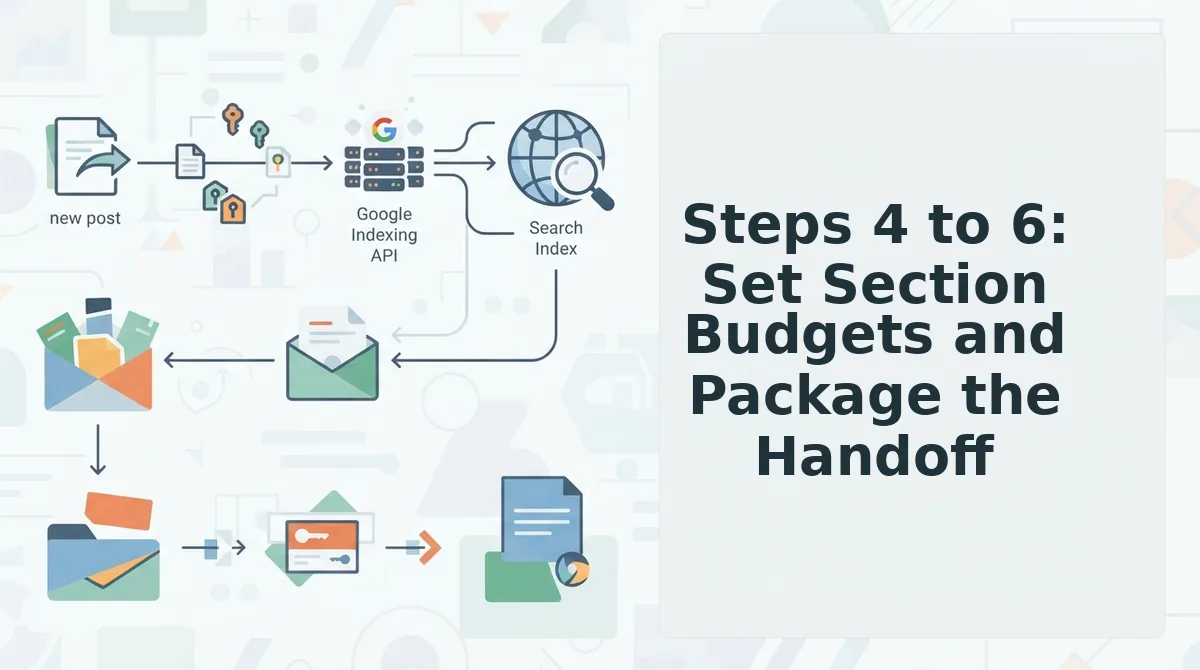
Steps 4 to 6: Set Section Budgets and Package the Handoff
The last three steps turn the claim ledger into a brief a writer can draft from without reopening the SERP. You allocate words by gap size, pair every instruction with its evidence, and attach brand context before sending.
Prerequisites: the frozen SERP snapshot from Step 1, the claim ledger from Step 3, and your written brand voice rules. You need one spreadsheet, one shared doc or CMS brief field, and about 40 minutes.
- Open the budget sheet and allocate words by gap size, not by competitor average length. Type one row per planned section, then assign a count based on how thin the source coverage is for that section. The table below mirrors this article's own budgets. You should see the count column total 1,900, the target band. Time: 10 minutes.
| Section | Words | Gap signal that set the budget |
|---|---|---|
| Direct answer block | 60 | No supplied source answers the question in one self-contained passage |
| Steps 1â3 | 320 | Partly covered by video how-tos |
| Steps 4â6 | 300 | Budget and two-column artifact appear nowhere |
| Acceptance checklist | 220 | Pre-draft signoff unaddressed |
| Claim ledger framework | 180 | No competitor equivalent |
| FAQ and comparison | 240 | Thin, uncontested |
| Intro and conclusion | 280 | Standard scaffolding |
| Transitions | 300 | Standard scaffolding |
- Open the brief doc and build two columns: Instruction and Evidence. Type the writer's instruction in the left cell and the source, quote, or claim ID in the right cell of the same row, so no instruction floats without support. You should see zero blank evidence cells. Time: 25 minutes.
| Instruction | Evidence |
|---|---|
| Define the artifact before showing any steps | No supplied source defines a draftable brief; all five videos jump straight to generation |
| State the keep/cut rule explicitly | One-click generators such as Rankergent show the UI, never the retention test |
| Answer the re-research question directly | Nothing in the landscape addresses it |
The observed results for this query carry 6, 12, 1, 283, and 1,148 views, and the highest-viewed runs keyword to published output without ever displaying a brief. Two columns make that invisible step visible, the same handoff logic that automated SEO content depends on.
- Paste your brand voice rules into a locked header that travels with the brief. Copy tone, banned phrases, and formatting rules from your brand doc to the top of page one so the writer has no reason to invent a second voice. You should see the header on every export. Time: 5 minutes.
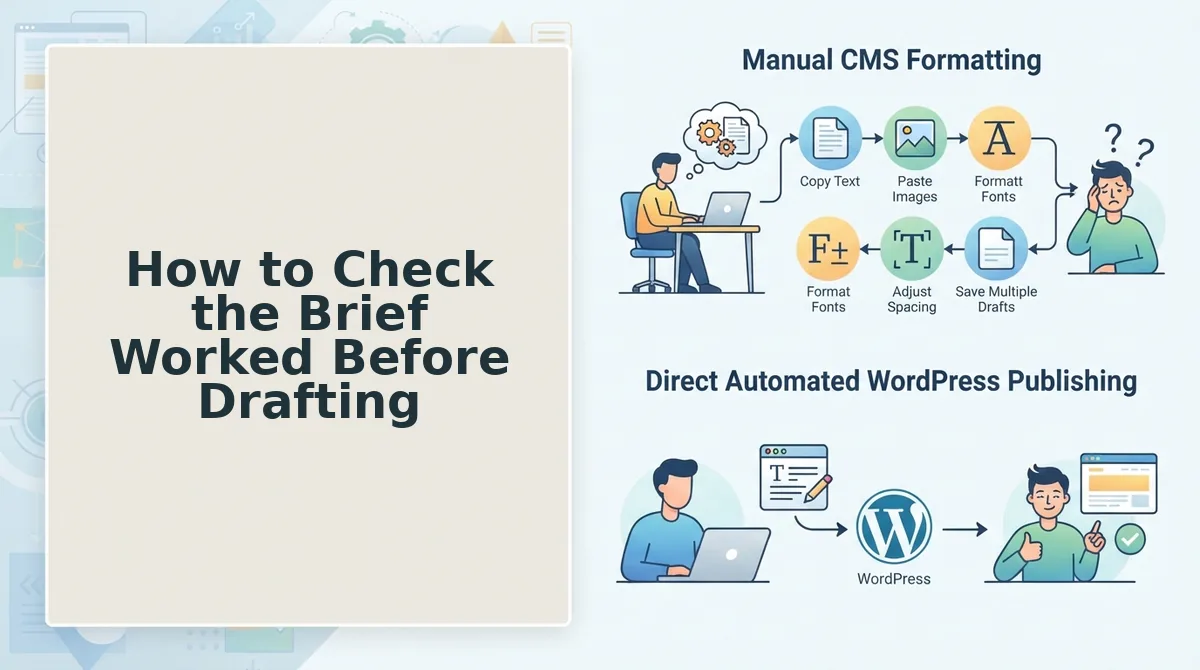
How to Check the Brief Worked Before Drafting
Run this five-item acceptance test and answer yes or no to each before a single paragraph is written. Any "no" is a defect in the brief, not in the writer.
- Every claim has a source and a section. Scan the evidence column for blanks, then confirm each row's claim is assigned to one named H2. A claim without a destination will surface as an unsupported paragraph later.
- Search intent is stated in one line. The brief should name the intent â informational, how-to, comparison â in a single sentence at the top. Writers who have to infer intent infer it differently from you.
- The section budgets sum to the target band. Total the budget column and check it against your target, using a word counter once a draft exists. Budgets that overshoot invite padding; budgets that undershoot cut the information gain you researched for.
- There are zero open research questions. List anything still unresolved in a "parked" box at the bottom and decide whether to research it now or cut it. A parked question in the body becomes a writer's detour.
- The writer can draft each section from the brief alone. Hand over the doc with the SERP tab closed and watch where they hesitate. That hesitation is the re-research test failing, and it is the cheapest
Run the Handoff End to End
A brief is finished when the writer never needs to search again. That single test decides whether your SERP research survives the handoff or dies in a shared document.
Four moves carry it across:
- Freeze the SERP snapshot with a capture date so intent evidence stays auditable.
- Keep only claims a section can use, each tagged verified or estimated.
- Budget words by information gap, not by competitor length.
- Test the brief against the no-search rule before drafting starts.
The videos ranking for this query top out at 1,148 views and show generator screens rather than briefs. The artifact is the gap â and yours to own.
Drop your domain into the BloGoose setup wizard and the research context you froze travels with it, through draft, optimization, and publishing to WordPress or your custom API. One workflow instead of the 12-tab stack.
A brief is not a document you write; it is the contract that ends research.