How Do I Stop Copy Pasting AI Drafts Into WordPress Every Week?
Your draft is finished in the chat window. What is not finished is everything WordPress needs before it can go live: heading levels, alt text, slug, meta description, internal links. To stop copy pasting AI drafts into WordPress every week, the fix is not a better prompt. It is removing the handoff between the two.
That ping-pong between a shared doc or chat tab and your CMS is a general workflow complaint, not a WordPress quirk. Nika's Archive describes the same back-and-forth between shared documents and AI agents. BloGoose frames the alternative as an escape from "another chat window with hopes" and the "12-tab content stack" â likely close to how your browser looks right now.
Below: what the loop costs in minutes you never bill, which elements survive a paste and which quietly die, how to push a draft straight into WordPress over the REST API, and how to run that across a whole calendar instead of one post. Automated SEO content is the thread running through all four.
Start with the assumption worth testing first: the expensive step is neither the copy nor the paste.
What Does the Weekly Copy-Paste Loop Actually Cost You?
The loop costs far more in reformatting passes and forgotten metadata than in the keystrokes, which is why "just paste faster" never fixes it.
The AI publishing loop is the fixed sequence of manual steps between a finished chat response and a scheduled WordPress post. Each step is small. The sequence is not.
| # | Step | Your minutes |
|---|---|---|
| 1 | Open a new chat thread | |
| 2 | Write or rewrite the prompt | |
| 3 | Read the output and trim it | |
| 4 | Copy the text | |
| 5 | Paste into the block editor | |
| 6 | Re-apply H2 and H3 levels | |
| 7 | Rebuild tables and lists as blocks | |
| 8 | Download images, re-upload to the media library | |
| 9 | Write alt text for each image | |
| 10 | Set the slug and meta description | |
| 11 | Add internal links and schedule | |
| Total per post |
Think of it like retyping a printed recipe onto a card every time you cook. The recipe already exists â you are only moving it by hand, and every retype is a fresh chance to drop a line.
Copy and paste are the cheap rows. The second and third passes are the expensive ones: headings, tables, images, alt text, slug. Those are also the rows people skip when they are running behind, so the posts that ship fastest are the ones with the least metadata attached. BloGoose crawls the site first and treats existing page structure as the drafting template, which is the difference between a draft that needs a rebuild and one that needs a read. Time two of your own posts before you evaluate anything.
What Breaks When You Paste an AI Draft Into WordPress?
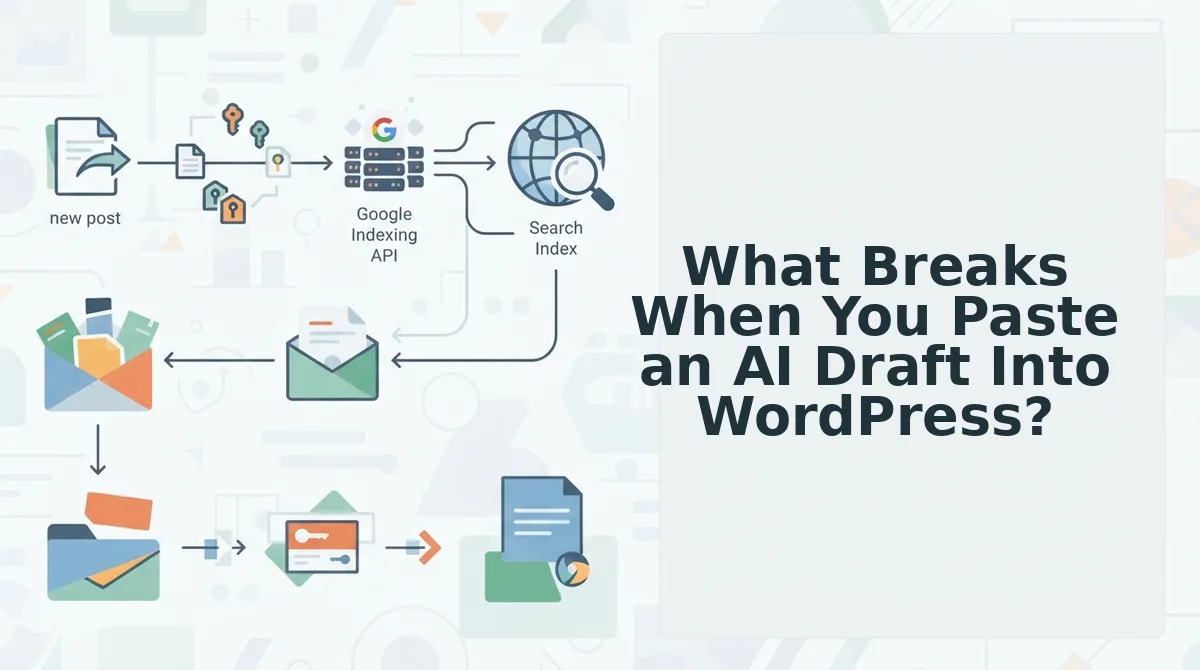
Pasting an AI draft into the WordPress block editor breaks six things: heading levels collapse into paragraphs, tables become plain text, images arrive with no alt text, and the slug, meta description and internal links are all missing. Only bold, italic and plain paragraphs survive intact.
- Heading levels. H2 and H3 usually land as plain paragraphs, so re-apply them from the block sidebar. A flat heading structure removes the outline that search engines and AI answer engines use to parse sections.
- Tables and numbered lists. Markdown pipes and asterisks paste as literal characters. Rebuild them as native table and list blocks so they render on mobile and stay machine-readable.
- Images and alt text. Chat images save as files that upload with an empty alt attribute. Write alt text at upload time â empty alt is both an accessibility failure and a missed image ranking signal.
- Slug and meta description. WordPress derives the slug from the title and leaves the meta field blank. Set both before publishing, or your SERP snippet becomes the first characters of your intro.
- Internal links. Anchors rarely survive as live links. Rebuild them, or the post ships with no internal link graph pointing at your pillar pages.
- Callouts, quotes and code blocks. These degrade into ordinary paragraphs. Recreate them as native blocks or cut them.
- Footnotes and citations. Superscript markers and reference lists are usually lost entirely. Re-add them by hand or the sources vanish from the published page.
So does your formatting survive the paste? No. Bibcit's Any2HTML walkthrough exists precisely because AI chat output loses structure on paste into the block editor, and WPLearningLab's copy-protection tutorial shows pasting is treated as a known WordPress content-handling problem with its own search demand. In practice: bold, italic and plain paragraphs come through, while headings, tables, lists, images, callouts and footnotes all need a second pass. That second pass is where the real cost sits, and it is also where the SEO damage happens â demoted headings, empty alt attributes, no slug, no meta description, no internal links.
Which makes the more useful question how to skip the paste entirely.
How Do You Send an AI Draft Straight Into WordPress Step by Step?
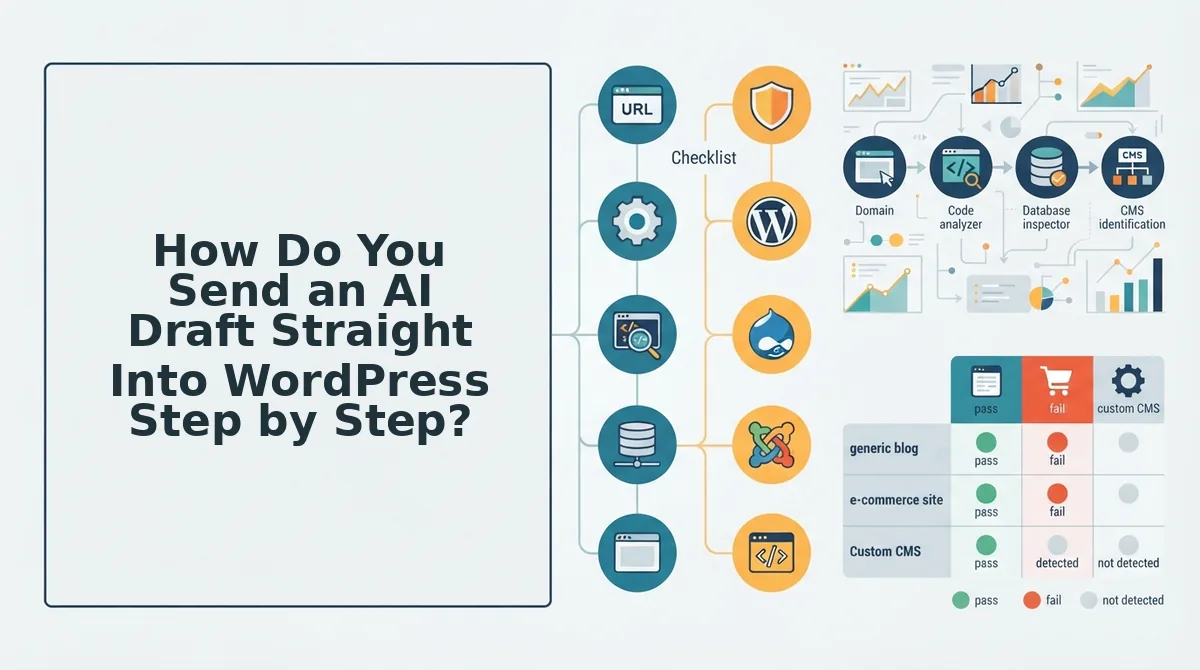
Send an AI draft straight into WordPress by giving the writer your sitemap and voice rules before it drafts, connecting a delivery channel, and pushing the finished article as a draft through the REST API or a publishing engine.
The transfer is the last ten minutes of the job, not the job itself. When the writer already knows your page inventory, headings arrive as real blocks, images arrive with alt text, and internal links point at URLs that actually exist. Budget about 20 minutes for the one-time setup; every publish after that reuses the same channel and the same context file.
What You Need Before Step 1
- WordPress admin access on the target site
- An application password, or a delivery plugin if your host blocks the REST API
- Your XML sitemap URL
- A brand voice file: 5â10 rules on tone, sentence length, and banned phrases
- One target keyword plus the two or three existing pages it should link to
The Five Steps
- Open the engine's setup wizard and paste your sitemap URL, then add two or three published pages that sound like you. You should see the voice rules and a page inventory extracted â that inventory is what decides which internal link targets exist before a sentence is drafted, and it is the step most workflows skip entirely. See topic clusters for how that inventory maps to pillars.
- Connect the delivery channel: in WordPress, open Settings, then Application Passwords, name the credential, and copy the generated value into your engine's connection screen along with the site URL. You should see a green confirmation that the site responded. Full walkthrough: connect an AI content engine to WordPress.
- Define the payload so headings map to H2 and H3 blocks, image URLs carry alt text, and slug plus meta description are populated fields rather than afterthoughts. You should see a rendered preview matching your target layout â if a heading shows as a paragraph here, it will show as a paragraph live.
- Send the first cycle as a draft, not a publish. Open Posts, then Drafts, and read two or three articles from the batch side by side; tone drift appears between posts, which is the failure single-post tutorials never catch.
- Schedule the approved batch from the calendar, setting publish dates and confirming the queue. You should see dated entries in WordPress and the first live post holding the same block structure you previewed.
That sequence â reads the site, learns brand voice, plans a 30-day calendar, drafts with SEO and AEO built in, creates images, publishes to WordPress or a custom API â is BloGoose's documented pipeline, and it collapses steps 3 and 4 into defaults you configure once.
Manual Paste vs Plugin vs REST API: Which Route Keeps the Most?
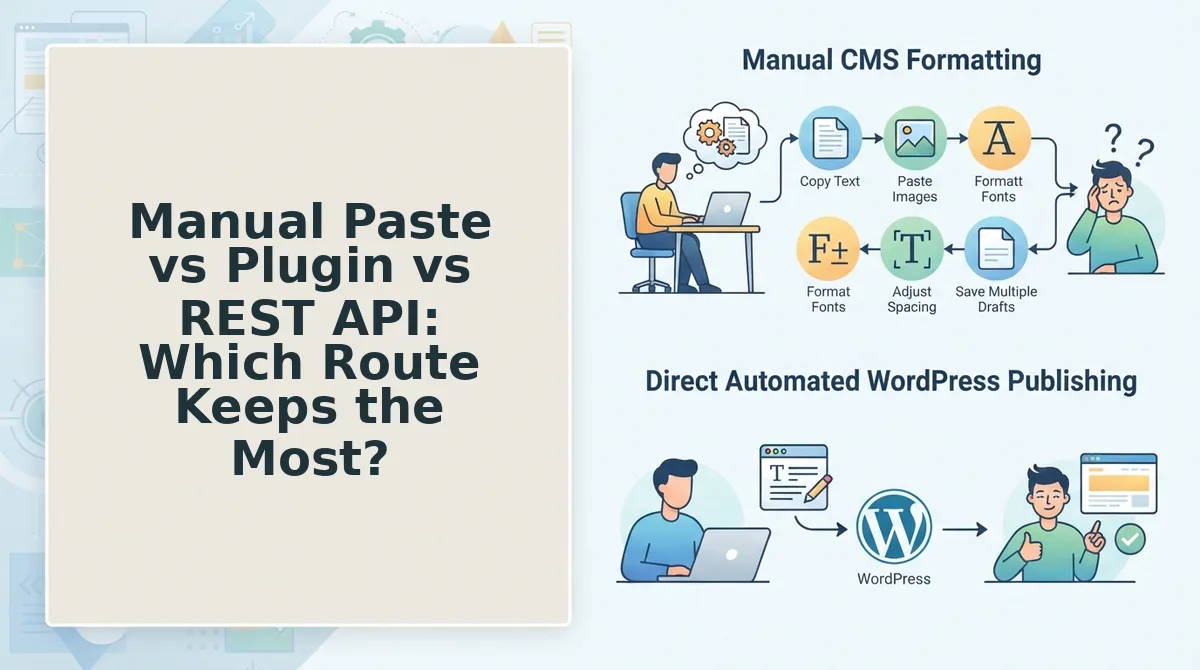
REST API and native engine publishing preserve the most per article; manual paste preserves the least, and costs nothing to start.
| Route | Formatting preserved | Images and alt text | Schema | Internal links | Setup effort |
|---|---|---|---|---|---|
| Manual paste | Partial â Markdown symbols survive as text, headings flatten to paragraphs | Manual upload, alt text typed by hand | None by default | None by default | Zero setup, repeated every post |
| Plugin | Full within the plugin's own template | Handled by the plugin's importer | Plugin-dependent | Manual | One install, then per-post configuration |
| REST API | Full â you define blocks in the payload | Full if URLs and alt text ship in the payload | Full if included in the payload | Decided in the payload | Highest: credentials and field mapping |
| AI content engine with native publish | Full by default | Generated and attached with alt text | Built in | Planned from the sitemap before drafting | One crawl plus one credential connection |
Best for solo operators: manual paste, if volume is under a handful of posts a month. Best for teams already inside WordPress: a plugin. Best for developers: the REST API, where every field is yours to control. Best for publishers shipping a calendar: an engine with native publishing.
Is an application password safe? An application password is a per-user credential separate from your login password, revocable from Settings without touching anything else, and only transmitted over HTTPS. Store it in your engine's credentials store or an environment variable â never in the theme â and delete it after the first successful publish if you prefer. It is not a backdoor; it is a scoped key you can burn at will.
Automated draft creation into WordPress is already an adopted pattern, not a hypothetical: FlowMattic's "Turn Any RSS Feed Into AI-Written WordPress Drafts" workflow writes drafts into WordPress today, triggering on RSS rather than on a finished AI draft.
How Do You Check It Worked in a Single Publishing Cycle?
Verify one cycle in five checks: headings render as H2 and H3 rather than paragraphs, every image carries alt text, slug and meta description are populated, internal links resolve to live URLs, and a read-through confirms no tone drift across the batch.
That last check is the one nobody runs. A single post can look perfect while the tenth article in a batch reads like a different company wrote it â batch drift is invisible in per-post review, which is exactly why single-post tutorials never test for it.
Then measure your own loop: count the minutes you spent pasting last month, and compare. If you want the draft, the images, and the links to arrive together, that is the engine's job rather than yours.
Run the five checks once, then move the effort into AEO optimization â structured, well-linked articles are what get quoted in AI answers, and pasted ones never get the chance.
Start by pointing the WordPress connection at your site and letting the first draft arrive on its own.