Surfer SEO vs BloGoose for Indexing Triggers After Publishing
You finished the optimization pass, watched every heading and entity line up, hit publish, and a week later Search Console still says the page is not on Google. That forum complaint, "the post is live but still not indexed," is what sits behind most searches for surfer seo indexing after publishing.
You did the hard part right. The publish button is step eight of eleven. Optimization ends exactly where crawling begins, and nearly every tutorial stops at that button.
This guide picks up where those tutorials end. You will see what Surfer SEO hands off when you publish, what BloGoose triggers when it publishes directly to WordPress or your custom API, and which parts of indexing stay with you no matter which tool you use.
The guide starts with a side-by-side comparison. It then maps what happens after publish and finishes with a four-rung handoff you can run on any post. Watch for the one step no tool can inherit, because it needs credentials that only you, the site owner, hold.
Which tool actually triggers indexing after you publish
Neither tool "does indexing" on its own, because indexing is a handoff, not a feature. Surfer SEO optimizes the draft and passes it to your CMS. BloGoose publishes directly to WordPress or a custom API and fires Search Console indexing triggers as part of that publish event. Final verification stays with you in both cases.
The better question is how much of the handoff each tool automates. The table below scores both tools on the same six criteria.
| Criteria | Surfer SEO | BloGoose |
|---|---|---|
| Who holds Search Console credentials | Site owner | Site owner, who authorizes them for the publish workflow |
| What the tool touches before publish | Draft, headings, entities | Site crawl, brand voice rules, content calendar, draft, SEO and AEO structure, images |
| Crawl signal fires automatically at publish | No. Surfer is an optimization tool, not a publishing or indexing service. | Yes, as part of the publish event |
| CMS delivery path | Hands the finished document to the CMS | Publishes directly to WordPress or a custom API |
| Verification step | Manual check in Search Console | Manual check in Search Console |
| What remains manual | Sitemap check, internal links, URL Inspection request, rechecks | Rechecks and fixing any crawl or quality blockers |
Surfer's real strength is the optimization pass itself. It gives writers who draft by hand a structured place to tune headings and entities before anything goes live.
- Surfer SEO is best for in-house writers and editors who draft manually, want an optimization layer, and are comfortable running Search Console steps themselves.
- BloGoose is best for founders, growth leads, and solo operators who publish content clusters on a schedule and want publishing and the crawl signal to happen in one event.
Recommendation: Pick based on where you want the handoff to end. If you only need a better draft, Surfer covers that well. If the post that sits unindexed for a week is your recurring problem, choose a workflow that sends the crawl signal at publish, such as BloGoose's direct WordPress or API publishing.
What Surfer SEO does after you hit publish, and what it leaves to you
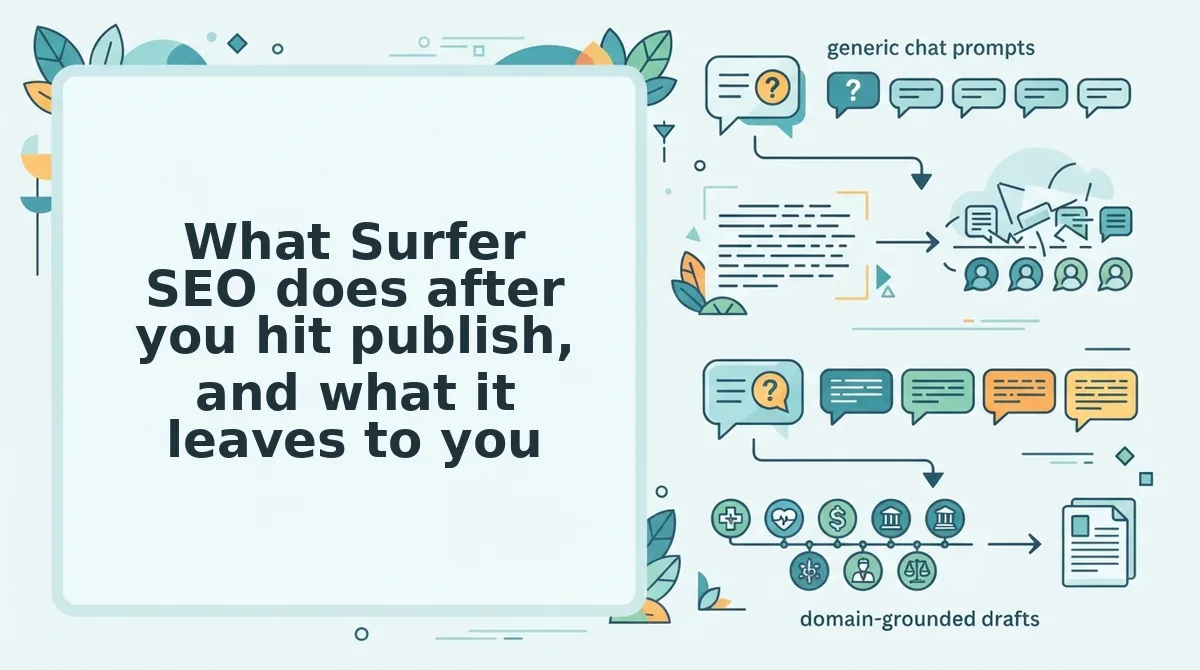
After you hit publish, Surfer SEO's job is done. It hands a finished, optimized document to your CMS. It does not submit the URL to Google, update your sitemap, or request a crawl, because those actions need site-owner credentials that a content optimizer does not hold.
The capability boundary
Indexing is the step where Google stores a crawled page so it can appear in search results. Crawling comes first: Googlebot has to fetch the page before anything else can happen. Think of a content tool as a printer and Search Console as the library catalog. The printer can make a perfect book, but only the librarian can shelve it.
| Sits with the content tool | Sits with the site owner |
|---|---|
| Draft | Search Console property (a site you have verified ownership of) |
| Headings | Indexing API service account |
| Entities | XML sitemap |
| CMS handoff | robots.txt |
The four-rung handoff
- Sitemap inclusion. Google rereads your sitemap regularly, so XML sitemap inclusion puts the new URL on its list without any extra request.
- Internal links from already-indexed pages. Googlebot follows links on pages it already revisits, so a link from an indexed page gives it a direct path to the new post.
- URL Inspection request. In Search Console, a URL Inspection request is a prioritization signal, not a guarantee. It moves the URL up the crawl queue but does not force indexing.
- Recheck cadence. Inspect the URL again after a few days rather than repeatedly. A repeated status points to a quality or crawl problem, and more requests will not fix that.
A common shortcut is to use the Indexing API to force a blog post into Google. Google's Indexing API is documented for pages with JobPosting or BroadcastEvent structured data, not general blog posts, according to Google's own documentation. So when a tool markets "instant indexing" for articles, it usually means sitemap inclusion and a crawl request, not a special API lane. For a regular post, the reliable route is a clean sitemap, internal links, and a request to ask Google to crawl new posts.
Publishing frequency matters too. Ten posts published in one day compete for the same crawl demand as ten spread across a week. Spacing them out, and checking live SERP analysis once pages are indexed, keeps each URL from waiting in the same queue.
So what changes when the tool handles the publish step itself?
What BloGoose triggers when it publishes to WordPress or your API
An indexing trigger is the machine-readable signal a publishing system sends when a page goes live, telling Google the URL now exists. BloGoose fires that signal as part of the publish event rather than leaving it as a separate task you have to remember.
The simple version, on WordPress, is one action: an approved draft publishes, the post goes live, and the sitemap â the file listing every URL on your site â reflects the new page. Publishing and notifying happen in the same step, so the two cannot drift apart.
Think of a restaurant kitchen calling the order the moment it plates: cooking without the call leaves a finished dish nobody comes to collect.
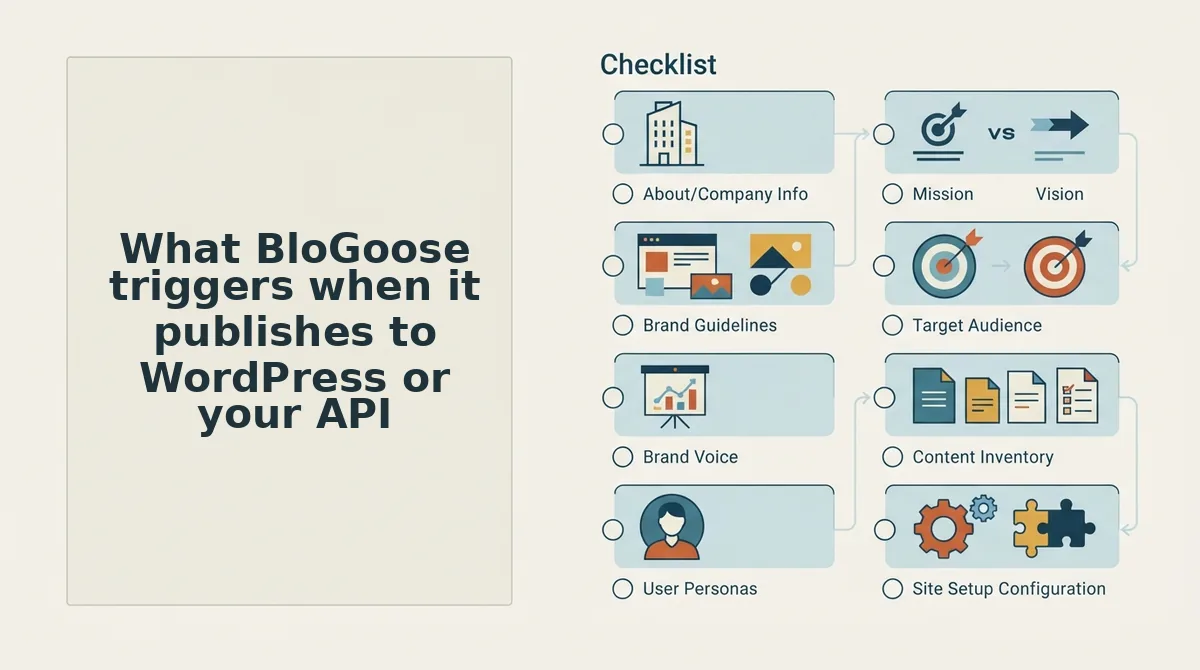
At the intermediate level, the draft arrives already carrying its structure â SEO and AEO baked in, headings placed, images created â so the page Google is invited to fetch is the finished page, not a stub that gets rewritten two hours later. Between those levels sits internal linking: a new post linked from pages Google already crawls inherits a path the crawler can follow, which is why the link graph belongs inside the publishing step too.
Advanced setups post through a custom API instead of WordPress, and that is setup work your team owns. Connecting the Search Console property is likewise a setup step, not a default â the credentials stay with you.
Automation changes sequencing, not authority. A crawl signal is a hint, and Google retains the decision on whether and when to index. Getting cited in answer engines still depends on the page being crawled and indexed first, which is why AEO content optimization begins downstream of this handoff.
If your current workflow ends at the publish button, with URLs copied into Search Console by hand afterward, that gap is the thing to map before you shop for another tool.
Where BloGoose stops and when neither tool earns its keep
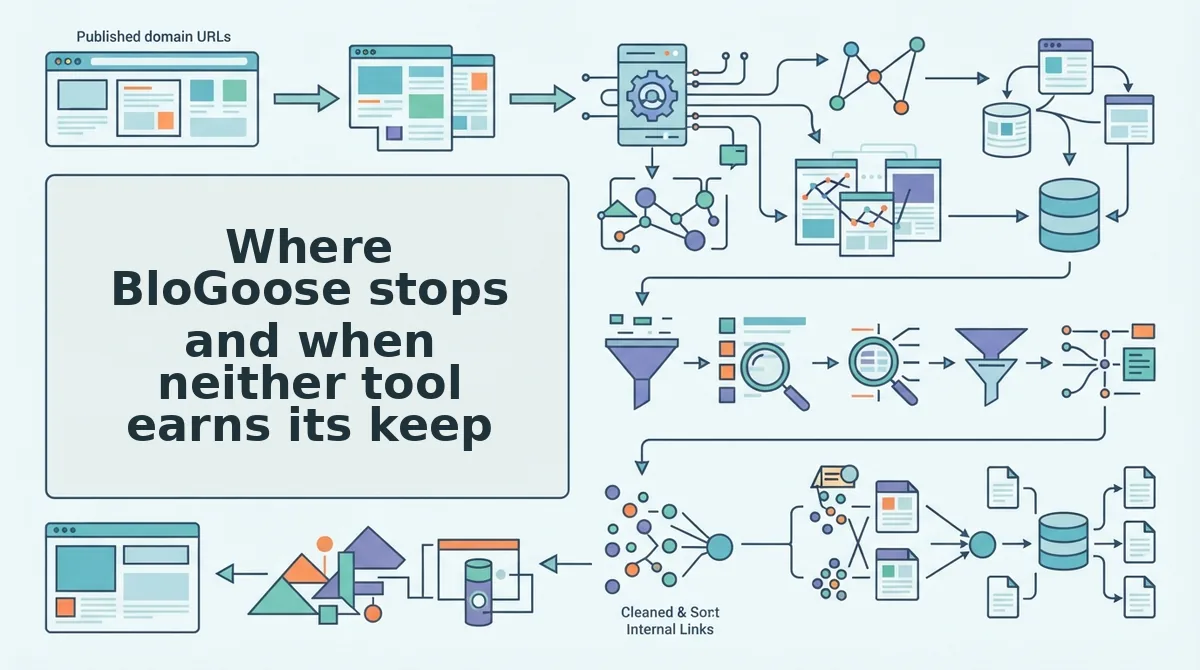
BloGoose automates publishing and the crawl signal; it cannot make Google index anything. Four limits matter before you buy, and the case-by-case rules below decide when a tool is the wrong purchase.
- No indexing guarantee. Nothing in a publish event compels Google to crawl or index a URL, and a vendor promising placement is selling something it does not control. Treat indexing as a request you file, not a receipt you hold.
- A Search Console connection is required. The trigger reaches Google only through a property your account can access, so someone on your side completes that authorization during setup. Without it, publishing still works and notifications do not.
- Non-WordPress sites mean API setup. The custom API path is engineering your team owns before the first post ships. Budget for that work once instead of discovering it on launch day.
- No substitute for a crawl audit. If the site carries duplicate URLs, blocked paths, or thin pages competing for one query, a trigger just adds another URL to the pile. Repair the craw
How long does Google take, and other open questions
Google controls recrawl timing, so neither tool can promise a date.
How long does Google take to index a blog post?
There is no fixed window. Google recrawls based on site signals and crawl demand, so a post can surface in hours on a strong domain and take weeks on a thin one. Sitemap inclusion and internal links shorten the wait; no tool can promise a date.
Does updating an existing post trigger reindexing?
Usually, yes. An edit changes the page's content and lastmod value, which signals Google to recrawl it without any manual action. A manual request is rarely the lever â the update does the work. Recheck the URL Inspection tool instead of requesting repeatedly.
Do internal links from older posts speed up indexing?
Yes. Links from pages Google already crawls give a new URL a route in, which is why orphan posts stall for weeks. Add two or three contextual links from indexed articles at publish time; relevance matters more than volume.
Is a paid indexing tool worth it on its own?
No. If indexing alone is the goal, Search Console and a clean sitemap cost nothing. A tool earns its fee when it removes the publishing loop â draft, optimize, publish â not when it claims to force a crawl it cannot control.
The handoff that remains is the one no dashboard signs for you.
The handoff you own either way
A post goes live on a Monday. Green score, clean headings, and by Thursday Search Console still shows nothing. Here's the finding the rest of this article has been building toward: neither tool filed a Google request on your behalf â and neither was ever built to.
The tool can publish and signal; the site owner holds the credentials. So run the handoff in order instead of in a panic:
- Confirm sitemap inclusion. Open the sitemap and check the new URL appears with a current lastmod.
- Earn an internal link from a page Google already crawls. That's the rung that pulls a crawler in without a request.
- Request indexing in URL Inspection only if the post is still absent â once, not as a daily ritual.
- Recheck at 72 hours, then at a week. Change nothing else in between.
If step three is where you stall â service accounts, Indexing API scope, the JobPosting-only limits â the technical walkthrough is the next read. Still weighing tooling? Compare Surfer SEO alternatives before you commit. If you'd rather have the crawl, brand-voice extraction, and WordPress or API publish handled in one pipeline, point BloGoose at your domain and let it build the calendar.
Indexing isn't a writing problem, so no writing tool can solve it â the fastest route from publish to indexed is a correct handoff, run in the right order.